
How to Make a Character Reference Sheet: A Guide for Concept Artists and Animators
A character reference sheet is the single source of truth for how a charact...
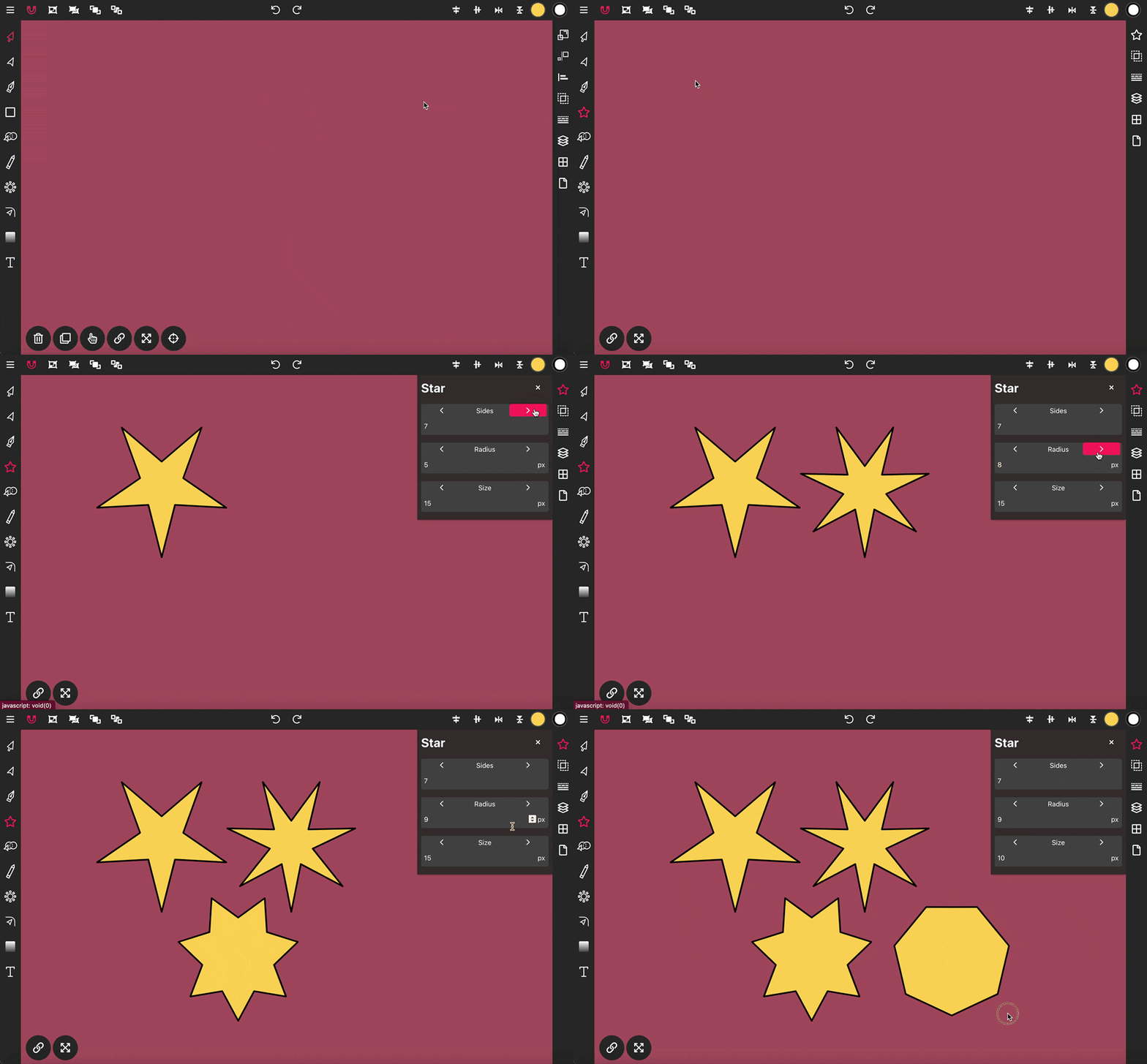
The Star Tool in Vector Ink enables you to easily draw star shapes onto the canvas, perfect for creating dynamic and decorative elements in your designs.
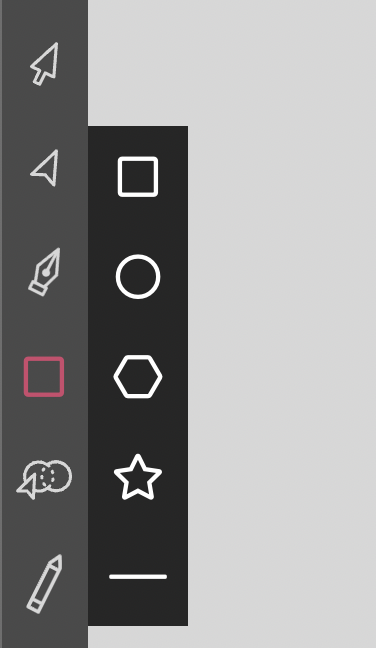
To initiate drawing a star, click twice on the Rectangle Tool in the Toolbar to reveal the shapes menu. Select the star icon from this menu, then click, hold, and drag on the canvas to place a star shape.
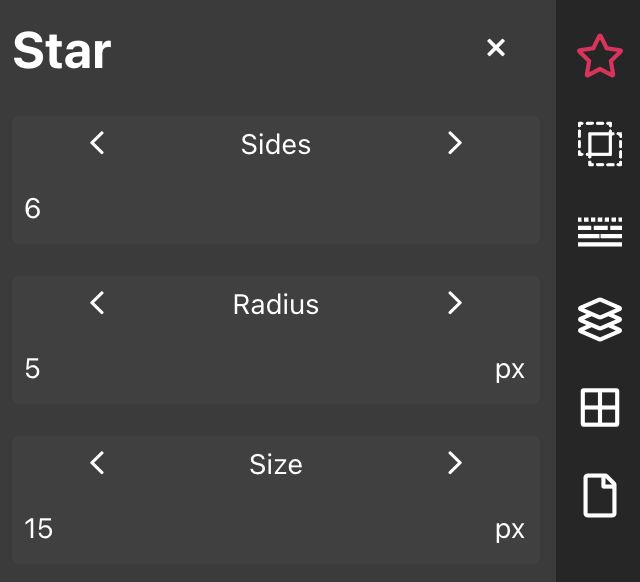
The Star properties panel provides you with three adjustable options to customize your star:
Sides: This option allows you to set the number of points on the star, adjusting its complexity.
Radius: Adjust this setting to control the size of the inner points of the star, affecting how sharp or broad they appear.
Size: This controls the size of the outer points, influencing the overall span and prominence of the star's silhouette.
A character reference sheet is the single source of truth for how a charact...

Sooner or later every designer, crafter, and marketer hits the same wall: y...
Vector Ink’s AI Image Generator lets you create logos, icons, illustratio...
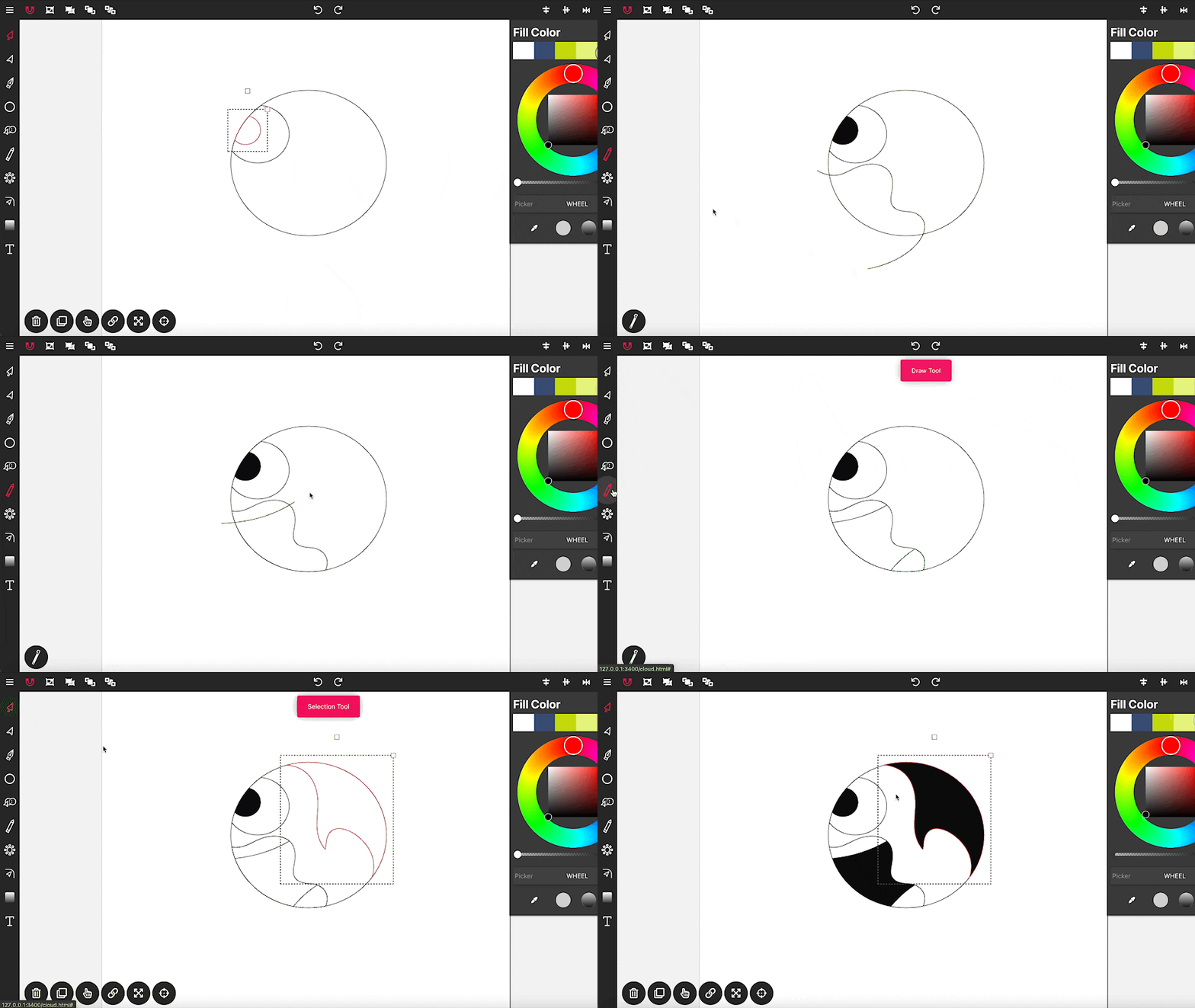
Drawing in Vector Ink is not only super easy but also incredibly intuitive....
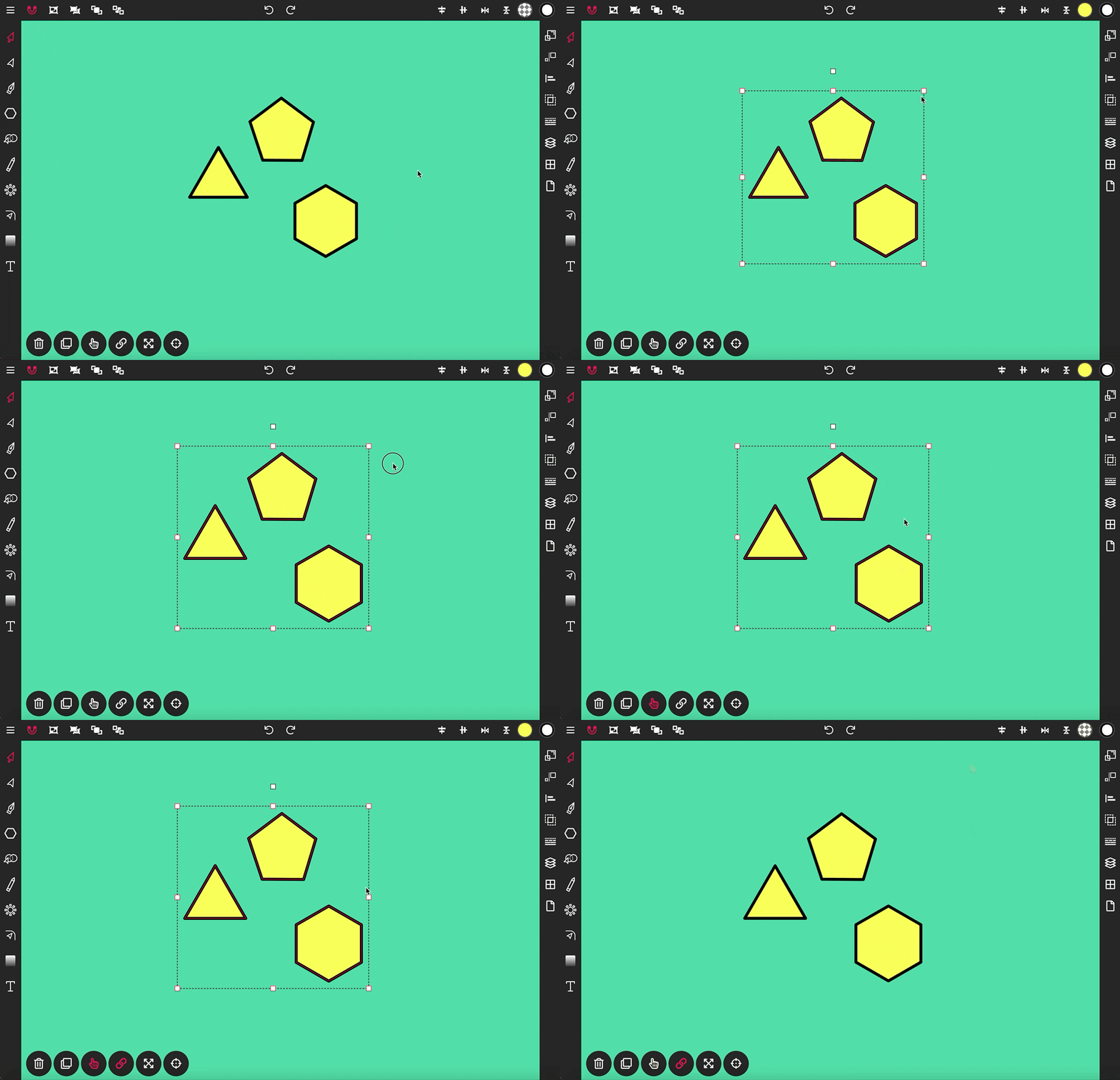
The Selection Tool is a fundamental component of Vector Ink, essential for ...
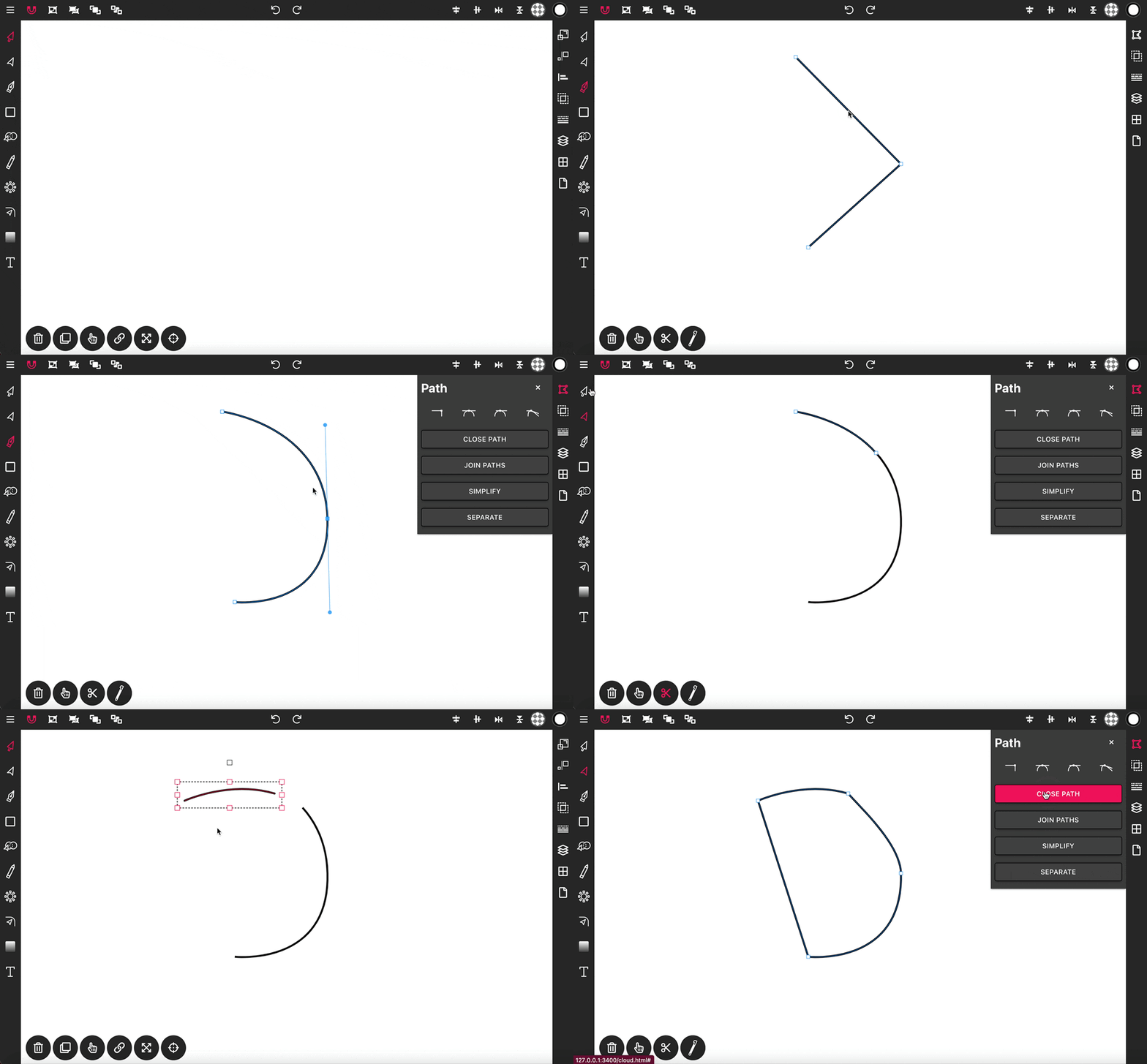
With the Pen Tool, you can draw paths with sharp or smooth anchor points an...