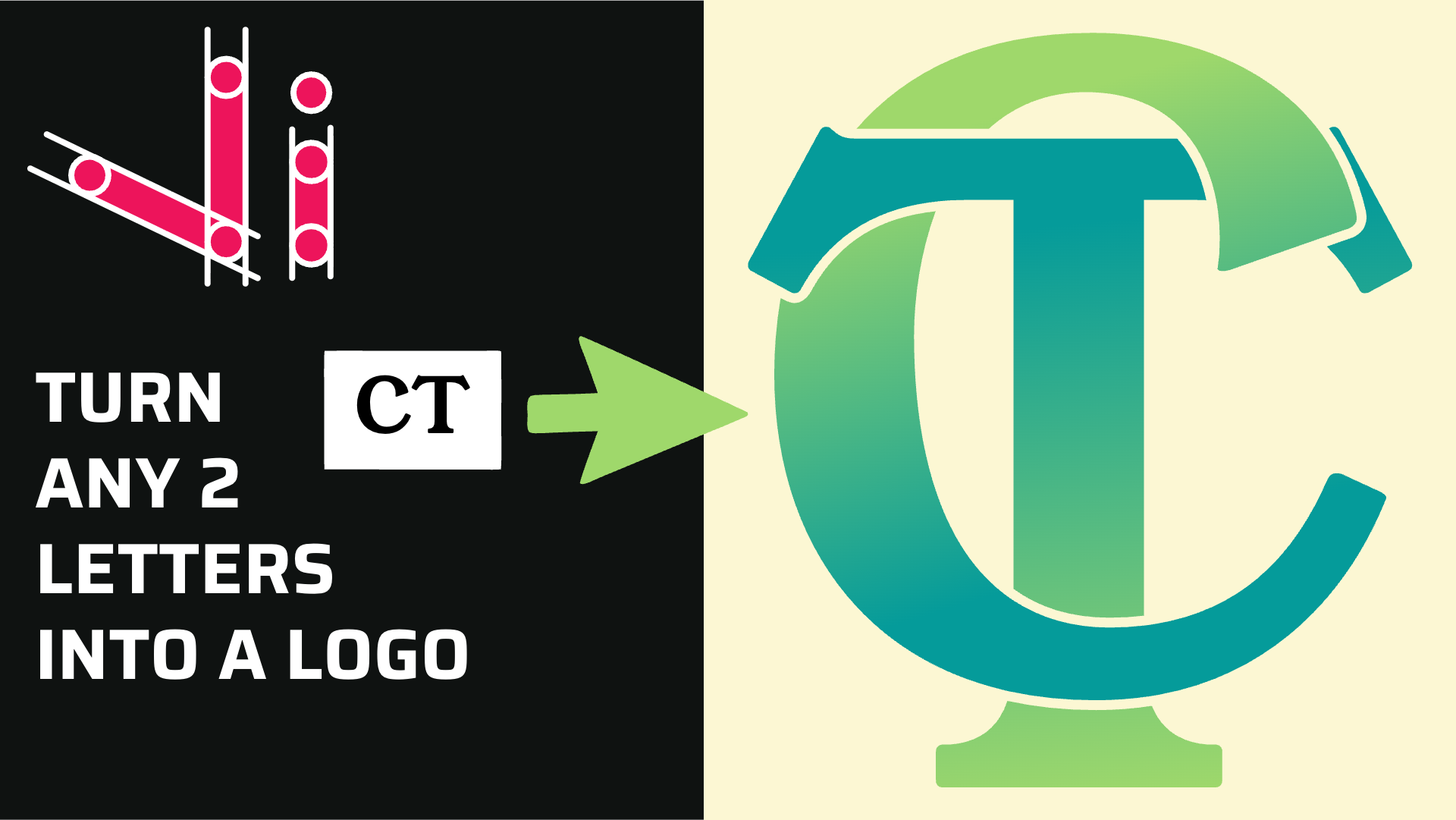
How to Combine Two Letters into One Logo | Intertwined Monogram Design in Vector Ink
In this tutorial, you'll learn how to transform two simple letters into a p...
If you're a crafter who often lands on inspiring images online and wishes to transform them into cut-ready designs with precision and ease, then you're in the right place. This blog post will take you on an enlightening journey to understand the basics of SVG files and, more importantly, how to create them effortlessly using Vector Ink – your free SVG creator.
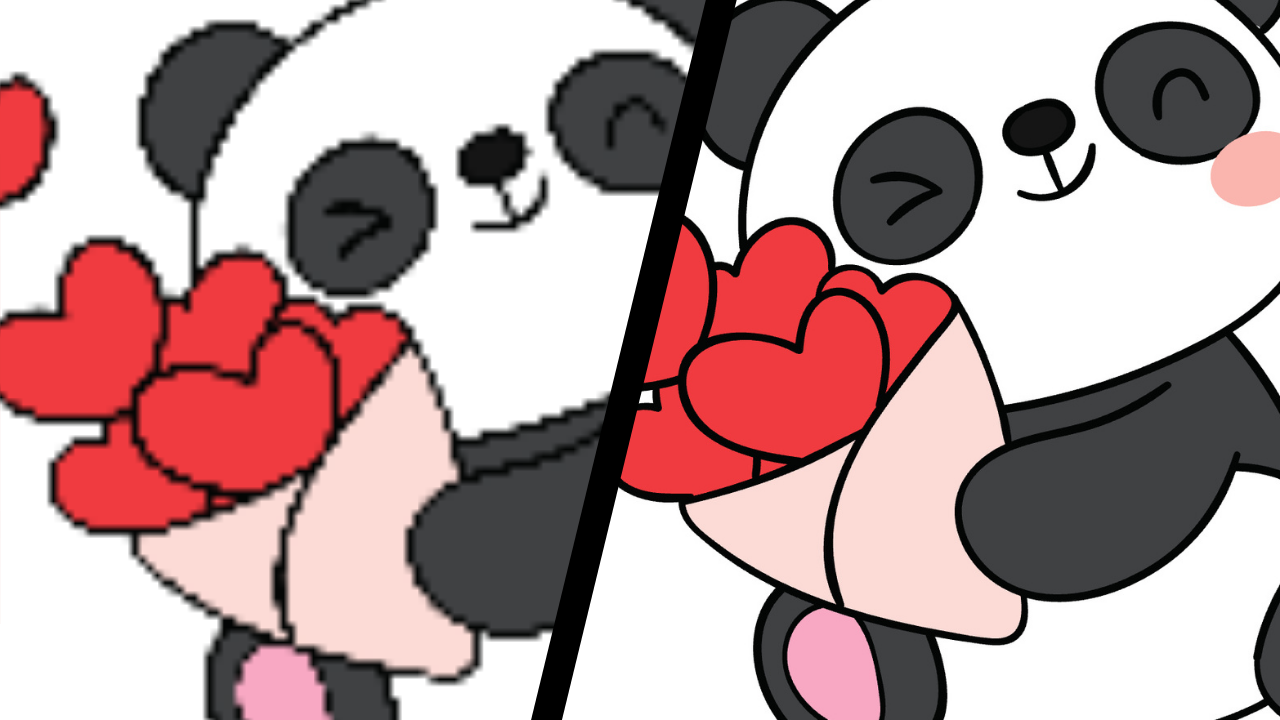
Before we dive into the how-to's, it's important to understand the fundamental difference between raster and vector graphics. Imagine raster as a mosaic artwork, made up of thousands of tiny tiles (or pixels), whereas vector graphics are like mathematical equations defining lines and shapes. So, when you enlarge a raster graphic (like JPEG or PNG), those tiny tiles stretch and distort, resulting in a fuzzy or pixelated image. On the other hand, vector graphics, being mathematically scalable, maintain their clarity no matter how much you resize them - making them an excellent choice for your crafting adventures.
SVG, or Scalable Vector Graphics, are your perfect allies in crafting because they scale perfectly, cut cleanly, and importantly, they allow color or layer separation in your creative process. This robustness means no matter how intricate your design or how big or small the design needs to be cut, SVG files will bring you the most precise result every time.
Vector Ink offers a free web-based tool that can convert your favorite raster images into editable SVGs in a jiffy. Here's a step-by-step guide to using the Vector Ink SVG converter.
Once you have your SVG, Vector Ink allows you to refine and perfect it with a range of editing tools. You can ungroup shapes, recolor them, add text, or even merge your SVG with other vector elements to create a unique cut-ready design.
Your crafting adventure is all about bringing your unique vision into reality and Vector Ink is here to make the journey easier, hassle-free, and fun with its SVG converter at your disposal. Being a free SVG creator specially designed for crafters like you, it’s an ideal platform to convert those beautiful images (raster to SVG) into precise, scalable, cut-ready designs.
So crafters, it’s time to bid goodbye to ‘not-so-perfect’ cuts and say hello to precision crafting with SVG. Visit Vector Ink today and convert your first image into an SVG. We promise you, it's as fun and satisfying as the crafting project itself. Happy Crafting!
In this tutorial, you'll learn how to transform two simple letters into a p...
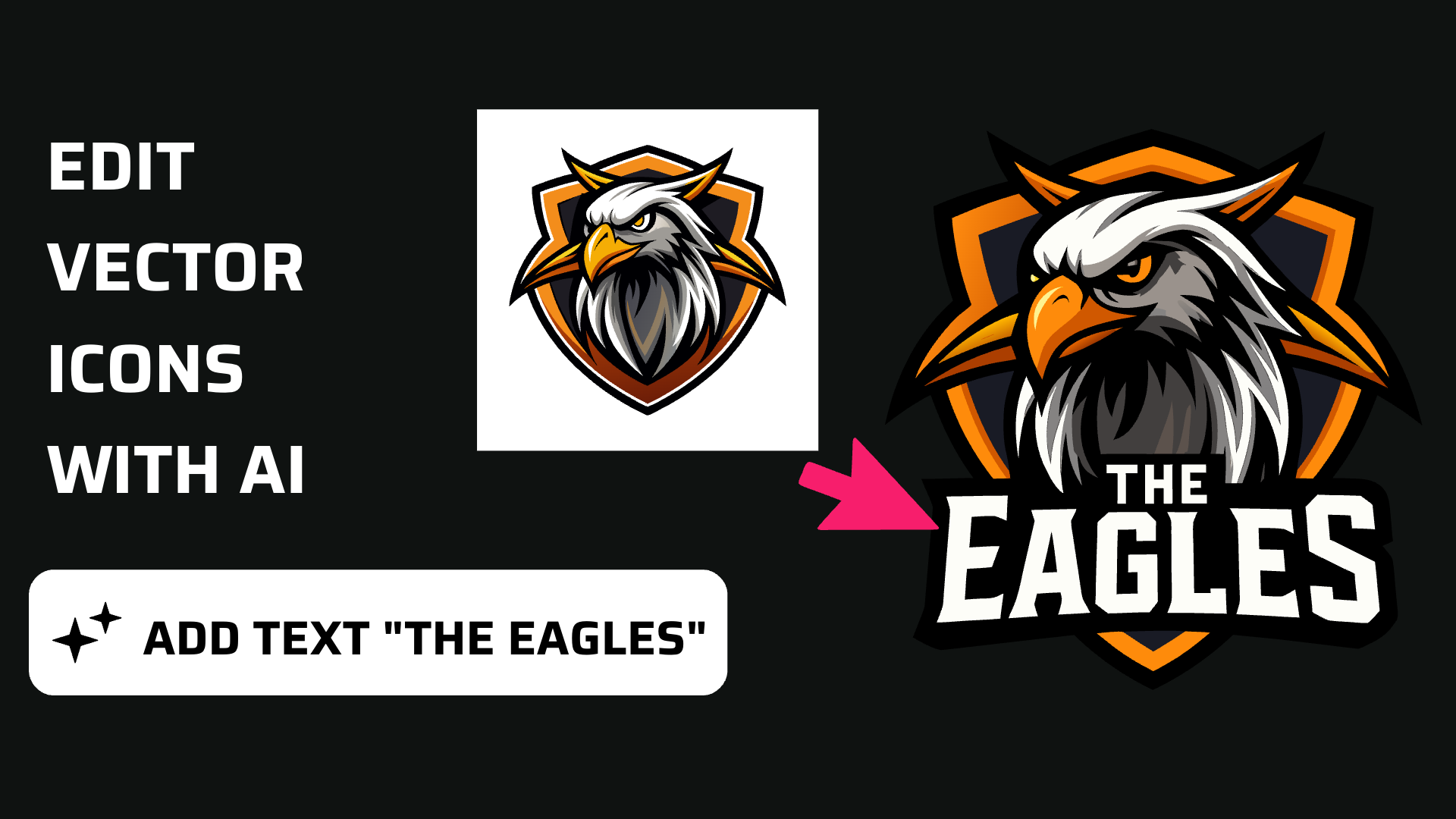
Discover how easy it is to open the Vector Ink Icon Library, import icons t...
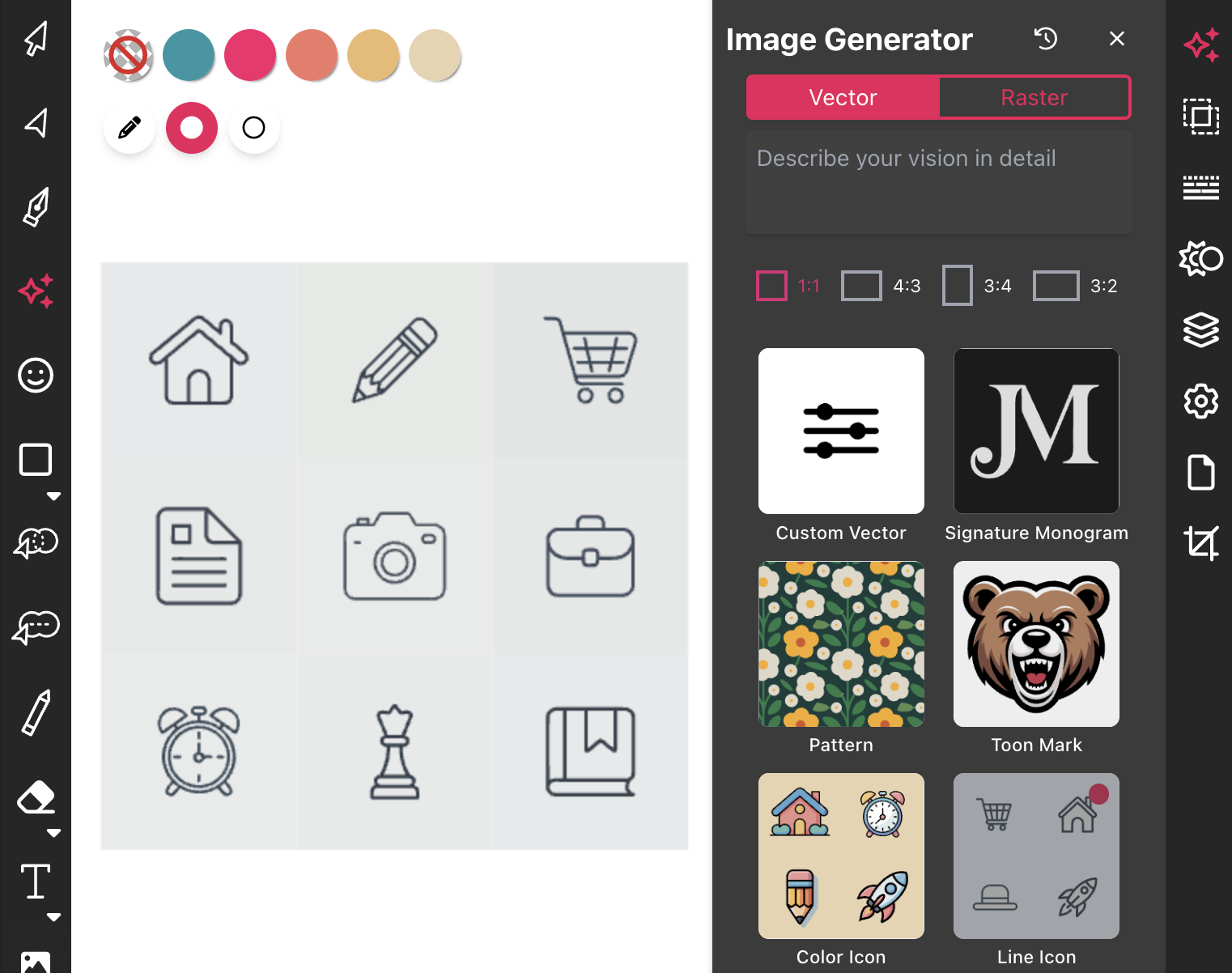
Most icon libraries offer a handful of basic shapes and call it a day. Vect...
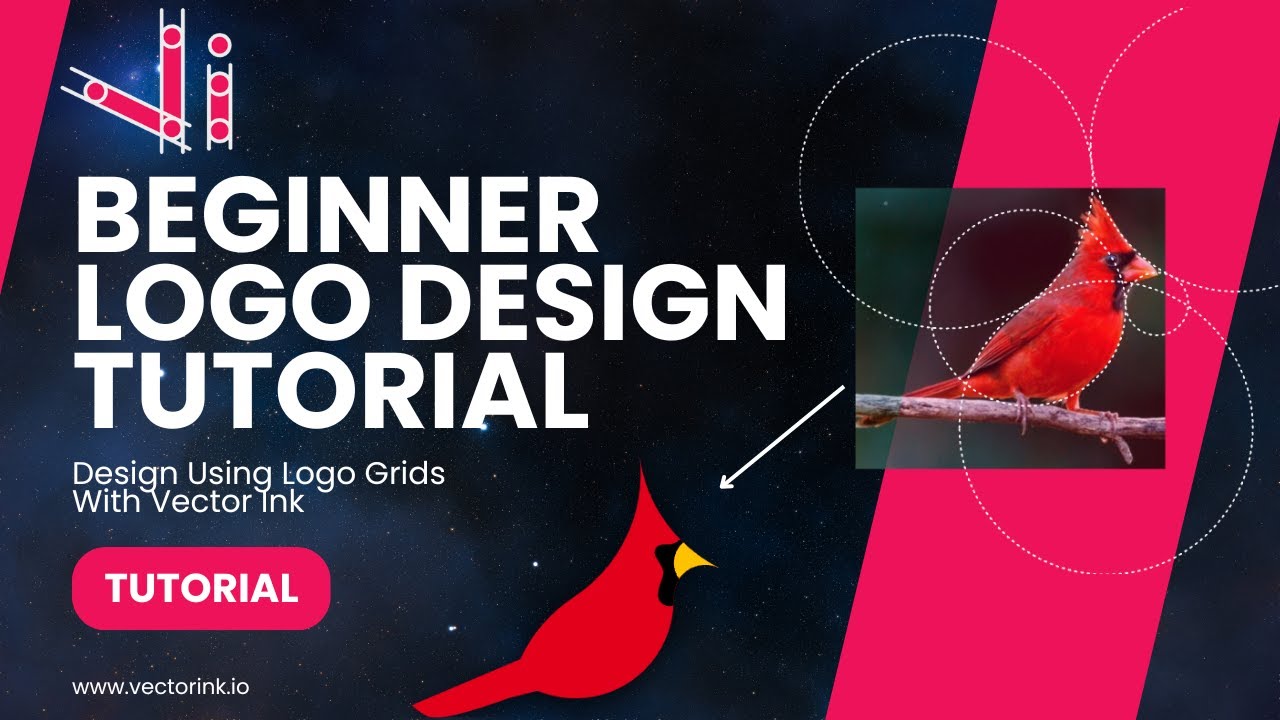
You don't need to be an artist to create a clean, professional logo. In thi...
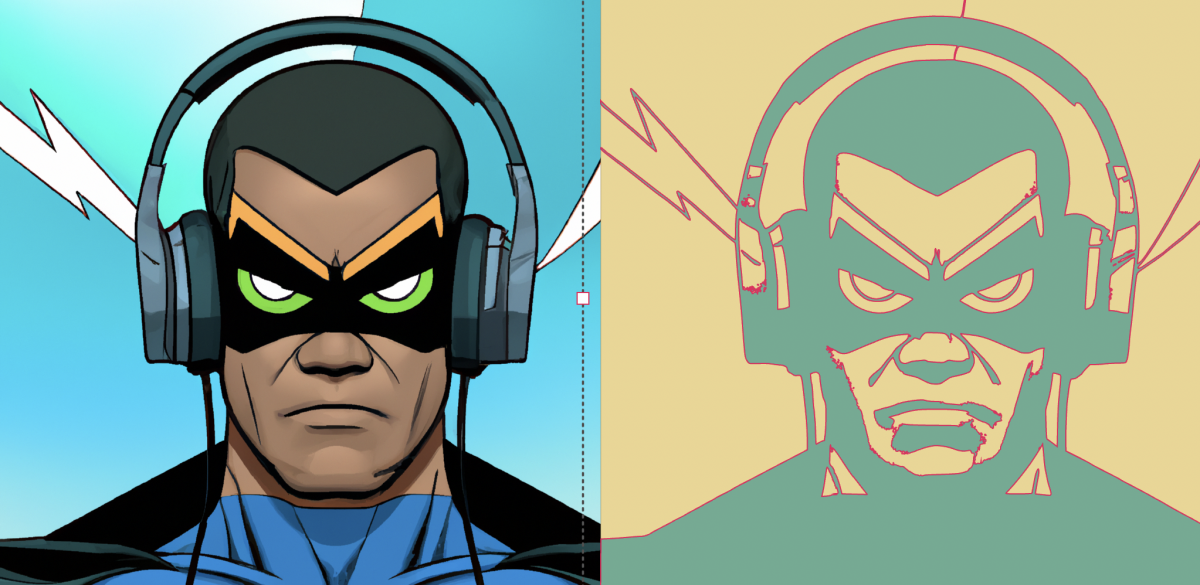
Begin by opening the Vector Ink web app. Click "Open" to launch the file ex...
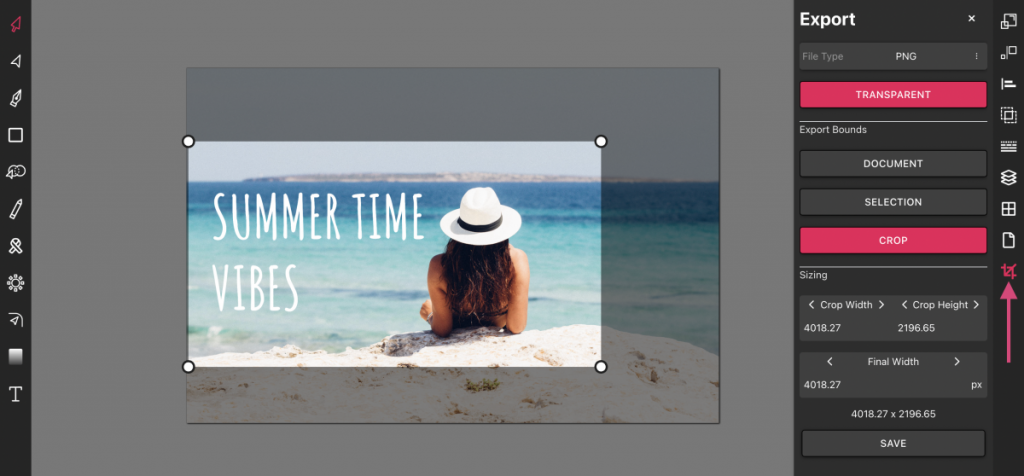
Vector Ink is more than just an online SVG editor; it's a versatile tool th...