Online SVG editor
& AI vector design canvas
free in your browser
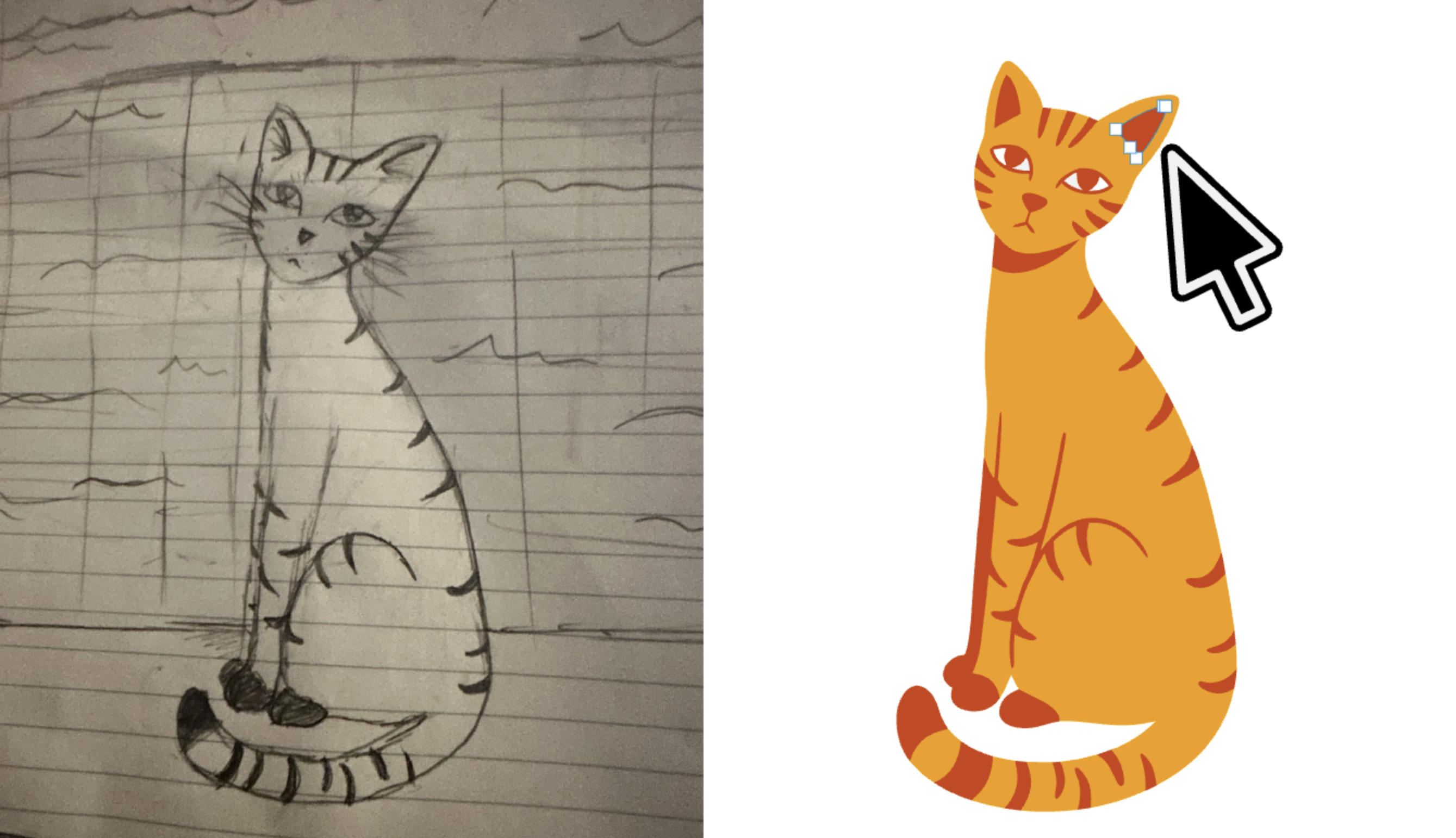
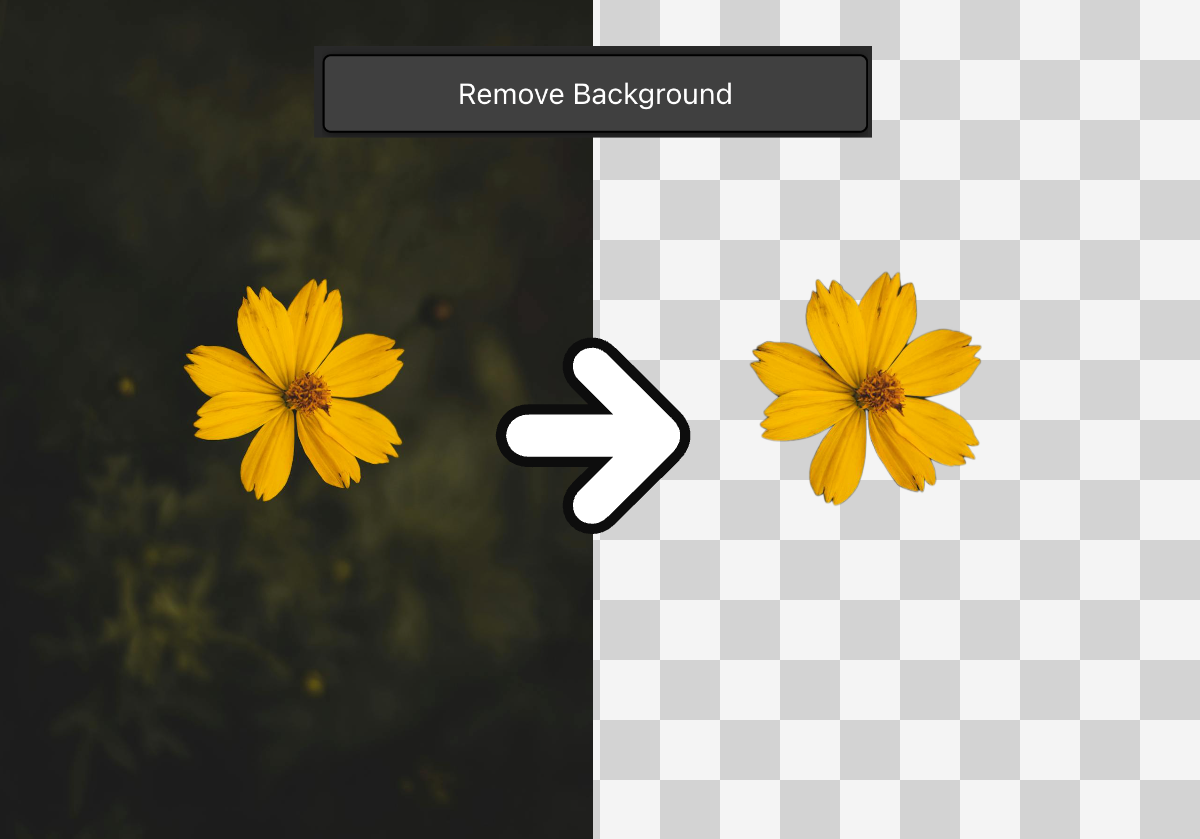
Draw, edit and export vector graphics right in your browser — nothing to install, nothing to sign up for. Need something done fast? The free AI tools below upscale, vectorize and remove backgrounds in seconds.
Building AI image workflows? Open StudioNew
AI design tools
Free to try in your browser — no signup needed.


Build Powerful AI Workflows Without Limits
Vector Ink Studio is a node-based AI workflow builder that lets you generate, edit, and connect images, video, design, and code in one visual system. Create complete content pipelines faster and with total control.
Explore Vector Ink - Studio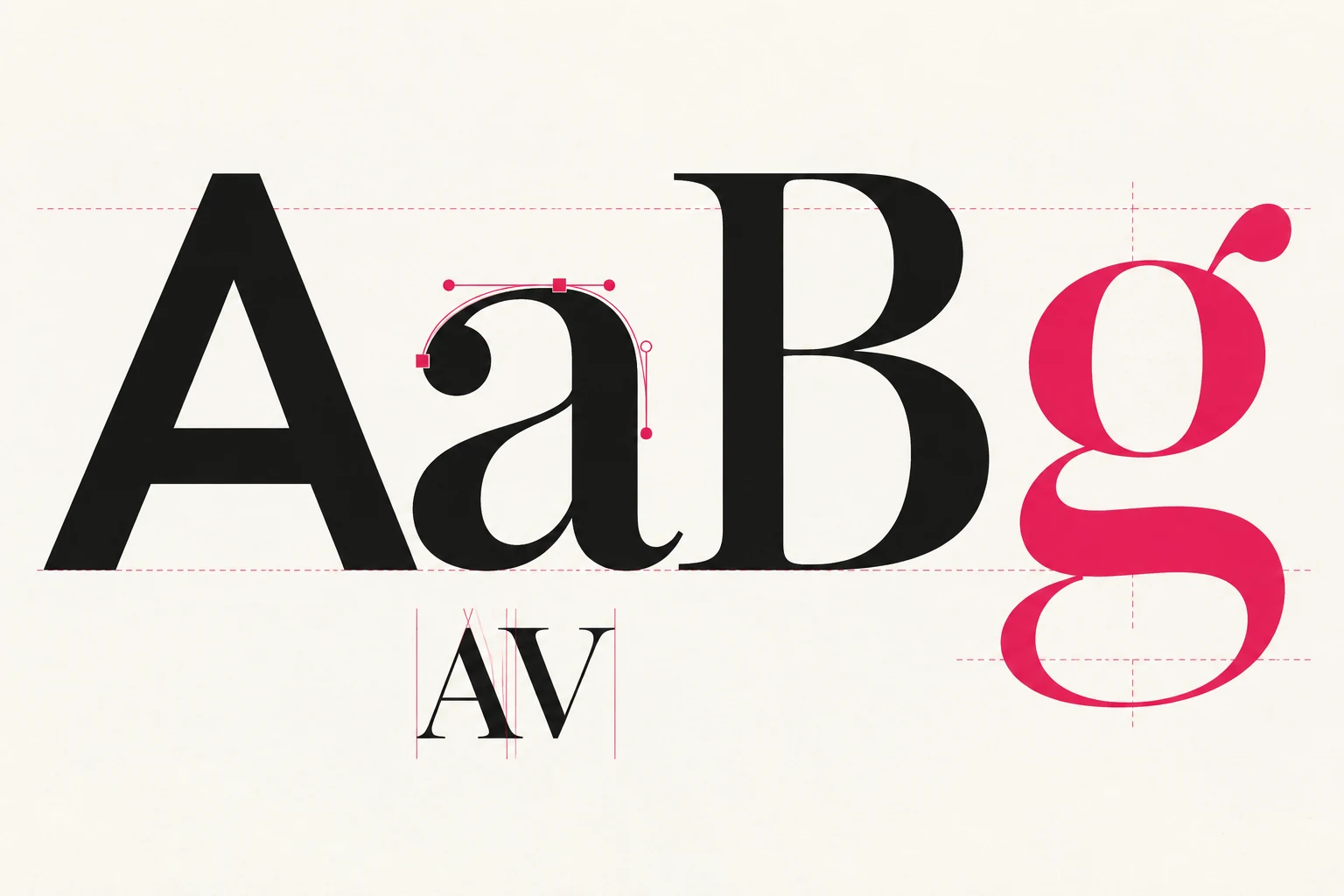
Meet Vector Ink Font Builder
Create your own font online.
With vector tools.
Vector Ink Font Builder is an online custom font maker for turning your letterforms into a font you can actually type with. Choose a character, shape it with Vector Ink’s design tools, and fine-tune the spacing between character pairs.
Save your fonts in your dashboard, use them in the Design Canvas, or download an OTF or TTF font file.
Explore Font BuilderPro-Grade Tools, Built for Creators
Vector Ink packs the essentials of a professional logo design app, SVG editor, and Adobe Illustrator alternative into one streamlined online workspace. Explore the precision tools that power every great vector design.
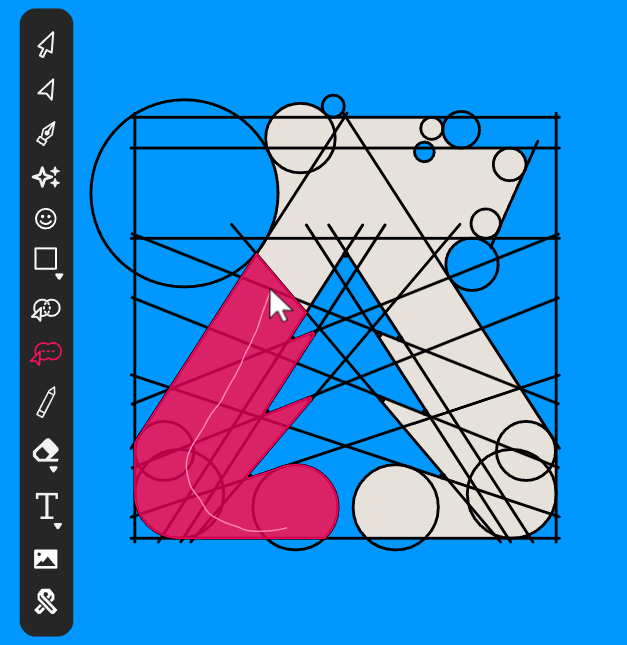
Shape Builder — Combine Paths Like a Pro
Merge, subtract, and intersect vector shapes with surgical precision. The Shape Builder Tool turns simple paths into intricate logos and SVG artwork in seconds — a must-have feature in any modern Illustrator alternative.
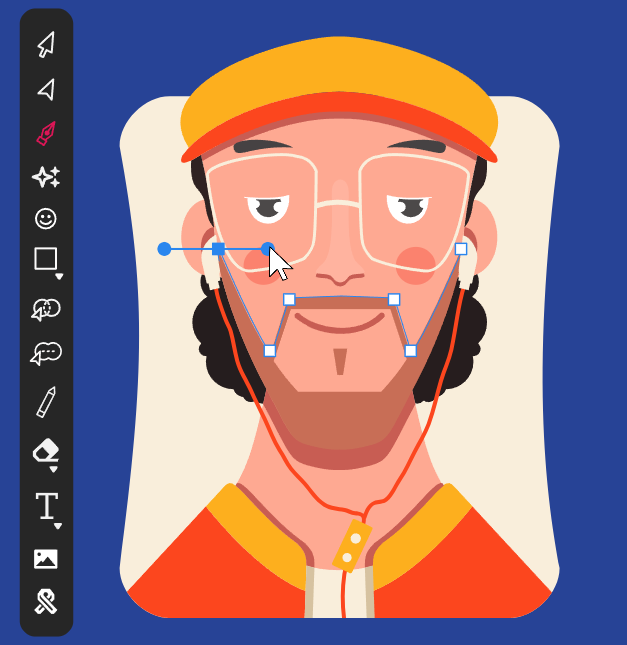
Pen Tool — Master Bezier Curves
Draft pixel-perfect vector paths with the industry-standard Pen Tool. Anchor points, smooth handles, and crisp bezier curves give every SVG editor user complete control over every line, corner, and contour.
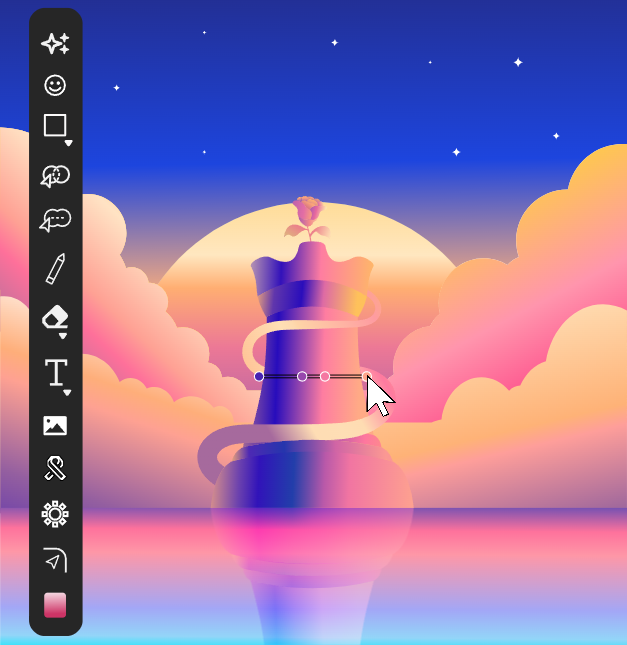
Gradient Tool — Rich, Smooth Color
Apply linear, radial, and conic gradients with intuitive on-canvas controls. Perfect for modern logo design, polished UI, and eye-catching SVG illustrations that demand a premium, professional finish.
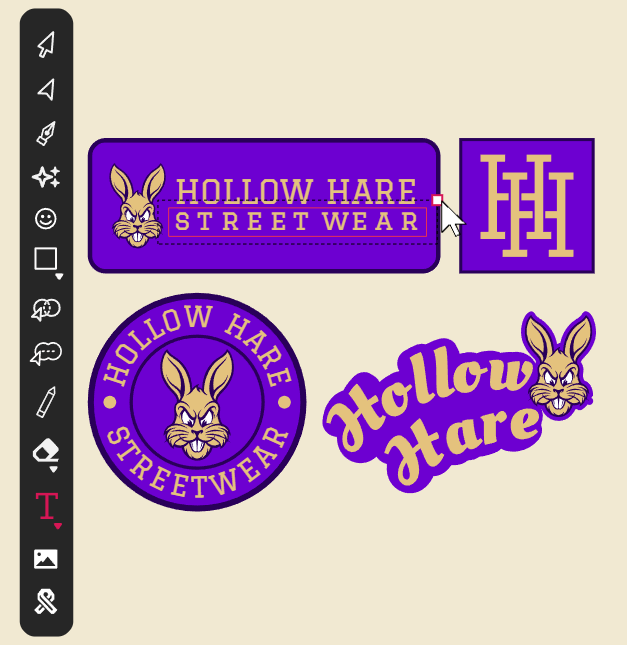
Text Tool — Typography Made Easy
Add headlines, taglines, and stylized typography to any artwork. Fully editable, infinitely scalable text with custom font support makes Vector Ink a complete logo design and branding suite for creators.
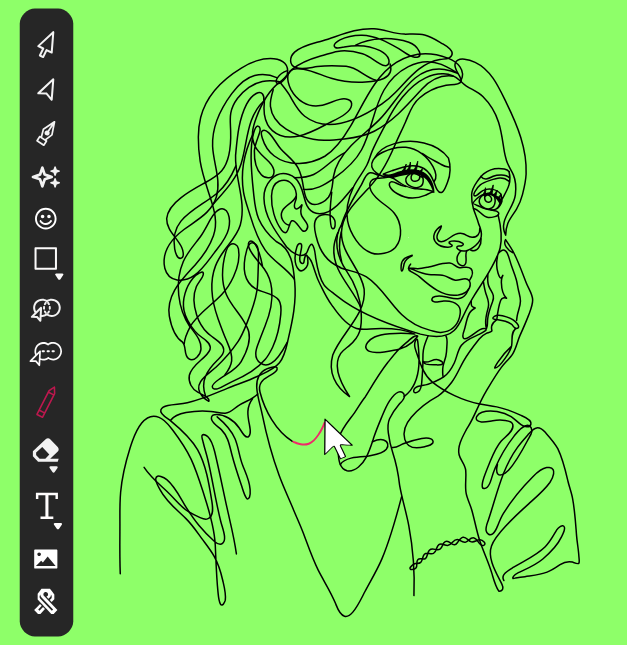
Draw Tool — Sketch Freely, Stay Precise
Sketch organic shapes and freehand vector artwork with built-in line stabilization. Whether you're illustrating, lettering, or storyboarding, the Draw Tool feels as natural as pen on paper — but every stroke is editable vector.
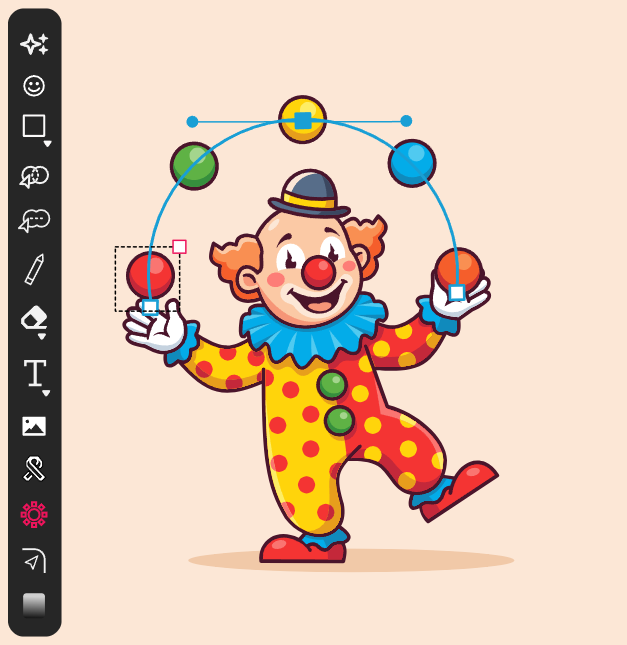
Copy Tool — Pattern, Repeat, Multiply
Duplicate objects in radial arrays, perfect grids, or precise horizontal and vertical offsets. Build mandalas, repeatable patterns, and scalable design systems faster than with any other vector graphics editor.
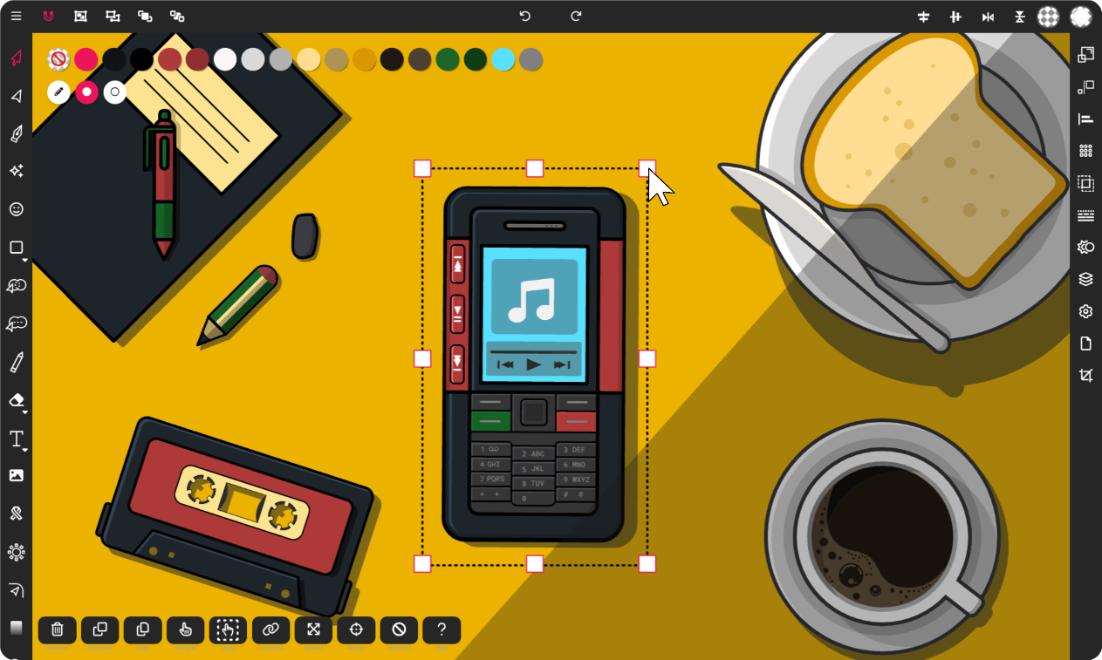
Your All-in-One SVG Editor
Vector Ink is a powerful online vector graphics editor and SVG design app built for designers, brand creators, illustrators, and crafters. Create logos, edit SVG files, design web icons, and craft pixel-perfect artwork — all in one fast, accessible workspace that runs in your browser.
No installs. No complicated interfaces. Just a modern logo design software and SVG editor with the precision tools, AI features, and asset libraries you need to bring any vector idea to life.
Turn Creative Ideas into Vector Assets
From professional branding to personal crafts, Vector Ink provides the tools you need to bring any vector idea to life. Explore some of the possibilities:
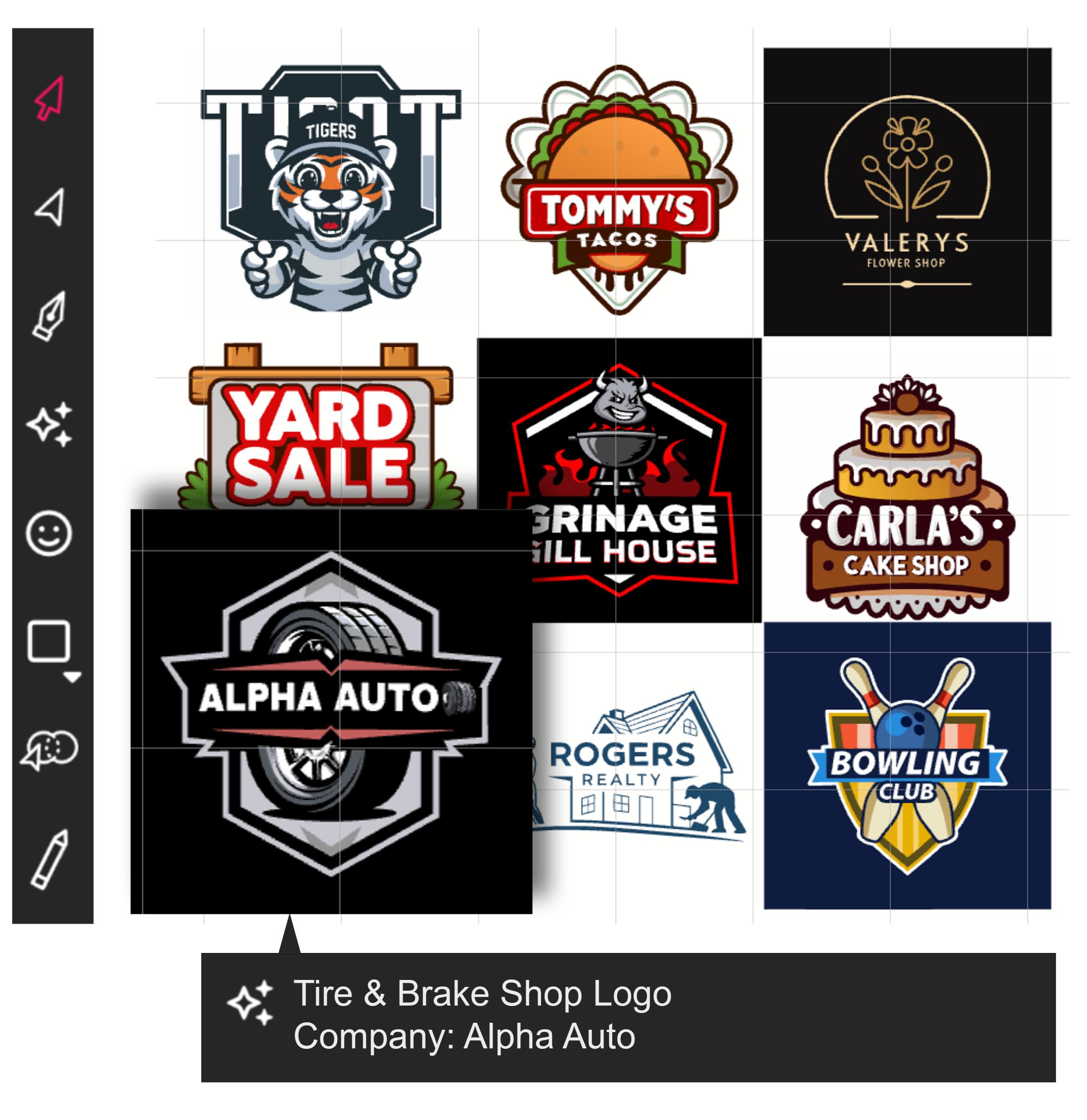
Logos & Branding
Craft unique and scalable logos that define your brand identity. Vector Ink's precision tools and vast icon library make it easy to create memorable marks that look sharp on websites, merchandise, and everything in between.
Stuck for ideas? Leverage the power of AI to generate stunning, fully editable vector logo concepts in seconds. Simply describe your vision, and let Vector Ink provide a starting point or even a near-final design you can refine.
Get StartedWeb Icons & UI
Design pixel-perfect icons and interface elements for websites and applications. Utilize helpful measuring guides, smart snapping, and feature-rich shape editing tools to ensure precision and consistency in every element of your user interface.
Speed up your workflow with our AI vector image generator, which includes a pre-defined style specifically for UI icons. Generate editable vector icons instantly while designing your UI, saving time and boosting creativity.
Get Started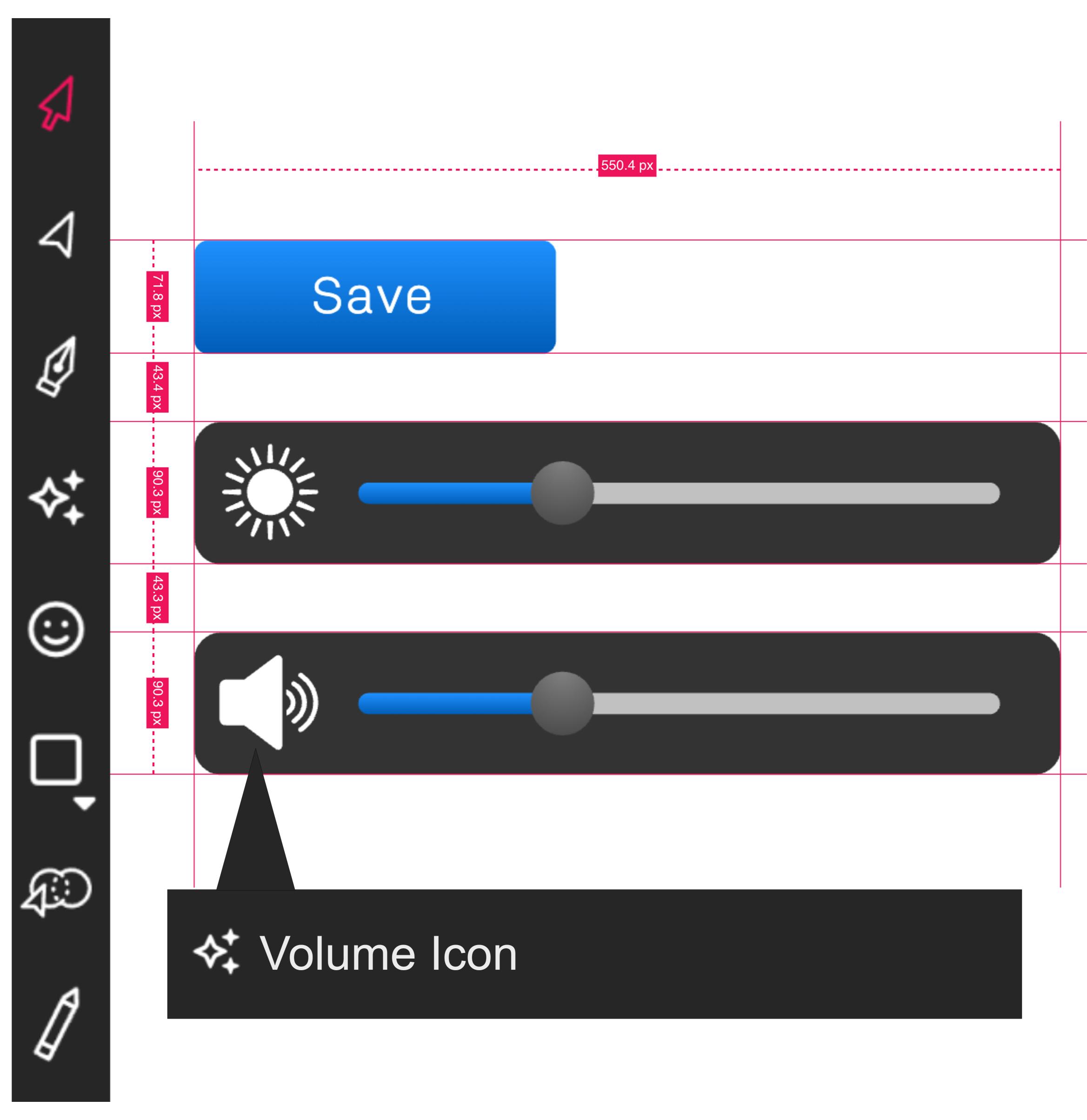
Explore Tutorials & Guides
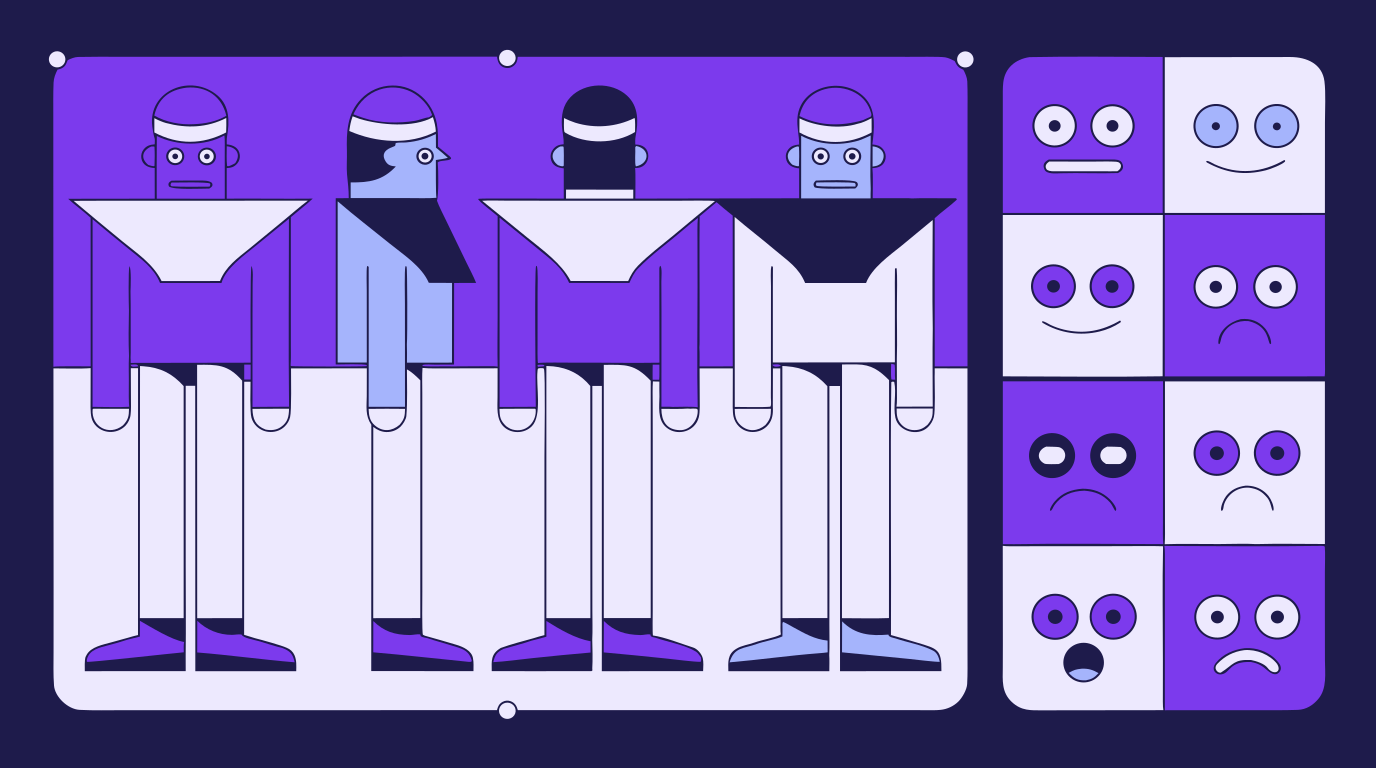
How to Make a Character Reference Sheet: A Guide for Concept Artists and Animators
A character reference sheet is the single source of truth for how a character looks — proportions, colors, expressions, and outfit details all in one place, so nobody has to guess. Whether you're animating a short film, designing a game character, or illustrating a mascot for a brand, a solid character reference sheet keeps every artist, animator, and outsourced studio drawing the same character. This guide covers what belongs on one, how to build it step by step, and where AI concept art and vector tools can cut hours off the process.
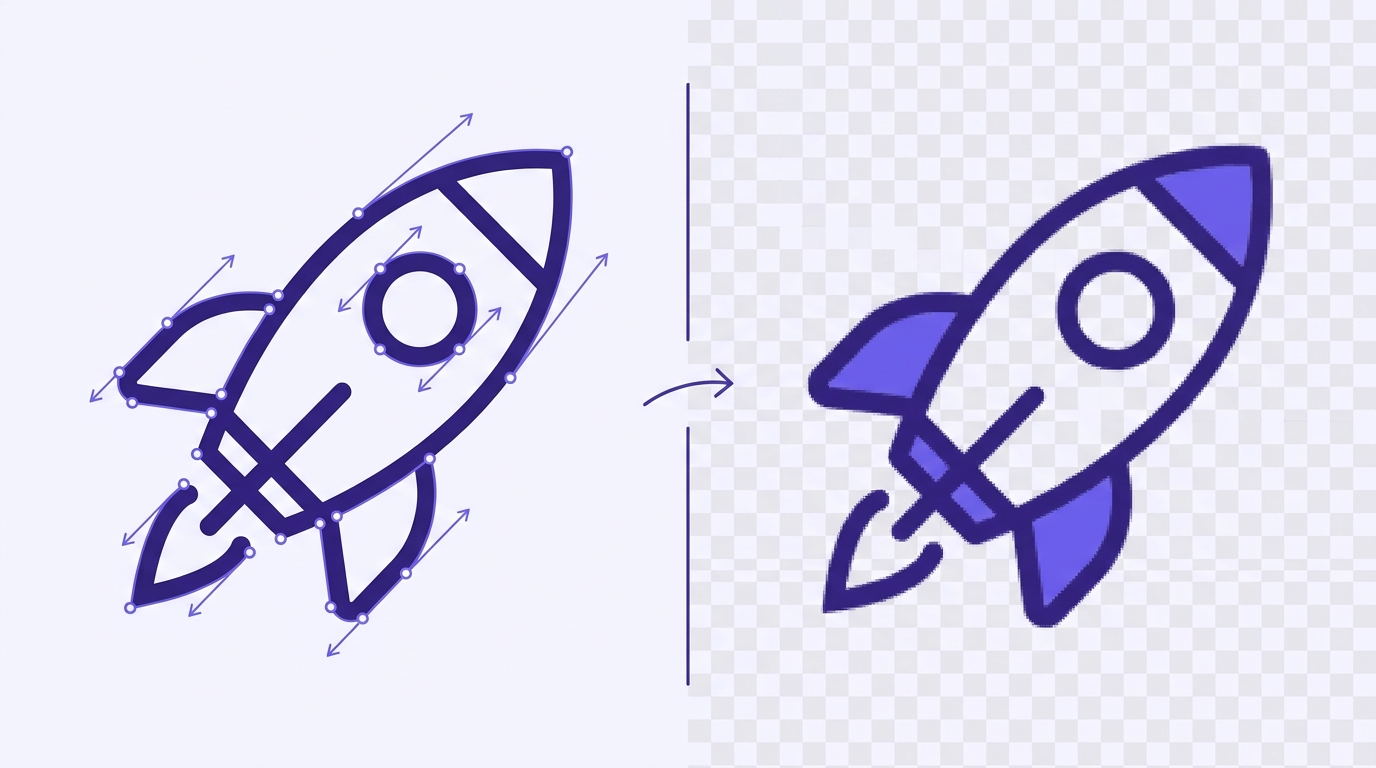
SVG to PNG: How to Convert SVG Files to PNG (and When You Should)
Sooner or later every designer, crafter, and marketer hits the same wall: you have a perfect SVG file, and the tool you need to put it into — an email platform, a social scheduler, a slide deck, a print-on-demand uploader — refuses to accept it. The fix is a thirty-second SVG to PNG conversion, and you can do it free in your browser with our SVG to PNG converter. But if you have ever wondered what actually happens to your file in that moment, why the two formats exist at all, and how to convert without ending up with a blurry logo, this guide covers all of it.

Vector Ink Layers Panel Tutorial | Organize Your Designs Like a Pro
A well-organized design isn’t just about aesthetics — it’s about efficiency. The Layers Panel in Vector Ink lets you keep your artwork tidy, making it easy to manage complex logos, illustrations, and UI layouts. In this tutorial, you’ll learn how to create, rename, and manage layers like a pro so your workspace stays clean and your process stays smooth.
🧱 Vector Ink Shape Tools & Icon Library Tour | Fast, Clean Design Essentials
Clean, consistent shapes are the foundation of strong vector design. In this tour, we will walk through Vector Ink's Shape Tools and the built-in Icon Library so you can create polished logos, icons, and layouts quickly and with precision.
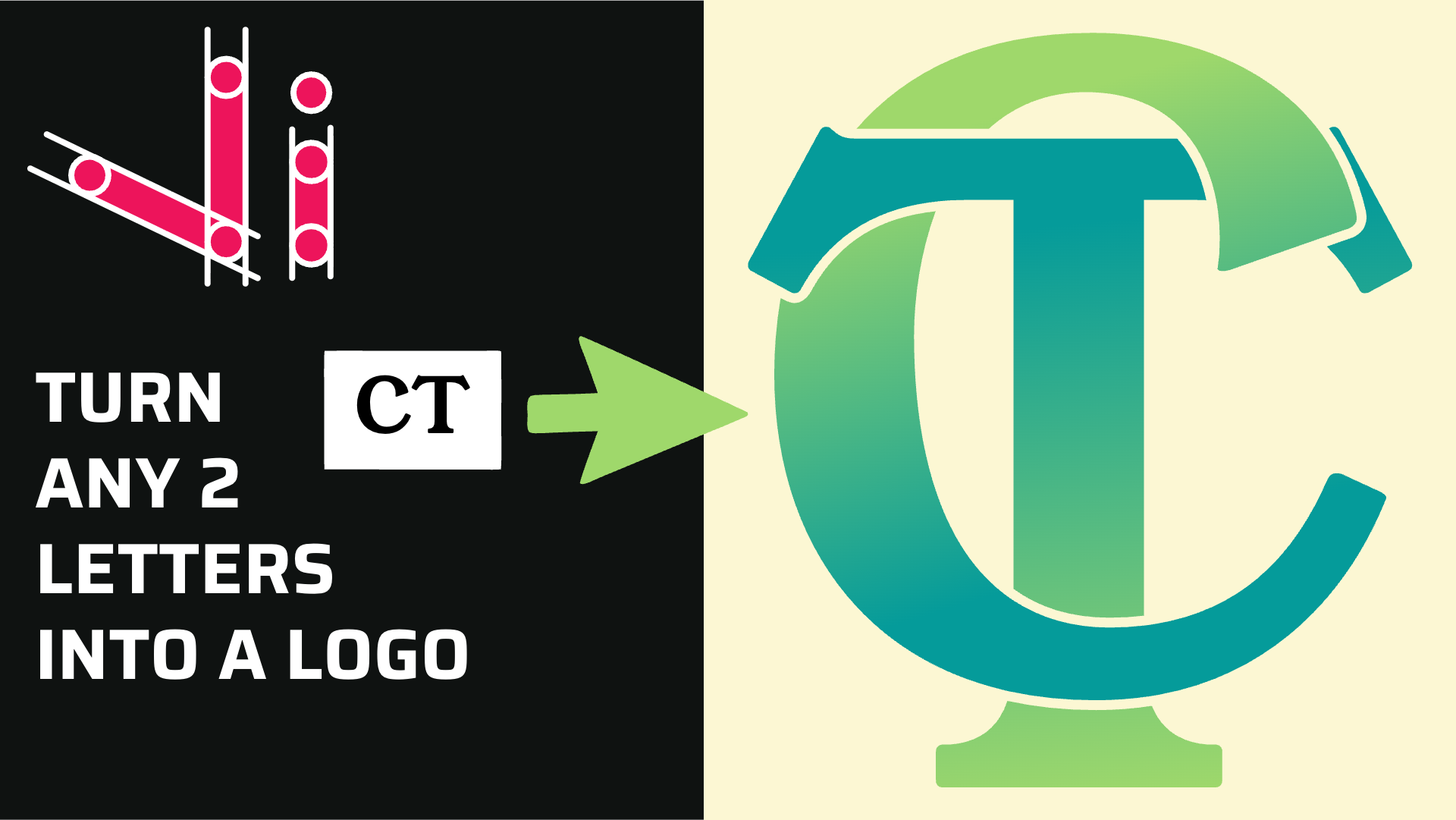
How to Combine Two Letters into One Logo | Intertwined Monogram Design in Vector Ink
In this tutorial, you'll learn how to transform two simple letters into a professional intertwined monogram logo using Vector Ink, the free web-based vector design tool. Whether you're creating a brand mark, personal initials, or a clean typographic logo, this step-by-step guide will show you how to stack, outline, offset, and intertwine letters using Vector Ink's intuitive tools.
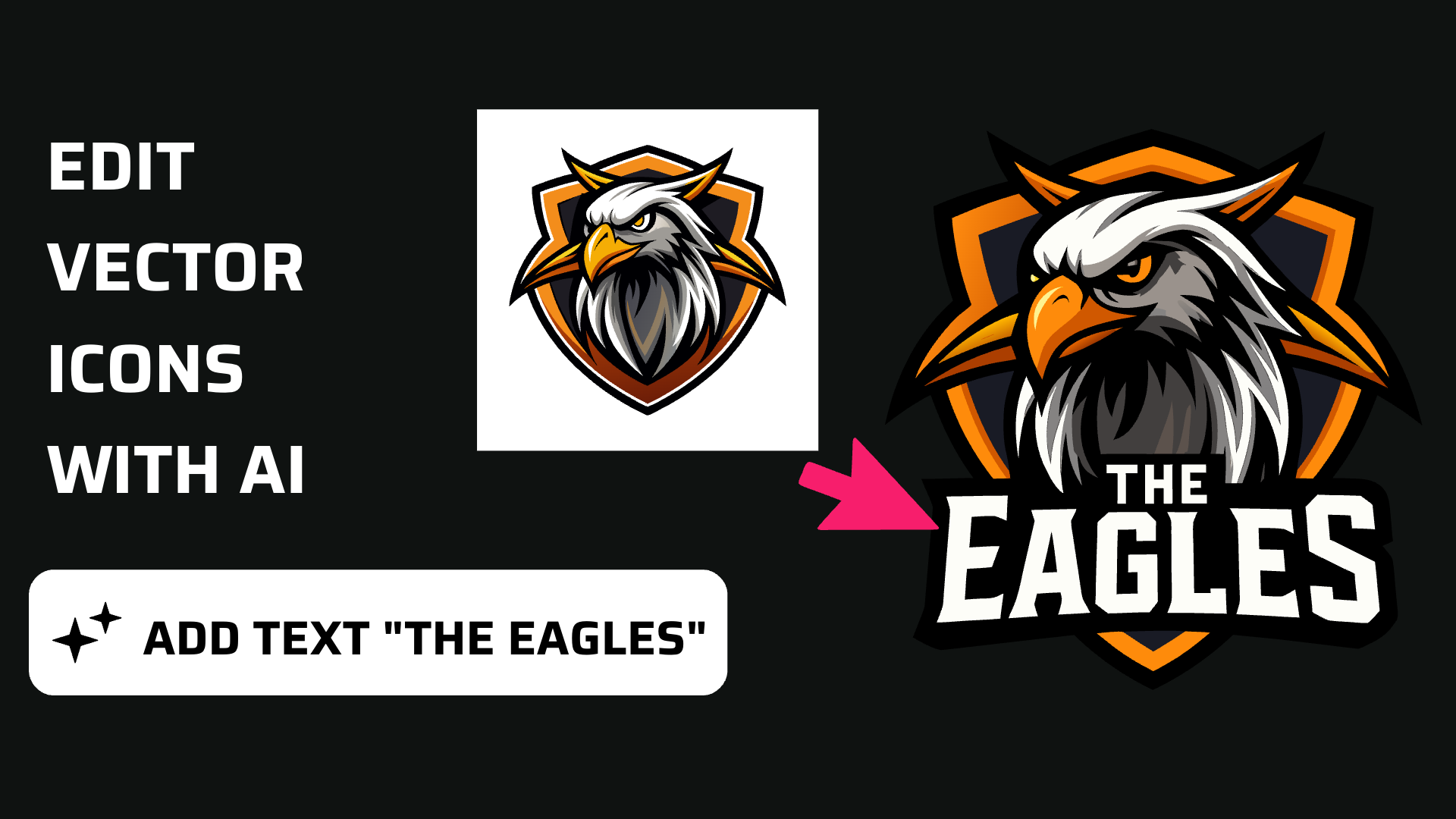
Edit Any Icon Like Magic! Make Changes To Vector Icons with AI in Vector Ink
Discover how easy it is to open the Vector Ink Icon Library, import icons to your canvas, and fully customize them — all in your browser. In this quick tutorial, you’ll see how to browse thousands of editable vector icons, add one to the canvas, ungroup it to edit every layer, and even use AI in-painting to add custom text that perfectly matches the icon’s style.
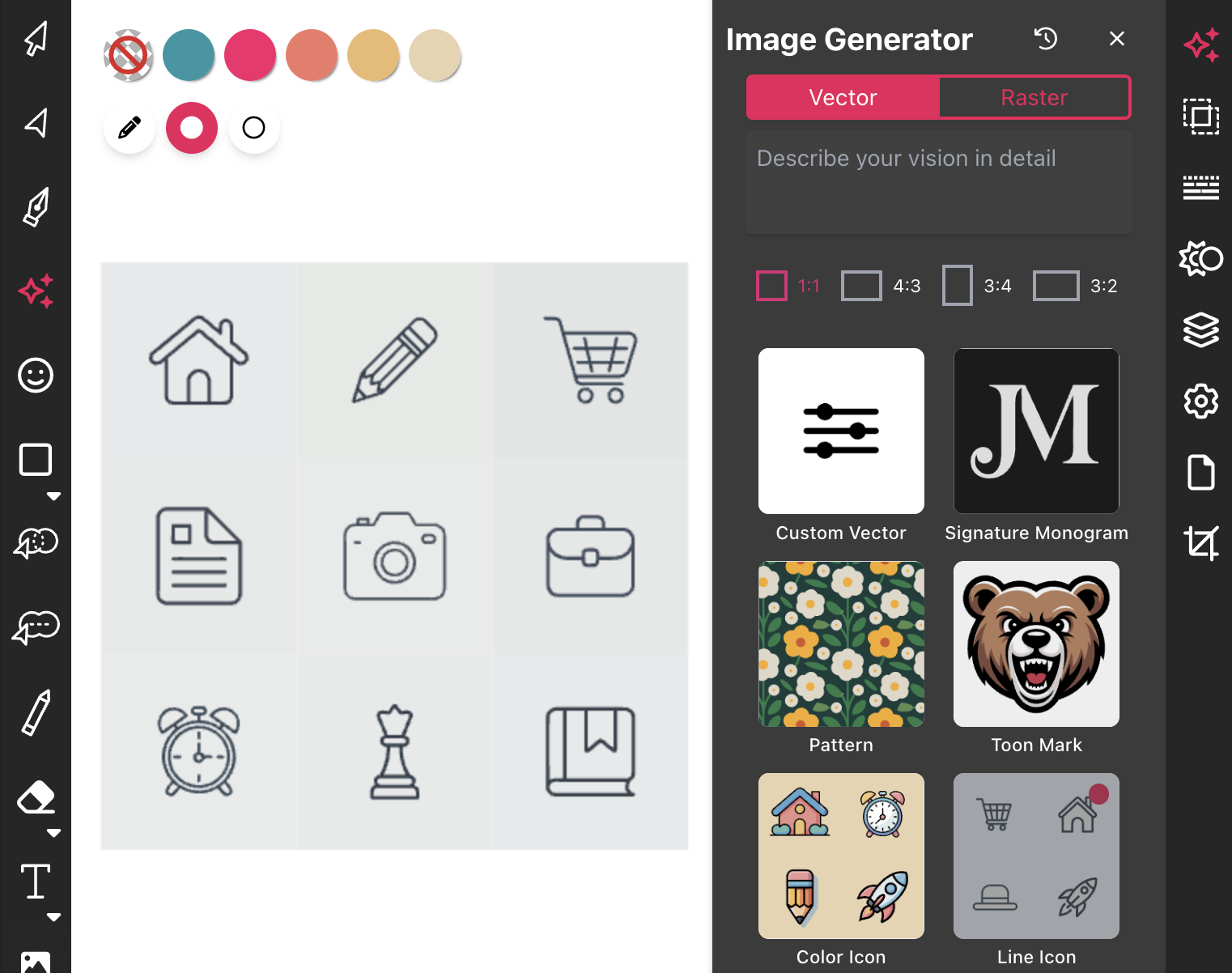
Unveiling the Power of Vector Ink's Icon Library, Vectorization Tools, and AI Icon Generator
Most icon libraries offer a handful of basic shapes and call it a day. Vector Ink goes beyond that with thousands of scalable icons ready for your next project. On top of that, their vectorization tools turn your pixelated images into crisp, smooth vector graphics in just a few clicks. Let’s explore how Vector Ink’s design tools can make your creative work faster and sharper. Explore more here.
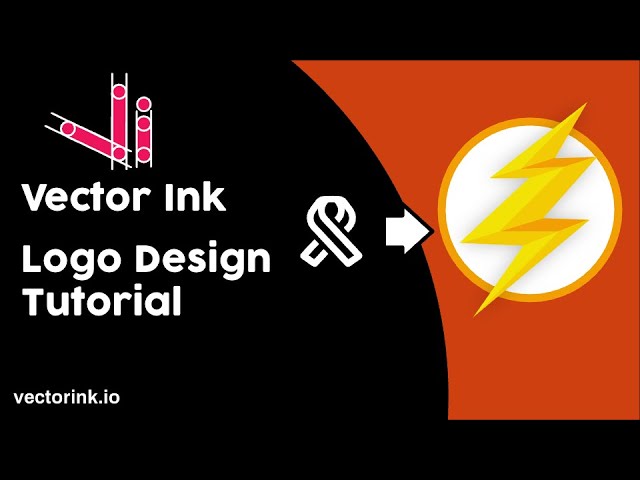
The Flash Logo Design Tutorial with Vector Ink
In this tutorial, you’ll learn how to create the Flash logo from scratch using Vector Ink, the powerful vector design tool available on both web and mobile. By following along, you’ll master two essential tools: the Ribbon Tool for shaping the lightning bolt and the Path Builder Tool for adding depth and 3D effects. Whether you’re a beginner or an experienced designer, this guide will help you bring superhero energy to your next project.
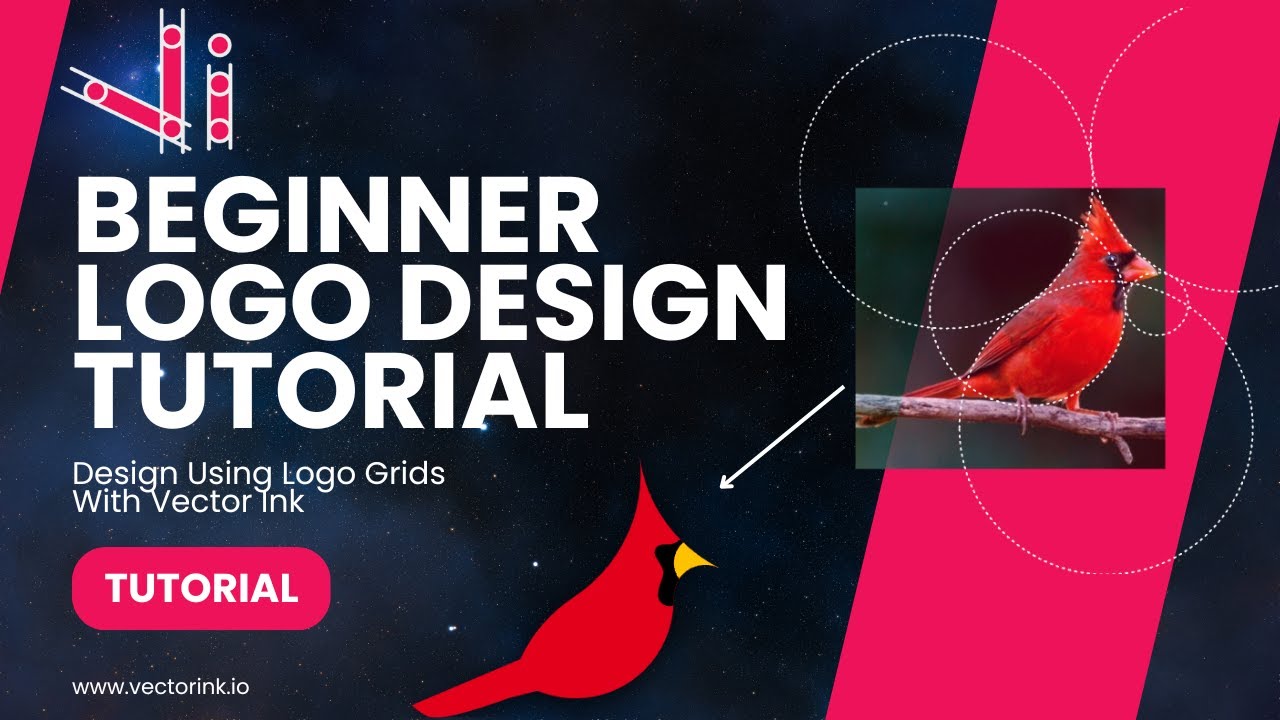
CREATE Your Own PRO Logo Design from Scratch with Vector Ink!
You don't need to be an artist to create a clean, professional logo. In this step-by-step guide, you'll use Vector Ink to turn a photo into a simple, memorable logo using circles, straight lines, and the Path Builder Tool. We'll import a reference image, build a geometric scaffold, and convert it into crisp vector shapes you can color and export.

Thousands of Stunning Vector Icons
Jumpstart your designs with Vector Ink's extensive built-in library, home to thousands of professionally crafted vector icons. Find everything from essential logo elements and UI components to creative game assets and illustrations.
All icons are fully editable, allowing you to customize colors, shapes, and details to perfectly match your project's style. Best of all, they are royalty-free and cleared for commercial use, giving you complete creative freedom.
Get StartedFrom the Blog

What Are UGC Ads? How to Create UGC Video Ads With AI
UGC ads look less like commercials and more like something a real person would post to TikTok or Instagram: a product held up to a phone camera, a quick demonstration, an honest-sounding reaction, and a direct explanation of why the product matters. That creator-style format is now used far beyond organic social media. Ecommerce brands, software companies, mobile apps, agencies, and local businesses run UGC video ads across paid social campaigns, product pages, landing pages, and launch emails because the format can explain a product without the distance of a polished television commercial.
Building a Content Creation Workflow That Doesn't Fall Apart at Scale
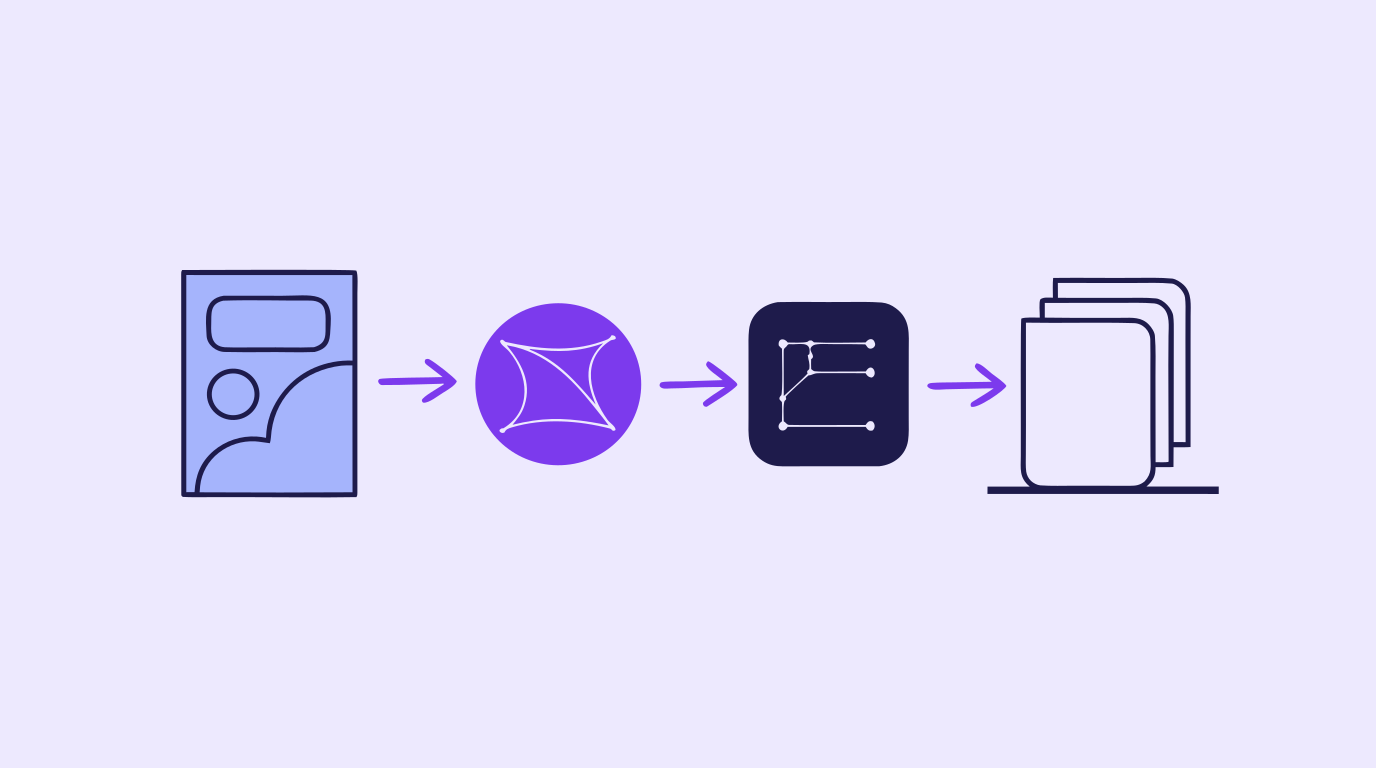
A content creation workflow is the thing standing between "we need graphics for this campaign" and a folder of fifty mismatched exports nobody can find two weeks later. For design studios, web teams, and video producers, content volume has gone up faster than headcount, and most of the strain shows up in the same place: the handoff between concept and finished asset. This guide covers what a working content creation workflow actually looks like for creative teams, where AI tools genuinely remove friction, and how a browser-based approach like our creative workflow automation keeps output moving instead of stalling in someone's downloads folder.
What Is Concept Art? A Practical Guide for Designers, Web Teams, and Filmmakers
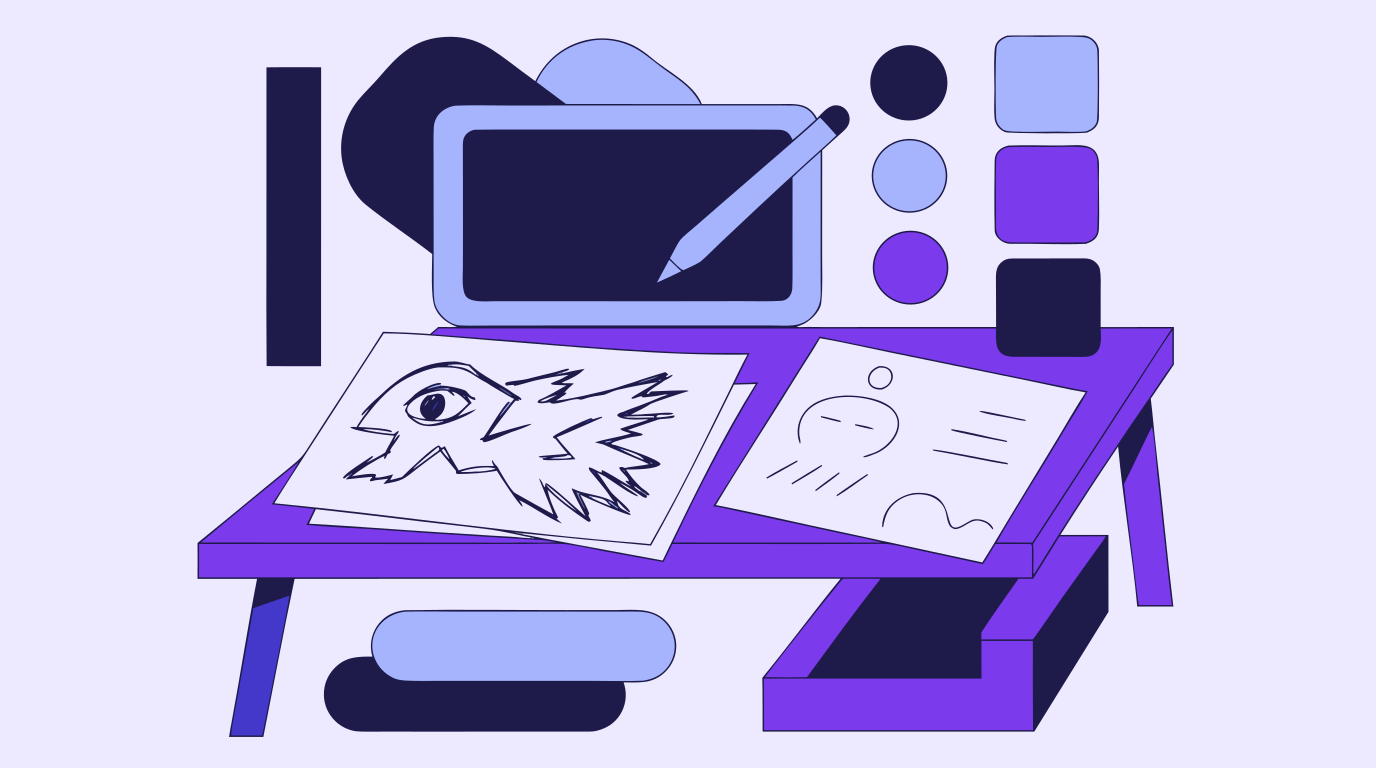
Concept art is the visual thinking that happens before a final design, shot, or product ships — quick, exploratory art that tests an idea's look and feel before anyone commits real production time to it. Whether it is a logo direction, a website's visual mood, a game environment, or a scene for film, concept art earns its place in the workflow by answering one question cheaply: does this idea actually work visually? This guide covers what concept art is, how to make it, and how design, web, and film teams are using AI concept art to compress the exploration phase — the same thinking behind our creative workflow automation approach to creative work generally.
Illustrations & Digital Art
Unleash your inner artist with Vector Ink's powerful illustration tools. Create precise paths and curves with the intuitive Pen tool, or sketch freely with the Draw tool, featuring a stabilizer for smooth, natural lines.
Define your unique style with custom brush stroke configurations. Whether you're creating detailed scenes, character designs, or abstract art, Vector Ink provides the flexibility and control you need to produce stunning, scalable illustrations.
Get Started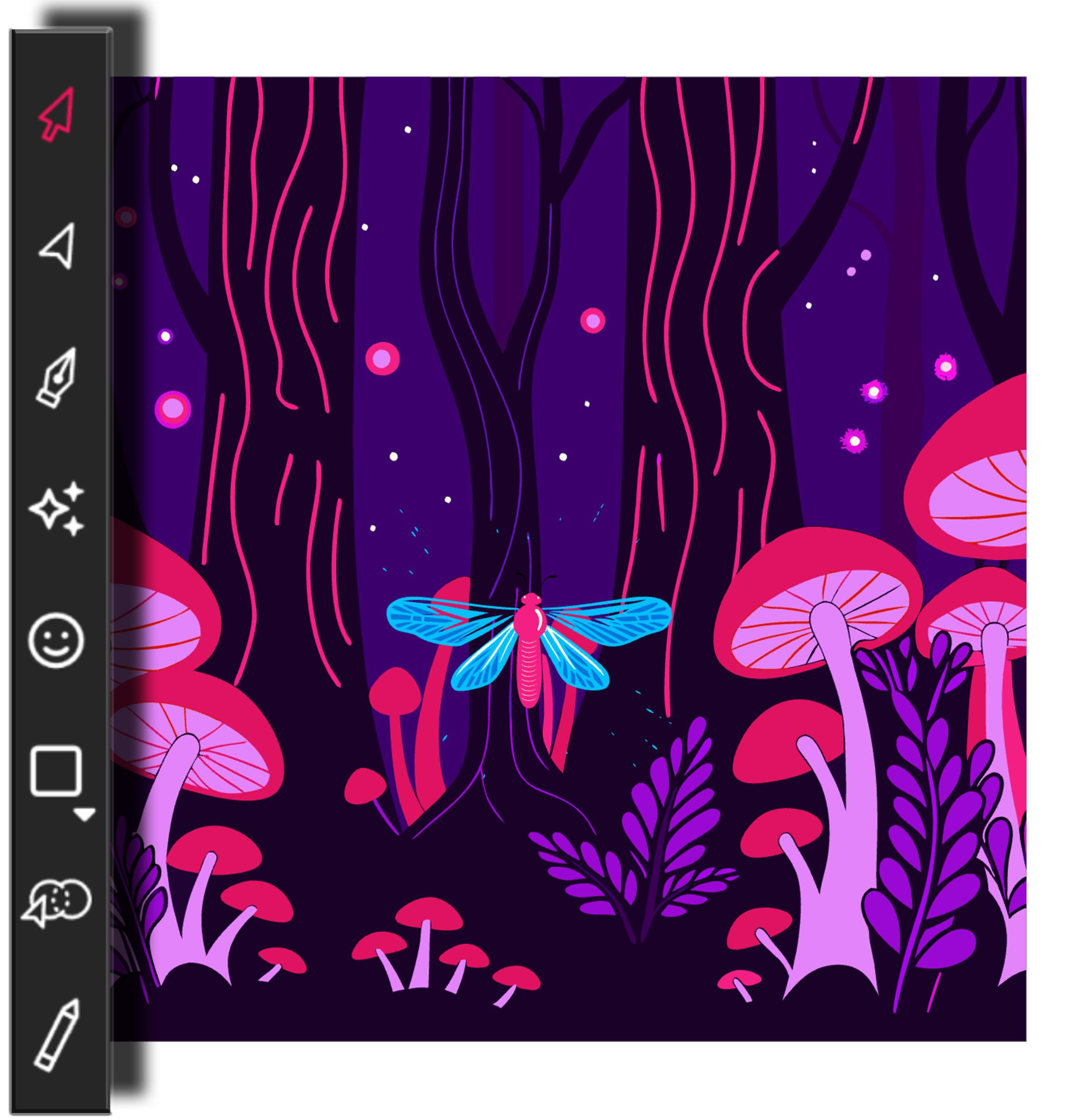
Gorgeous Color Palettes
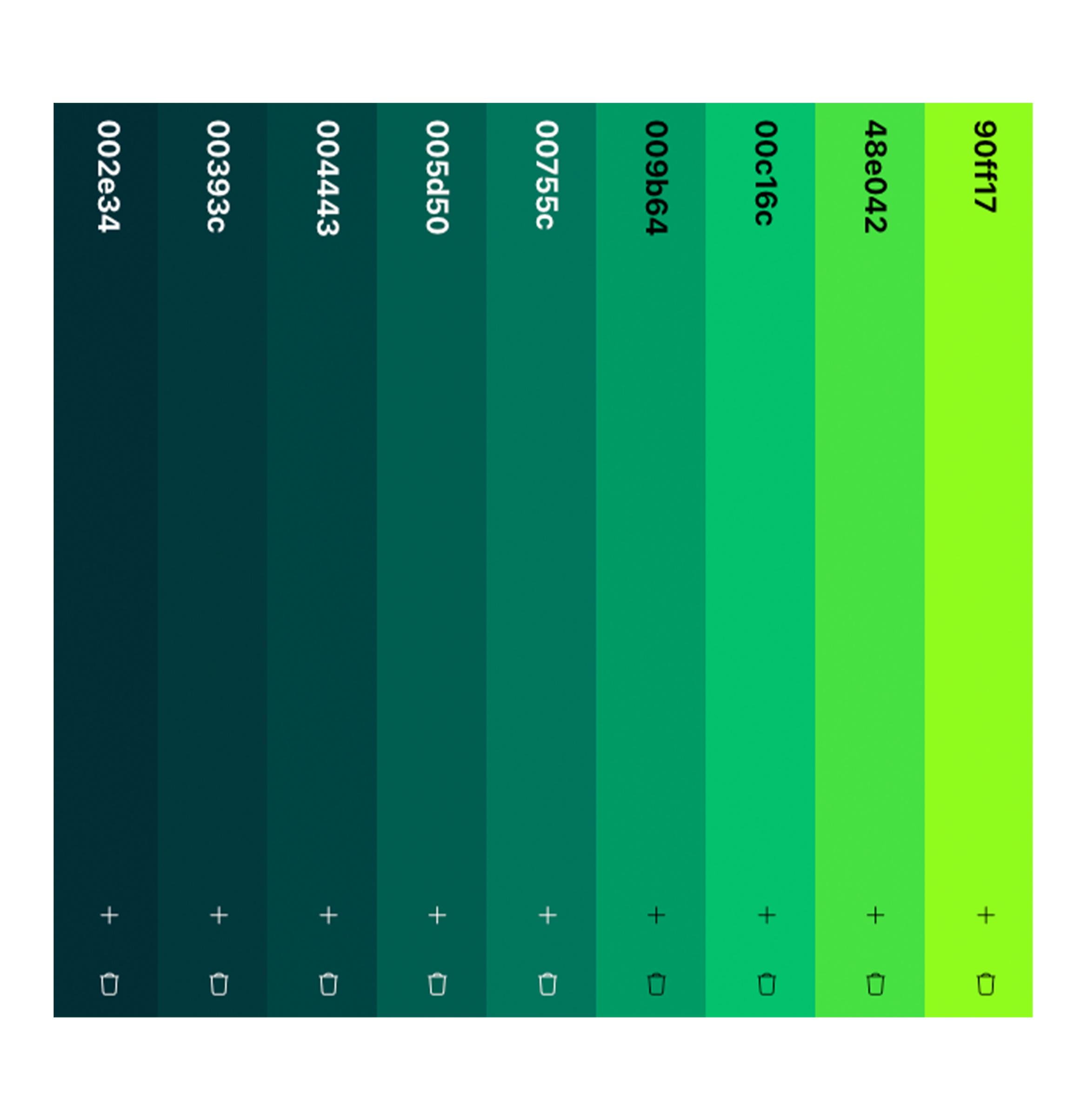
Find the perfect color scheme effortlessly. Vector Ink features a powerful color palette editor and comes packed with thousands of gorgeous, pre-made palettes suitable for any design style or mood.
Easily apply palettes to your artwork, save your favorite combinations, and ensure color consistency across your projects. Creating visually stunning and harmonious designs is simpler than ever.
Get Started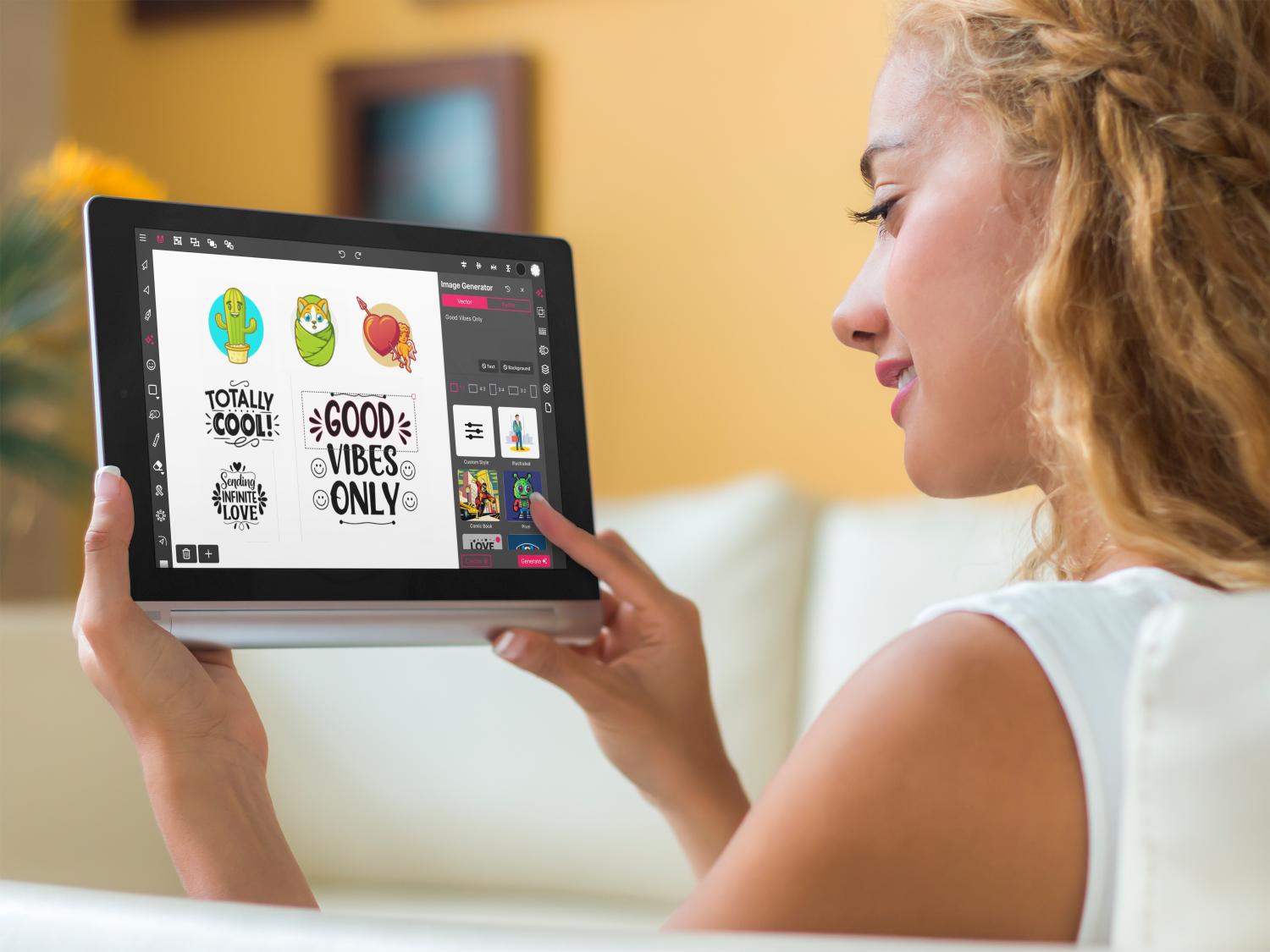
Crafting & Cutting
Bring your DIY projects to life! Design intricate patterns for stickers, decals, laser cutting, or your Cricut machine. Export clean SVG files perfect for precise cuts and crafting creations, ensuring your machine follows every line flawlessly.
Need inspiration or unique elements? Use Vector Ink's AI to generate creative patterns, shapes, or characters specifically for cutting and printing stickers, decals, stencils, and more. Turn simple prompts into complex, cut-ready designs.
Get StartedFrequently Asked Questions
What are vector graphics?
Vector graphics use mathematical equations to define points, lines, and curves. Unlike raster graphics (like JPEGs or PNGs), they can be scaled infinitely without losing quality or becoming pixelated, making them ideal for logos, illustrations, and designs that need to be used at various sizes.
What is SVG?
SVG stands for Scalable Vector Graphics. It's an XML-based file format for describing two-dimensional vector graphics. SVG files are widely supported on the web and can be easily edited and animated.
Do I need to install anything to use Vector Ink?
No! Vector Ink is a cloud-based web application. You can access it directly through your web browser on any compatible device (desktop, tablet, mobile) without needing to install any software.
Can I import existing files?
Yes, Vector Ink supports importing various file formats, including SVG, PNG, and JPG. You can bring your existing work into the editor to continue working or use raster images as a base for vectorization.
What export options are available?
You can export your designs in several formats, including SVG (ideal for web and scalability), PNG (with transparent background options, great for web and print), and JPG.
Is Vector Ink suitable for beginners?
Absolutely! While Vector Ink offers powerful tools for professionals, its intuitive interface and helpful guides make it accessible for beginners looking to learn vector design.
How does the AI generator work?
Our AI generator allows you to create vector graphics from text prompts. Describe what you want (e.g., "a cute cartoon cat logo," "a set of simple UI icons"), choose a style, and the AI will generate editable vector results to get you started.
Can I use the icons and graphics I create for commercial projects?
Yes, graphics you create yourself in Vector Ink, including those generated with AI features or using icons from our library, can be used for commercial purposes.
Does Vector Ink work offline?
Vector Ink is primarily a cloud-based application and requires an internet connection for full functionality, including saving, syncing, and accessing cloud features like the icon library and AI tools. Read more about us on Fixthephoto.com
What devices are supported?
Vector Ink is designed to work seamlessly across modern web browsers on desktops (Windows, macOS, Linux), tablets (iPad, Android), and mobile devices.