
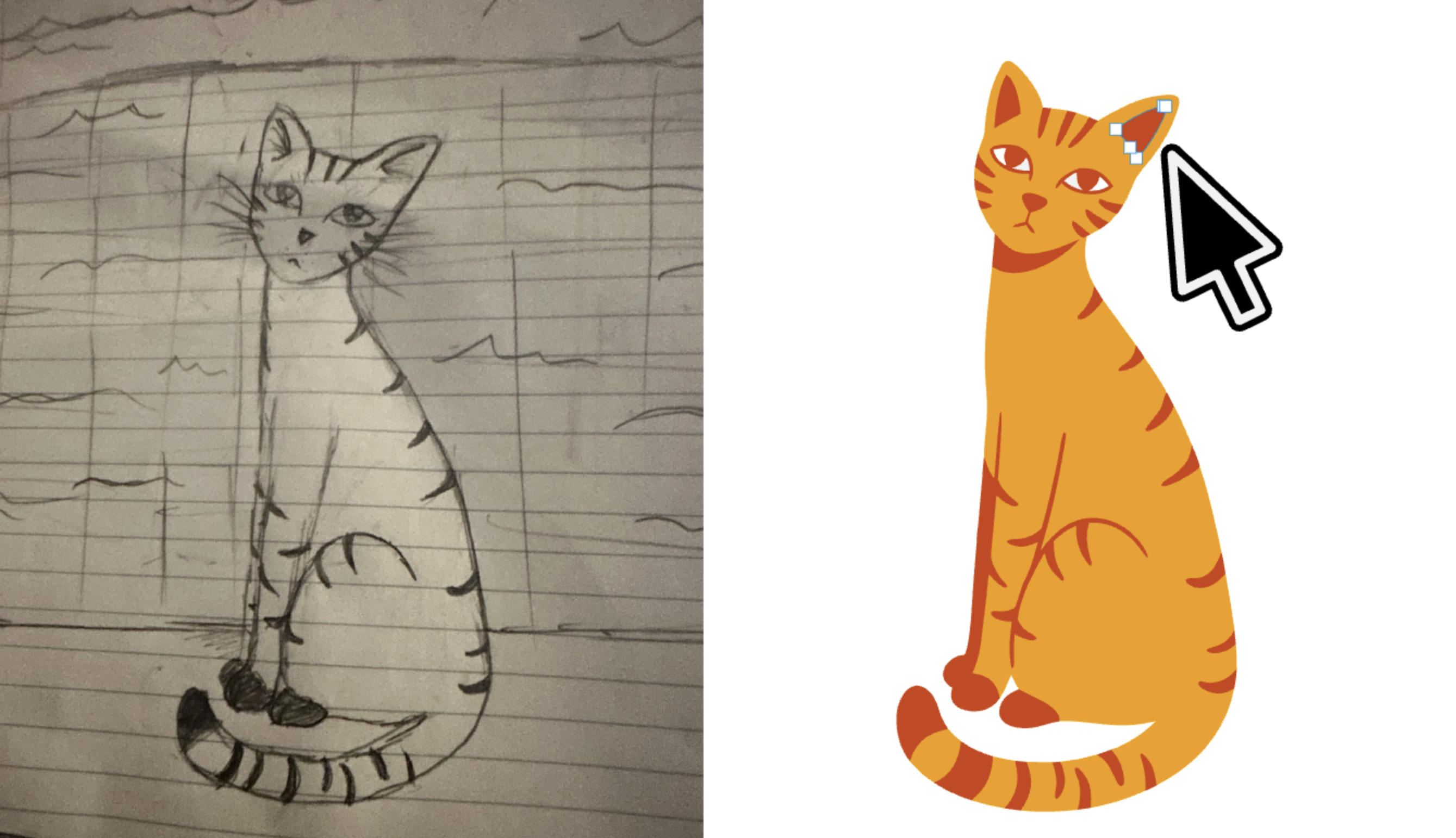


Remove Any Background and Turn Your Image Into an Editable Vector
For decades, removing the background from an image was one of the most tedious tasks in a designer's workflow. You had to open Photoshop, reach for the Magic Wand or Pen Tool, spend minutes — sometimes hours — carefully selecting edges, refining masks, and dealing with stray pixels around hair, fur, and complex outlines. Then, if you wanted the result as a vector? That meant an entirely separate tracing step in yet another application. Those days are officially over. Vector Ink's **Background Remover** uses cutting-edge AI to strip away any background from your image in a single click — and then lets you edit the isolated subject directly inside a full-featured SVG editor. No Photoshop. No manual masking. No second tool. Just upload, remove, and create.
How It Works: One-Click Background Removal, Powered by AI
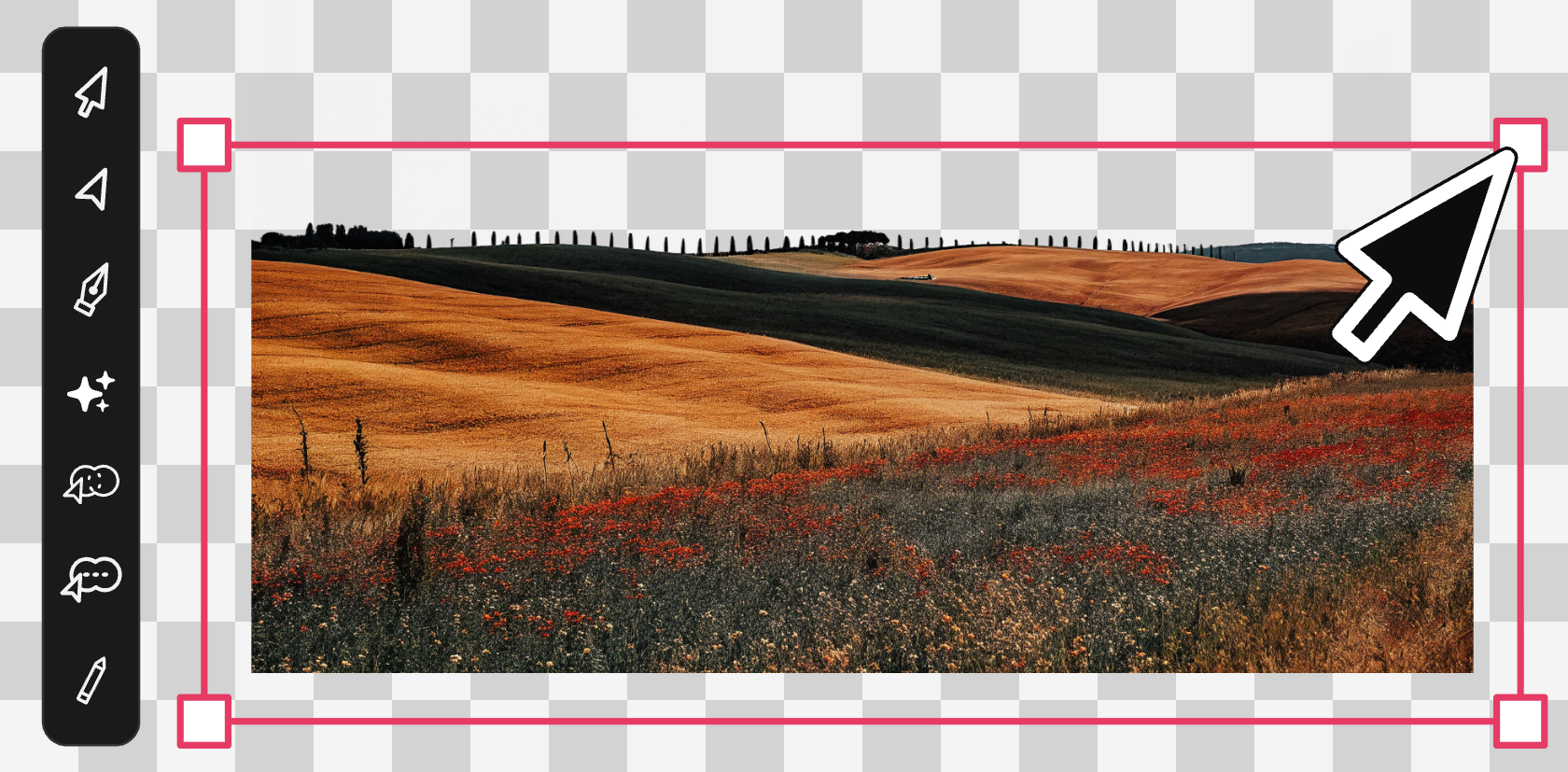
Traditional background removal relied on you doing all the hard work. You had to tell the software *exactly* where the subject ended and the background began — tracing edges by hand, painting layer masks, adjusting feathering and tolerance values. Even Photoshop's "Remove Background" button often left artifacts that needed manual cleanup. Vector Ink takes a fundamentally different approach.
Our AI model has been trained to understand images the way a human does. It recognizes the subject of your photo — a person, a product, a logo, an illustration — and separates it from the background with pixel-perfect precision. Edges are clean. Hair strands are preserved. Transparent regions are handled correctly. The entire process takes seconds, not minutes.
Here's the workflow:
- Upload your image — any PNG, JPG, JPEG, or WebP file works.
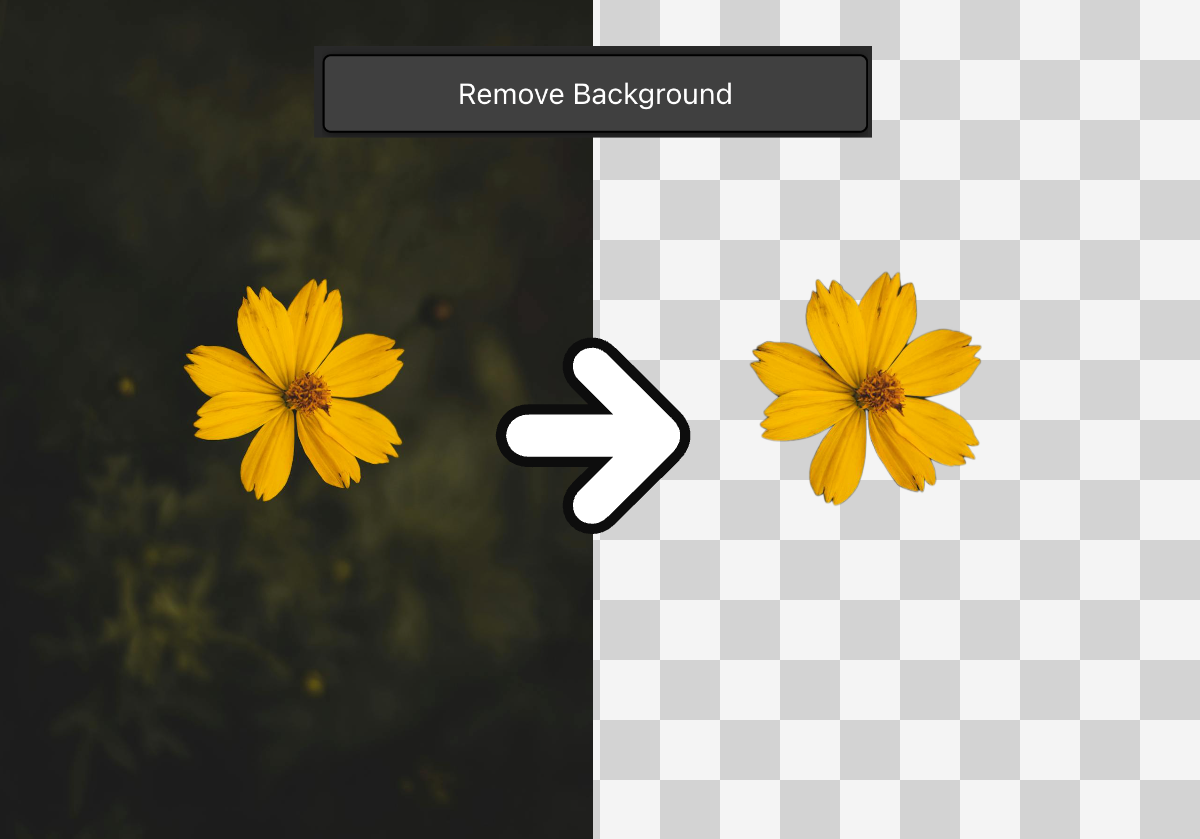
- The AI instantly identifies the subject and removes the background.
- Preview the result with a transparent background, right in your browser.
- Download the cutout as a clean image, or open it directly in the Vector Ink SVG Editor to convert it into an editable vector and refine every detail.
No software to install. No account required to get started. No learning curve. It just works.
The End of Manual Masking: Why This Tool Exists
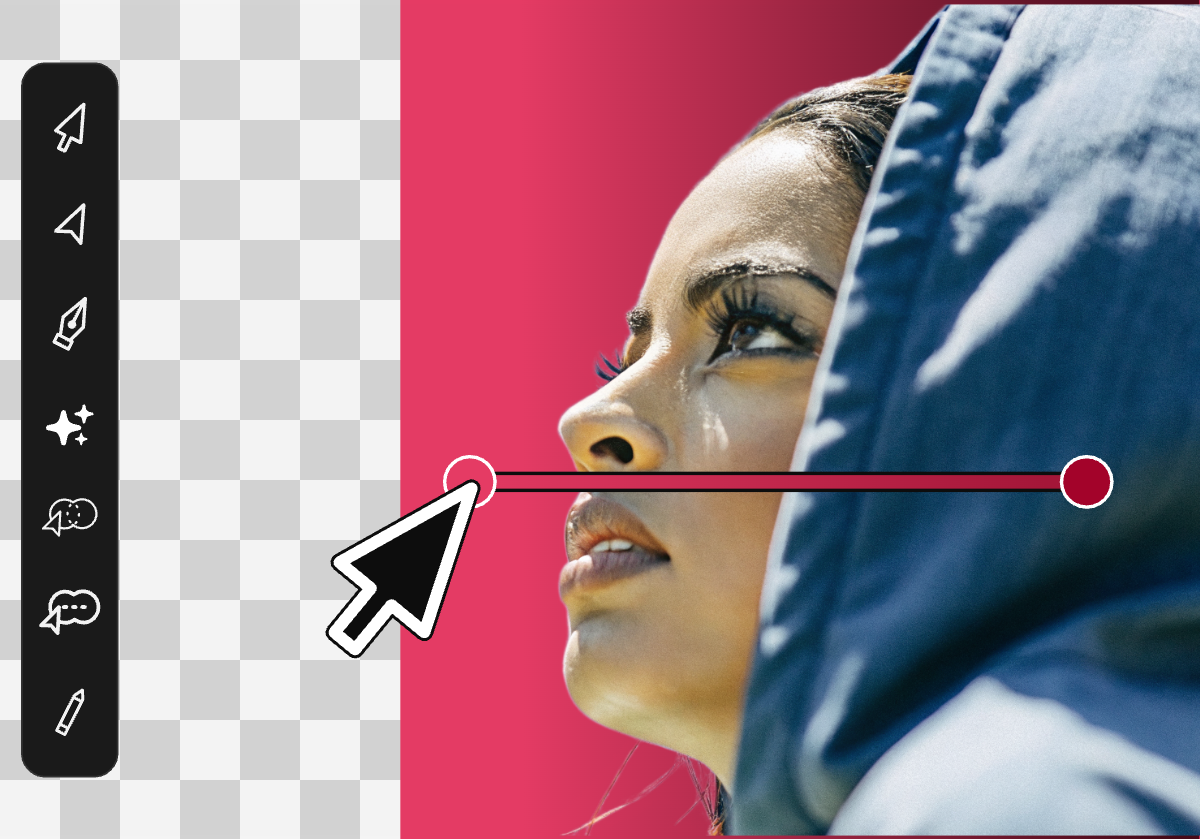
Let's be honest about the old way. For over 30 years, removing a background from an image meant one thing: painstaking manual labor inside Adobe Photoshop. The Magic Wand Tool would select too much or too little. The Lasso Tool required steady hands and endless patience. The Pen Tool gave precision but demanded expertise most people simply didn't have. Layer masks, refine edge dialogs, color decontamination checkboxes — the process was a maze of technical steps that turned a simple concept ("I just want the subject without the background") into a 20-minute ordeal.
And even when you finally got a clean cutout, it was still a raster image — a grid of pixels that would blur and degrade if you scaled it up. If you needed it as a vector for a logo, a vinyl cut file, or a scalable web asset, you had to open *another* program and trace it all over again.
Vector Ink's Background Remover solves both problems in one step. The AI removes the background with precision that rivals (and often exceeds) manual Photoshop work. And because the result lives inside Vector Ink's ecosystem, you can instantly convert it to a vector and edit it as SVG paths — all in a single, seamless workflow.
What Makes This Tool Different From Everything Else
There are other background removal tools on the internet. Here's why Vector Ink's approach is genuinely new:
- Background removal + vector editing in one place — Other tools give you a PNG cutout and call it done. Vector Ink lets you take that cutout and immediately edit it as a vector inside a professional SVG editor. No exporting, no importing, no switching apps.
- AI that understands complex edges — Hair, fur, translucent fabrics, wispy smoke, intricate lace — our AI handles the cases that make manual masking a nightmare. Edges are clean and natural, not jagged or over-smoothed.
- Instant results, zero configuration — No tolerance sliders. No feathering controls. No "refine edge" dialog with 15 options. Upload your image and the AI does the right thing automatically.
- Works with any image type — Product photos on white backgrounds, portraits in busy environments, illustrations with colored backgrounds, logos on textured surfaces — the tool adapts to whatever you throw at it.
- Browser-based and free to start — No downloads, no plugins, no subscriptions required to try it. Open the page, drop your image, and see the result in seconds.
Who This Tool Is For
The Background Remover was built for anyone who has ever stared at a complex image and thought, "I just need the subject — without that background." That includes:
- E-commerce sellers — Product photos need clean, white (or transparent) backgrounds for Amazon, Shopify, Etsy, and eBay listings. Instead of paying per image for background removal services, do it yourself instantly.
- Graphic designers — Isolate elements from stock photos, remove backgrounds from client-supplied images, and prepare assets for compositions — all without touching Photoshop's masking tools.
- Social media creators — Create clean cutouts for thumbnails, collages, memes, and overlay graphics. Remove distracting backgrounds from selfies and product shots in seconds.
- Marketing teams — Produce consistent product imagery, hero banners, and ad creatives at scale. No design bottleneck, no waiting for the design team to process a batch of images.
- Print-on-demand sellers — Prepare designs for t-shirts, mugs, stickers, and posters by isolating artwork from its background, then converting to vector for crisp printing at any size.
- Web developers — Generate transparent PNG or SVG assets from any source image for websites, apps, and UI components.
- Students and educators — Quickly isolate diagrams, charts, or figures from textbooks and documents for use in presentations and reports.
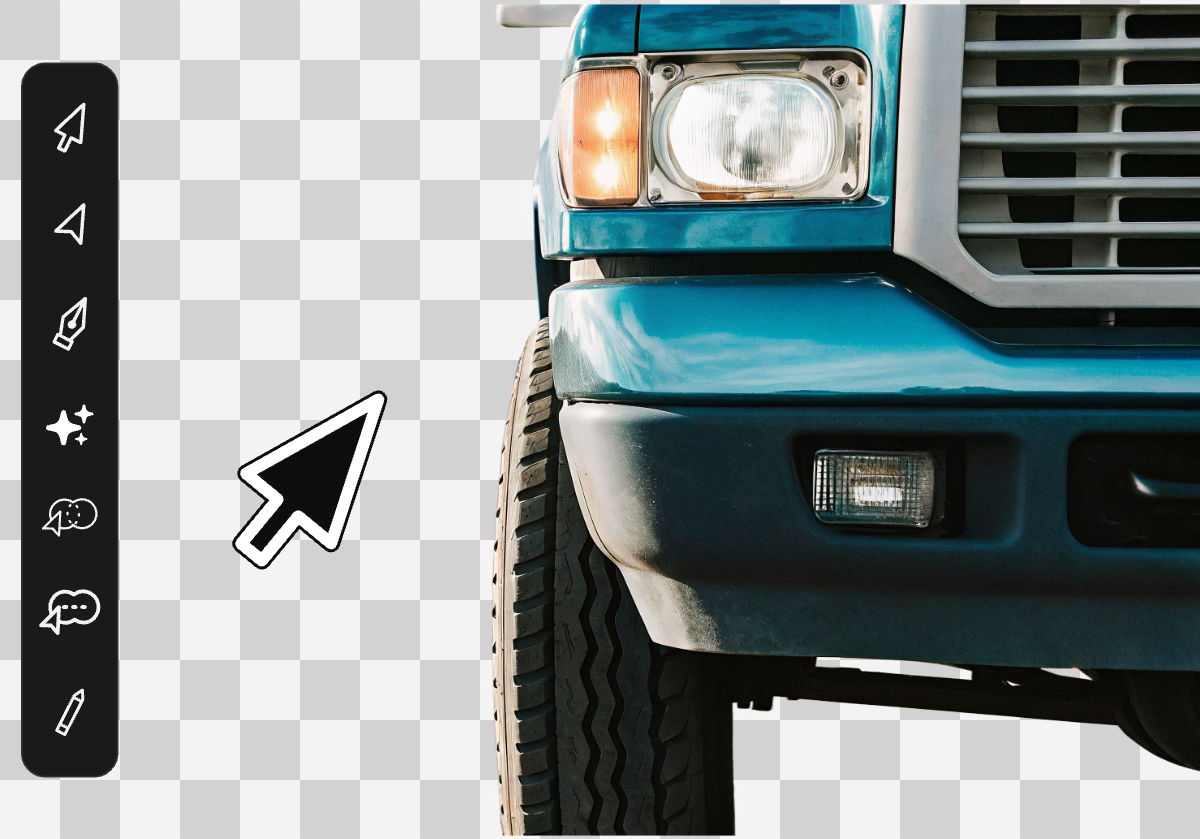
From Background Removal to Editable Vector: The Complete Workflow
What truly sets Vector Ink apart is what happens *after* the background is removed. Most background removal tools hand you a transparent PNG and wish you well. Vector Ink goes further — much further.
Once the AI has cleanly isolated your subject, you can open the result directly in the Vector Ink SVG Editor. From there, you can trace the cutout into vector paths, adjust colors, reshape elements, add text, combine it with other vector graphics, and export in any format you need — SVG, PNG, JPG, or PDF. The entire journey from "photo with a messy background" to "polished, scalable vector graphic" happens in a single tool, in your browser, in minutes.
This is the workflow that previously required three separate applications (Photoshop for masking, Illustrator for tracing, and a vector editor for refinement), hours of work, and years of accumulated expertise. Now it takes one tool and a few clicks.
Tips for the Best Background Removal Results
- Use well-lit photos — Good lighting creates clear separation between the subject and background, which helps the AI produce even cleaner edges.
- Higher resolution helps — The more detail in your image, the more precisely the AI can identify edges. Use the highest resolution version of your photo when possible.
- Contrast matters — While the AI handles low-contrast situations well, images where the subject and background have distinct colors or brightness levels will yield the sharpest results.
- Works on illustrations too — This isn't just for photographs. Illustrated characters, hand-drawn art, digital paintings, and logos all work beautifully with the background remover.
- Edit after removal — After removing the background, open the result in the Vector Ink Editor to fine-tune edges, adjust colors, or convert to a fully editable SVG vector.
Remove the Background. Keep the Creativity.
The days of fighting with selection tools and layer masks are behind us. Vector Ink's **Background Remover** gives you instant, AI-powered background removal that handles even the most complex edges — hair, fur, transparency, and fine detail — with results that rival hours of manual Photoshop work. And unlike any other background removal tool, it connects directly to a professional vector editor so you can transform your cutout into a scalable, editable SVG. Upload your image above and see the difference for yourself. Then open your result in the Vector Ink SVG Editor and take your creation to the next level.