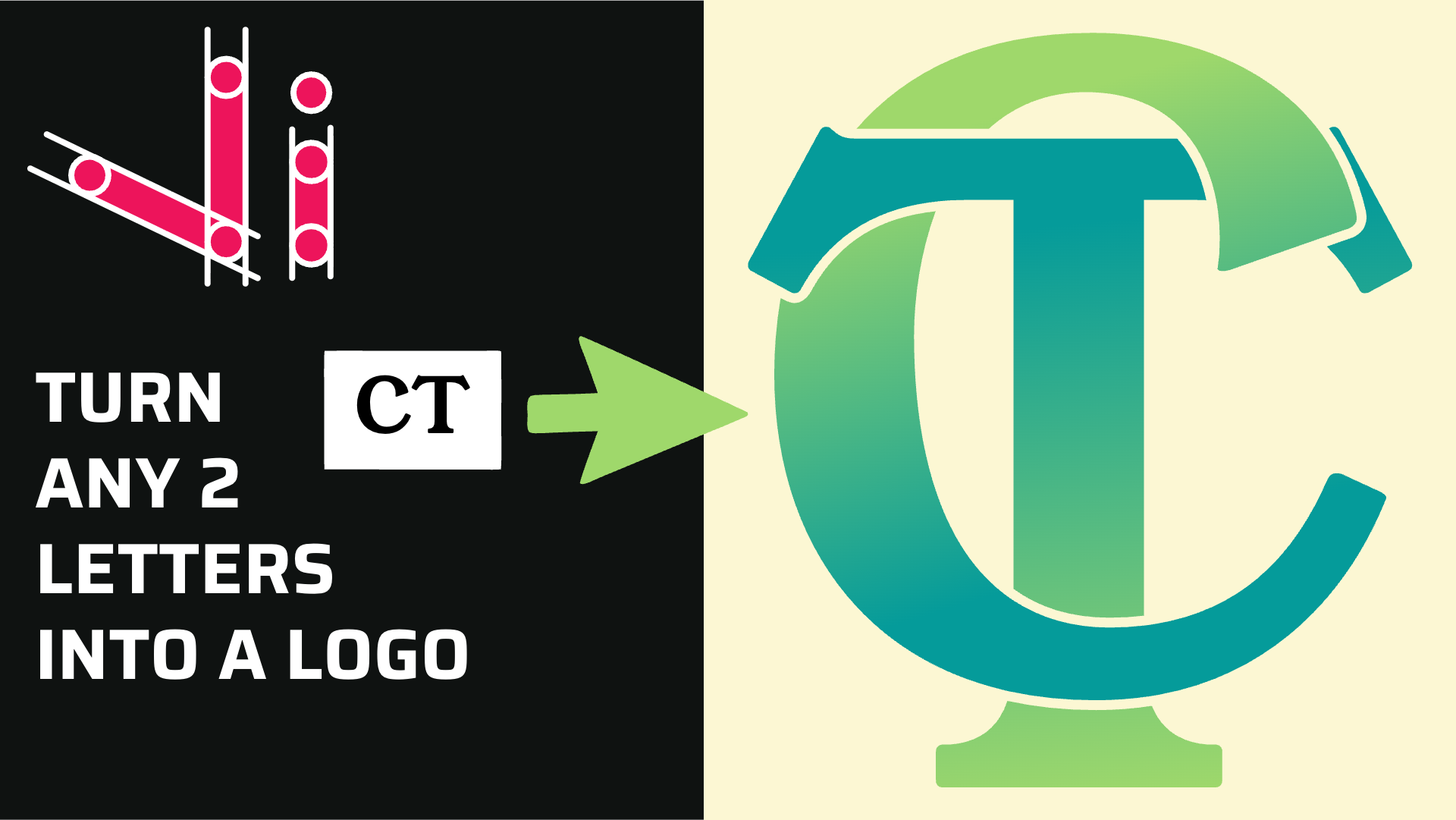
How to Combine Two Letters into One Logo | Intertwined Monogram Design in Vector Ink
In this tutorial, you'll learn how to transform two simple letters into a p...
Vector Ink is renowned for its intuitive design, robust feature set, and seamless cloud integration, making it a top choice for designers looking to streamline their SVG creation process. In this video tutorial, we delve into 10 essential tips and tricks that will enhance your productivity and creativity within Vector Ink.
This tutorial is packed with insightful tips that cater to both novice and experienced designers. Here's a snapshot of what you'll discover:
Each tip is demonstrated with clear, step-by-step instructions to ensure you can apply them easily to your own projects. Whether you're refining your design technique or looking to speed up your workflow, these tips will provide you with valuable insights to enhance your use of Vector Ink.
Don't miss out on discovering how to leverage these powerful features to bring your vector designs to the next level. Watch the video now and start integrating these tricks into your design process today!
In this tutorial, you'll learn how to transform two simple letters into a p...
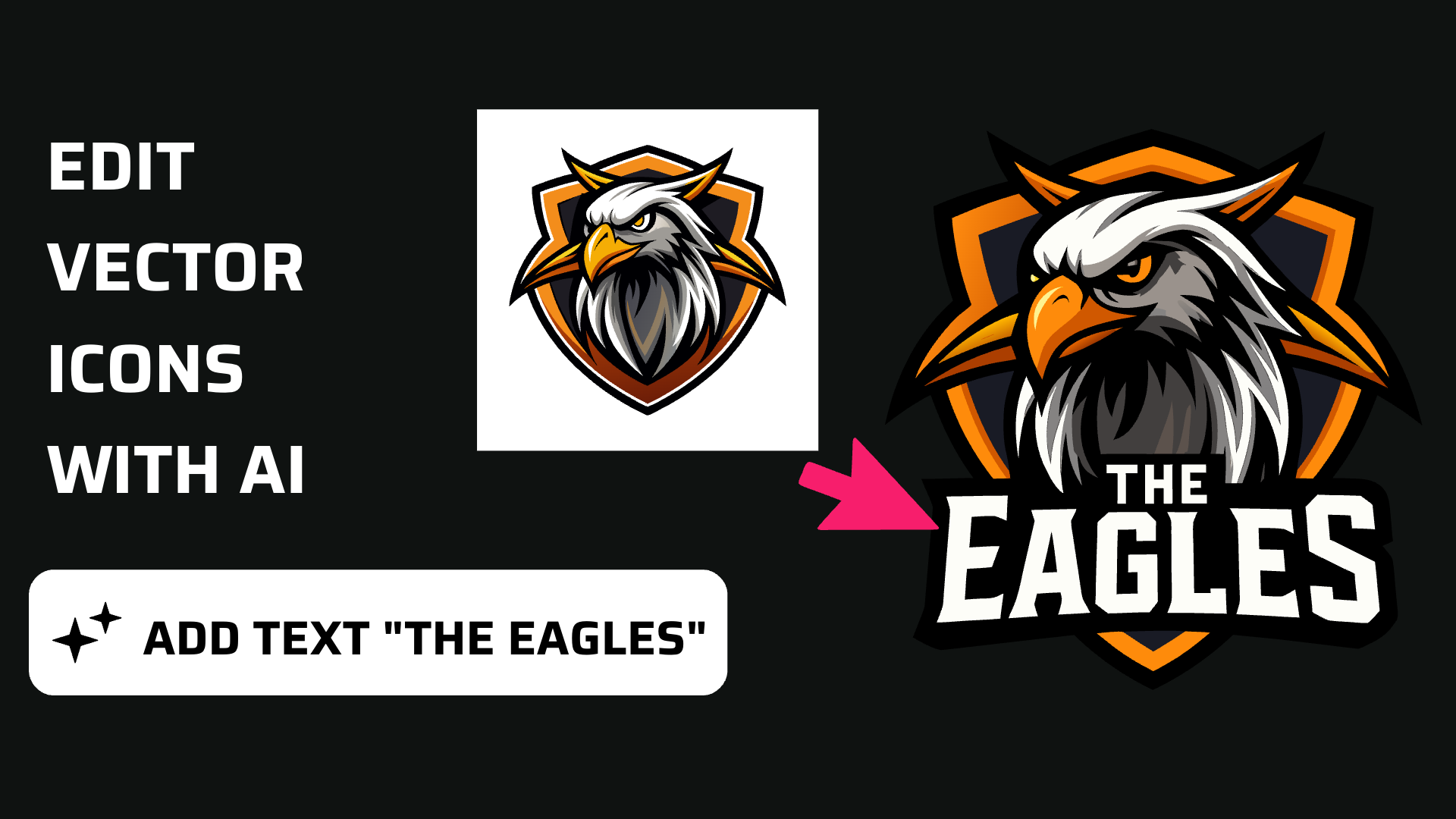
Discover how easy it is to open the Vector Ink Icon Library, import icons t...
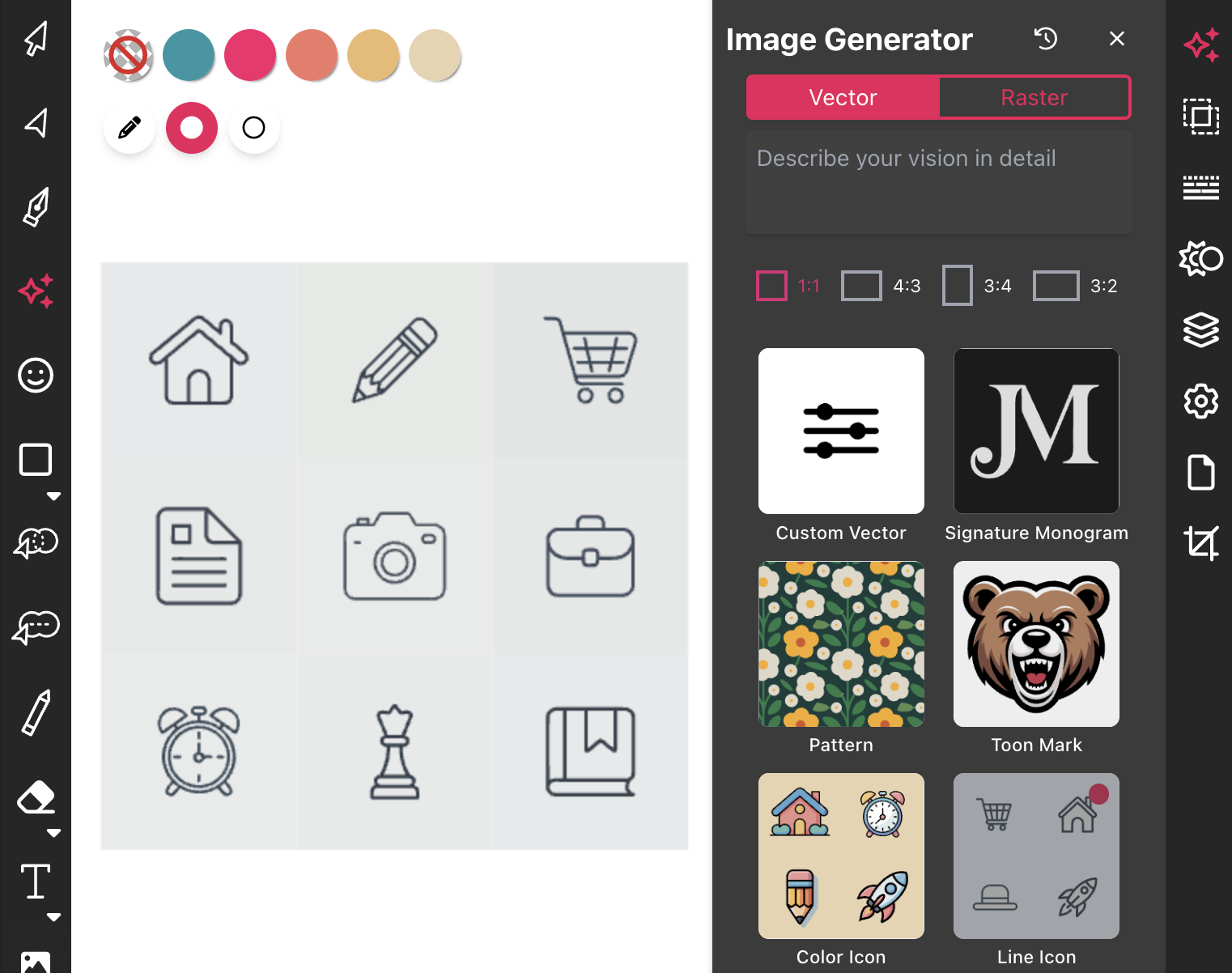
Most icon libraries offer a handful of basic shapes and call it a day. Vect...
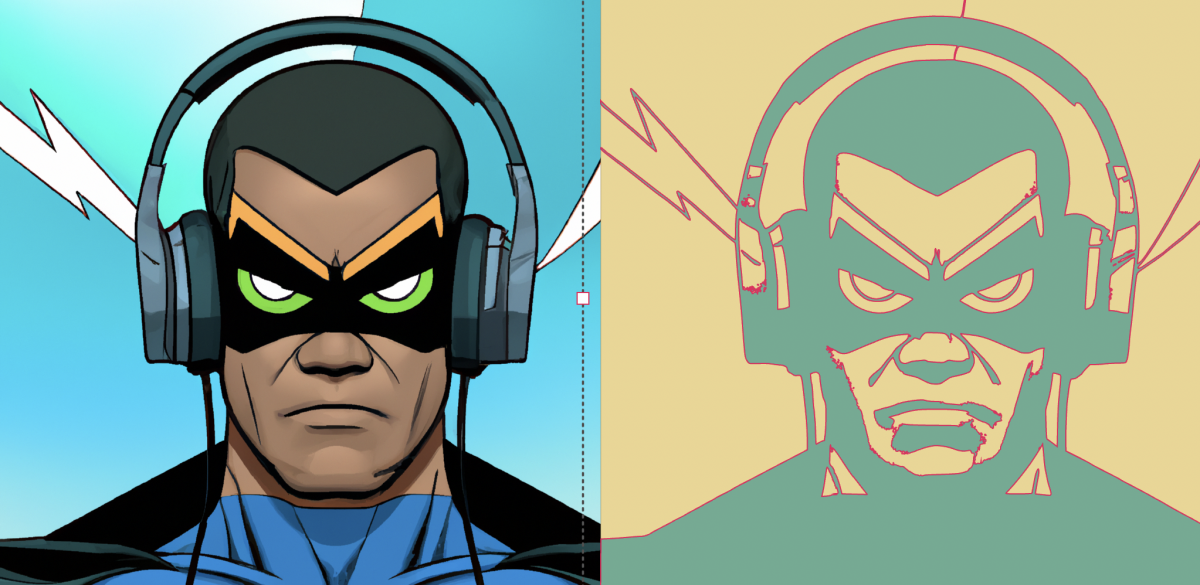
Begin by opening the Vector Ink web app. Click "Open" to launch the file ex...
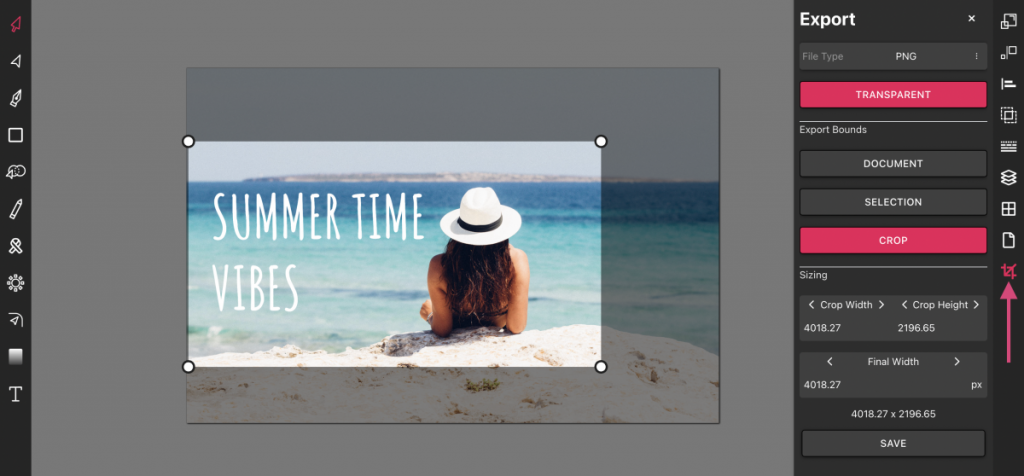
Vector Ink is more than just an online SVG editor; it's a versatile tool th...
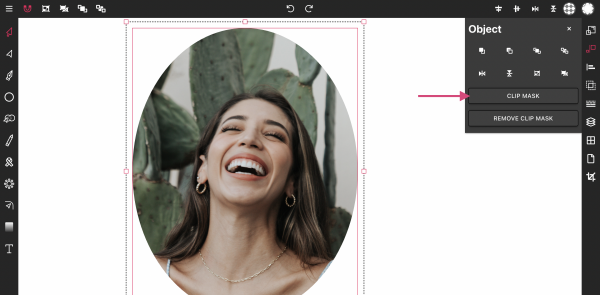
Masking images into any shape is easy and convenient with Vector Ink's onli...