Vector Ink tools

Vector drawing tools
built for how you work.

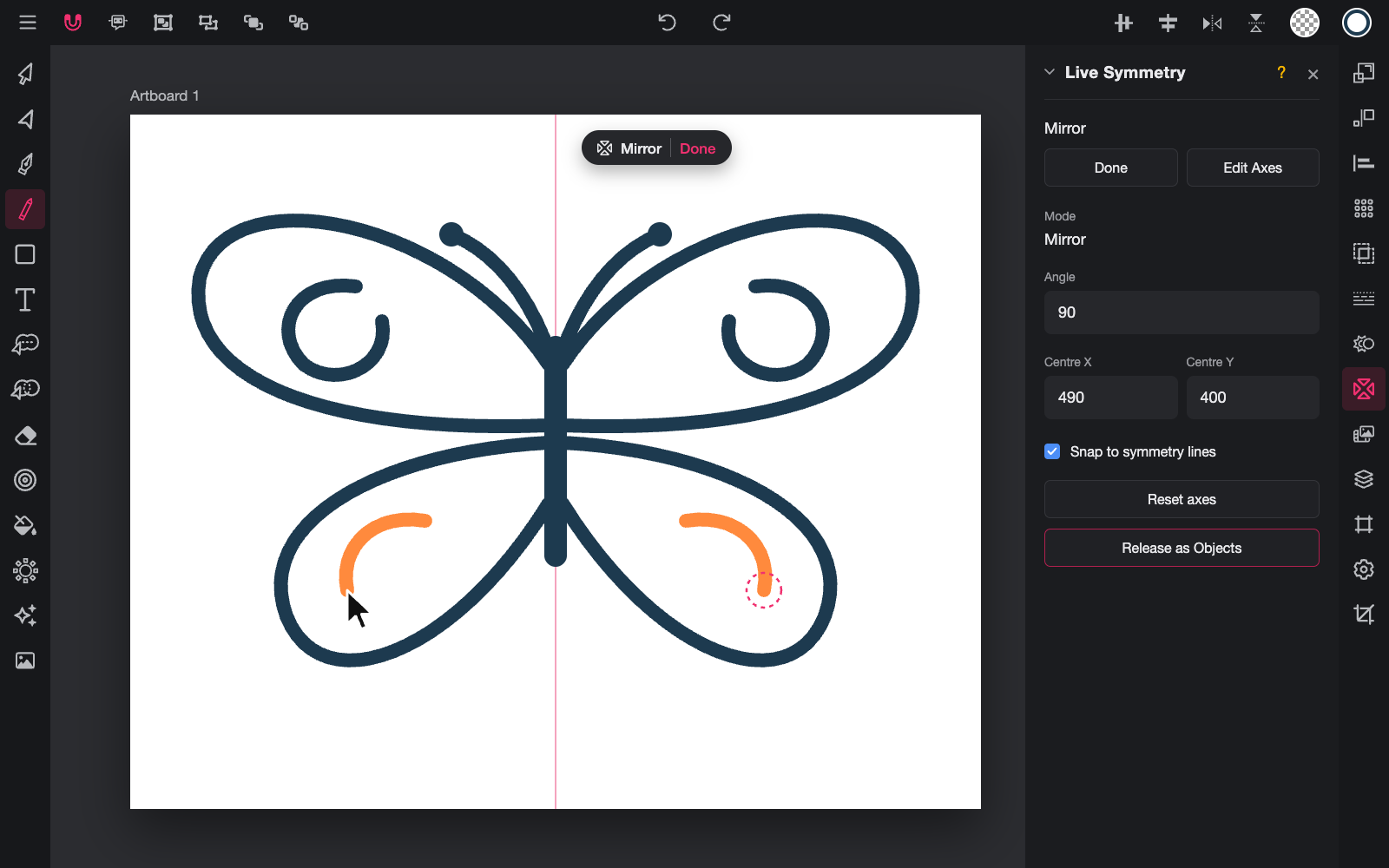
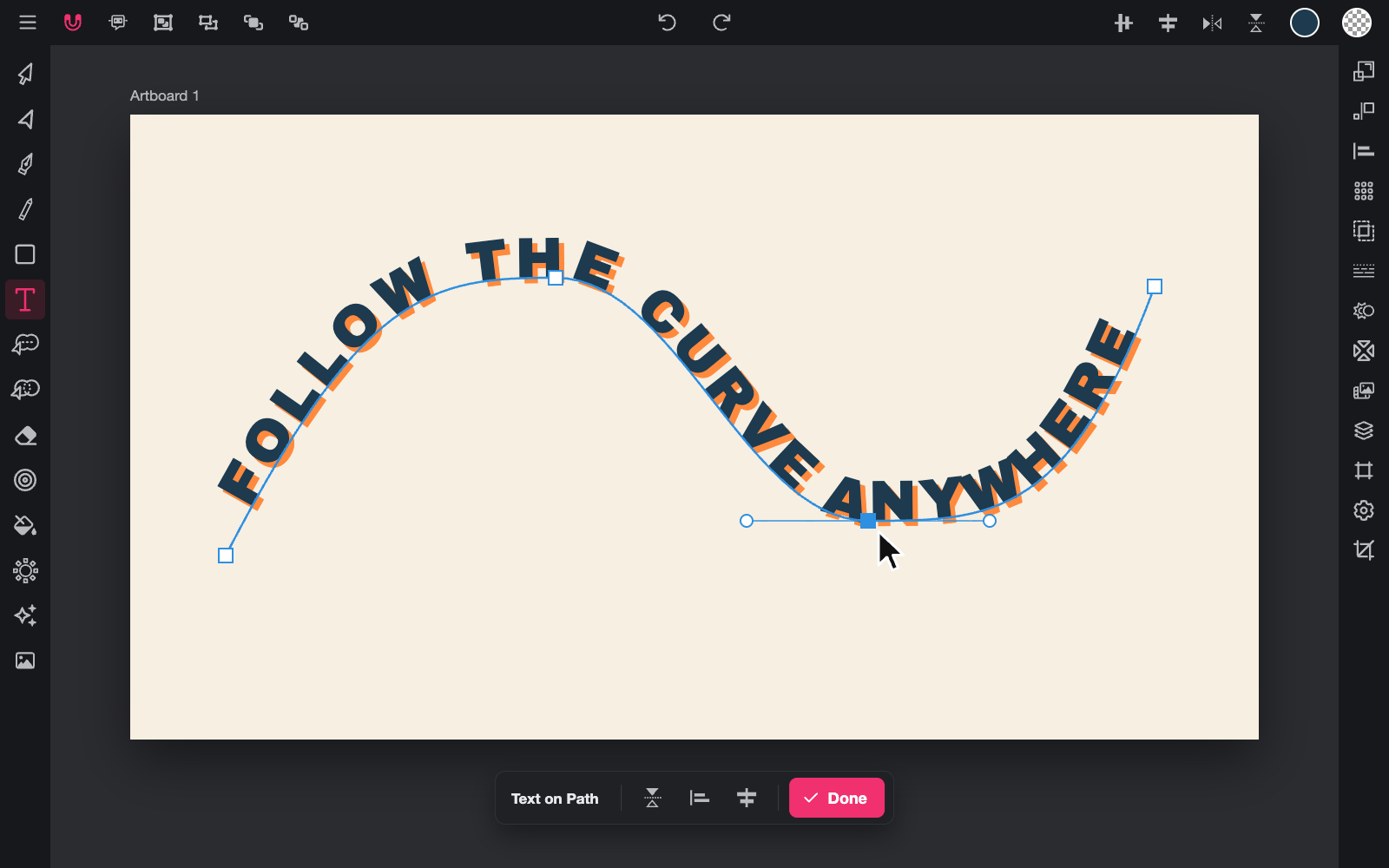
Trace images, bend artwork, build logos from shapes and draw in symmetry. Vector Ink brings the tools designers reach for into one editor on your phone, tablet and computer.

Free to start · Smart Pen free for everyone

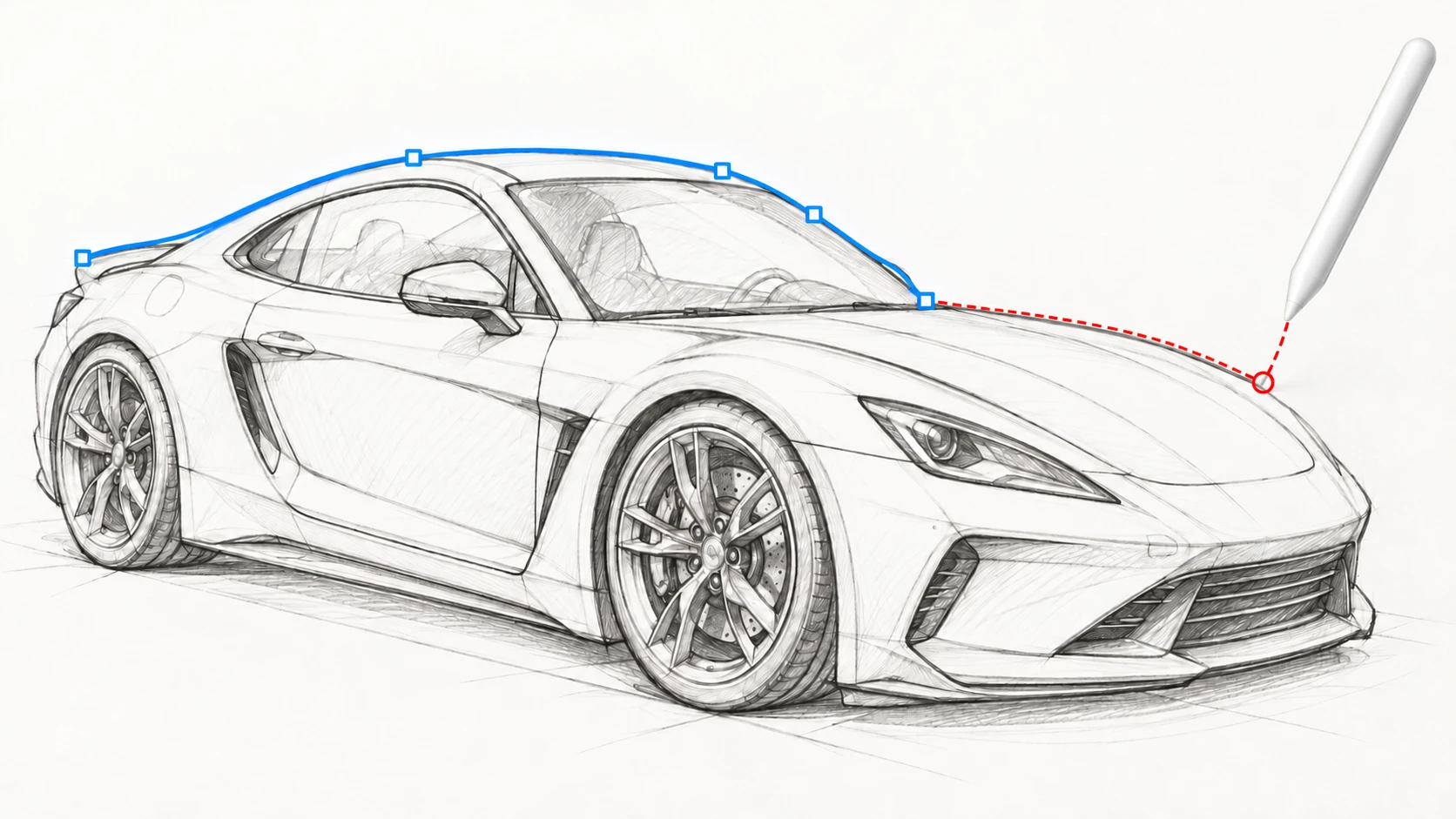
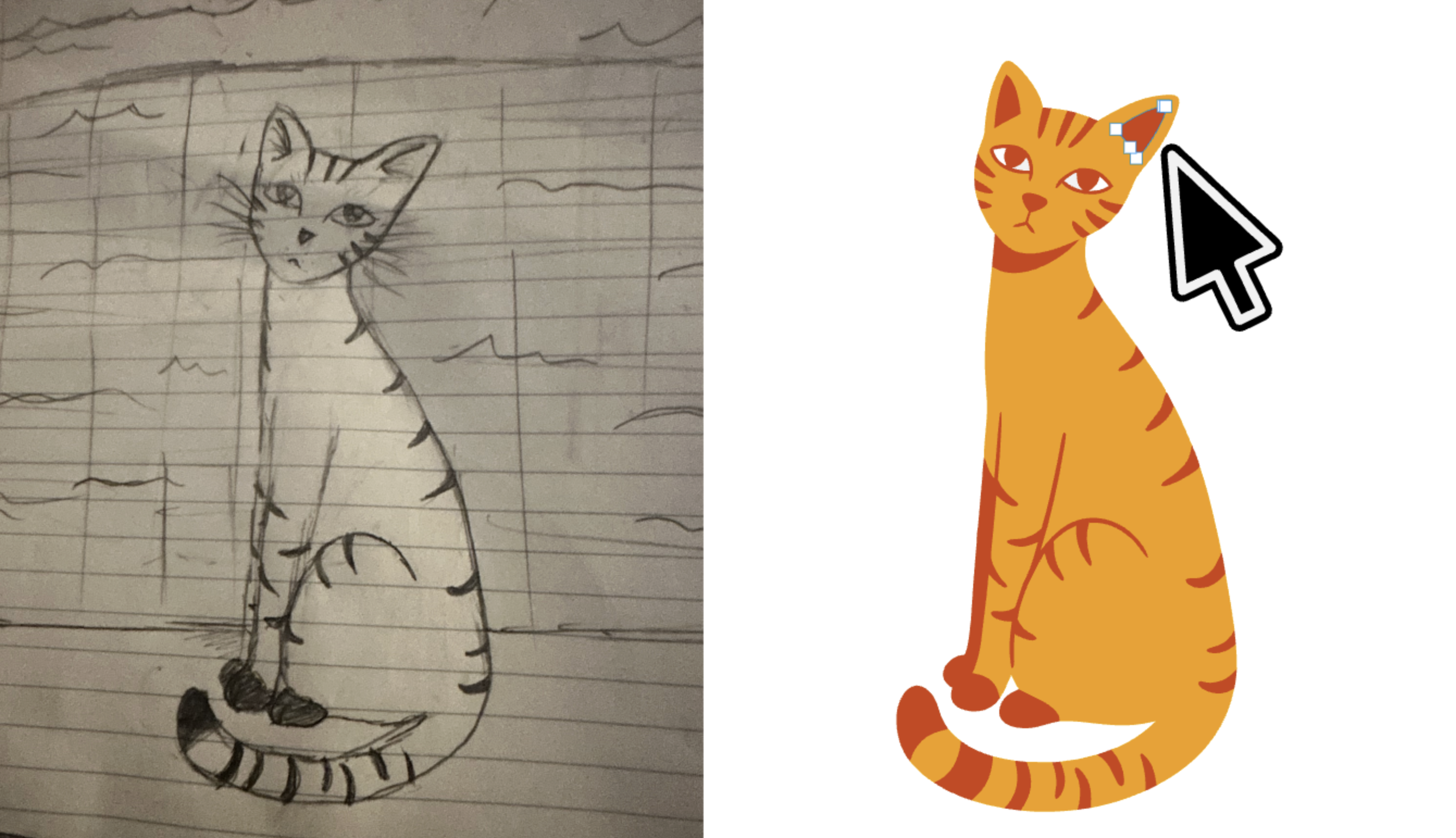
Smart Pen tracing the edge of a subject in a photo with anchor points
Tap around a subject and the path snaps to its edges.

Drawing and editing

Everything you need to draw vectors.

  • Pen

    Draw bezier paths with straight and Perfect locks.

  • Point and Segment tools

    Edit individual anchors and segments.

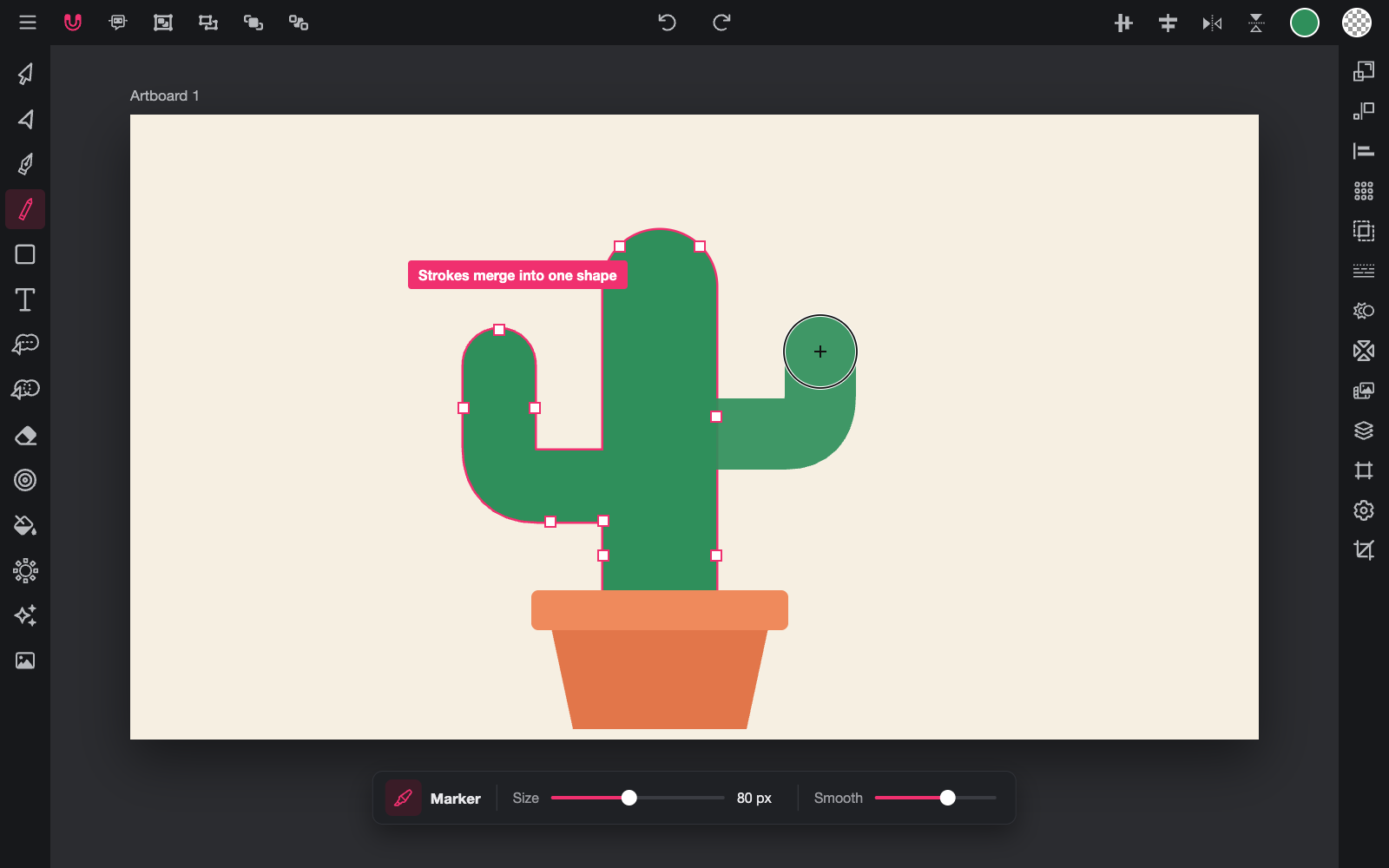
  • Draw

    Freehand strokes become clean, fitted outlines, with pen pressure.

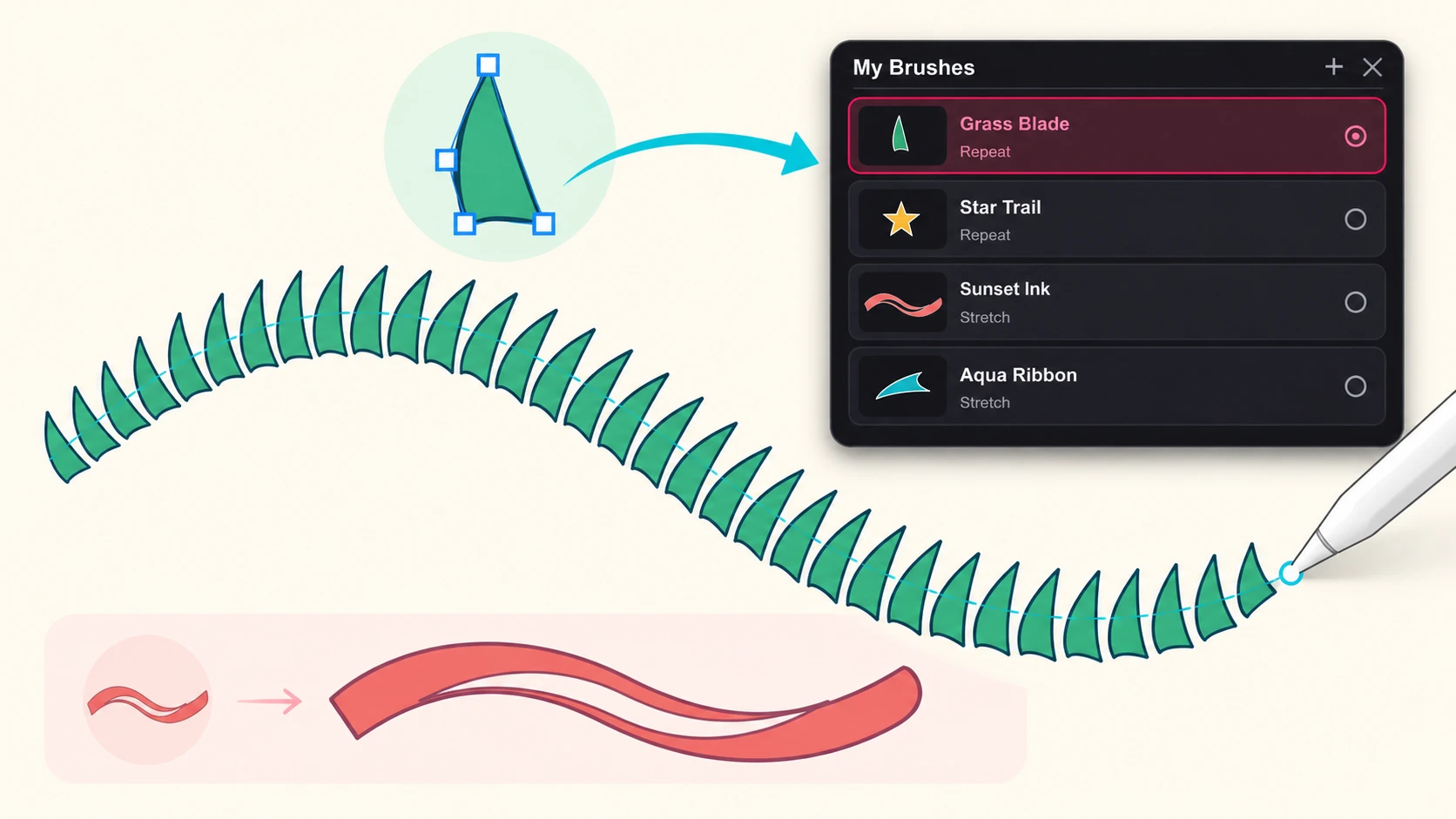
  • Art brushes

    Eight nibs with selectable brush styles.

  • Fill Tool

    Tap an enclosed area to fill it, even when several objects form it.

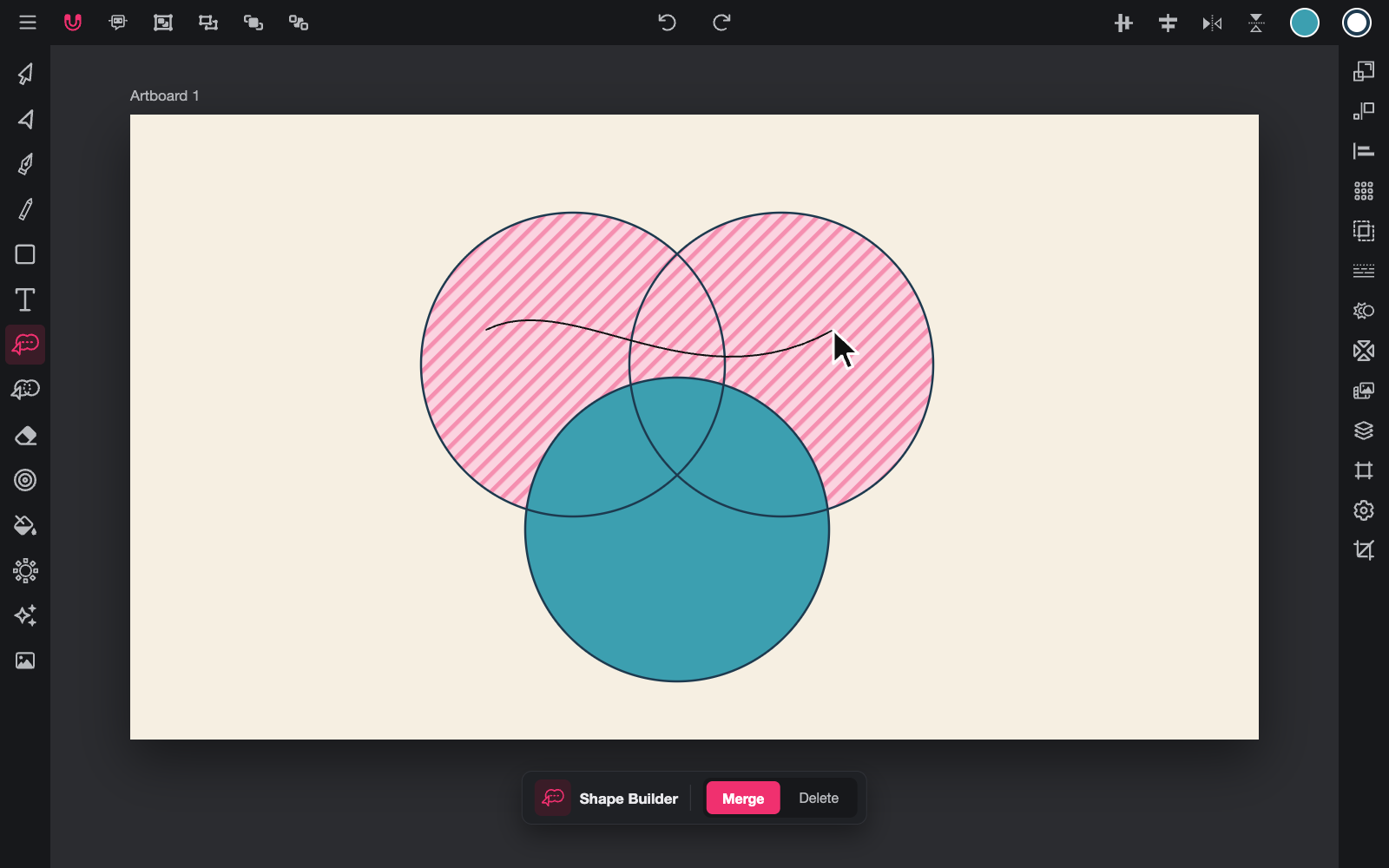
  • Path Builder

    Build new shapes from paths and overlapping regions.

  • Boolean panel

    Unite, subtract, exclude and intersect.

  • Path panel

    Close, join, separate and simplify paths.

  • Corner tool

    Round corners with true tangent fillets.

  • Contour Tool

    Create offset outlines outside, inside or both.

  • Copy Tool

    Repeat objects in rows, grids or along stitches.

  • Gradient

    Linear and radial gradients.

  • Icons

    Thousands of editable vector icons.

  • Erase group

    Erase, Scissor, Remove and Slice.

  • Stylus support

    Palm rejection, pressure width and pen-button mapping.

  • Snapping and rulers

    Grid, rulers and Snap To Curves for precise work.

AI tools

AI that works with your artwork.

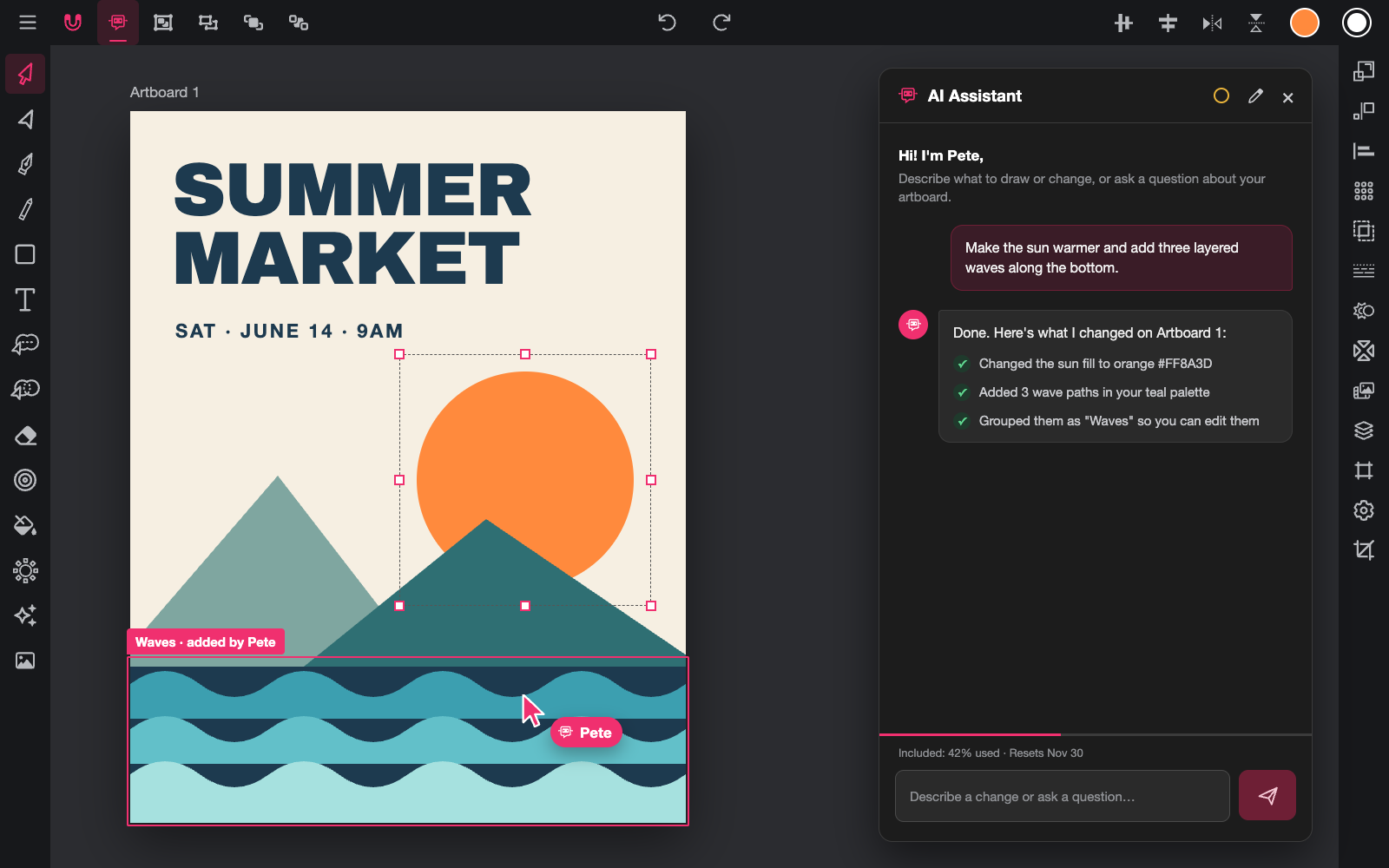
  • Pete

    Describe a change and Pete builds it on the canvas.

  • AI image generation

    Create images and vectors from a prompt, in many styles and models. Uses credits.

  • AI Image Editor

    Highlight an area and describe the change, or separate an image into layers.

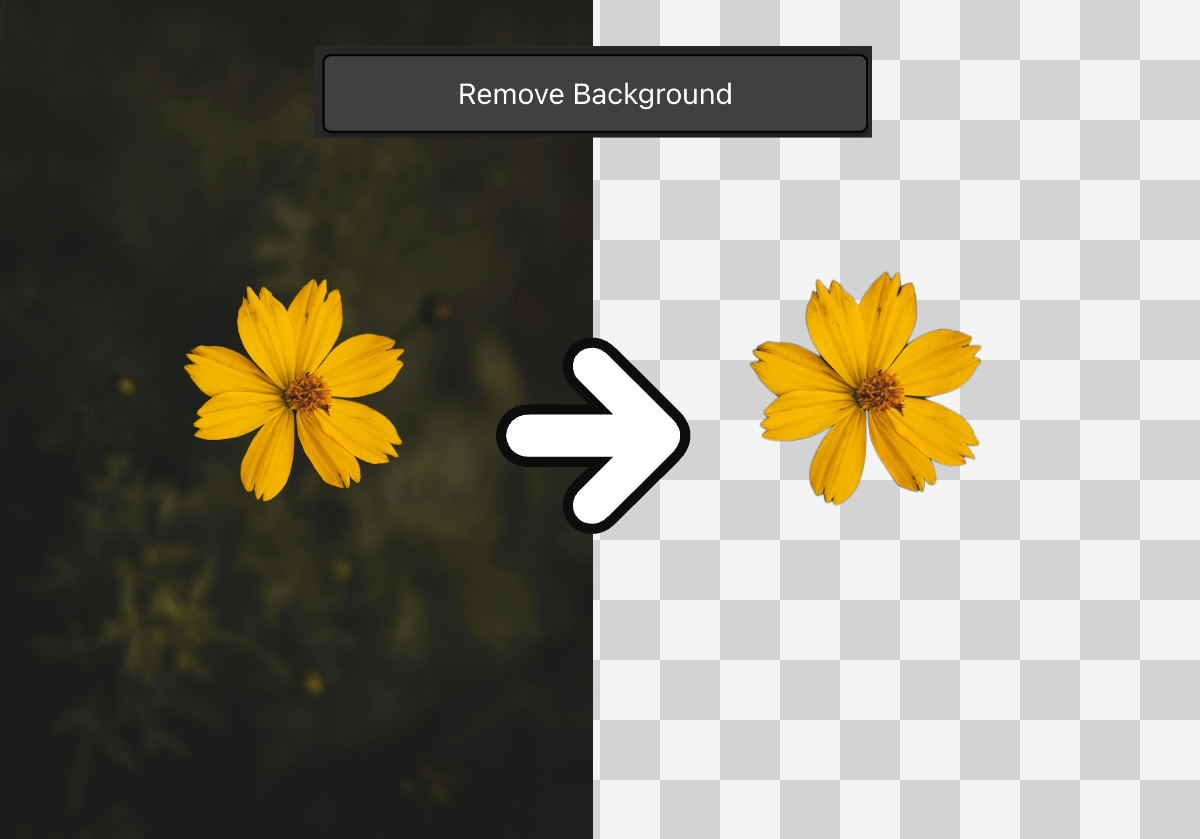
  • Vectorize, upscale and remove background

    Available in the app and as free web tools.

  • Turntable

    Generate rotated views of an object. Web only for now.

  • Studio

    A node-based canvas for building your own AI workflows.

A few things to know

Questions about the tools.

Is Vector Ink free to use?

Yes. The Basic plan is free and includes 5 welcome credits. Smart Pen is free for everyone. Paid plans remove the watermark on exports, unlock unlimited cloud projects and add commercial licensing.

Which devices does Vector Ink run on?

Vector Ink is available on Android, iOS and Mac. Windows users can use the web app.

Can I use Vector Ink with a stylus?

Yes. Stylus support includes palm rejection, pressure width, hover popovers and pen-button mapping.

What is Pete?

Pete is the AI assistant inside the editor. Describe a change and Pete builds it on the canvas. Free accounts can chat with Pete, and canvas edits need a paid plan or credits.

Can I turn a photo into a vector?

Yes. Use Smart Pen to trace a photo by tapping around it, or try the free Image to SVG tool on the website.

Do I need an account to try the web tools?

No. The free web tools can be used without an account, with limited free daily use.

Try it today

Start drawing in Vector Ink.

Open the editor and try Smart Pen on your own image.

Open Vector Ink