Vector Ink Color & Gradient Tools Tutorial | Master Fills, Palettes & the Gradient Editor
Color is one of the most powerful tools in visual design — it defines emo...
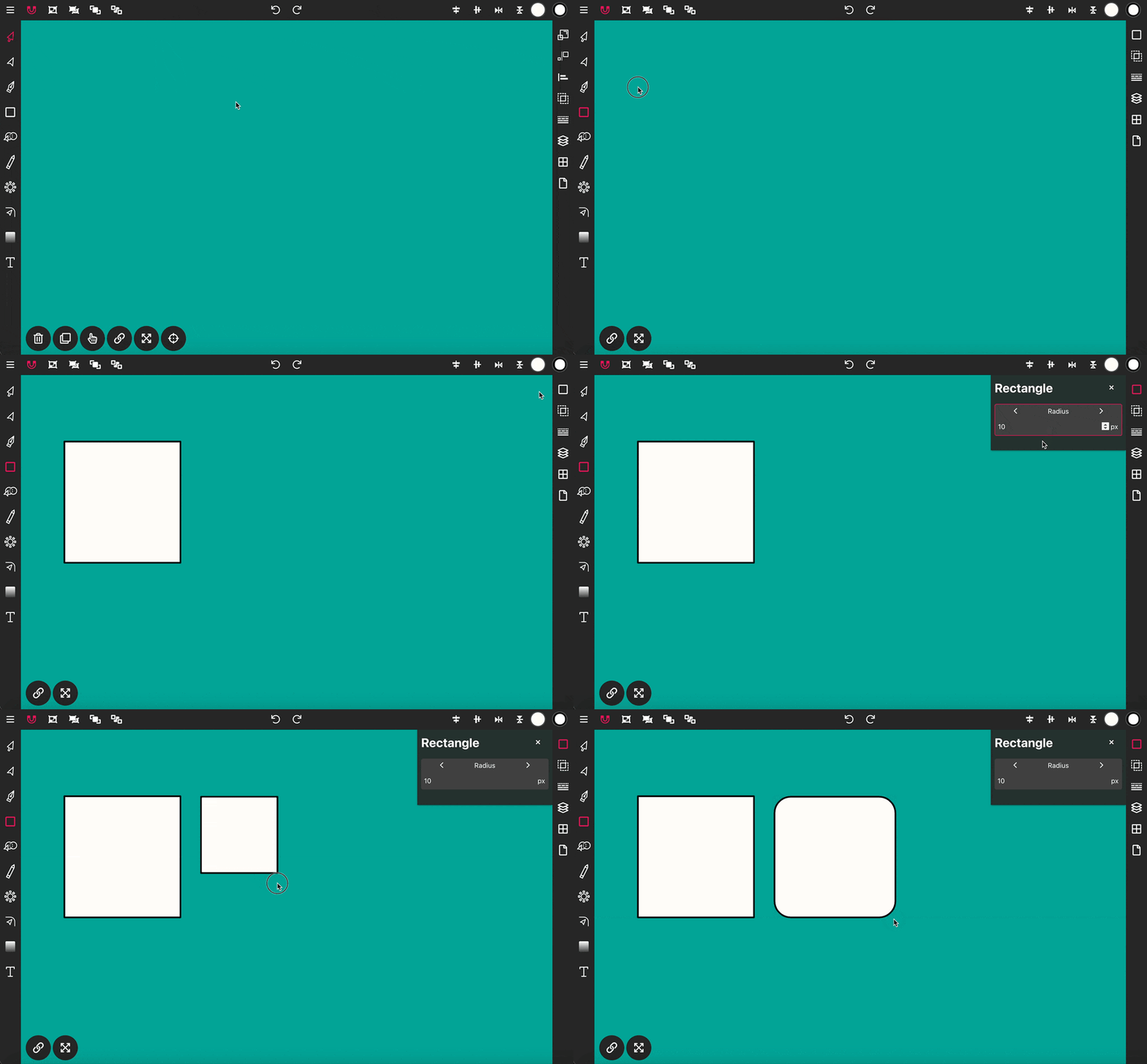
Use the Rectangle Tool to draw a rectangle shape onto the canvas. To get started, click on the Rectangle Tool in the Toolbar, then press down and drag to create a rectangle on the canvas.
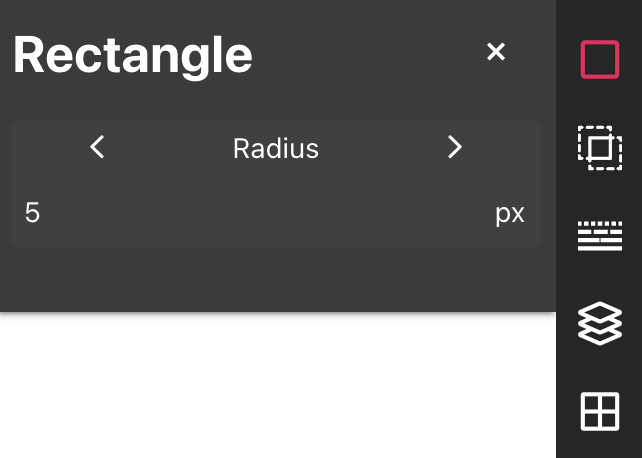
Open the Rectangle properties panel and set Radius to 20px. Now, draw a rectangle onto the canvas and the corners will be automatically rounded to the applied radius upon release.
Color is one of the most powerful tools in visual design — it defines emo...
Repetition is a key element in creating balanced, structured, and efficient...
Organization is key to efficient vector design. In this tutorial, we’ll e...
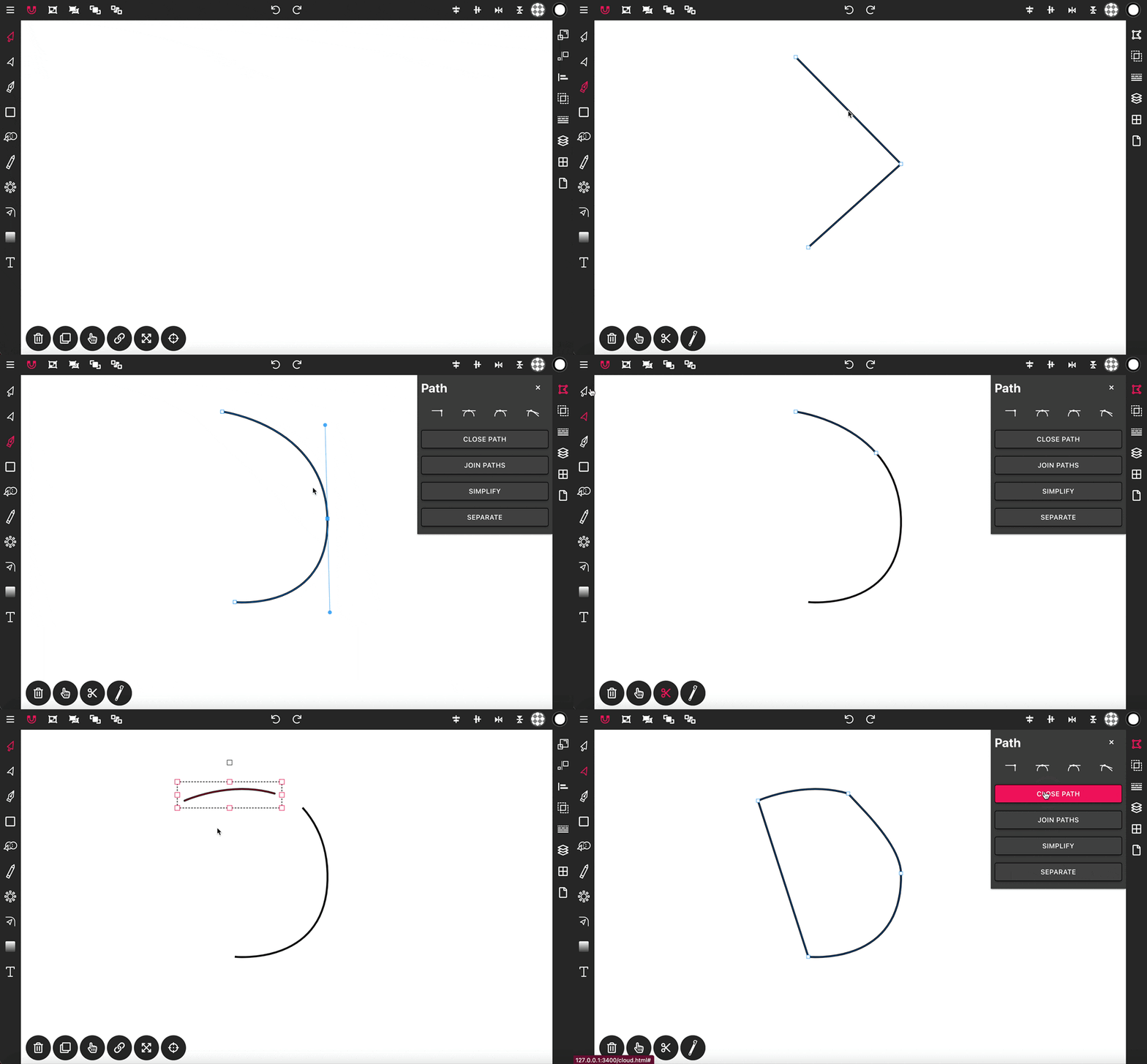
With the Pen Tool, you can draw paths with sharp or smooth anchor points an...