Unlock Your Creativity Anywhere: The Power of Cloud-Based Design Tools
Designing on the go used to mean juggling files, software, and devices. Clo...
In 2025, SVG — short for Scalable Vector Graphics — has become one of the cornerstones of modern web and interface design. From icons and logos to data visualizations and animations, SVGs are now everywhere. But what exactly is an SVG file? Why do designers and developers prefer SVGs over traditional raster images like JPEGs or PNGs? And when shouldn't you use one?
Let's break it down.

SVG stands for Scalable Vector Graphics, a file format used to display two-dimensional graphics, shapes, and text. Unlike raster images that store color information for each pixel, SVGs use mathematical paths (based on points, lines, and curves) to describe an image.That means SVGs can scale infinitely — from a favicon to a billboard — without losing quality or becoming pixelated.An SVG file is essentially an XML document that defines graphical elements. Here's a simple example:
<svg width="200" height="200">
  <circle cx="100" cy="100" r="50" stroke="black" stroke-width="4" fill="none" />
</svg>
This code creates a red circle with a black outline. Because it's defined mathematically, it can be resized to any dimension with perfect clarity.
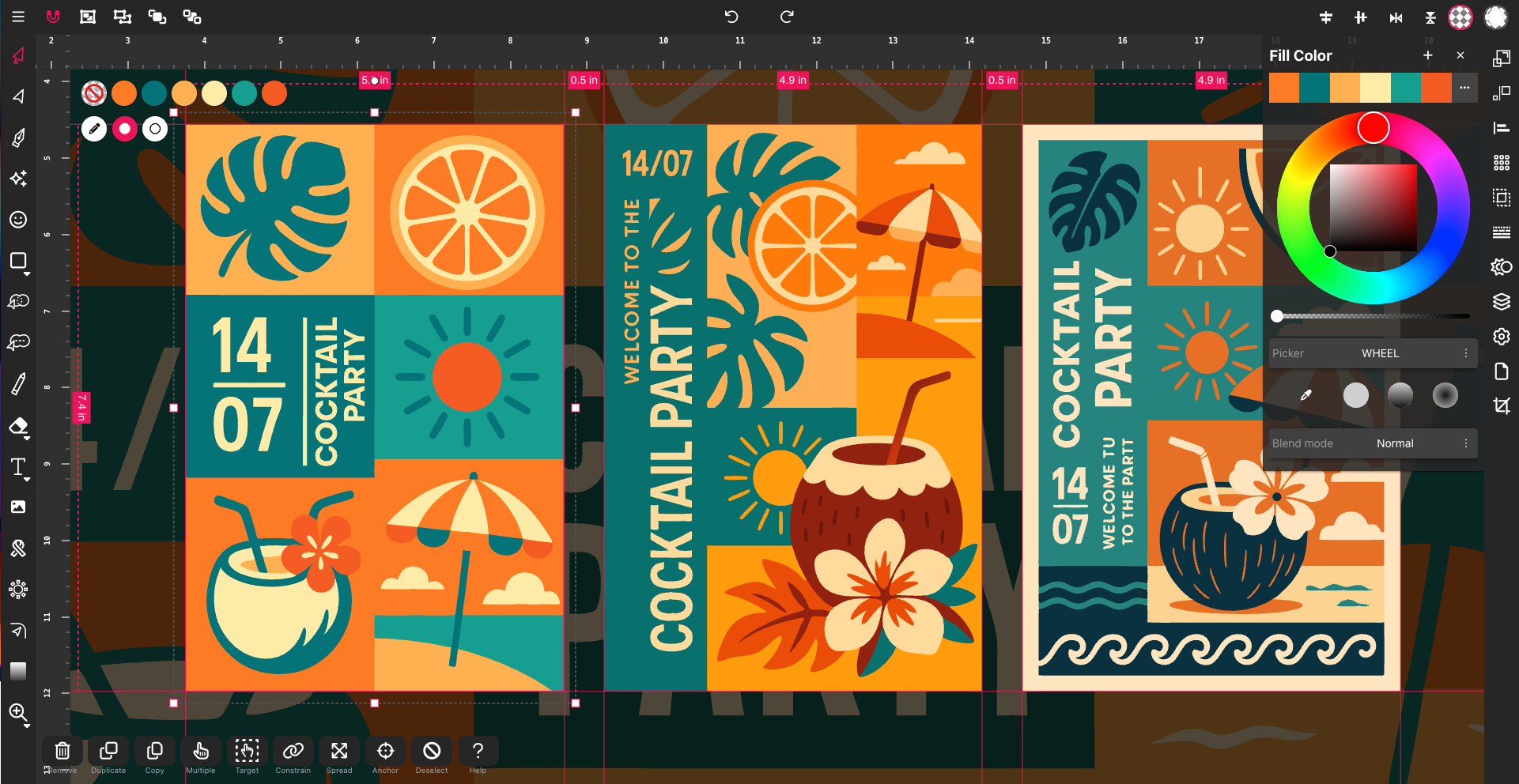
SVG code is written in XML, a markup language similar to HTML. Each shape — like a line, rectangle, or circle — is a tag with attributes (e.g., width, height, fill, stroke). Designers can edit SVG code directly or use design tools like Figma, Adobe Illustrator, or Inkscape that export SVGs automatically.
You can:
Because SVGs are code-based, they're lightweight, easily editable, and searchable — even by search engines.
SVGs have become the standard for digital design across industries. You'll find them in:
Designers and developers increasingly prefer SVGs because they combine visual quality, flexibility, and performance. Here's why:
No matter how much you zoom in, SVGs remain sharp and clear. This makes them perfect for retina and high-DPI displays.
An SVG icon often weighs a fraction of a PNG — especially when optimized — improving page load times and SEO performance.
SVGs are editable in text editors and version-control friendly, which means designers and developers can collaborate easily in Git.
Because SVGs use real text and XML tags, search engines can index them, and screen readers can interpret them for accessibility.
SVGs support native animations and transitions without needing JavaScript frameworks or external libraries — great for modern motion design.
Simply put:
In many modern workflows, designers use both — creating SVG illustrations and overlaying them on raster backdrops or textures for hybrid depth and realism.
As we move into an era of AI-generated content, responsive design, and lightweight UX, SVGs are more relevant than ever. They're machine-readable, SEO-friendly, and resolution-proof — aligning perfectly with today's fast, flexible, and accessible design principles.
As we move into an era of AI-generated content, responsive design, and lightweight UX, SVGs are more relevant than ever. They're machine-readable, SEO-friendly, and resolution-proof — aligning perfectly with today's fast, flexible, and accessible design principles.
In the first part of this guide, we explored what SVG (Scalable Vector Graphics) is and why designers love it. Now, let's dig deeper into the anatomy of SVG code — what it's made of, and how it works
At its core, an SVG file is made up of elements — each representing part of a drawing. These elements are defined in XML syntax and can be styled, grouped, or manipulated like HTML tags.
Here are some of the most important SVG elements:
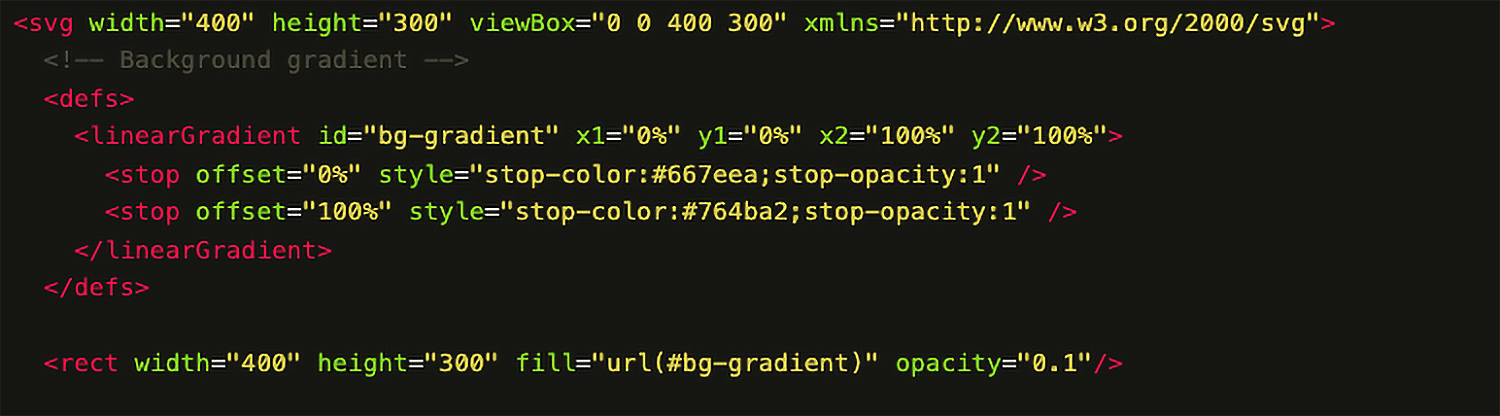
The <path> element is the most powerful — and sometimes the most intimidating — part of SVG. It defines a shape using a series of commands and coordinates that tell the browser how to draw the shape.
Common Path Commands
SVG isn't limited to basic geometry. Modern SVGs can contain:
path:hover { fill: #00b4d8; }
path.addEventListener("click", function() {
   this.style.fill = "#00b4d8";
 });
            <filter id="shadow">

              <feDropShadow dx="2" dy="2" stdDeviation="3" flood-color="#000" />

            </filter>
<defs> and reference them with <use>.
            <defs>

              <symbol id="circle" viewBox="0 0 100 100">

                <circle cx="50" cy="50" r="50" />

              </symbol>

            </defs>
This flexibility turns SVG into a mini design and animation engine, entirely within a single XML file.
When creating SVG shapes, understanding curves and corners is essential:
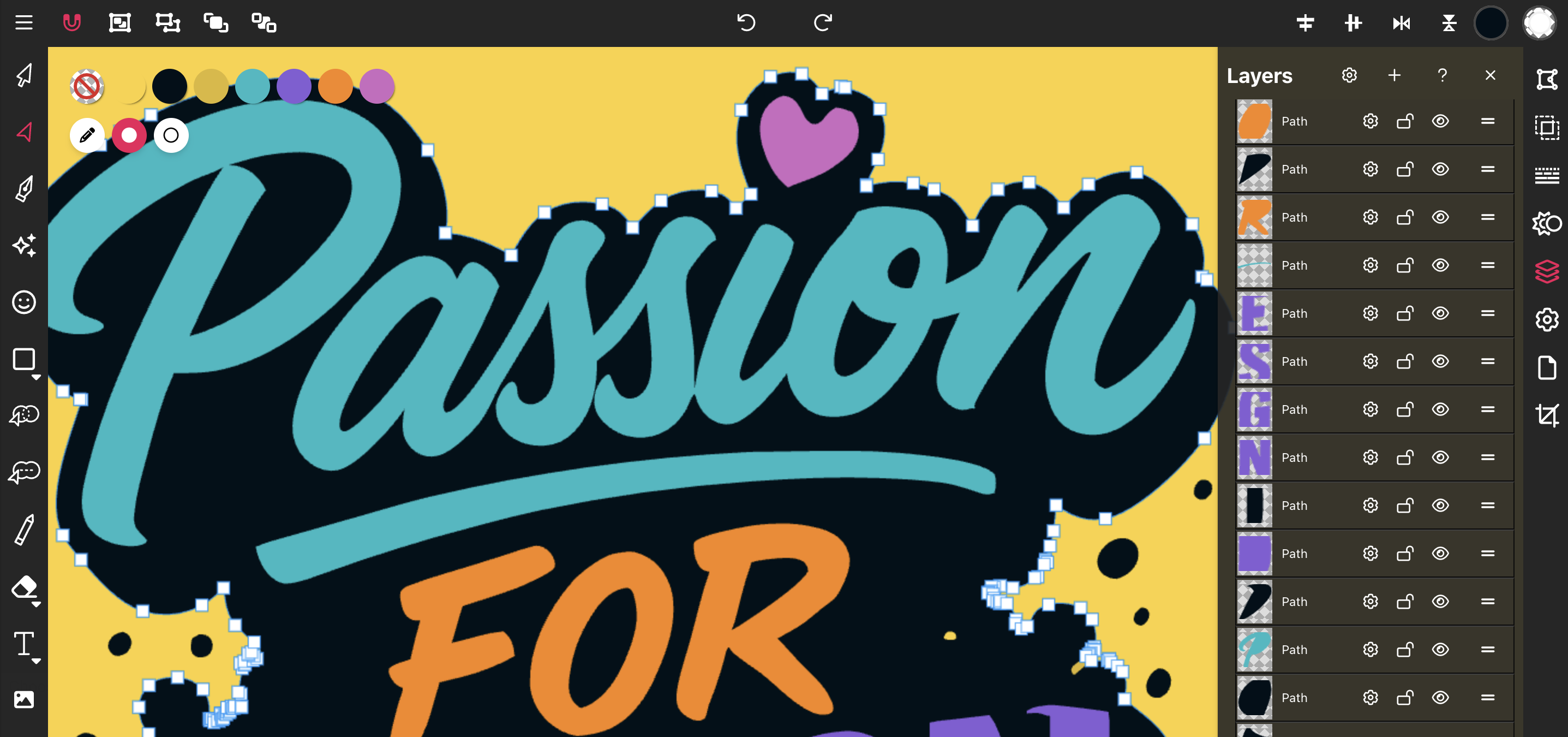
The smoothness of a curve depends on how control points are placed. Designers often tweak these points to refine the “flow” of vector shapes — similar to how pen tools work in Vector Ink or Illustrator.
Node Types in SVG: Smooth, Symmetric, Mirrored, and Disconnected
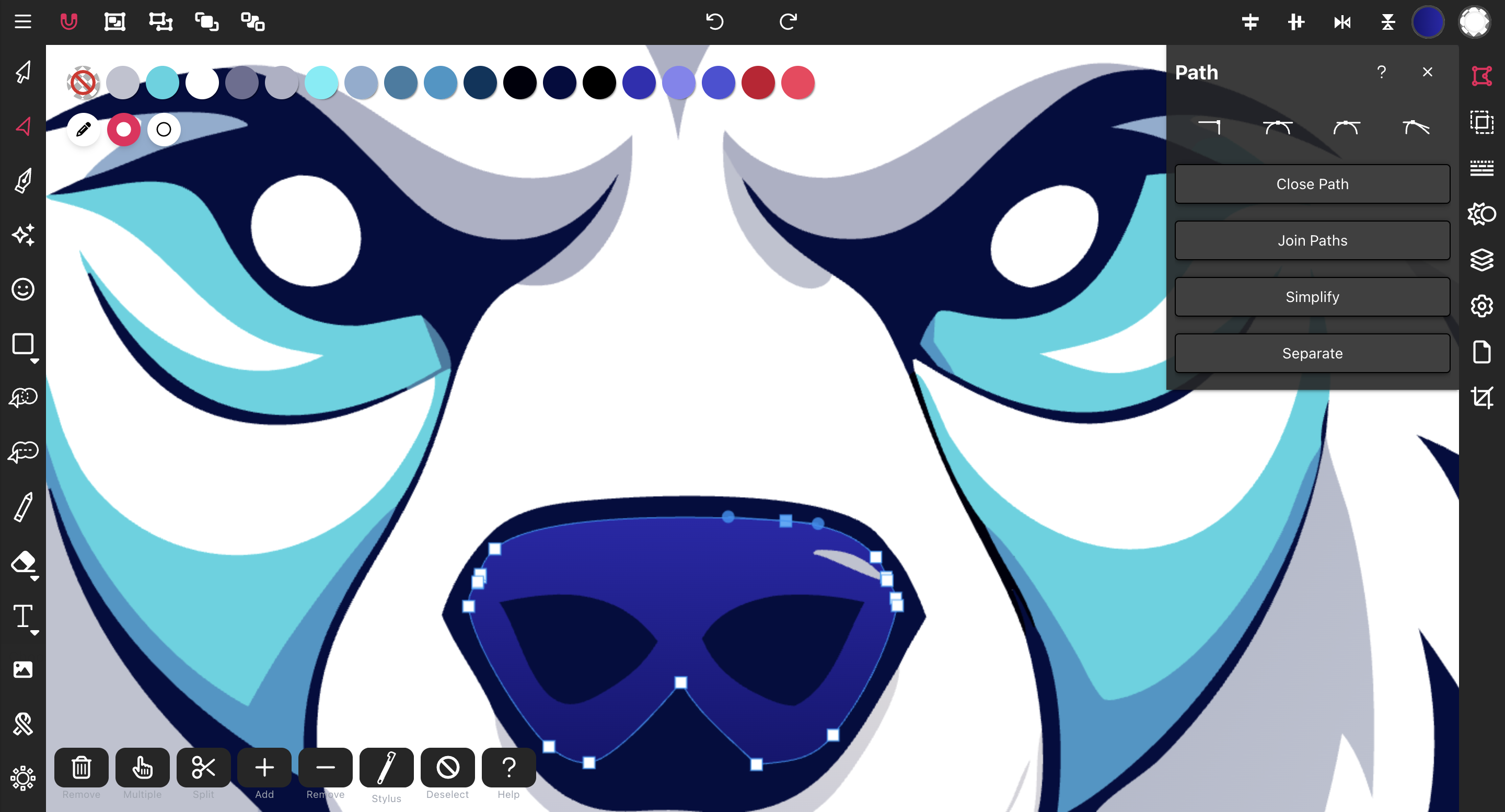
Understanding node behavior helps you craft precise and organic vector designs that feel both sharp and natural.
In SVG, layers are not technically part of the specification — they're an abstraction used by design tools. In contrast, the <g> element (group) is a true SVG feature.
Groups (<g>) combine multiple shapes or paths so you can transform, style, or animate them as one unit.
Layers are a design-time concept, helping artists organize complex drawings. When exported to SVG, layers usually become <g> groups with descriptive IDs or classes.
Think of groups as your “HTML divs” inside the SVG — structural wrappers for better organization and control.
In 2025, SVG isn't just a file format — it's a philosophy of flexible, intelligent design. It represents the shift from static pixels to scalable, dynamic, and code-driven visuals. Whether you're a developer optimizing performance, a designer creating icons, or a marketer enhancing brand clarity, SVG is the smart choice.
So the next time you open a design tool, ask yourself: Do I want my design to scale, or just sit still? Chances are, SVG is the answer.
Designing on the go used to mean juggling files, software, and devices. Clo...
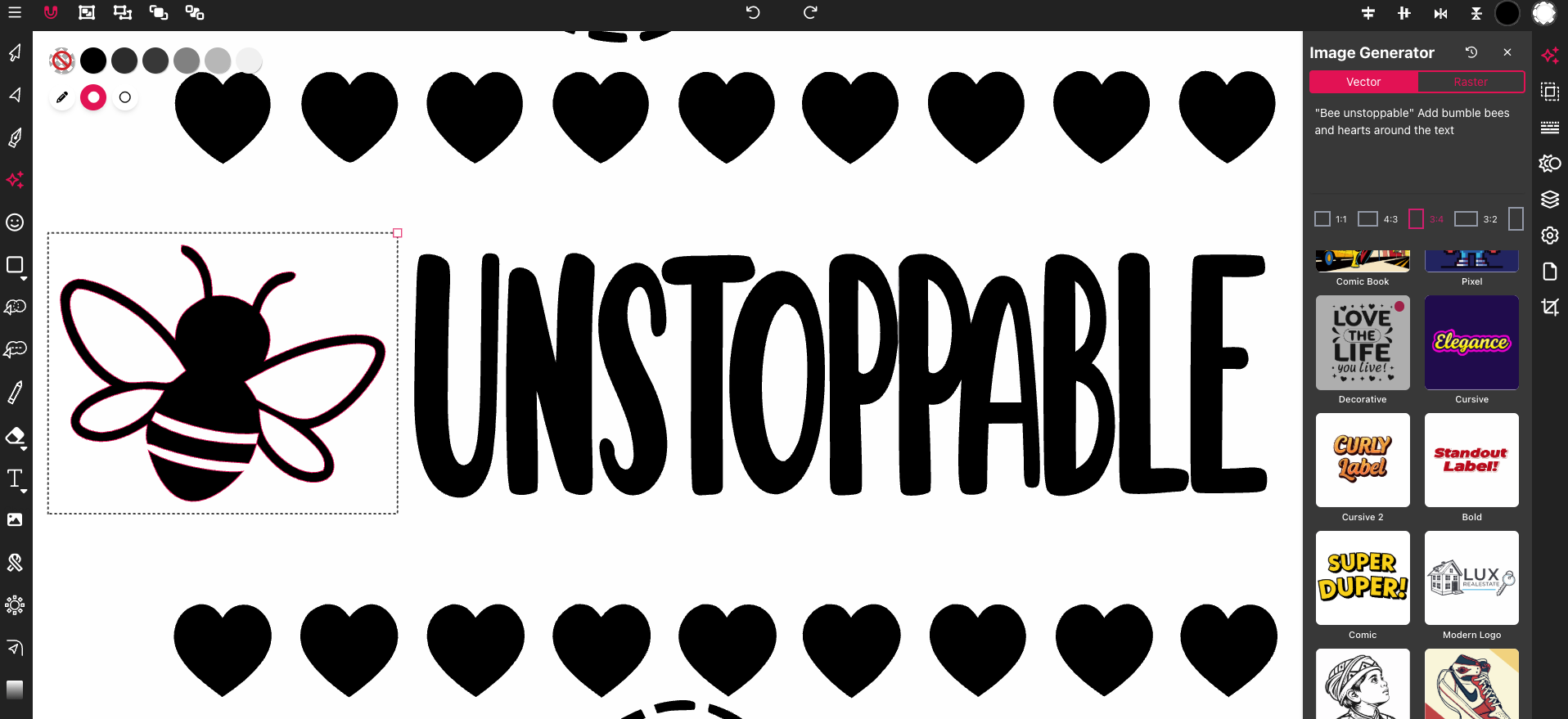
Most SVG editors feel clunky or too complex when you just want to get your ...

Most image converters leave you with fuzzy, pixelated results that don’t ...