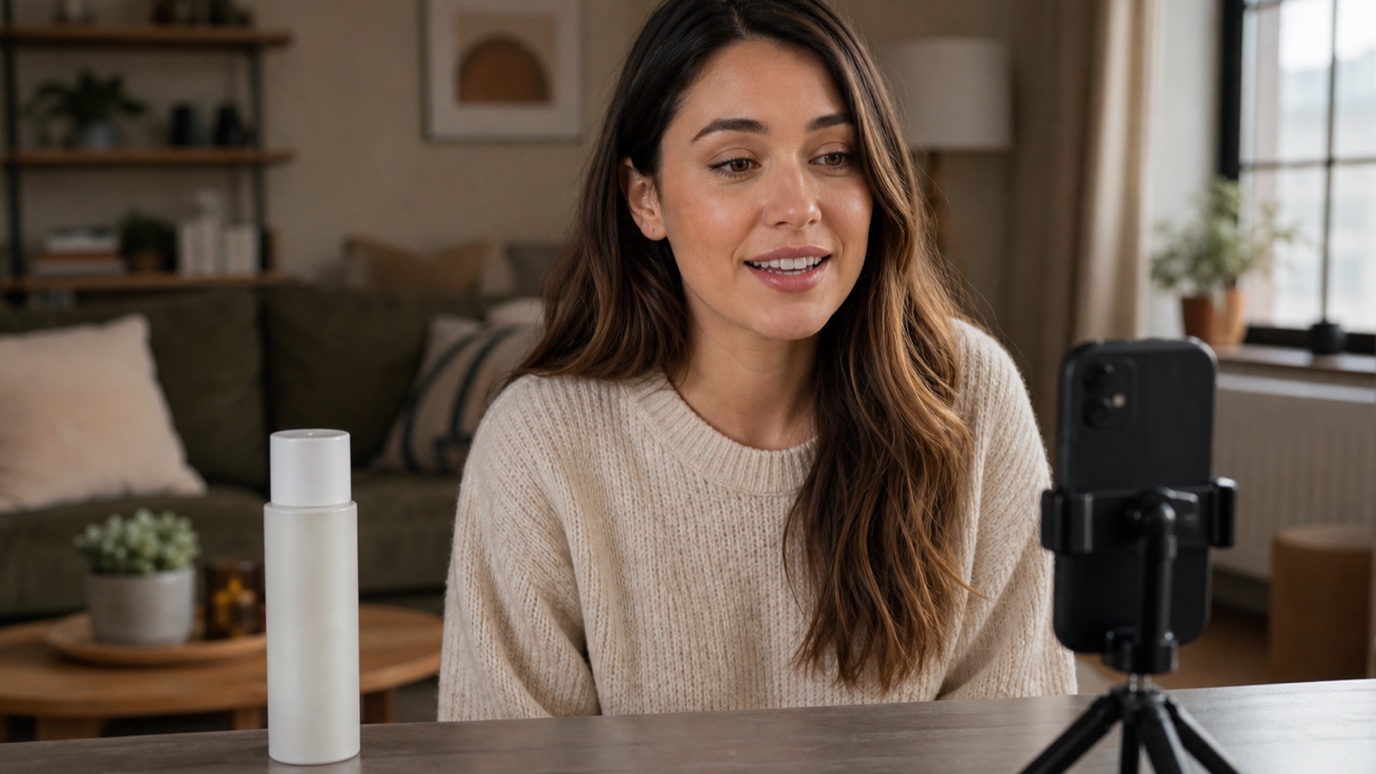
What Are UGC Ads? How to Create UGC Video Ads With AI
UGC ads look less like commercials and more like something a real person wo...
Most image converters leave you with fuzzy, pixelated results that don’t scale well. That’s because bitmap images like PNG and JPG lose quality when resized, making your designs look blurry or jagged. Vector Ink changes that by turning your images into crisp, scalable SVG files instantly—no software installs, no hassle. Keep reading to see why Vector Ink’s free SVG converter is the smart choice for clean, sharp vector graphics every time. Check it out here.
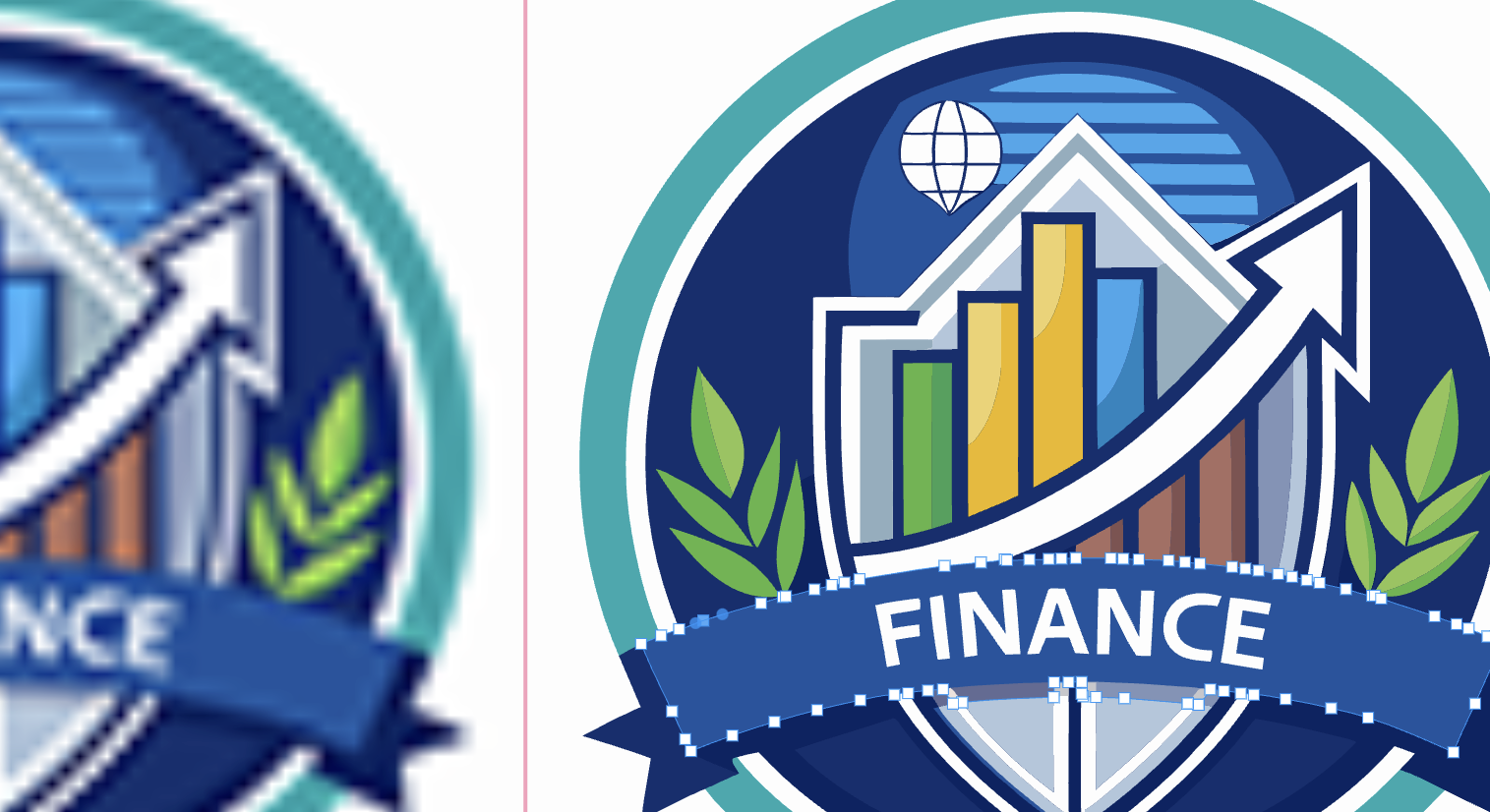
Jumping into the world of vector art opens up a whole new realm of possibilities for creatives. With clearer, scalable designs that maintain quality, it's a game-changer for anyone looking to elevate their graphics.
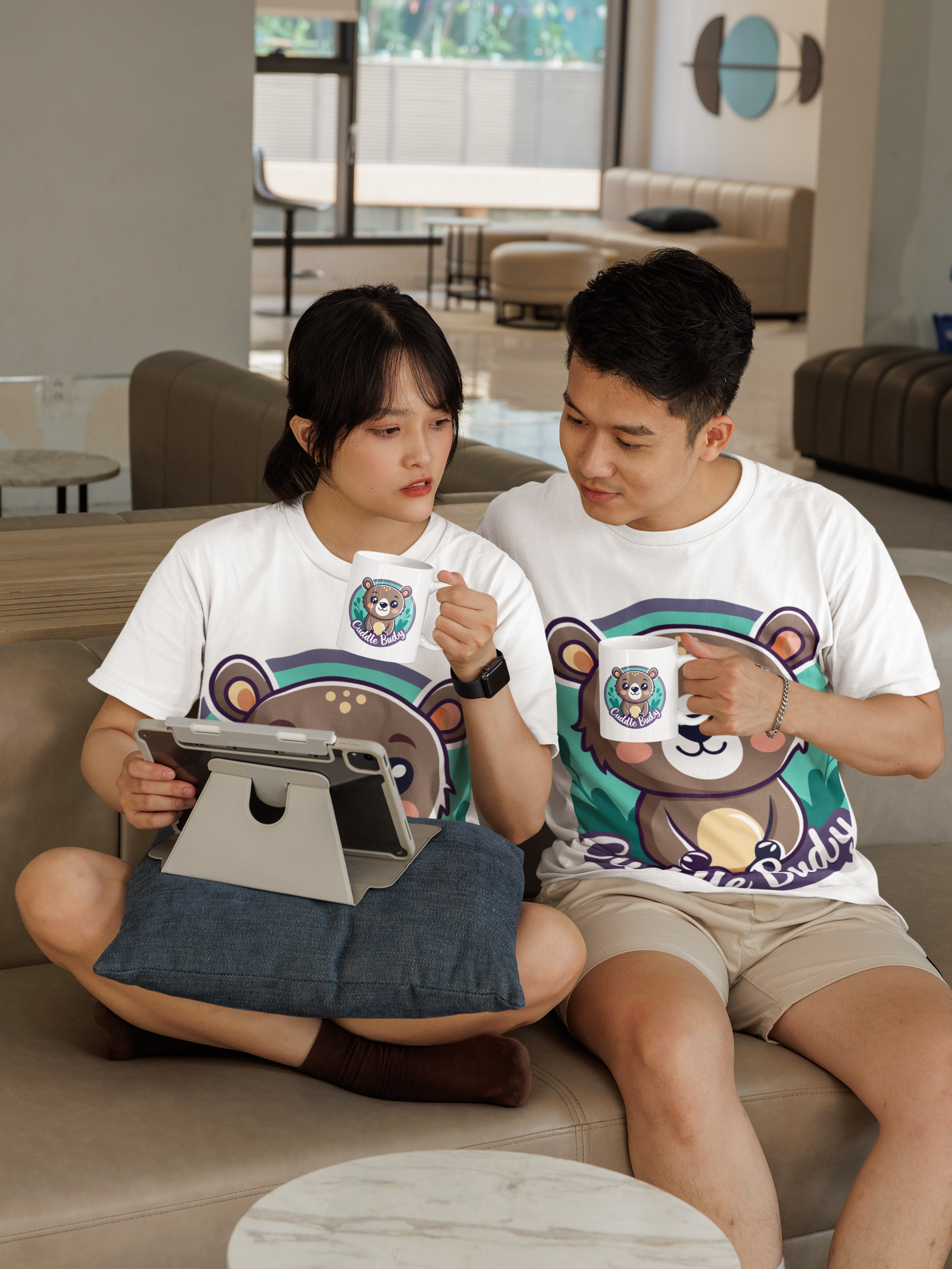
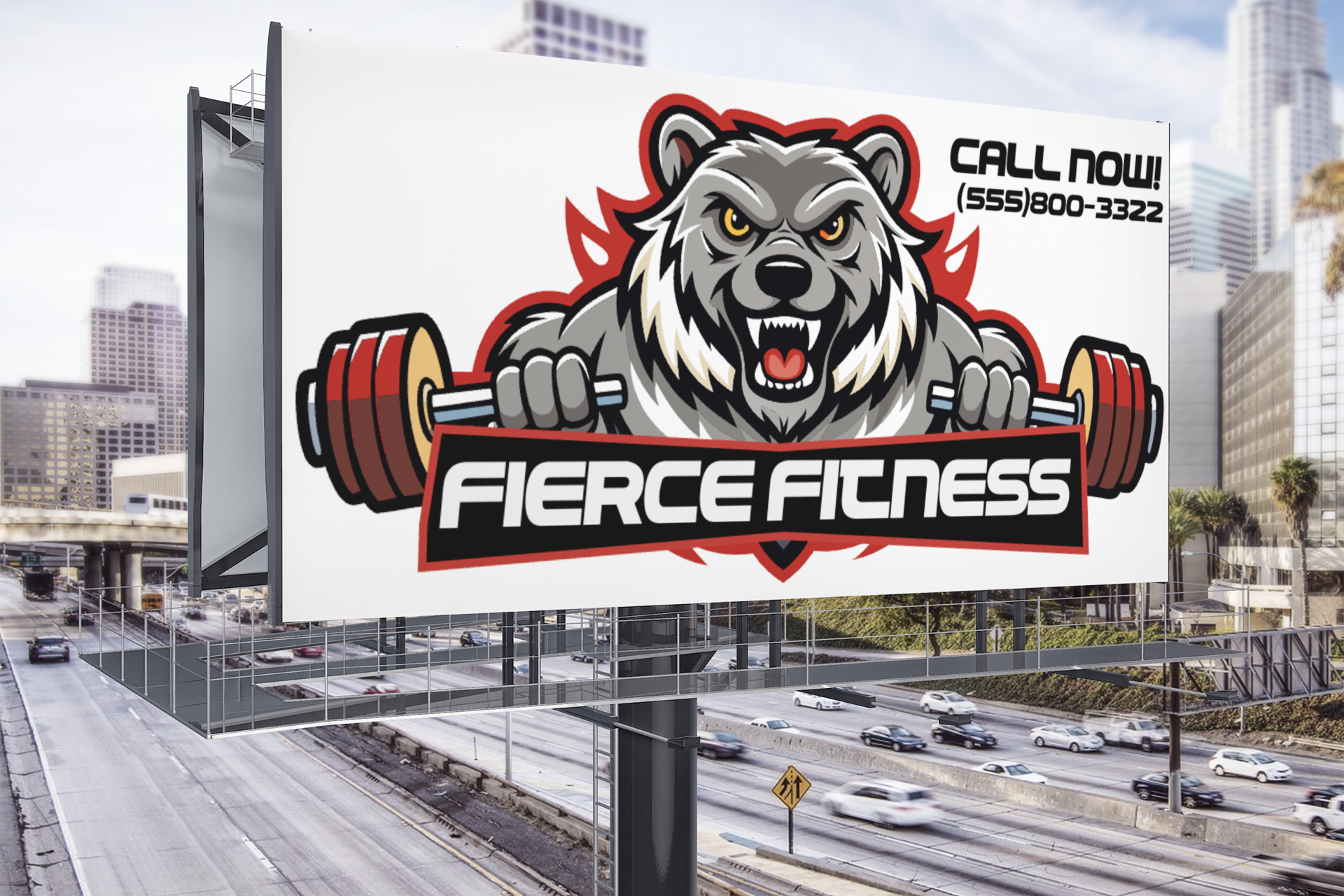
Vector graphics offer a significant edge over traditional image formats. Unlike bitmap images that become blurry when resized, vectors remain sharp at any size. This is because they use mathematical equations to define shapes. Imagine having a logo that looks perfect on a business card and a billboard. That's the magic of vectors. The precision and scalability ensure your designs always look professional.
To truly appreciate vector graphics, it's crucial to understand the difference between bitmap and vector images. Bitmaps, like PNG and JPG, are made up of pixels. Each pixel has a specific color value, so when you enlarge a bitmap, the pixels stretch, causing blur and distortion. On the other hand, vectors use paths defined by a start and end point, along with other points, curves, and angles.
Most people might think bitmaps are sufficient. However, for designs that require versatility and clarity, vectors are the superior choice. They offer unmatched adaptability and precision, making them ideal for professional projects.
Vector Ink sets itself apart with tools that make converting images to vectors easy and efficient. Designed for users of all skill levels, it provides a robust solution that meets both beginner and professional needs.
Vector Ink's free SVG converter is packed with features that simplify the conversion process. You can convert images without any software installation, directly from your web browser. This cloud-based solution ensures you're not tied down to one device or location.
Converting images to SVG has never been easier with Vector Ink. The process is designed to be straightforward, reducing the typical friction users face with traditional software. You simply upload your image, and the converter handles the rest.
Converting your images into vectors with Vector Ink is a breeze. Let's break down the process into simple steps, ensuring you get the most out of your graphics.
These simple steps ensure you can convert images with minimal hassle. By using Vector Ink, you're choosing a tool that aligns with your creative workflow, offering flexibility and precision in every project.
Vector Ink provides a seamless solution for converting images to SVG, offering clear advantages over traditional bitmap formats. Whether you're a seasoned professional or a creative hobbyist, this tool empowers you to produce stunning designs effortlessly. Embrace the future of graphic design with Vector Ink's unparalleled capabilities.
UGC ads look less like commercials and more like something a real person wo...
Concept art is the visual thinking that happens before a final design, shot...
A storyboard used to mean an afternoon with a sketchpad, a shot list, and e...
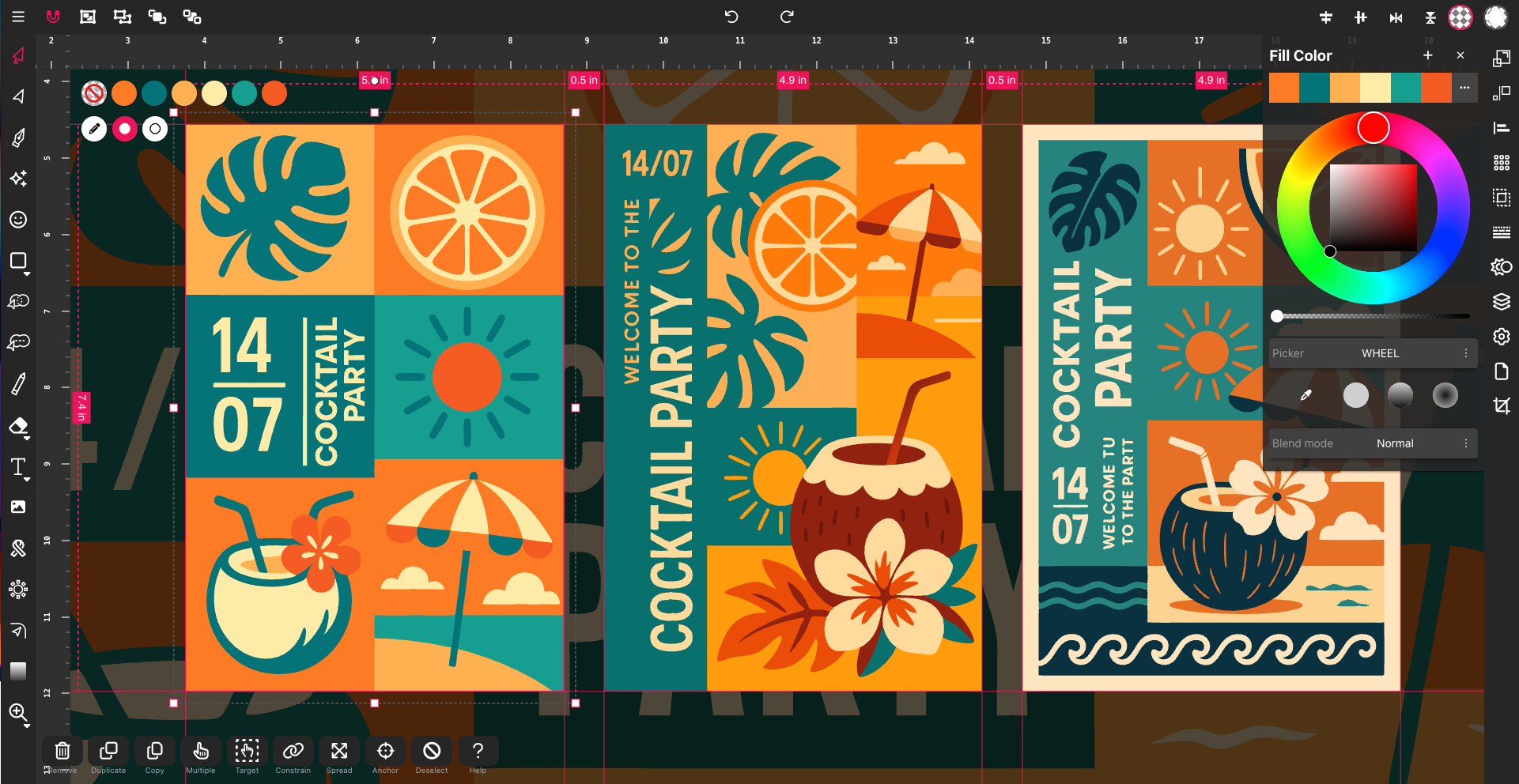
In 2025, SVG — short for Scalable Vector Graphics — has become one of t...
Designing on the go used to mean juggling files, software, and devices. Clo...
Most SVG editors feel clunky or too complex when you just want to get your ...