
What Are UGC Ads? How to Create UGC Video Ads With AI
UGC ads look less like commercials and more like something a real person wo...
Most SVG editors feel clunky or too complex when you just want to get your Cricut cutting or laser cutting project right. Vector Ink changes that by making precise vector design simple and accessible—no steep learning curve, no desktop installs. Whether you’re printing, working with leather, or crafting intricate cuts, Vector Ink puts the power of clean, scalable SVG files right at your fingertips. Keep reading to see why it’s quickly becoming the go-to SVG editor for craft enthusiasts like you.
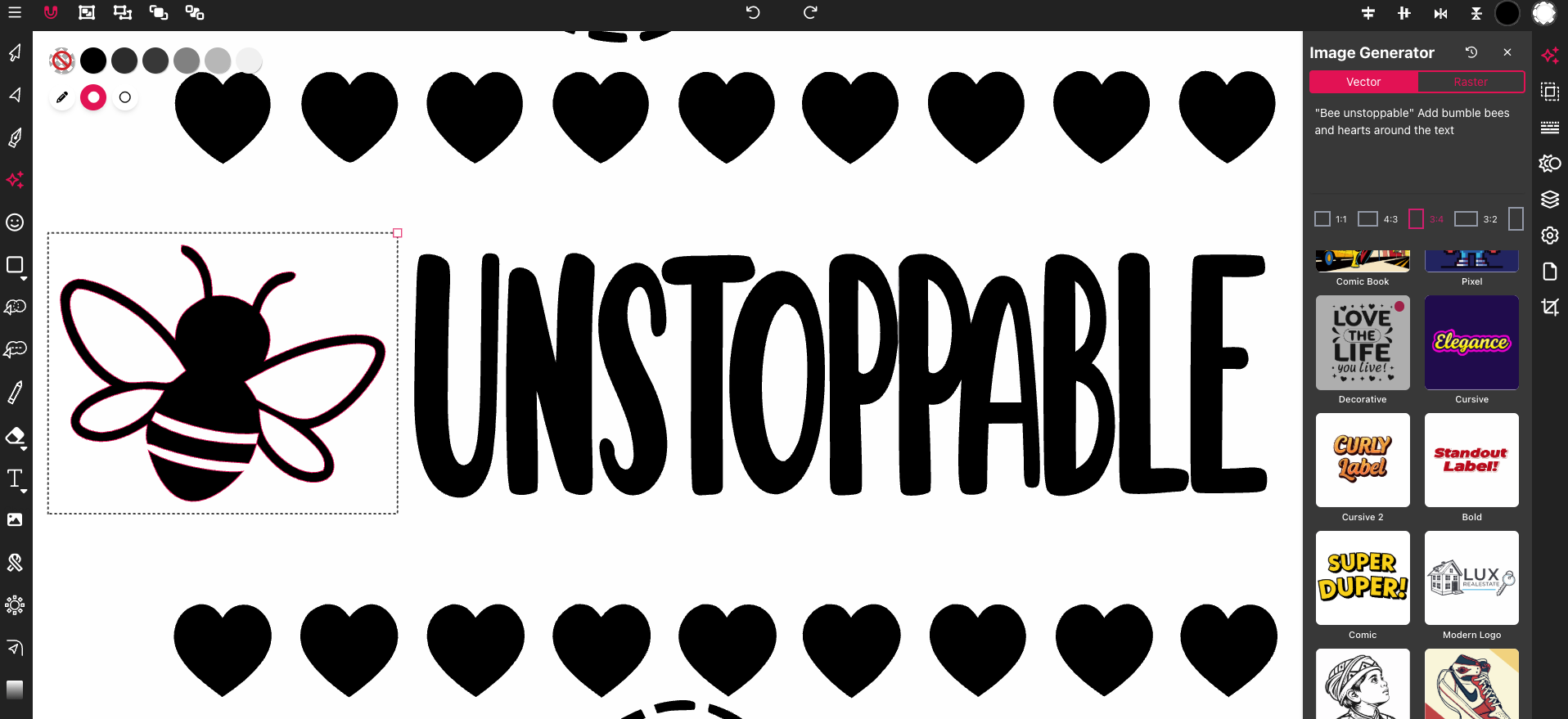
Jumping into crafting projects can be daunting, but with the right tools, the process becomes a breeze. Enter Vector Ink—a versatile SVG editor designed to simplify your creative journey.
Imagine starting a project without the usual hassle of complex software. With Vector Ink, you get just that. It’s a cloud-based platform, so you can start your designs without any installs. Whether you’re designing a new logo or crafting a unique card, Vector Ink offers tools that are both intuitive and powerful. You have access to a plethora of options like text prompts that help you generate vector graphics effortlessly.
Most people think creating SVG files requires a sophisticated setup, but Vector Ink proves otherwise. By providing a seamless interface and smart tools, it empowers both beginners and professionals to produce high-quality designs.
When you’re working with Cricut cutting, precision is key. Vector Ink ensures your designs are crisp and ready to cut perfectly every time. Here's how it works: you create or import your design, tweak it to your liking, and export it as a clean SVG file. This file can then be sent to your Cricut machine for flawless cutting.
By using Vector Ink, you turn what could be a frustrating experience into a smooth and enjoyable one. Say goodbye to wasted materials and hello to perfect cuts every time.
Taking your designs to the next level requires precision and adaptability. Vector Ink offers these qualities, making it a favorite among crafters who work with diverse materials.
Laser cutting demands exactness. With Vector Ink, you can trust that your designs will maintain their integrity when transferred to a laser cutter. The SVG files produced are scalable, ensuring no detail is lost no matter how large or small your project might be.
By choosing Vector Ink, you save time and material, enhancing the quality of your projects. This means more beautiful results and less stress over miscuts or adjustments.
Working with leather is an art, and Vector Ink respects that. The platform allows you to create SVG files tailored for leather projects, ensuring cuts are precise and edges are smooth. This makes your crafting process not only easier but more efficient.
For those new to leather working, Vector Ink offers a gentle learning curve, helping you achieve professional results from the moment you start. Learn to cut leather with Cricut.
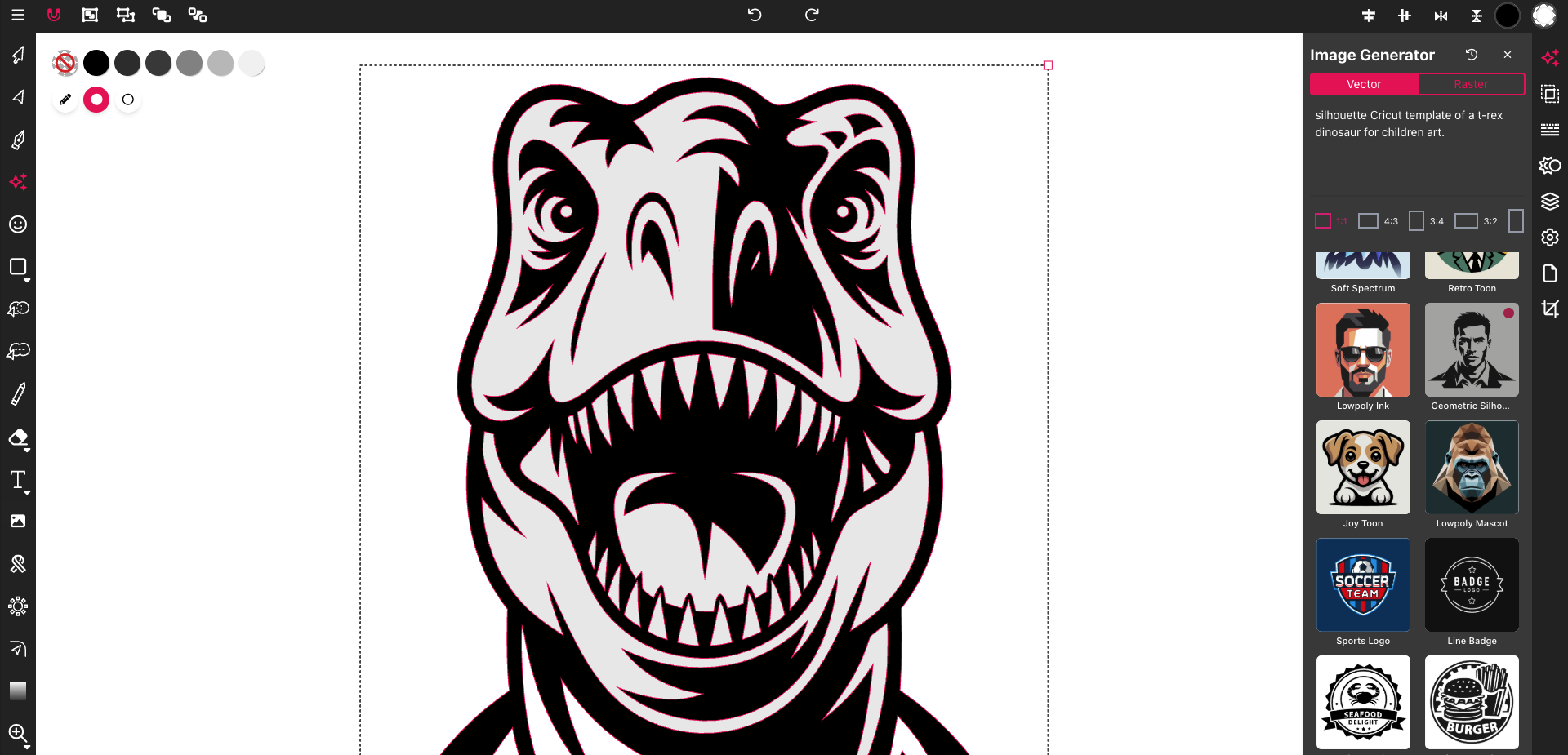
When it comes to crafting, having the right tools can make all the difference. Vector Ink stands out with its unique features and user-friendly design.
Vector Ink is crafted with the user in mind. Its interface is simple, yet it doesn't compromise on power. You don’t have to be a tech wizard to start designing. The tools are straightforward, allowing you to focus on what really matters—your creativity.
Most users are surprised by how much they can do without previous experience. Vector Ink eliminates the usual barriers, making design accessible to everyone. Join the creative community.
Craft enthusiasts often need a tool that can adapt to various projects. Vector Ink is that tool. Whether you’re creating intricate scrapbook designs or personalized gifts, it provides the flexibility needed to bring any vision to life.
By choosing Vector Ink, you’re not just picking a tool—you’re embracing a platform that supports your passion for crafting. Discover more about creating cut-ready SVGs.
In conclusion, Vector Ink empowers you to create stunning designs effortlessly. Whether you're delving into Cricut cutting, laser crafting, or leather works, it has the tools you need to succeed. The longer you wait to try it, the more creative opportunities you might miss. Dive in today and see the difference Vector Ink can make in your crafting endeavors.
UGC ads look less like commercials and more like something a real person wo...
Concept art is the visual thinking that happens before a final design, shot...
A storyboard used to mean an afternoon with a sketchpad, a shot list, and e...
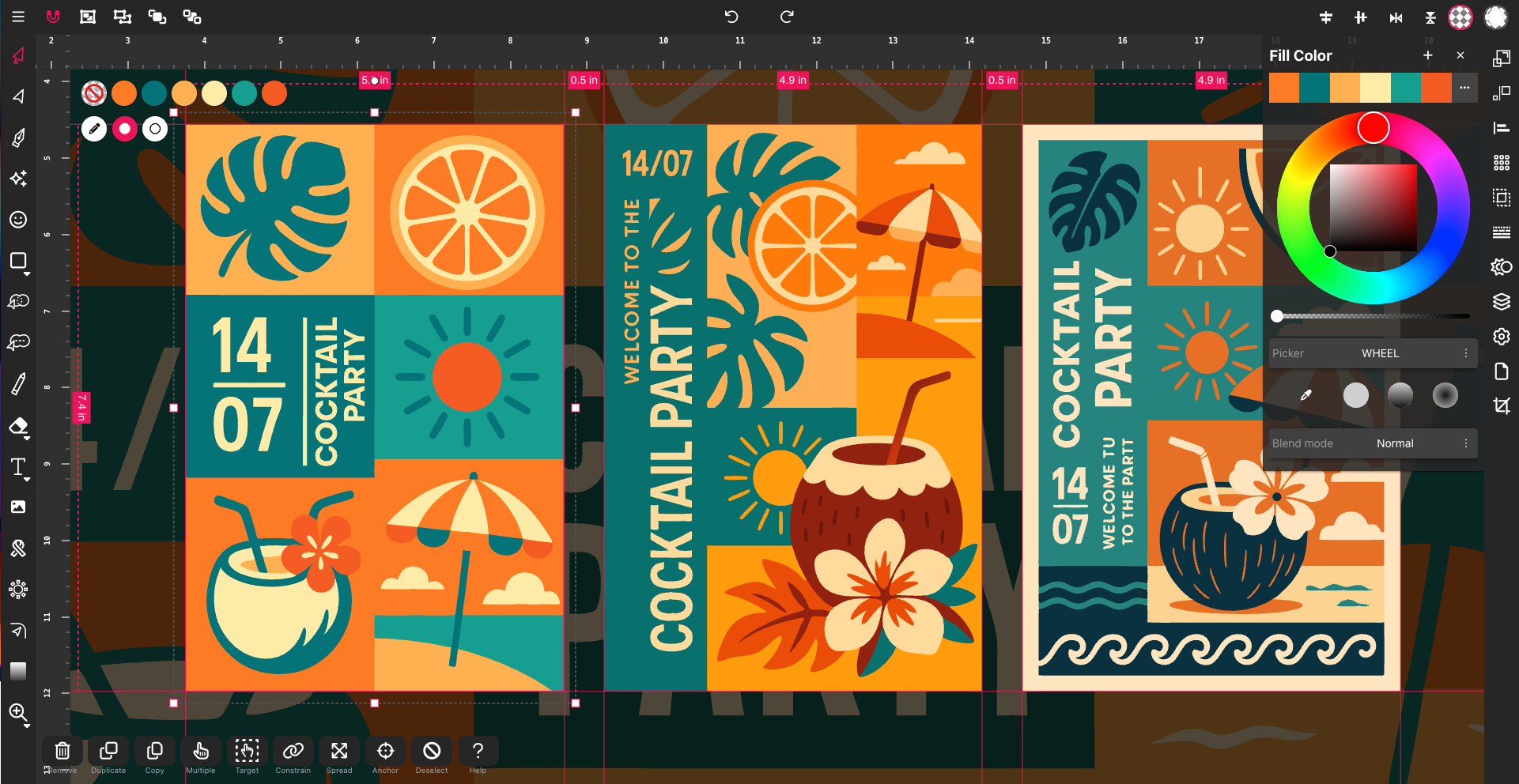
In 2025, SVG — short for Scalable Vector Graphics — has become one of t...
Designing on the go used to mean juggling files, software, and devices. Clo...