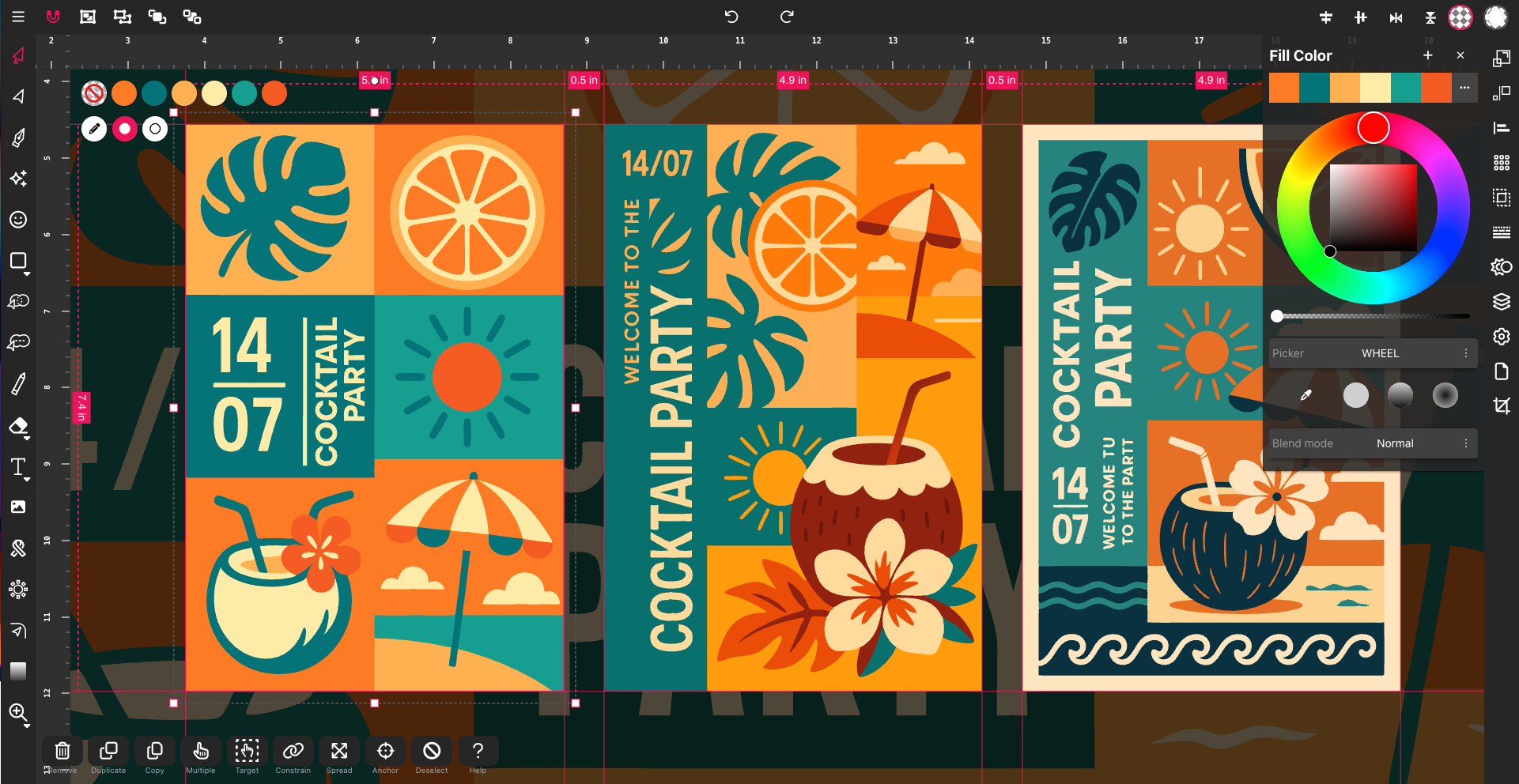
Ultimate Guide to SVG Editing (2025): What Is SVG and Why It Matters
In 2025, SVG — short for Scalable Vector Graphics — has become one of t...
Forget juggling complicated software just to tweak your SVG files for Cricut cutting or laser projects. If you’ve felt stuck trying to find an SVG editor that fits your crafting style without draining your budget or patience, Vector Ink has your back. This cloud-based tool makes vector design simple and precise, whether you’re working on print, leather, or any other craft. Let’s explore why Vector Ink stands out as the perfect choice for your next project. https://vectorink.io/
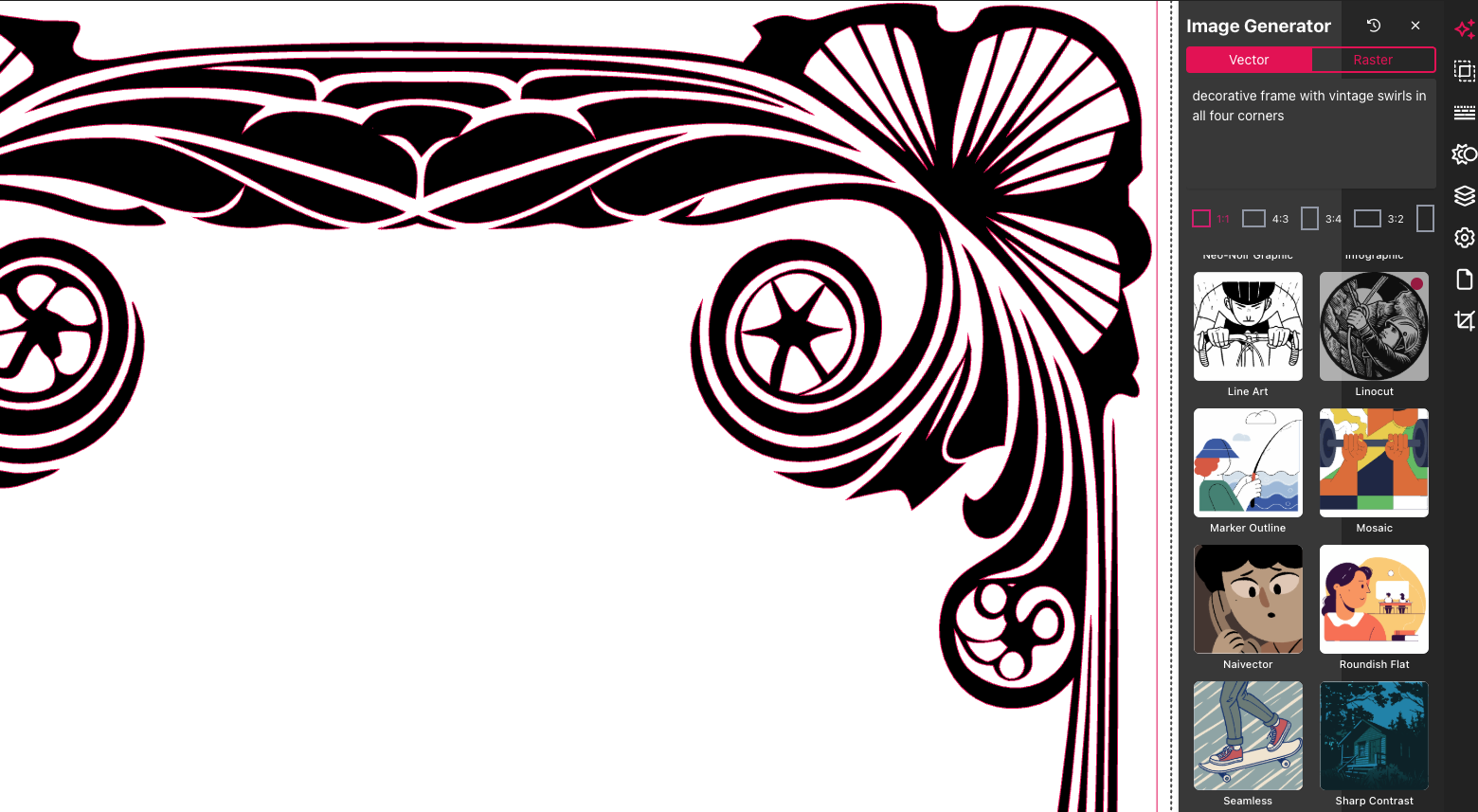
Vector Ink keeps your projects smooth and frustration-free, no matter the craft type. Let’s dive into specific uses for this versatile tool.
Looking to create cut-ready SVGs without hassle? Vector Ink simplifies the process. With this tool, you can easily design intricate patterns that your Cricut machine will love. Make precise cuts for any project, from custom stickers to detailed scrapbook pages. Best of all, Vector Ink is cloud-based, which means you can access it anytime, anywhere. No downloads, no fuss—just pure creativity waiting to happen.
Cricut enthusiasts often face the issue of incompatible files. Vector Ink solves this by letting you import and export SVG files seamlessly. You won't be stuck with uncooperative software again. Check out how easy it is to create cut-ready SVGs with Vector Ink by visiting this resource.
Got a laser cutting project? Vector Ink handles it with precision and ease. The platform allows you to craft detailed designs ready for laser cutting, ensuring every fine line is captured. Whether you're working on wood, acrylic, or metal, your designs will always be sharp and precise.
Say goodbye to the days of struggling with file compatibility. Vector Ink's advanced vector design capabilities make it straightforward to export files that work perfectly with your laser cutter. You'll spend less time troubleshooting and more time bringing your creative ideas to life. Discover more about this feature here.
Leatherworking just got simpler with Vector Ink. Design patterns and motifs with intricate details using Vector Ink's intuitive tools. The platform supports complex designs that translate beautifully onto leather, making it ideal for creating unique, personalized pieces.
The cloud-based nature of Vector Ink means you can easily share and collaborate on designs. Whether it's a bespoke wallet or a custom belt, your leather projects will stand out. Join discussions and get tips from other creators in the Vector Ink Facebook group.
Vector Ink packs a punch with features tailored specifically for crafters. Here's why it's a game-changer.
Vector Ink makes editing SVG files straightforward and accessible. With its user-friendly interface, you can easily create or modify designs without getting bogged down by complicated functions. Beginners and pros alike will find the tools intuitive and powerful, allowing for seamless editing.
The platform offers diverse templates and elements to jumpstart your projects. Need to vectorize an image? Vector Ink can do that in moments, making it ideal for those last-minute design tweaks. Explore the quick-start guide to see how straightforward editing can be.
Budget concerns? Vector Ink offers flexible pricing plans to suit every need. From hobbyists to professionals, there's an option that fits your budget. Plus, because it's cloud-based, you won't need to invest in expensive hardware—just a reliable internet connection.
Unlike other pricey design software, Vector Ink doesn't compromise on quality. You can enjoy professional-grade features without breaking the bank. Start designing without hesitation, knowing you have the support of a cost-effective platform.
For those needing a bit more oomph, Vector Ink delivers with its advanced vector capabilities. Whether you're crafting a complex logo or a detailed illustration, the platform provides the precision tools you need. Scalability is key, ensuring your designs remain crisp at any size.
Most people think advanced features are only for experts, but Vector Ink makes them accessible to everyone. You can explore these powerful tools without feeling overwhelmed. Dive into the advanced features here and see for yourself.
Ready to jump in? Here's how you can get started with Vector Ink and elevate your crafting game.
It's that easy. With these simple steps, you'll transform your ideas into tangible designs in no time.
New to crafting with SVGs? Vector Ink is perfect for beginners. The platform offers tutorials and guides to help you learn the ropes. You'll gain confidence as you explore different tools and techniques, making crafting an enjoyable and rewarding experience.
Join the community of creators who started just like you. Share your progress, ask questions, and get feedback. Your creativity is only a few clicks away from shining.
Why wait to experience the benefits of Vector Ink? Sign up for a free trial and see how this tool can transform your crafting projects. With no obligations, you can explore all the features and start creating right away.
Remember, the longer you wait, the more creative opportunities you miss. Take the first step toward easier, more effective crafting today. Your next masterpiece is just waiting to be made.
In 2025, SVG — short for Scalable Vector Graphics — has become one of t...
Designing on the go used to mean juggling files, software, and devices. Clo...
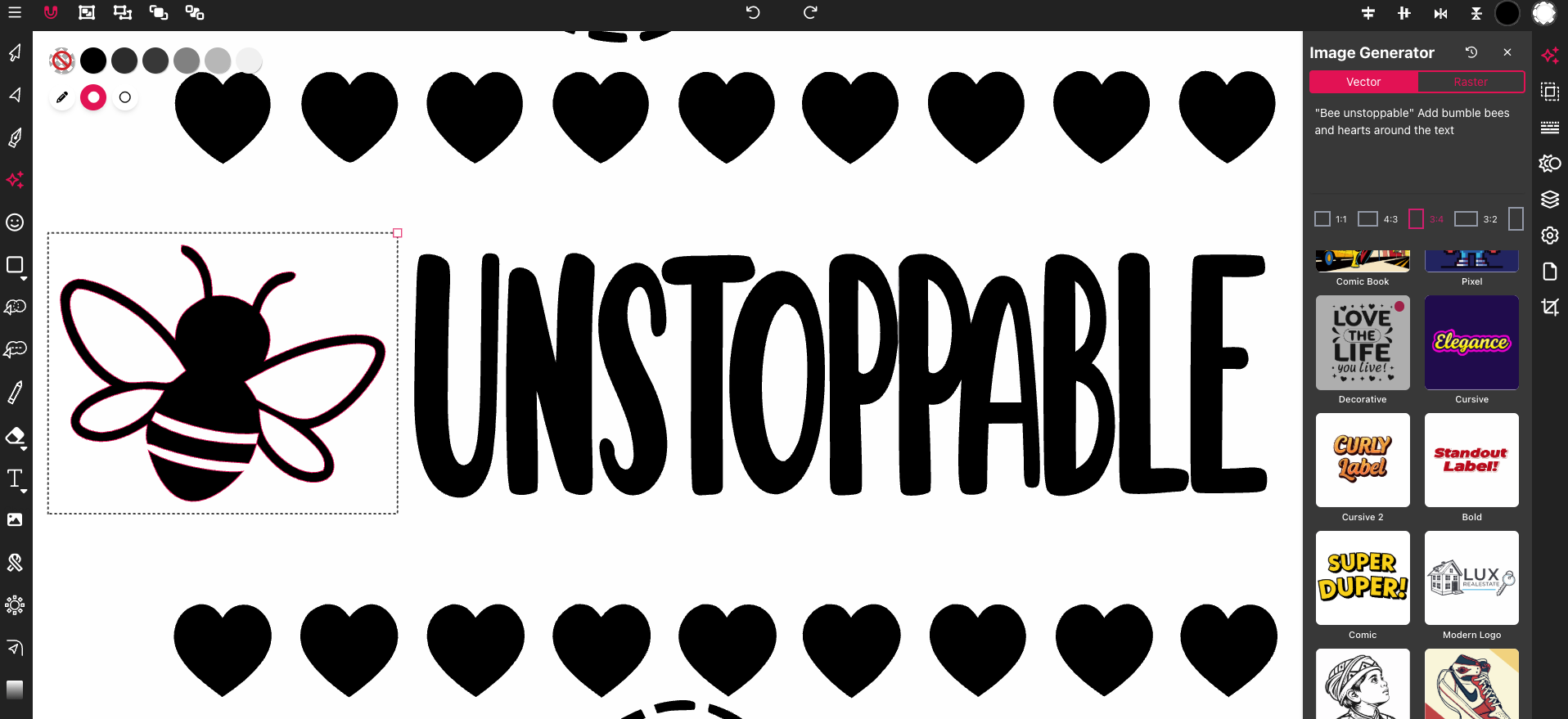
Most SVG editors feel clunky or too complex when you just want to get your ...
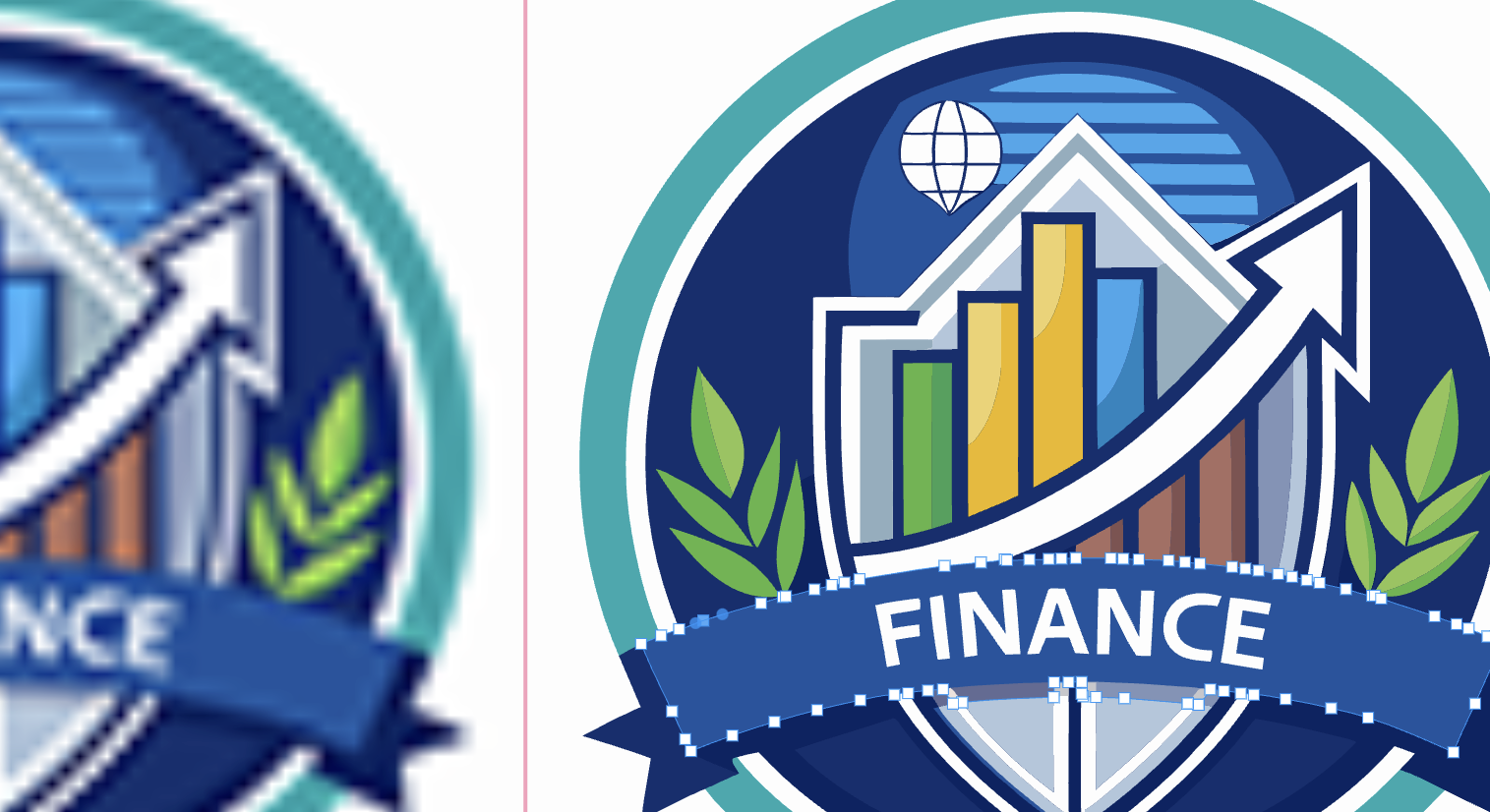
Most image converters leave you with fuzzy, pixelated results that don’t ...
You’ve invested in a Vector Ink subscription, but are you getting the mos...

Upscaling photos isn’t just about making an image bigger—it’s about b...