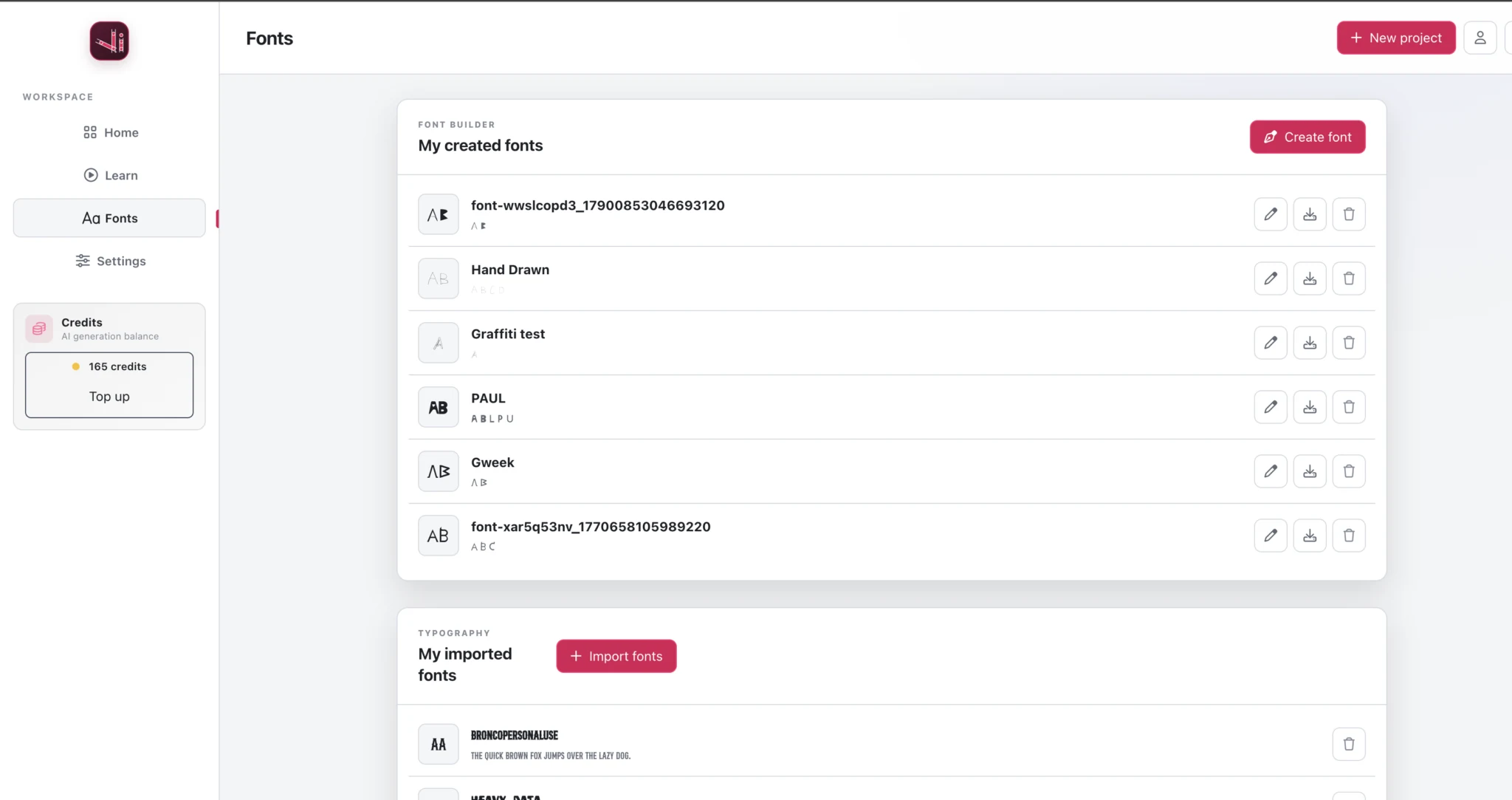
A home for your fonts
Find your saved fonts in the dashboard’s Fonts tab. Return to a typeface to edit it, download it, or start another font alongside it.
Vector Ink Font Builder
An online custom font maker and font creator with a familiar vector editor. Design each character with the tools you already know, adjust kerning, and bring your typeface into your next design.
Character design · Pair kerning · OTF & TTF export
One character at a time. Entirely your own.
From a letter to a typeface
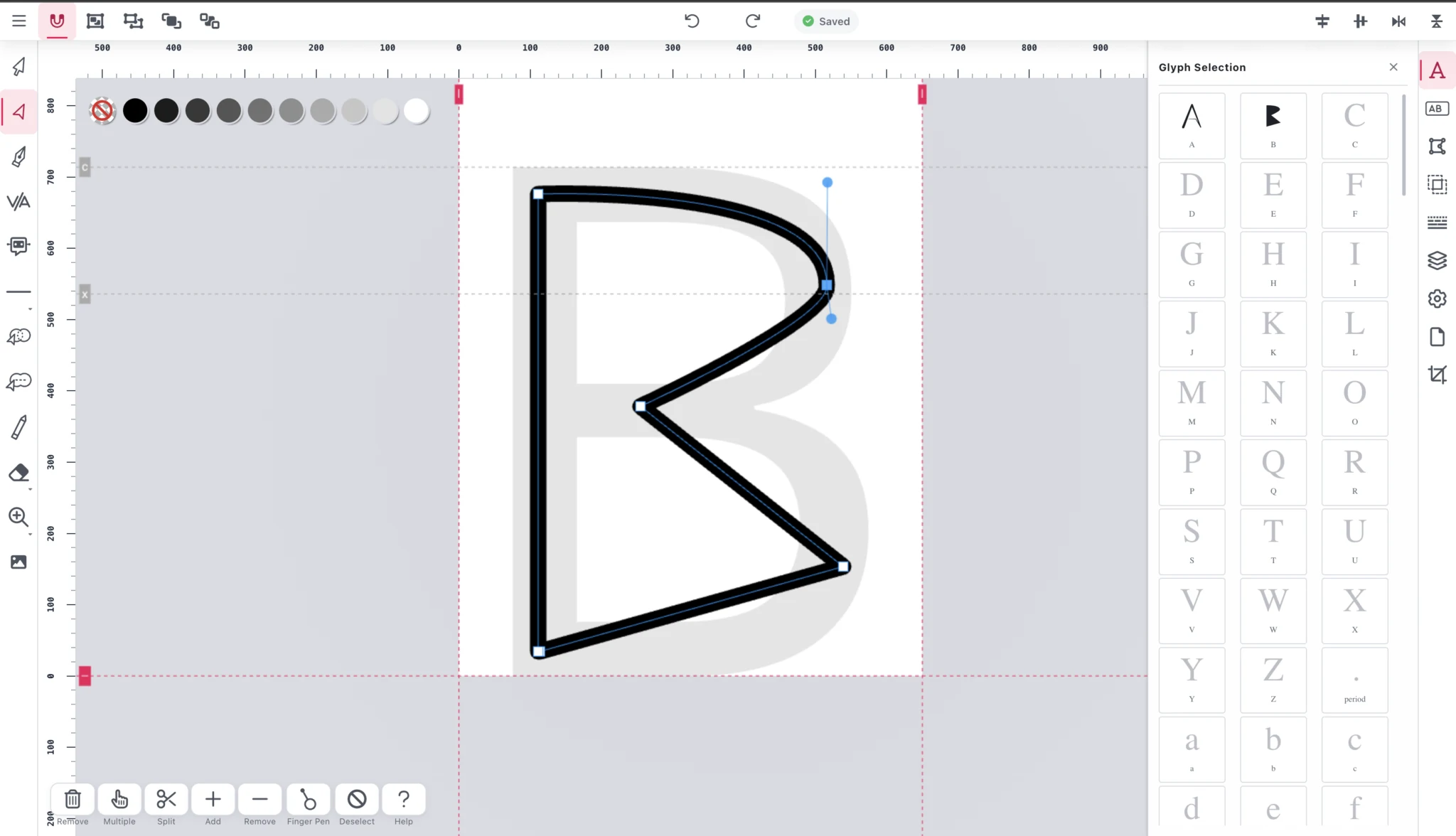
Font Builder gives each character its own design space. Start with the letters you need and build your typeface at your own pace with a font maker online.
Select a letter, number, or punctuation mark from the character grid. Use the guides to position your design.
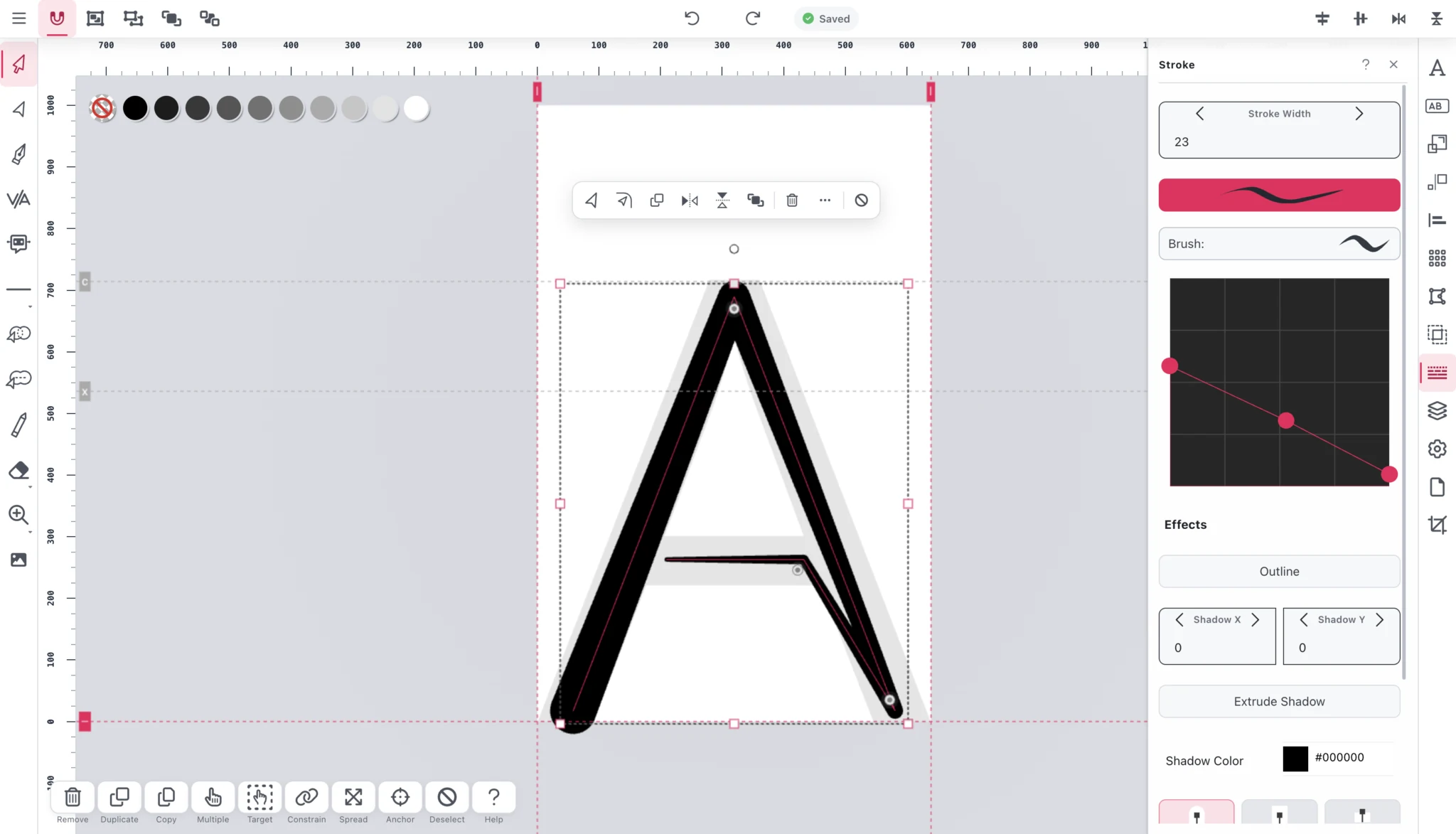
Build letterforms with the Pen Tool, edit points and curves, or shape a stroke using the Stroke panel.
Adjust kerning for character pairs, save your font, and use it in Canvas or export a font file.
Design the details
Good font creation software should give you room to explore. Keep a letter geometric, give it a hand-drawn feel, or experiment with a more expressive stroke directly inside the character you’re creating.
Adjust stroke width and profile, then refine individual points and curves until the shape feels right.
Give your letters room
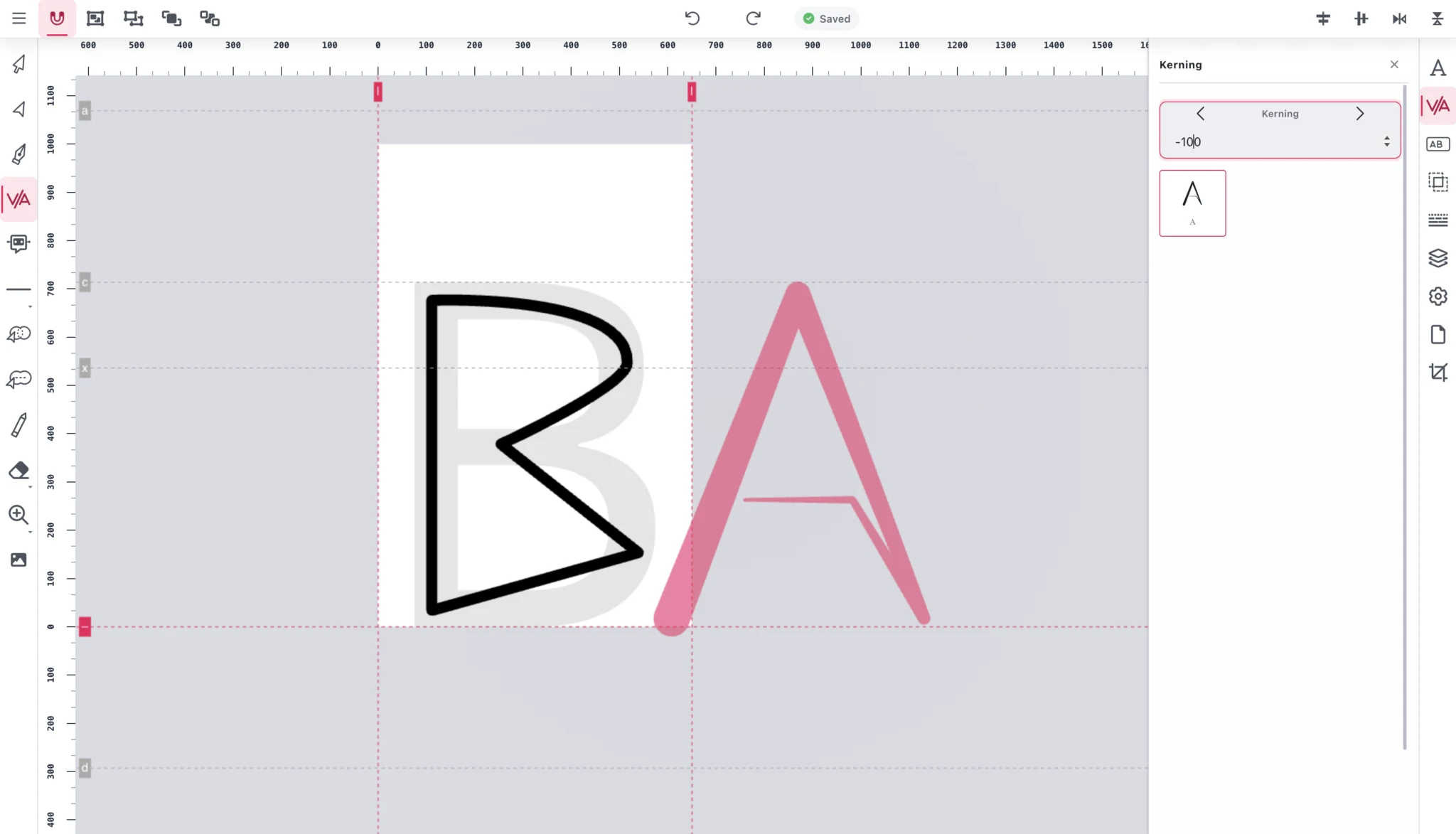
Two letters can look right on their own and feel too far apart when placed together. Kerning lets you adjust the spacing for a specific character pair.
Choose the pair, change its kerning value, and see the letters together while you refine the fit.
Part of your Vector Ink workspace
Find your saved fonts in the dashboard’s Fonts tab. Return to a typeface to edit it, download it, or start another font alongside it.
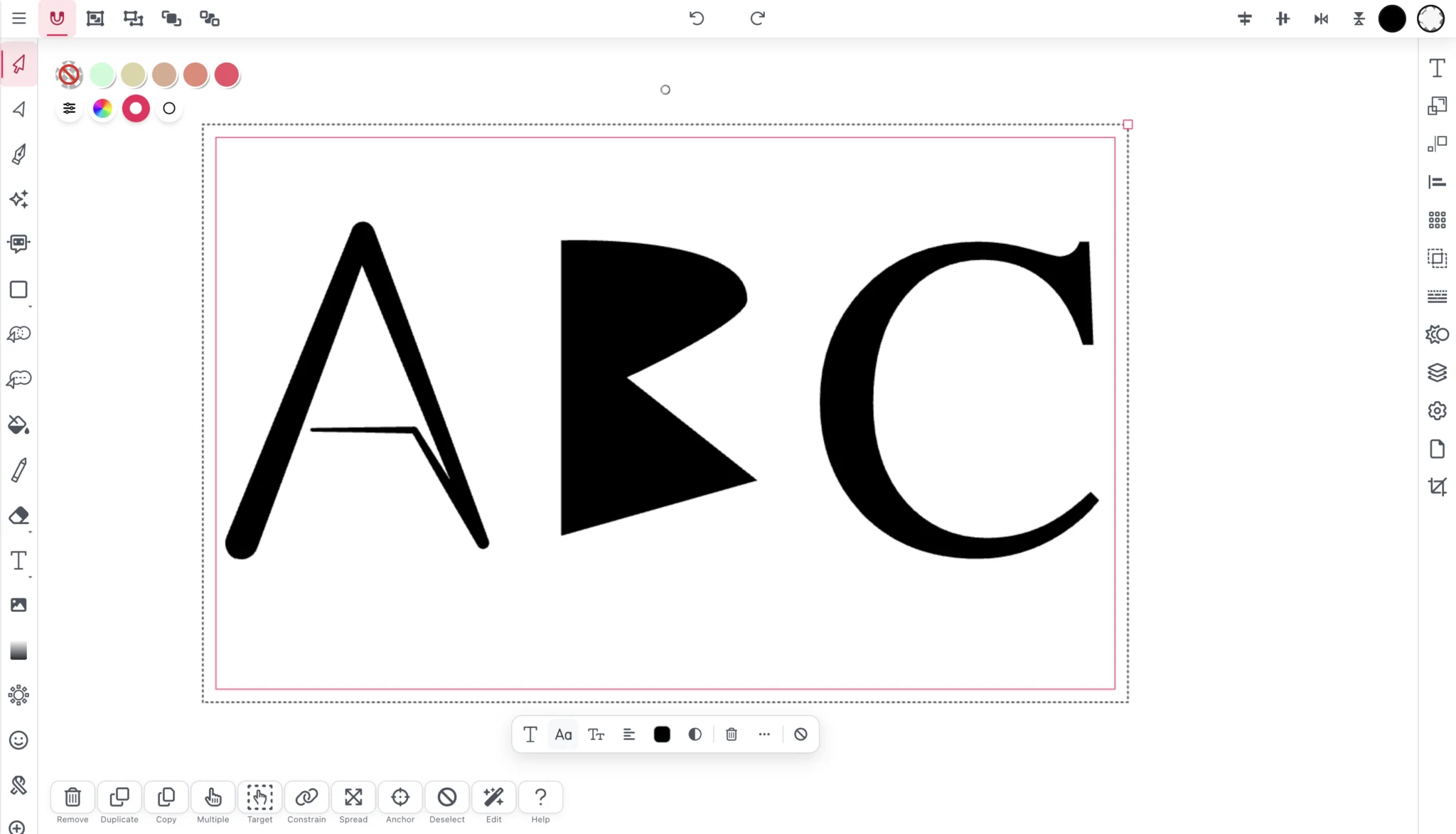
Use your font in Vector Ink’s Design Canvas to create lettering, posters, and personal design projects with a style that belongs to you.
A few things to know
Font Builder is a browser-based tool for creating custom font files. Select characters from a grid, design their shapes with Vector Ink’s vector tools, and adjust spacing between character pairs.
Yes. Font Builder supports OpenType (.otf) and TrueType (.ttf) export, so you can use your font in applications that support those formats. An internet connection is needed for the full font export service.
Yes. Font Builder is browser-based, so you can design characters online, save your work in the Vector Ink dashboard, and continue building your font from there.
Yes. It is focused font design software inside Vector Ink, with character drawing tools, guides, pair kerning, and OTF or TTF export.
Open the Fonts tab in your Vector Ink dashboard to find and manage your saved fonts. You can also use your custom fonts in the Design Canvas.
You can start with a few characters and continue building your font later. Design the letters, numbers, and punctuation you need for the text you want to create.
Start with one letter
Open Font Builder, choose a character, and make your first mark.
Create your font