Vector Ink Path Builder Tool Tutorial: Create Custom Shapes from Paths
Vector Ink’s Path Builder Tool lets you combine, cut, and create complete...
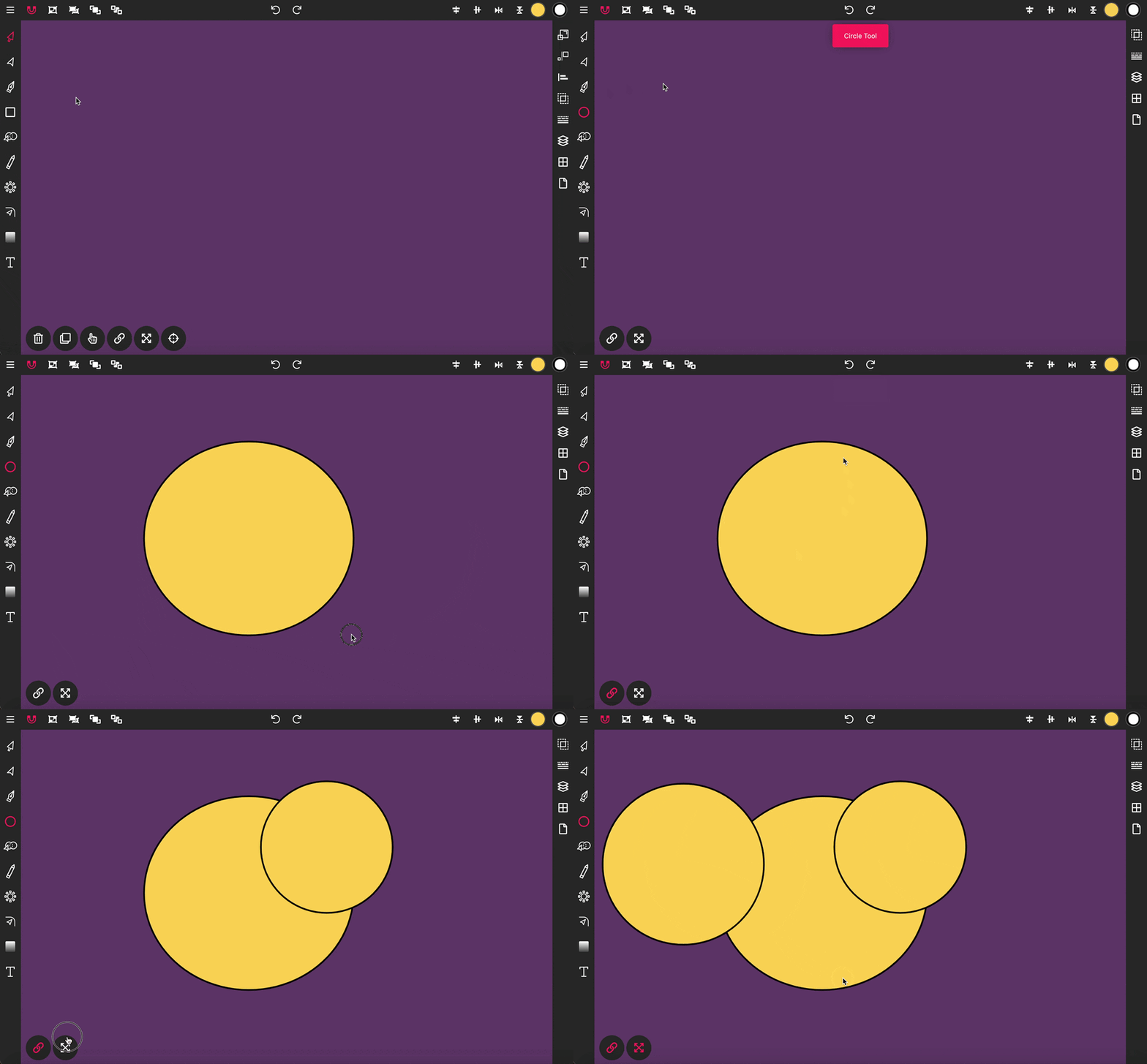
The Circle Tool in Vector Ink allows you to draw perfect circle shapes directly onto your canvas, ideal for various design needs from basic geometric forms to complex compositions.
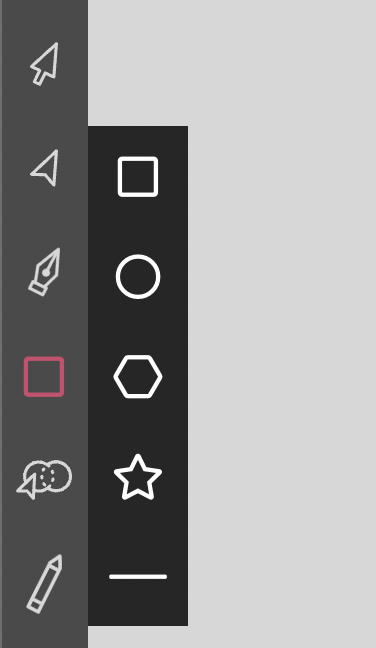
Begin by clicking twice on the Rectangle Tool in the Toolbar to access the shapes menu. From there, select the circle icon, then click and hold on the canvas where you want your circle, and drag to define the size before releasing.
Vector Ink’s Path Builder Tool lets you combine, cut, and create complete...

A well-organized design isn’t just about aesthetics — it’s about effi...

Vector cleanup doesn’t have to be tedious. With Vector Ink’s Erase, Kni...
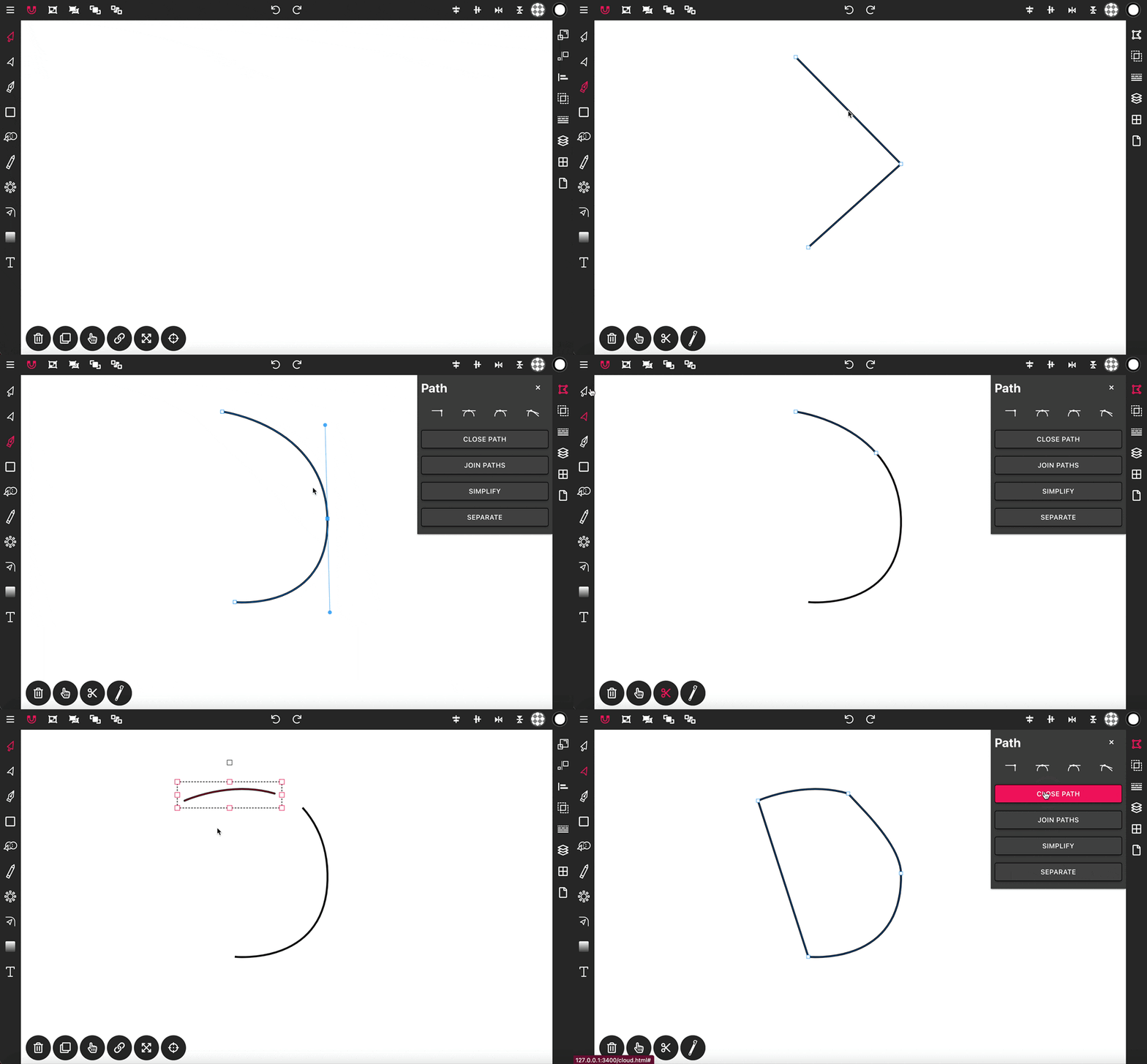
With the Pen Tool, you can draw paths with sharp or smooth anchor points an...
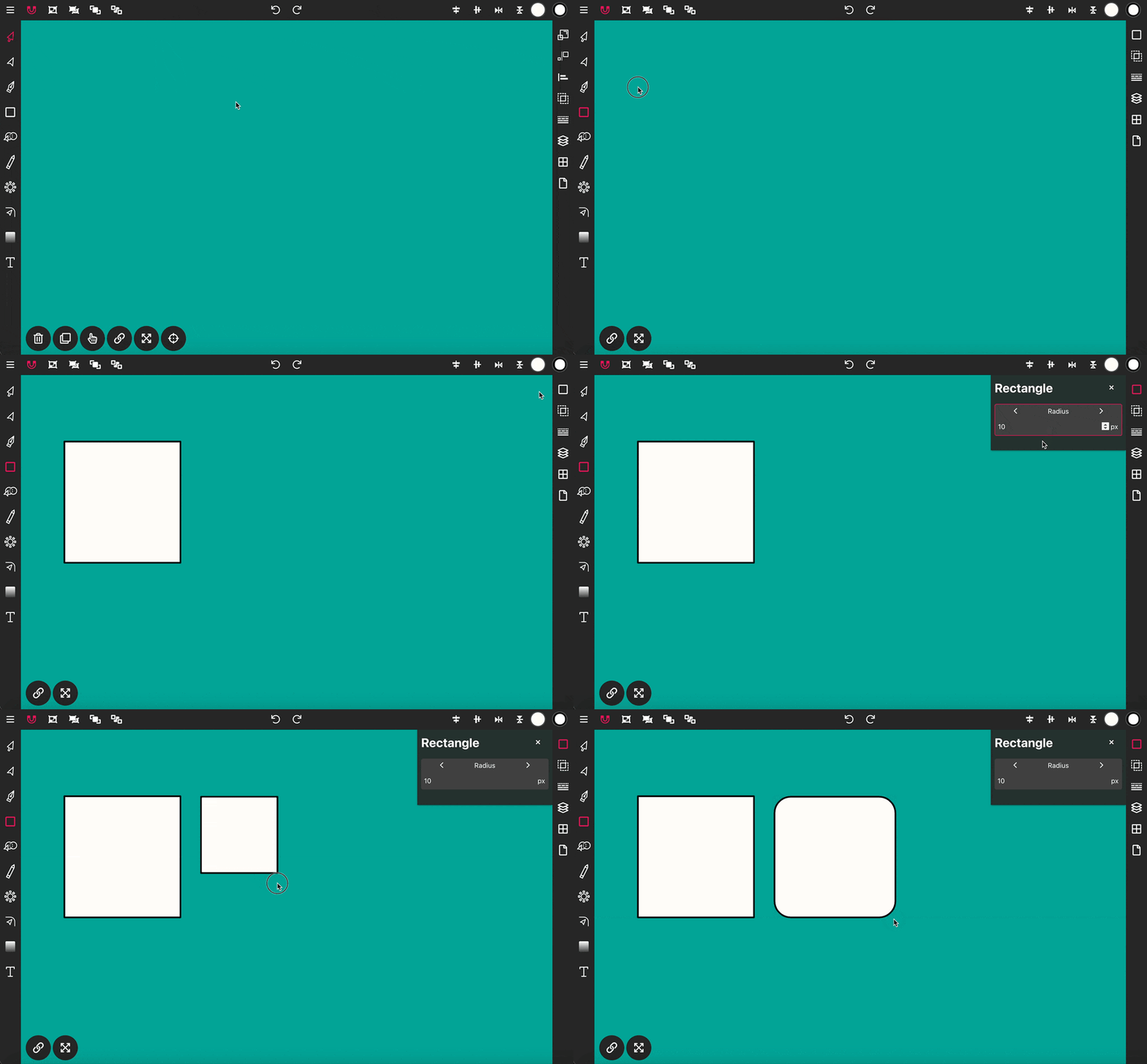
Use the Rectangle Tool to draw a rectangle shape onto the canvas. To get st...
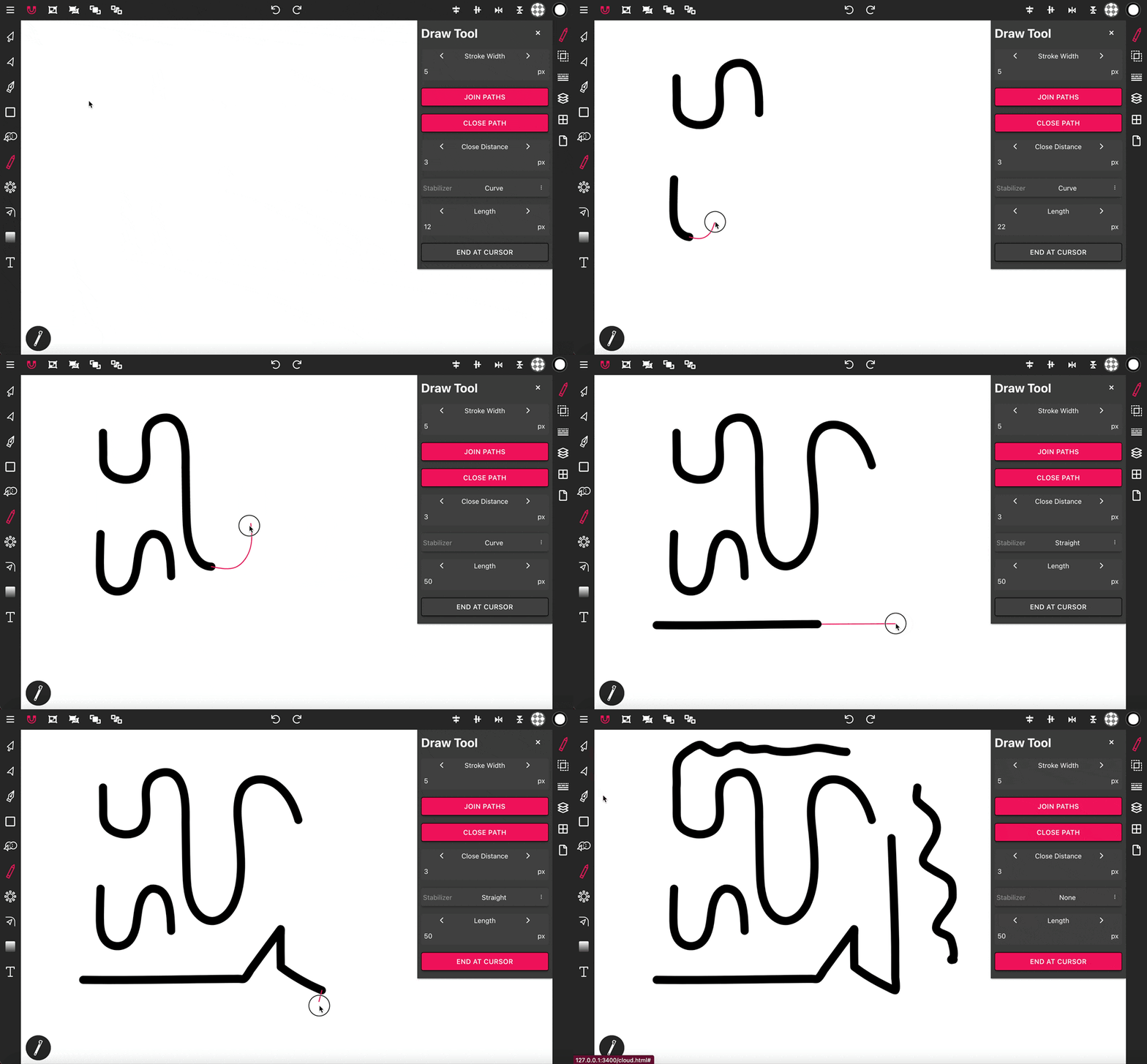
The Draw Tool is essential for freehand drawing, offering options for smoot...