
Ultimate Guide to Upscaling Images: Upscale Your Images for Free with Vector Ink's Free Tool
Upscaling photos isn’t just about making an image bigger—it’s about b...
You’ve invested in a Vector Ink subscription, but are you getting the most from its AI vector tools? Many users tap into just a fraction of what’s possible with this cloud-based design platform. Let’s break down simple, practical steps that will boost your vector graphics and improve your design efficiency, helping you create sharper projects faster. For more insights, check out this article on powerful AI strategies to boost your publishing subscriptions.
Are you ready to dive into the world of vector design with Vector Ink? This section will guide you through the basic tools and features, setting the stage for more advanced techniques.
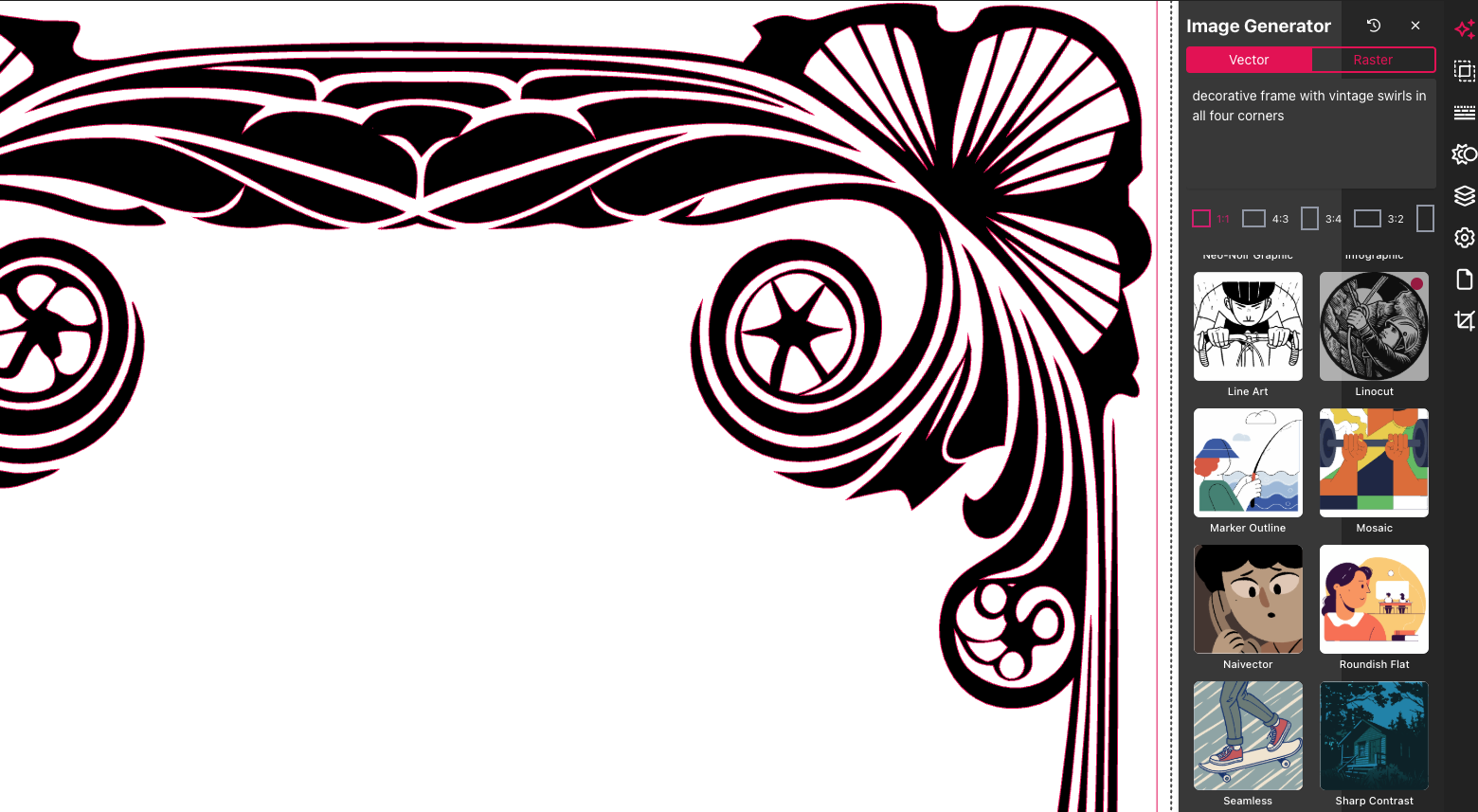
Imagine you're crafting a logo or an illustration. Vector Ink's AI tools can help you generate designs from simple text prompts. For instance, type "a futuristic cityscape," and watch as the platform transforms your words into a stunning vector graphic. The AI vector tools make design not only easier but also more fun. They allow you to explore ideas quickly without starting from scratch every time.
Plus, you'll find that these tools are incredibly intuitive. Even if you're a beginner, the learning curve is gentle. You can start with basic shapes, then explore more complex designs as you become more comfortable. The AI doesn’t just simplify design—it empowers creativity, letting you experiment and innovate without the hassle of traditional software.
Now, let’s talk about accessibility. Vector Ink is a cloud-based design platform, which means you can access your projects anywhere, anytime. Forget about complicated installations or updates. Simply log in through your browser, and you’re set to go. This flexibility is perfect for designers on the move.
Moreover, the platform is designed to be user-friendly. The interface is clean, with tools clearly labeled and easy to find. Whether you're working from a desktop, tablet, or phone, the experience is seamless. This approach ensures that you spend more time designing and less time grappling with technology. The longer you wait to explore these features, the more creative opportunities you might miss!

Let's elevate your design game by exploring advanced techniques and efficiency tips that will set your work apart.
Mastering vector graphics involves more than just creating shapes. It’s about understanding how to manipulate these shapes to achieve your desired outcome. Start by experimenting with layering techniques. Use layers to separate different elements, making it easier to edit and refine your work.
Consider an example: designing a complex illustration. Breaking the design into layers for background, foreground, and details allows for precise edits. This method saves time and enhances the quality of your work. Another tip is to use the pen tool for custom shapes. It takes practice, but it’s invaluable for creating unique designs that stand out.
Challenge yourself by incorporating textures and gradients. These add depth and interest to flat designs. Remember, most people think vector graphics are overly simplistic, but with these techniques, you can create rich, detailed artwork.
Efficiency is key in any creative process. To optimize your workflow, use AI features that simplify repetitive tasks. For instance, when working on large projects, AI can help automate color matching or replicate styles across multiple elements. This not only speeds up the process but also ensures consistency throughout your design.
Another tip is to utilize the platform’s icon library. Instead of designing elements from scratch, you can take advantage of thousands of pre-made icons, modifying them to fit your project. This feature is particularly useful for small business owners needing quick, professional-looking graphics without the hefty price tag.

Finally, let’s focus on maximizing your subscription by leveraging every feature and resource available.
Are you aware of all the features your subscription offers? From the AI-powered design tools to the extensive icon library, each component is designed to enhance your design capabilities. Start by exploring features you haven’t yet used. You might discover new ways to streamline your workflow or enhance your designs.
Don’t forget about the educational resources available. These tutorials and guides can provide valuable insights and tips on utilizing the platform to its fullest. The more you learn, the more proficient you become, unlocking new levels of creativity and efficiency.
Finally, remember that you’re not alone in this journey. Engaging with Vector Ink’s user support and community can be incredibly beneficial. Whether you have a question or need feedback on a project, the community is there to support you.
Participating in forums or workshops not only enhances your skills but also connects you with other creatives. These interactions can lead to collaborations or simply provide the inspiration you need to push your designs further. By fully utilizing your Vector Ink subscription and engaging with the community, you set yourself up for sustained creative growth. And remember, help is always available when you need it.
Upscaling photos isn’t just about making an image bigger—it’s about b...
Forget juggling complicated software just to tweak your SVG files for Cricu...
In 2025, SVG — short for Scalable Vector Graphics — has become one of t...
Designing on the go used to mean juggling files, software, and devices. Clo...
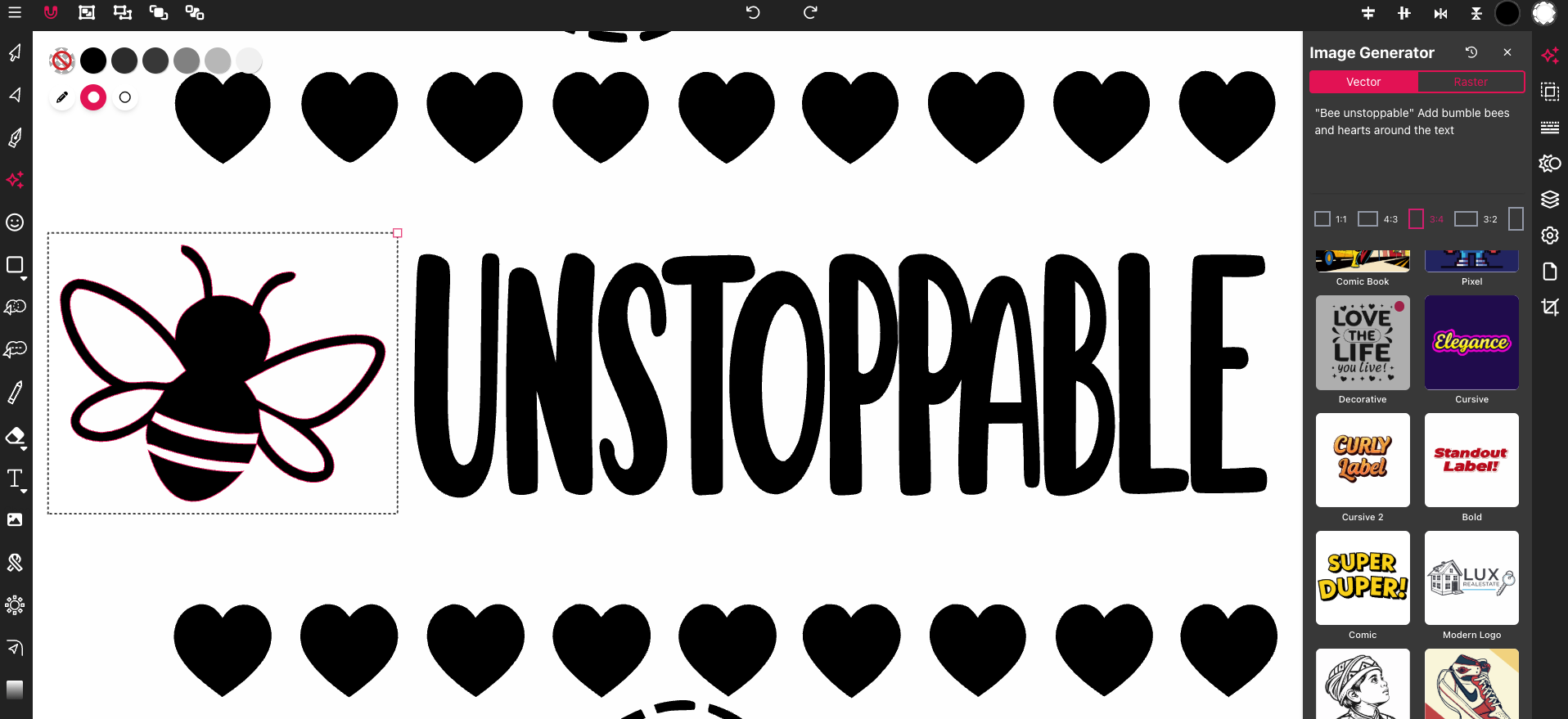
Most SVG editors feel clunky or too complex when you just want to get your ...
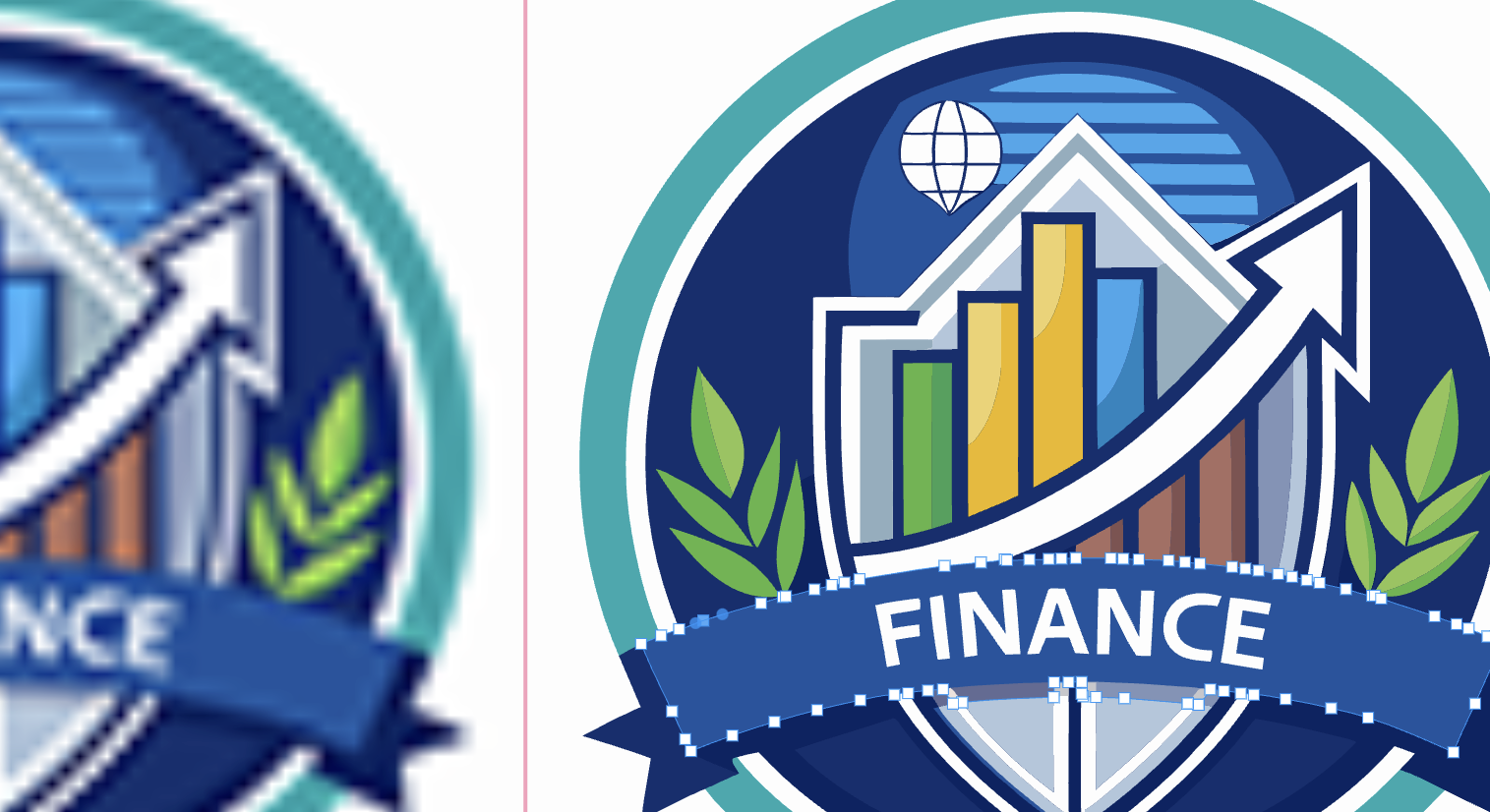
Most image converters leave you with fuzzy, pixelated results that don’t ...