Master the Text Tool in Vector Ink: Add, Edit, and Curve Text Along Any Path
Typography can make or break a design — and Vector Ink gives you total fr...
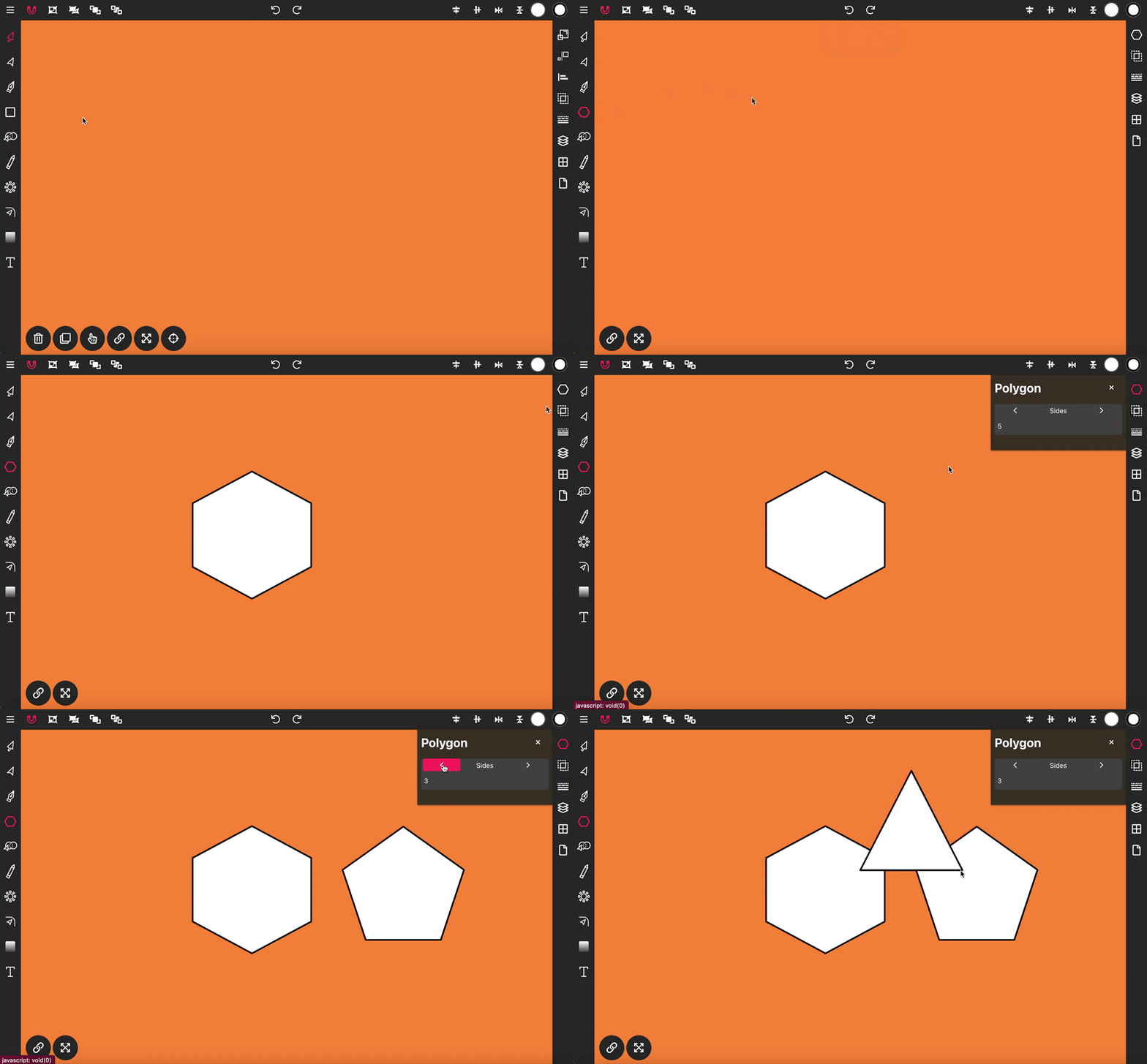
The Polygon Tool in Vector Ink allows you to draw polygons with any number of sides directly onto the canvas.
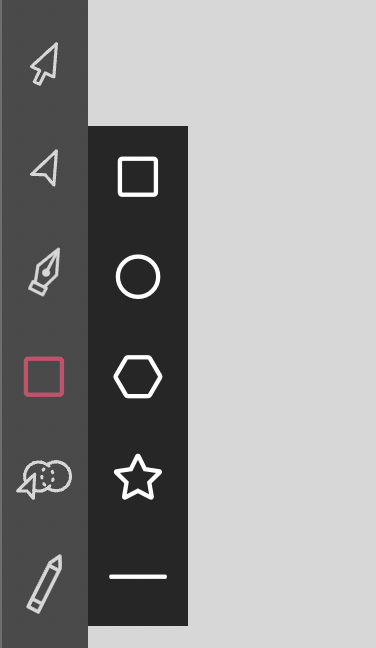
To begin, click twice on the Rectangle Tool in the Toolbar to access the shapes menu. From there, select the hexagon icon, then click, hold, and drag on the canvas to draw a six-sided polygon.
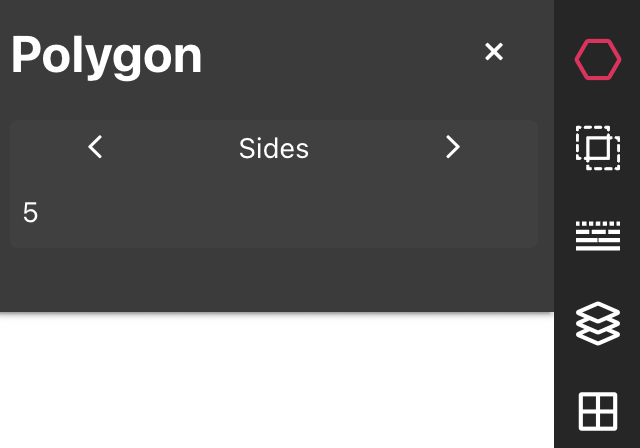
To change the number of sides on your polygon, open the Polygon properties panel and set the Sides property to 5. The next polygon you draw will then be a pentagon, adjusting dynamically to the number of sides specified.
Typography can make or break a design — and Vector Ink gives you total fr...
Rounded corners can transform a rigid vector shape into a clean, modern, an...
Repetition is a key element in creating balanced, structured, and efficient...
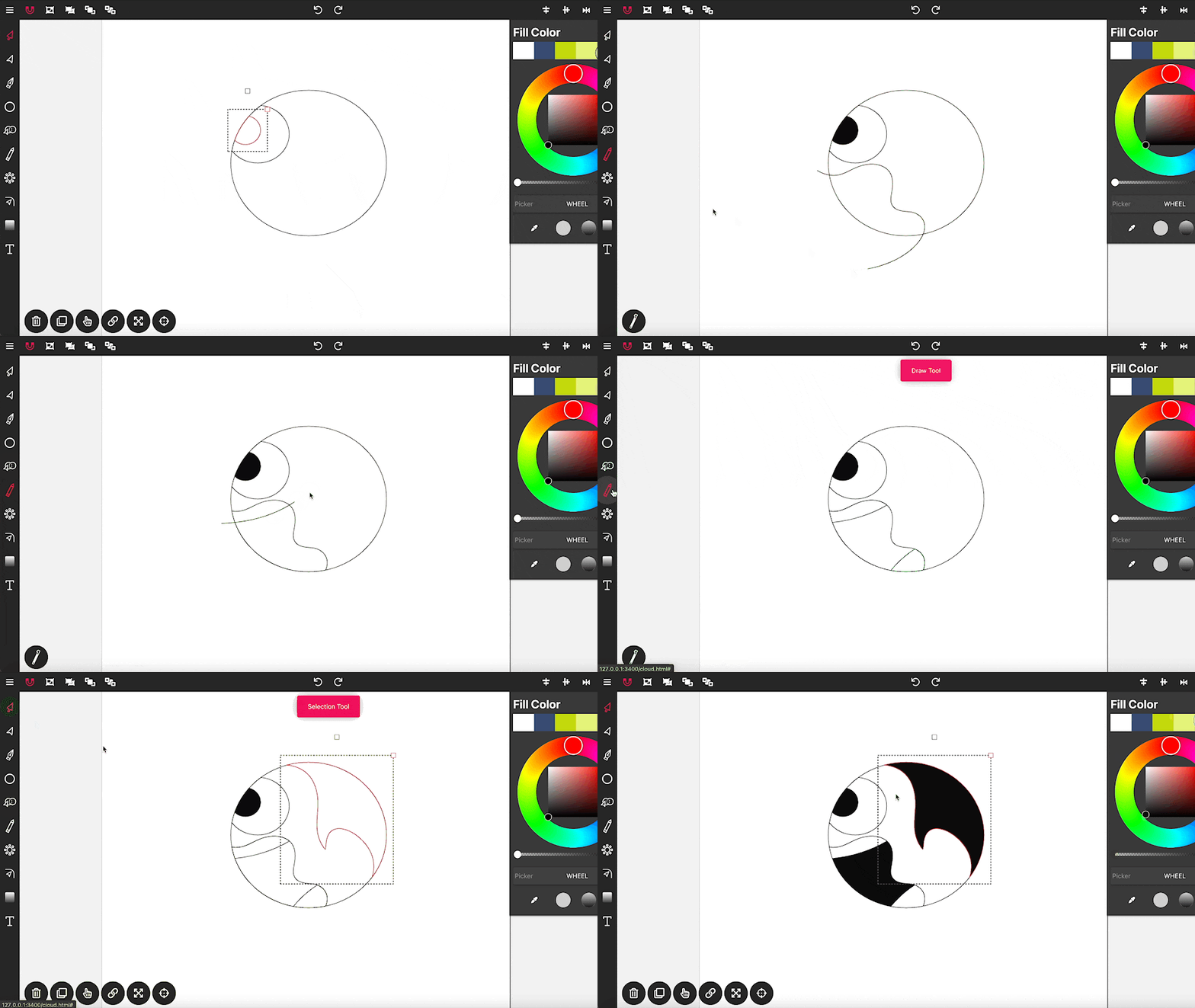
Drawing in Vector Ink is not only super easy but also incredibly intuitive....
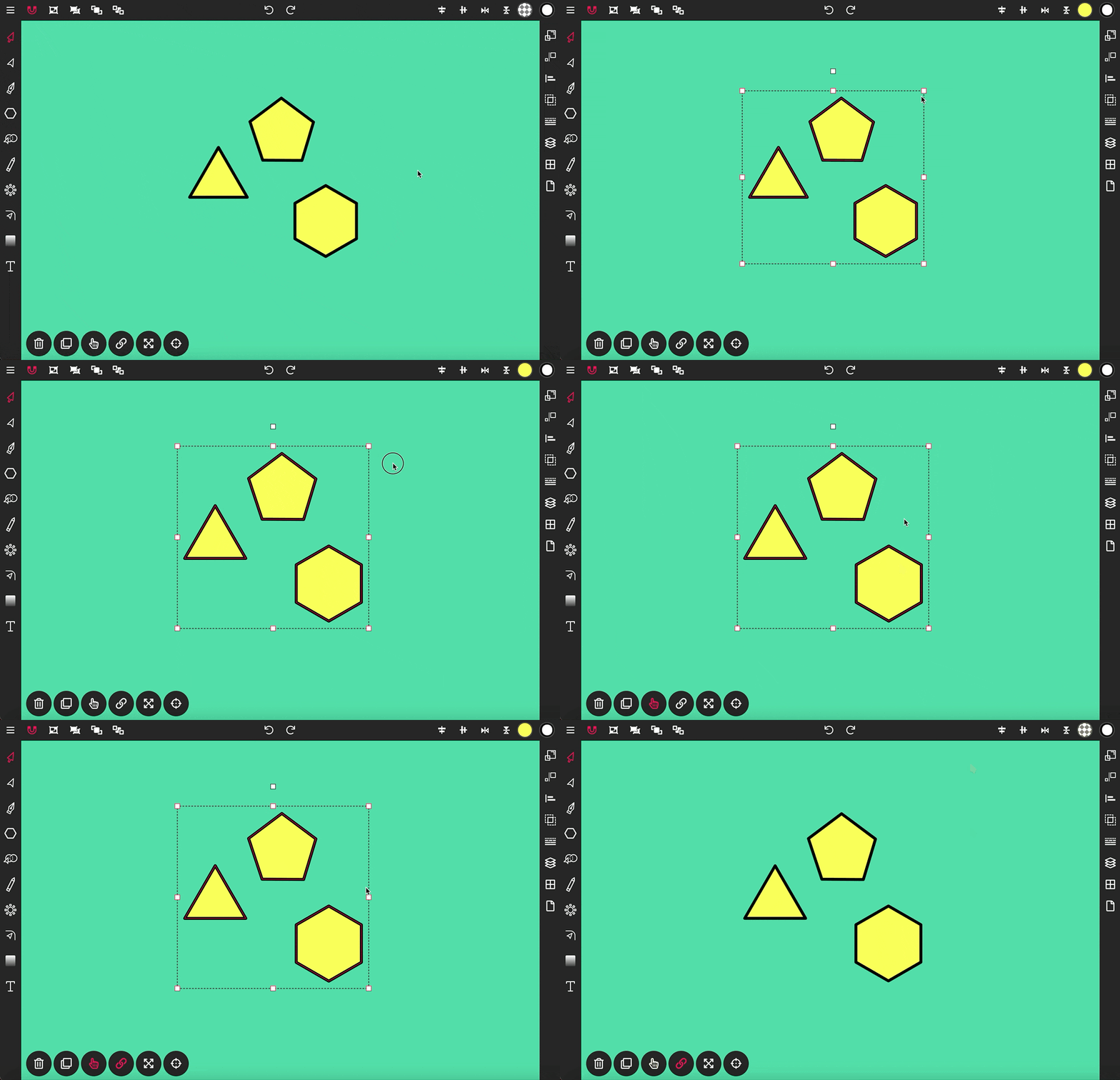
The Selection Tool is a fundamental component of Vector Ink, essential for ...
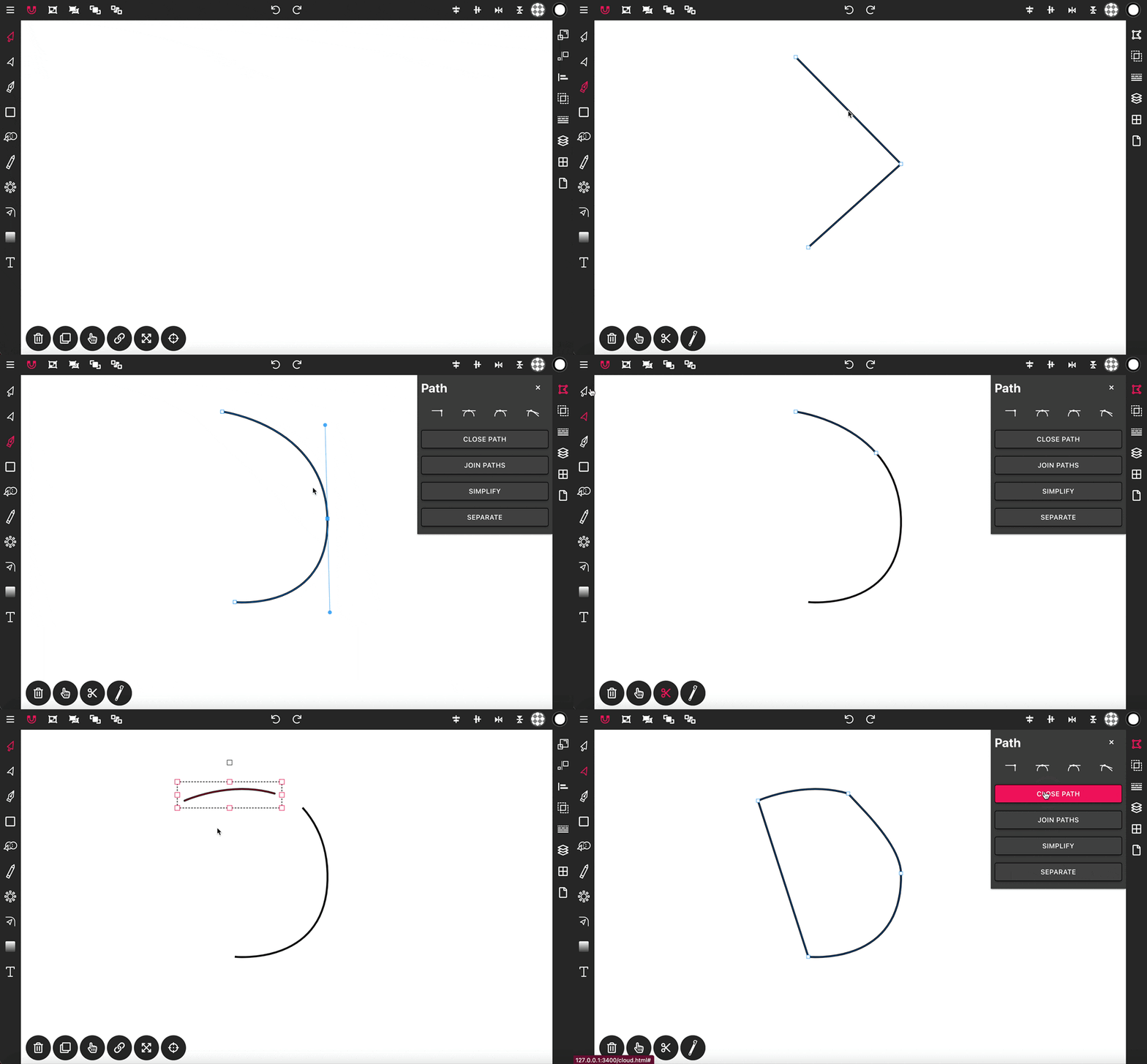
With the Pen Tool, you can draw paths with sharp or smooth anchor points an...