Vector Ink Pen & Point Tool Tutorial + Path Control Panel: Precision Drawing Made Easy
Introduction
Clean vector paths are the backbone of logos, icons, and illustrations. In this tutorial, you’ll learn how to draw with the Pen Tool, refine geometry with the Point Tool, and use the Path Control Panel to smooth, convert, and join paths with surgical precision.
What You’ll Learn
How to draw custom paths using the Pen Tool.
How to edit anchor points and handles with the Point Tool.
When to use the Path Control Panel to convert joints, close/open, join, separate, and simplify paths.
Best practices for creating clean, sharp vector shapes.
Edit Precisely with the Point Tool
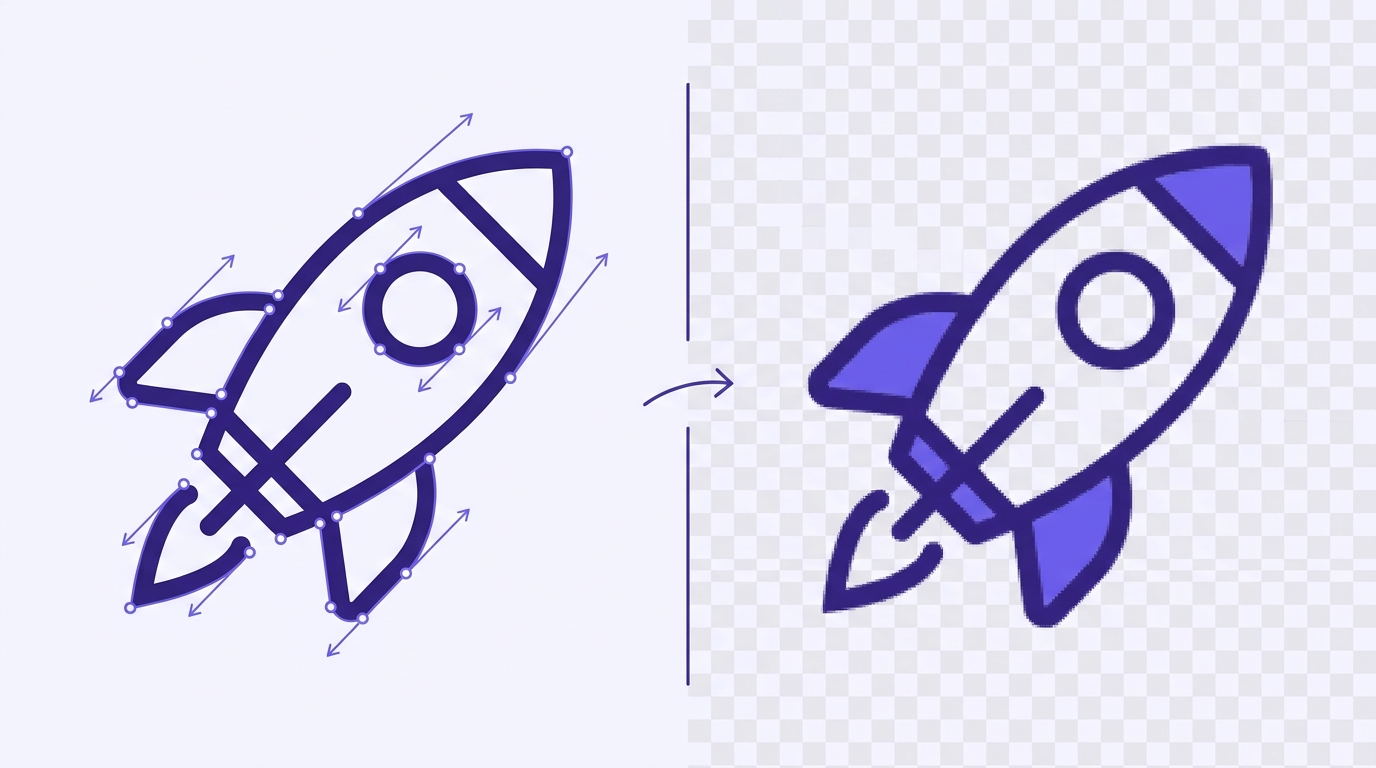
Most objects in Vector Ink are paths made of connected points. Activate the Point Tool (below the Selection Tool) and tap an object to reveal its points. Drag a point to reposition it (snapping assists precise moves).
Action Menu (Point Tool):
Delete — remove the selected point.
Select Multiple — add multiple points to the selection (or use a selection box).
Cut Path — split a path. For closed paths, tap twice (two cut locations) to open and split.
Add Point — insert a point wherever you tap on the path.
Subtract Point — delete points by tapping them.
Path Control Panel: Joints, Closing, Joining & More
With the Pen or Point Tool active, open the Path panel to control path behavior:
Corner (Sharp) — standard hard corner with no handles.
Mirrored — smooth corner; handles mirror angle and length.
Asymmetric — handles share angle but allow different lengths.
Disconnected — fully independent handles for custom curvature.
Close Path — connects first and last points to make a closed shape.
Join Paths — merges two separate paths at their endpoints.
Simplify — reduces unnecessary points while preserving the overall shape (tap repeatedly to simplify further).
Separate — splits a compound path into independent paths.
Draw from Scratch with the Pen Tool
Activate the Pen Tool to place points and build a path. Tap to create straight segments; tap again to continue. Tap the starting point to close the path.
For smooth curves, tap and drag to pull out handles before releasing. Continue placing and dragging for flowing curves. You can switch to the Point Tool anytime to fine-tune handles, convert joints, or adjust geometry.
Practical Workflow Tips
Block in shapes with straight segments first; convert key corners to smooth with Mirrored or Asymmetric joints later.
Keep it lean: after tracing or freehand drawing, use Simplify to remove excess points.
Open vs. Closed: close paths for fills; keep open for strokes or outlines.
Compound to Separate: when you subtract or combine shapes into compound paths, use Separate to regain independent pieces for editing.
Great Use Cases
Logo Design: crisp geometry with minimal points for perfect scaling.
Illustration: smooth curves and controlled corners for clean line art.
Iconography: consistent joints and simplified paths for pixel-sharp UI icons.
Quick FAQ
How do I make a sharp corner again? Select the point and set its joint to Corner in the Path panel.
Why did my closed shape split? You probably used Cut Path at two spots. Use Close Path to reconnect or Join Paths on endpoints.
When should I simplify? After freehand drawing or tracing, simplify to reduce points and improve editability without changing the silhouette.
Draw Cleaner, Edit Faster
Combine the Pen Tool, Point Tool, and Path Control Panel to produce professional, edit-friendly vectors. Open Vector Ink and start crafting precise paths today.
Take complete control of your outlines with the Stroke Properties Panel in Vector Ink. This tutorial walks you through every setting that defines how your lines behave — from width and pressure to end caps, joins, and dashed patterns — giving your artwork precision and style.
Clean, consistent shapes are the foundation of strong vector design. In this tour, we will walk through Vector Ink's Shape Tools and the built-in Icon Library so you can create polished logos, icons, and layouts quickly and with precision.
Shadows add instant depth, hierarchy, and polish to your vector designs. In this quick tutorial, you'll learn how to use Shadow Properties in Vector Ink to create subtle UI shadows, bold logo lighting, and everything in between. We'll cover enabling shadows, revealing opacity, positioning with the on-canvas control, and dialing in blur and color.
Vector Ink’s Path Builder Tool lets you combine, cut, and create completely new shapes from existing paths with intuitive precision. Whether you’re crafting a complex logo or a minimal icon, this tool gives you the power of traditional shape builders — but with more control and freedom.
Vector Ink’s AI Image Generator lets you create logos, icons, illustrations, badges, textures, and more with guided styles and prompt controls — then refine results directly on the canvas. In this guide, you will learn how to generate art, switch styles, redraw existing images, vectorize raster results, and remove backgrounds, all without leaving Vector Ink.
Boolean actions are the fastest way to build complex shapes from simple ones. In this tutorial, you’ll learn how to merge, cut, and combine paths in Vector Ink to create clean, professional vector artwork for logos, icons, and more.