वेक्टर इंक में टेक्स्ट टूल में महारत हासिल करें: किसी भी पथ पर टेक्स्ट जोड़ें, संपादित करें और वक्रित करें
टाइपोग्राफी किसी डिज़ाइन को...
Vector Ink में स्ट्रोके प्रॉपर्टीज़ पैनल के साथ अपनी आउटलाइन्स पर पूरा नियंत्रण प्राप्त करें। यह ट्यूटोरियल आपको हर उस सेटिंग के बारे में बताता है जो यह परिभाषित करती है कि आपकी लाइनें कैसे व्यवहार करती हैं — चौड़ाई और दबाव से लेकर एंड कैप्स, जॉइन्स और डैश पैटर्न तक — जिससे आपके आर्टवर्क में सटीकता और शैली आती है।
स्ट्रोक की चौड़ाई को समायोजित करने और विभिन्न लाइन वेट बनाने का तरीका। एक साफ, पेशेवर लुक के लिए एंड कैप्स और कोर्नर जॉइन्स को कस्टमाइज़ करें। स्ट्रोक डैश और गैप सेटिंग्स के साथ डैश और डॉटेड लाइनें बनाएं। ब्रश स्ट्रोक का अनुकरण करने के लिए प्रेशर प्रोफाइल का उपयोग करें। किसी भी स्ट्रोक को उन्नत संपादन के लिए एक पाथ में बदलें।
स्ट्रोक पैनल खोलें: इसे बूलियन पैनल के नीचे (या मोबाइल पर सबसे नीचे) खोजें। शुरू करने के लिए किसी भी पथ को चुनें। चौड़ाई समायोजित करें: अपनी आउटलाइन को मोटा या पतला बनाने के लिए स्ट्रोक चौड़ाई को संशोधित करें। बोल्ड स्ट्रोक के लिए इसे 20 पर सेट करने का प्रयास करें।
डैश और गैप के साथ प्रयोग करें: एक डैश वाली आउटलाइन बनाने के लिए डैश को 4 और गैप को 20 पर सेट करें। एक ठोस रेखा के लिए दोनों को शून्य पर रीसेट करें।
कैप स्टाइल बदलें: स्ट्रोक के अंत के लिए गोल, चौकोर, या बट एंड चुनें। विभिन्न जॉइन्स आज़माएँ: नुकीले कोनों के लिए माइटर, मुलायम जॉइन्स के लिए गोल, या क्लिप किए हुए किनारों के लिए बेवल का उपयोग करें। स्ट्रोक को पथ में बदलें: आउटलाइन को एक भरे हुए आकार में बदलने के लिए स्ट्रोक टू पथ पर टैप करें — कस्टम ब्रश इफेक्ट्स या लेयर्ड डिज़ाइन के लिए यह बहुत अच्छा है।
दबाव के साथ डायनामिक स्ट्रोक वेक्टर इंक का स्ट्रोक प्रेशर आपको यह ठीक से समायोजित करने की सुविधा देता है कि एक पथ के साथ चौड़ाई कैसे बदलती है। इसे सक्रिय करें ताकि एक वक्र संपादक (curve editor) प्रदर्शित हो जहाँ आप दबाव बिंदुओं को आकार दे सकते हैं:
मोटे मध्यबिंदुओं के लिए बीच के नोड को ऊपर उठाएँ, पतले सिरे के लिए सिरों को नीचे करें। वक्र के साथ टैप करके नोड जोड़ें; किसी नोड को हटाने के लिए उस पर डबल-टैप करें। स्टाइलिश ब्रश आकार और ऑर्गेनिक लाइन आर्ट के लिए इसे Stroke to Path के साथ मिलाएं।
एकसमान लुक? लोगो की रूपरेखा के लिए गोल कैप्स और जॉइन्स का उपयोग करें — वे किनारों को स्वचालित रूप से चिकना करते हैं। तकनीकी कला? स्पष्ट वास्तुशिल्प या योजनाबद्ध शैलियों के लिए स्क्वायर कैप्स और बेवल जॉइन्स का उपयोग करें। प्राकृतिक लुक चाहिए? प्रेशर सक्रिय करें, अनियमित वक्रों के साथ प्रयोग करें, और फिर "ब्रश-पेन" लुक के लिए इसे पथ में बदलें। डॉट वाली लाइनें चाहिए? डैश को छोटा (जैसे 2) और गैप को थोड़ा बड़ा (जैसे 6–8) सेट करें। समस्या निवारण स्ट्रोक की चौड़ाई दिखाई नहीं दे रही है? सुनिश्चित करें कि पथ पर स्ट्रोक रंग लागू है और यदि आवश्यक हो तो फ़िल को 'कोई नहीं' पर सेट करें। असमान जोड़? गोल जोड़ पर स्विच करें या लंबे कोनों के लिए माइटर सीमा को समायोजित करें। दबाव स्ट्रोक को प्रभावित नहीं कर रहा है? सुनिश्चित करें कि दबाव चालू है और दिखाई देने वाले बदलाव के लिए वक्र नोड्स को समायोजित करें।
अपने वेक्टर आर्ट को वह निखार दें जिसका वह हकदार है — डैश वाली तकनीकी लाइनों से लेकर भावपूर्ण ब्रश स्ट्रोक तक। आज ही वेक्टर इंक के अंदर इन सुविधाओं को आज़माएँ और देखें कि आपकी रूपरेखा सटीकता और शैली की कलाकृतियों में बदल जाती है। टाइपोग्राफी किसी डिज़ाइन को... हमारी Selection Tool श्रृंखला का यह अà¤... Vector Ink का Path Builder Tool आपको मौजूदा पथà... स्वच्छ और सुसंगत आकृतियाँ मà¤... बूलियन क्रियाएँ सरल आकृतियो... एक सुव्यवस्थित डिज़ाइन सिर्...
वेक्टर इंक में टेक्स्ट टूल में महारत हासिल करें: किसी भी पथ पर टेक्स्ट जोड़ें, संपादित करें और वक्रित करें
चयन उपकरण भाग 2: नियंत्रण पट्टी और रूपांतरण पैनल में महारत हासिल करें
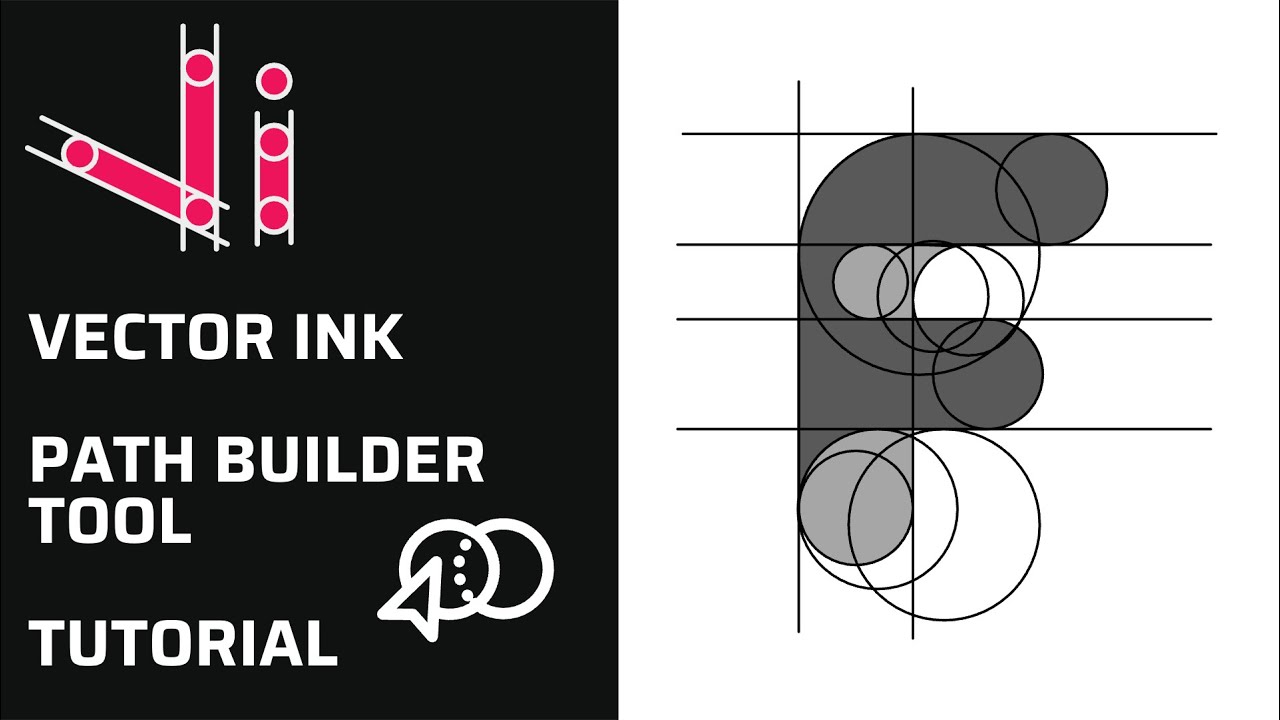
वेक्टर इंक पाथ बिल्डर टूल ट्यूटोरियल: पाथ्स से कस्टम शेप्स बनाएँ
🧱 वेक्टर इंक शेप टूल्स और आइकन लाइब्रेरी टूर | तेज़, साफ़-सुथरे डिज़ाइन के लिए ज़रूरी चीज़ें
वेक्टर इंक में बूलियन क्रियाओं में महारत: यूनियन, सबट्रैक्ट, इंटरसेक्ट और एक्सक्लूड

वेक्टर इंक लेयर्स पैनल ट्यूटोरियल | एक प्रो की तरह अपने डिज़ाइनों को व्यवस्थित करें