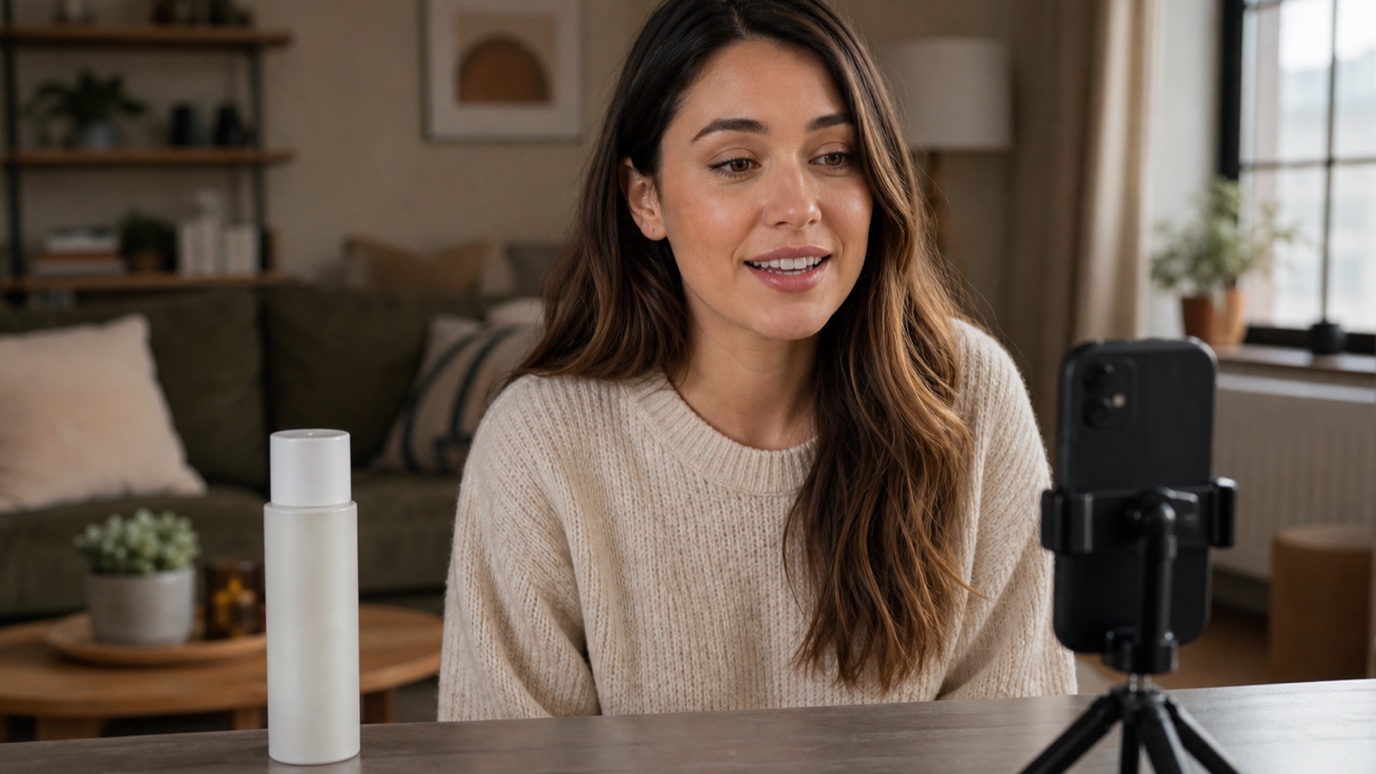
What Are UGC Ads? How to Create UGC Video Ads With AI
UGC ads look less like commercials and more like something a real person wo...
Concept art is the visual thinking that happens before a final design, shot, or product ships — quick, exploratory art that tests an idea's look and feel before anyone commits real production time to it. Whether it is a logo direction, a website's visual mood, a game environment, or a scene for film, concept art earns its place in the workflow by answering one question cheaply: does this idea actually work visually? This guide covers what concept art is, how to make it, and how design, web, and film teams are using AI concept art to compress the exploration phase — the same thinking behind our creative workflow automation approach to creative work generally.
Concept art is a rough, exploratory illustration made to communicate an idea's look, mood, or feel before final production begins. It is not meant to be a finished asset — it is meant to be fast, disposable, and easy to iterate on, so a team can react to five directions in the time it used to take to polish one. In film and games, concept art typically covers characters, environments, and props. In design and branding, the same instinct shows up as mood exploration and rough logo or layout studies. On the web, it shows up as early hero imagery and visual direction before a page gets built. What unites all three is timing: concept art happens early, while changing course is still cheap.
The process barely changes whether the final output is a game environment, a logo direction, or a website hero image:
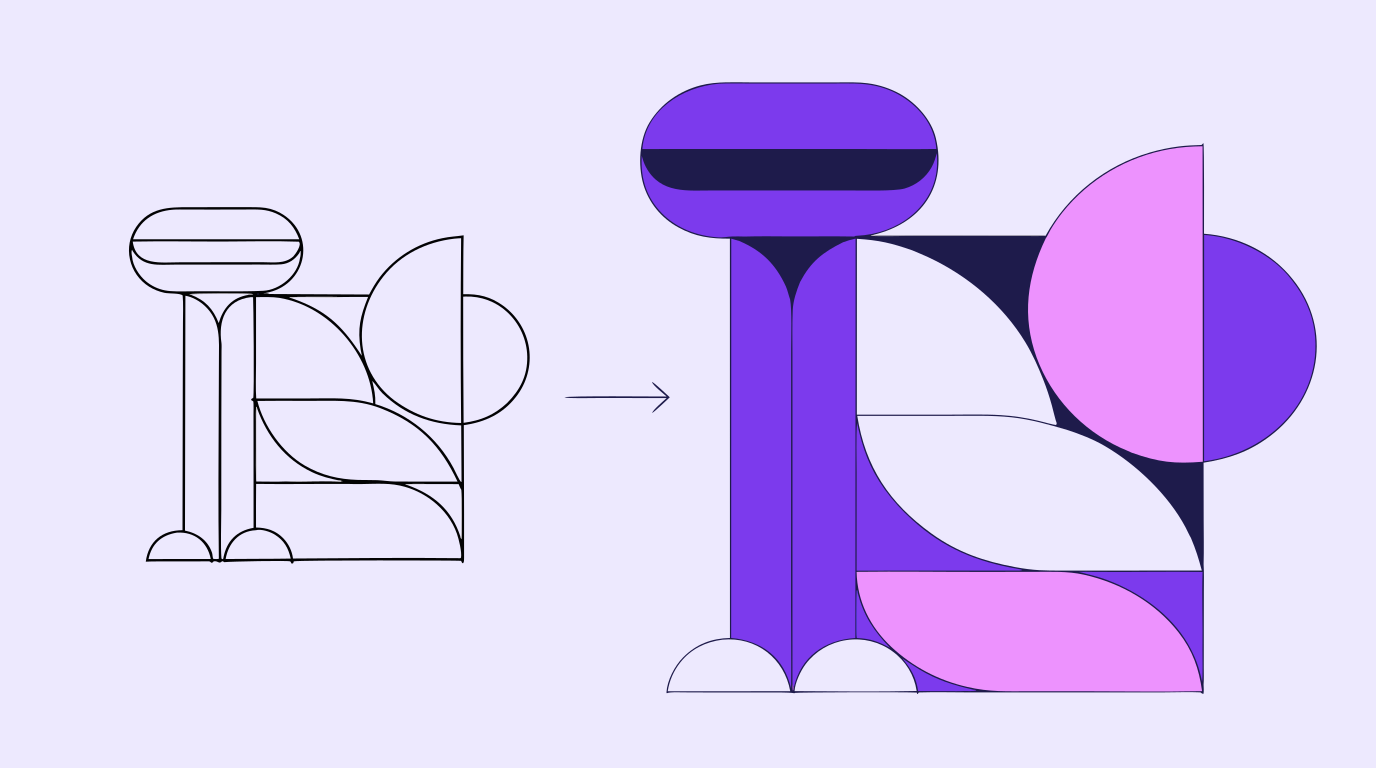
For design and branding teams, concept art rarely gets called that out loud — it shows up as mood exploration, rough logo studies, and 'just try a few directions' requests from a client. AI image generation makes that exploration phase dramatically faster: instead of sketching three logo concepts by hand, a designer can generate ten visual directions in the time it used to take to warm up. Vector Ink's AI image generator handles that first pass, and automatic vectorization turns the strongest concept into clean, editable paths — so digital concept art does not stay a disposable sketch, it becomes the actual production file.
Web design teams use concept art at the same point in the process covered in our web design process guide: after the brief, before a single component gets built. A rough hero-image concept, a color-and-shape direction, or a landing-page mood study gives stakeholders something concrete to react to, instead of trying to imagine a page from a wireframe alone. AI-generated concept art fits this stage well because it is meant to be thrown away — nobody expects a hero-image concept to survive untouched, so speed matters more than precision at this point in the process.
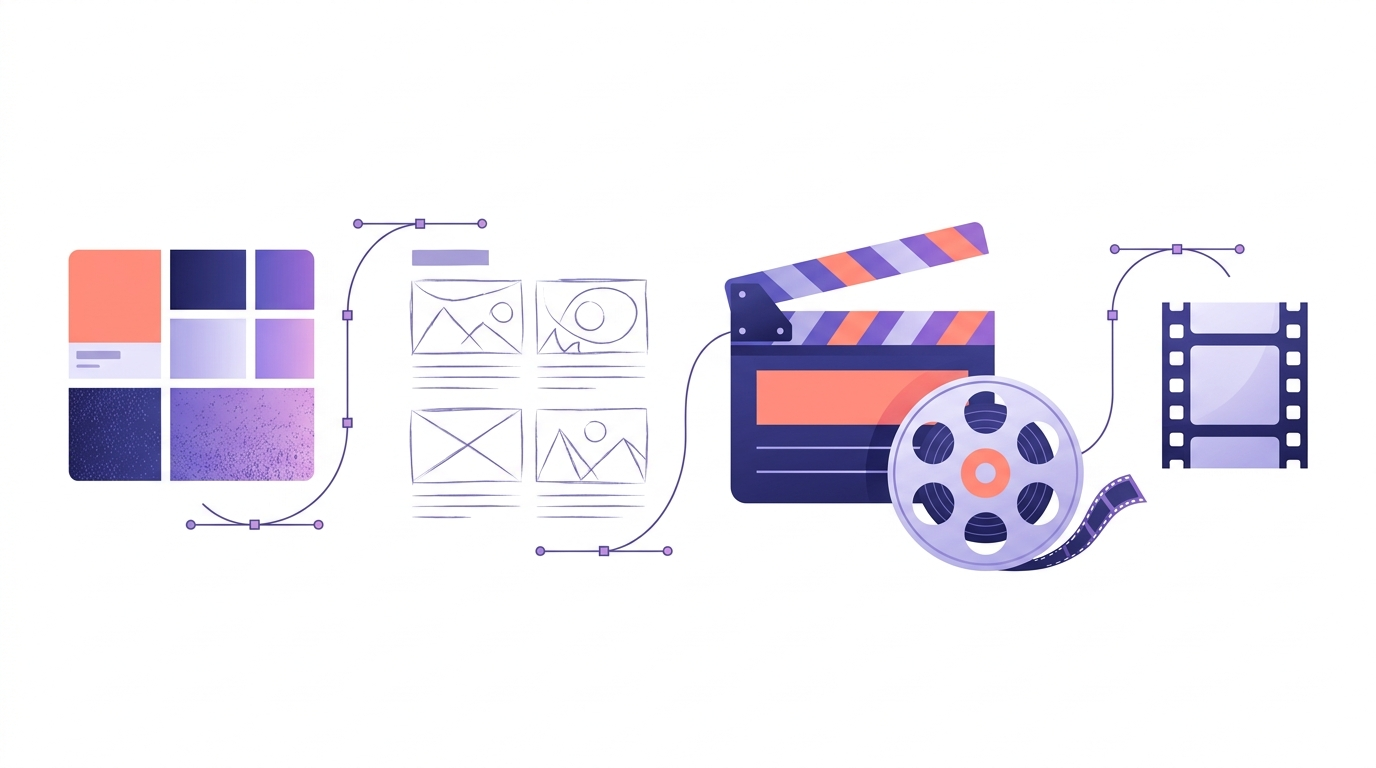
Film, video, and game production is where the term concept art comes from, and it still carries the most weight there. Environment concept art sets the visual world a scene or level lives in before a single set piece gets built. Character design concept art locks in silhouette, palette, and proportions before a character reaches animation or wardrobe. Visual development pulls both together into one consistent look — the reference a whole crew works from. This sits directly upstream of the pre-production stage in our video production process guide, and it feeds straight into storyboarding once a look is locked: concept art answers what a world looks like, and storyboards answer what happens in it, shot by shot.
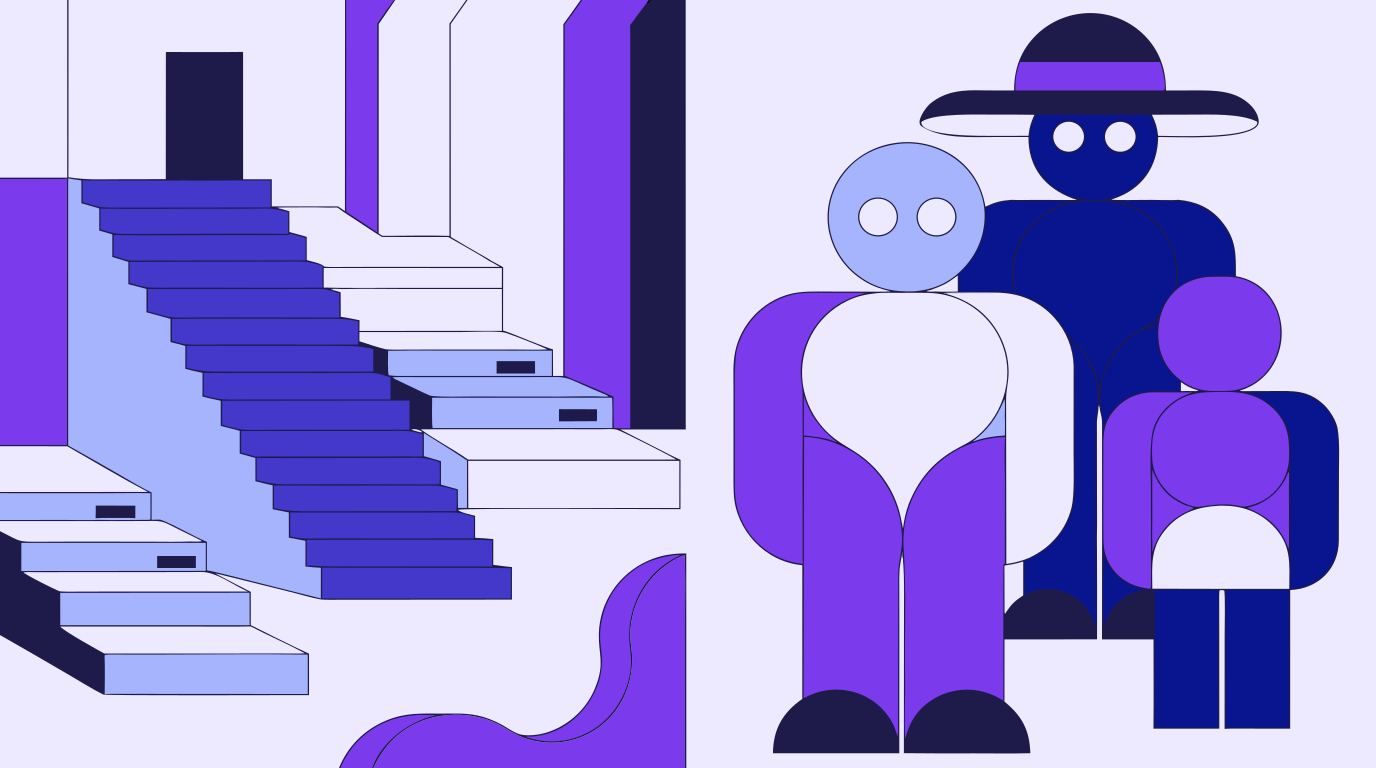
AI concept art is not a replacement for a trained concept artist's judgment — it is a faster first draft. A human concept artist brings an understanding of staging, material, and story logic that a text prompt cannot reliably replicate, especially for anything that has to match an established world, a specific character likeness, or continuity with art that already exists. What AI concept art replaces is the blank-page problem: the hours it used to take to produce enough rough directions for a team to react to in the first place. Teams that use it well treat AI concept art as the opening move, not the final one, and still route anything client-facing or continuity-sensitive through a human pass.
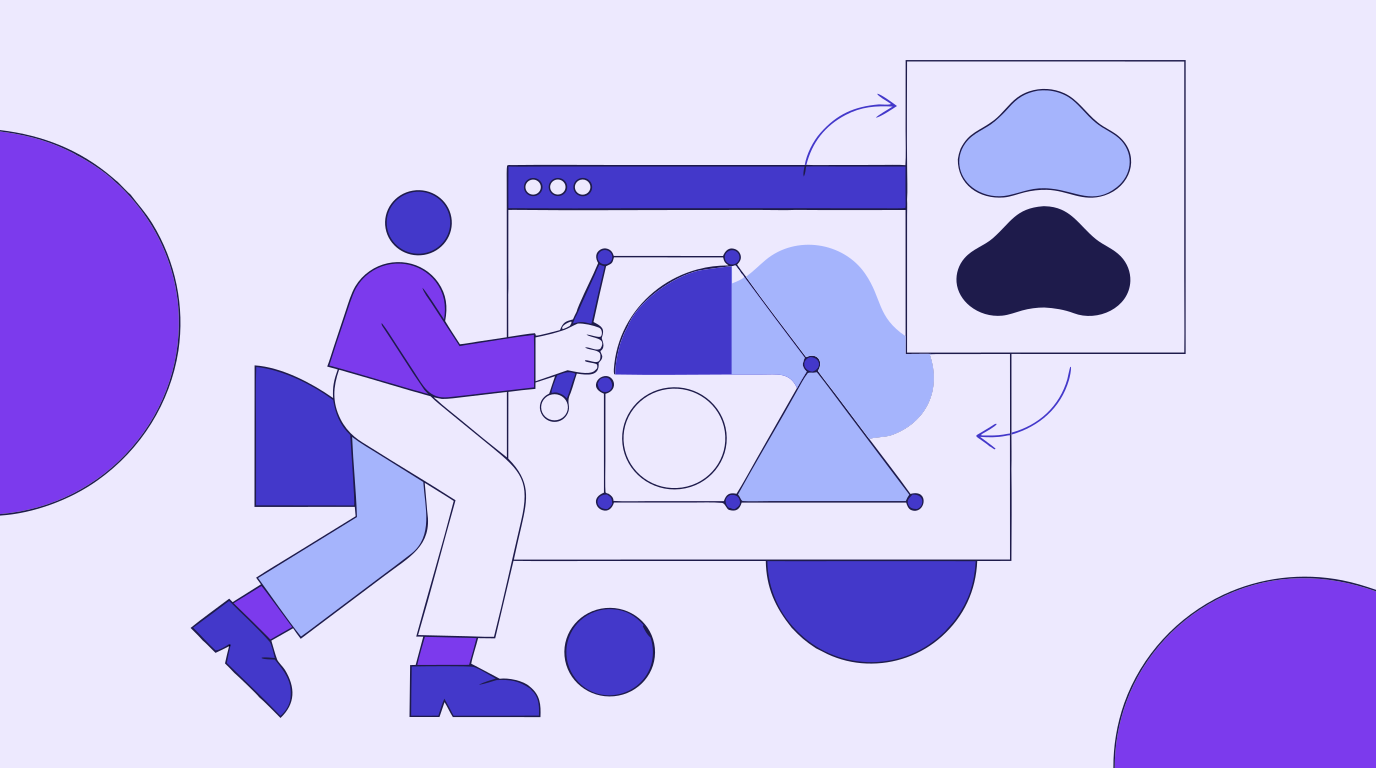
Vector Ink Studio puts AI image generation, automatic vectorization, path editing, and AI in-painting in one browser tab, which covers most of a concept art pass without switching apps. Generate a batch of rough directions, use in-painting to push the strongest one further — swapping a palette, a prop, or a background — without redrawing it from scratch, then vectorize the result into clean paths once a direction is approved. Export as SVG for anything heading into further design work, or PNG when the concept just needs to live in a deck or reference board. The concept art that used to stay a throwaway sketch becomes a real production asset instead.
Keep reading: AI Storyboarding · The Video Production Process · Creative Workflow Automation
UGC ads look less like commercials and more like something a real person wo...
Every design project starts with a question nobody wants to answer with wor...
Every video that runs on schedule starts with the same unglamorous document...
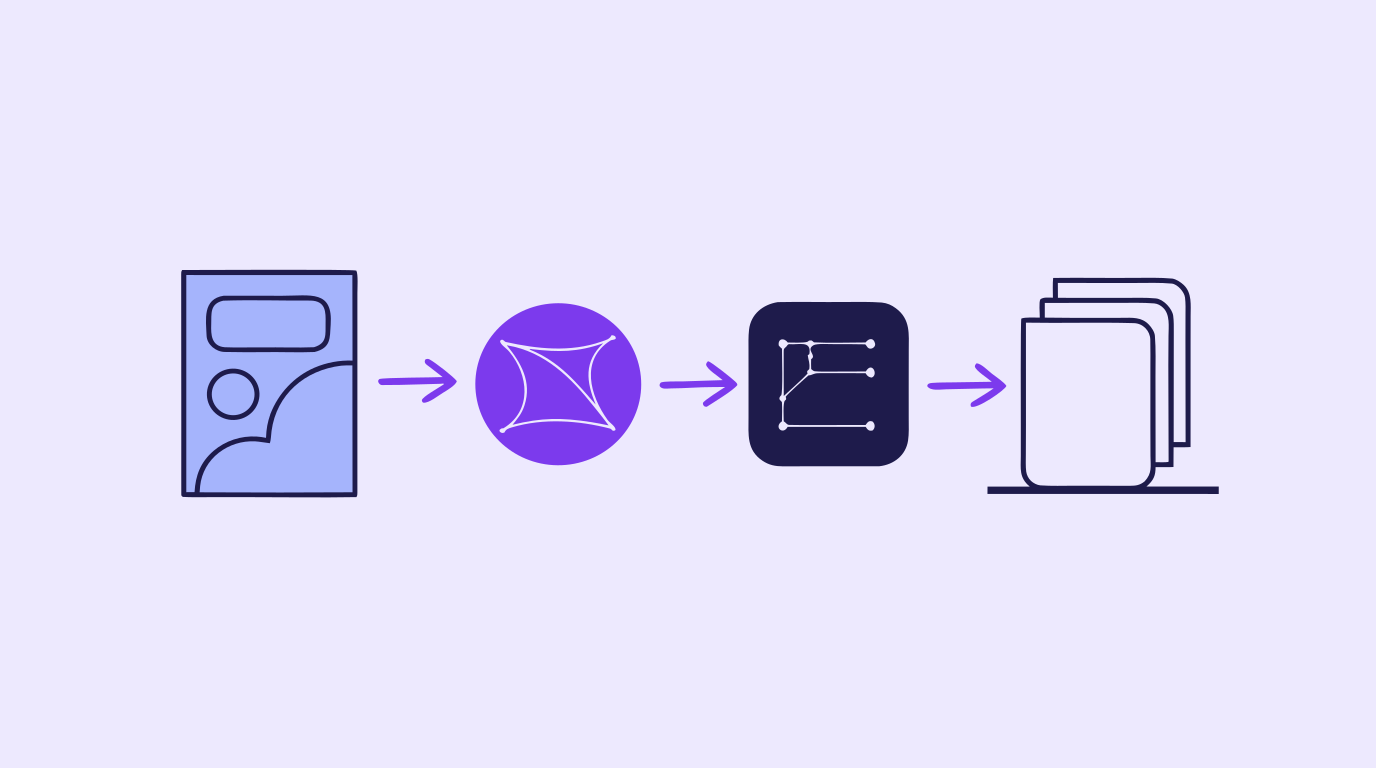
A content creation workflow is the thing standing between "we need graphics...
A storyboard used to mean an afternoon with a sketchpad, a shot list, and e...
A polished video rarely happens by accident. Behind every clean cut, matche...