What Is a Brand Kit? A Design Team's Guide to Building One
Every consistent brand you have ever seen — the same logo, the same t...
UGC ads look less like commercials and more like something a real person would post to TikTok or Instagram: a product held up to a phone camera, a quick demonstration, an honest-sounding reaction, and a direct explanation of why the product matters. That creator-style format is now used far beyond organic social media. Ecommerce brands, software companies, mobile apps, agencies, and local businesses run UGC video ads across paid social campaigns, product pages, landing pages, and launch emails because the format can explain a product without the distance of a polished television commercial.
This guide explains what UGC ads are, how they differ from traditional advertising, the formats and placements they are best suited for, and how to plan one. It also walks through the Vector Ink AI UGC Video Ad Generator, a public app built with Vector Ink Studio that turns a product image and a few details into a 10-second UGC-style video using an AI product mockup and Seedance 2.5.
The people, products, and production scenes in this guide's illustrative images were generated with AI. They do not depict real customer endorsements.
UGC stands for user-generated content. In its original sense, UGC is content a customer creates voluntarily: an unboxing video, a photo of a purchase, a review, a tutorial, or a social post showing the product in daily life. A UGC ad takes the visual language of that content and uses it for marketing. It is usually filmed vertically on a phone, led by a person rather than a brand voice, and structured around a personal problem, product demonstration, reaction, or recommendation.
The term now covers three related but different things:
That distinction matters. A commissioned or AI-generated UGC ad can use the pacing, framing, and directness of social content, but it should not be presented as an unsolicited review from a customer who personally used the product. The useful part of the format is not pretending the ad is something else; it is communicating with the speed and clarity people expect in a social feed.
A traditional commercial is controlled from edge to edge. It may use a studio set, cinema camera, professional lighting, a full crew, scripted voiceover, actors, art direction, and a long post-production process. A UGC video ad intentionally feels closer to everyday content: a phone camera, a real room, available light, a person speaking directly to the viewer, and a product shown in use.
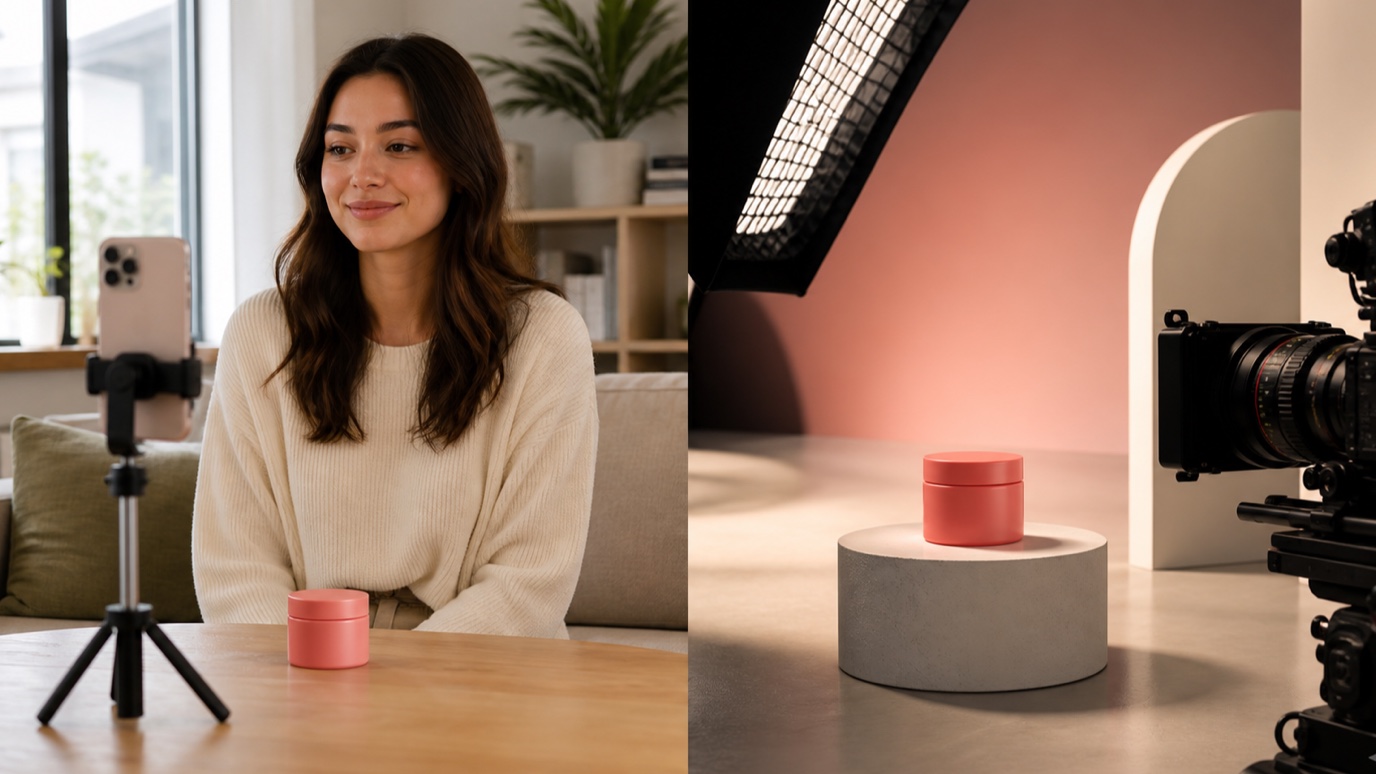
Neither approach is automatically better. Traditional production is useful when a campaign needs precise brand control, elaborate locations, cinematic storytelling, complex effects, or one hero film that will run for months. UGC ads are useful when a team needs many hooks, angles, products, audiences, and platform-specific variations to test quickly.
The practical differences usually look like this:
UGC ads fit the visual grammar of a social feed. They begin with a face, a product, a question, or a problem instead of a logo animation. They can demonstrate a benefit before the viewer decides to scroll, and they give marketers a structure that is easy to vary: keep the same product footage, change the opening hook, switch the audience, test a new offer, or replace the call to action.
The format is especially useful for creative testing. One expensive commercial may leave a media buyer with a single opening, one spokesperson, and one product story. A UGC campaign can test several combinations: problem-first versus benefit-first, testimonial versus demonstration, friendly versus educational tone, or TikTok pacing versus a Facebook-feed explanation. The goal is not to make the footage look careless. It is to remove anything that delays the product story.
Most successful UGC video ads use one clear format instead of trying to fit an entire campaign into a few seconds:
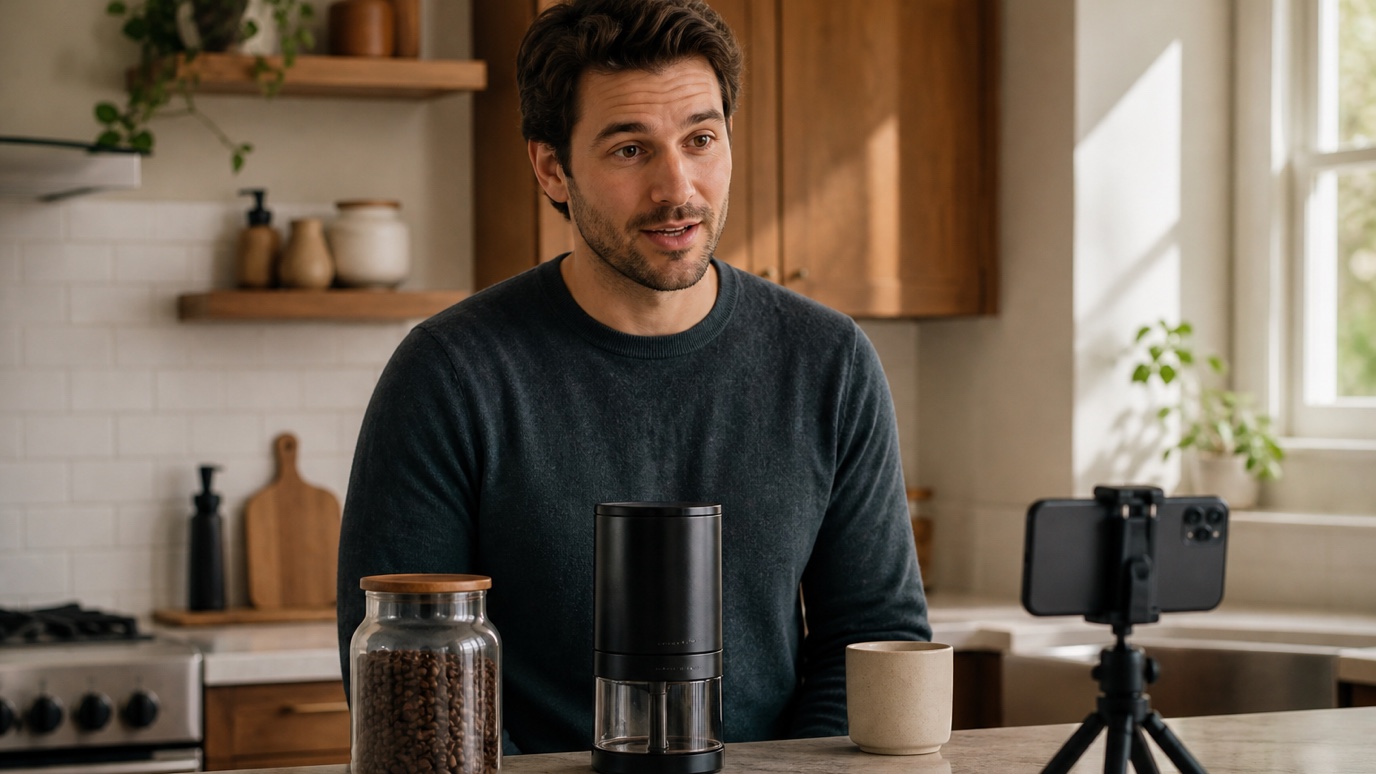
UGC ads are most closely associated with TikTok and Instagram Reels, but the same creative can be adapted across a larger campaign. The important part is matching the crop, pacing, caption treatment, disclosure, and call to action to the placement rather than uploading one file everywhere unchanged.
A vertical 9:16 version is the safest starting point for short-form social placements. Keep the product, face, and any essential overlays away from the extreme top and bottom of the frame, where platform interface controls may cover them. If the ad will also appear in a square or landscape placement, create a deliberate alternate crop rather than letting the platform cut off the product automatically.
A UGC ad still needs a plan, even when the finished result looks spontaneous. Build it around one audience, one problem, one product benefit, and one action:
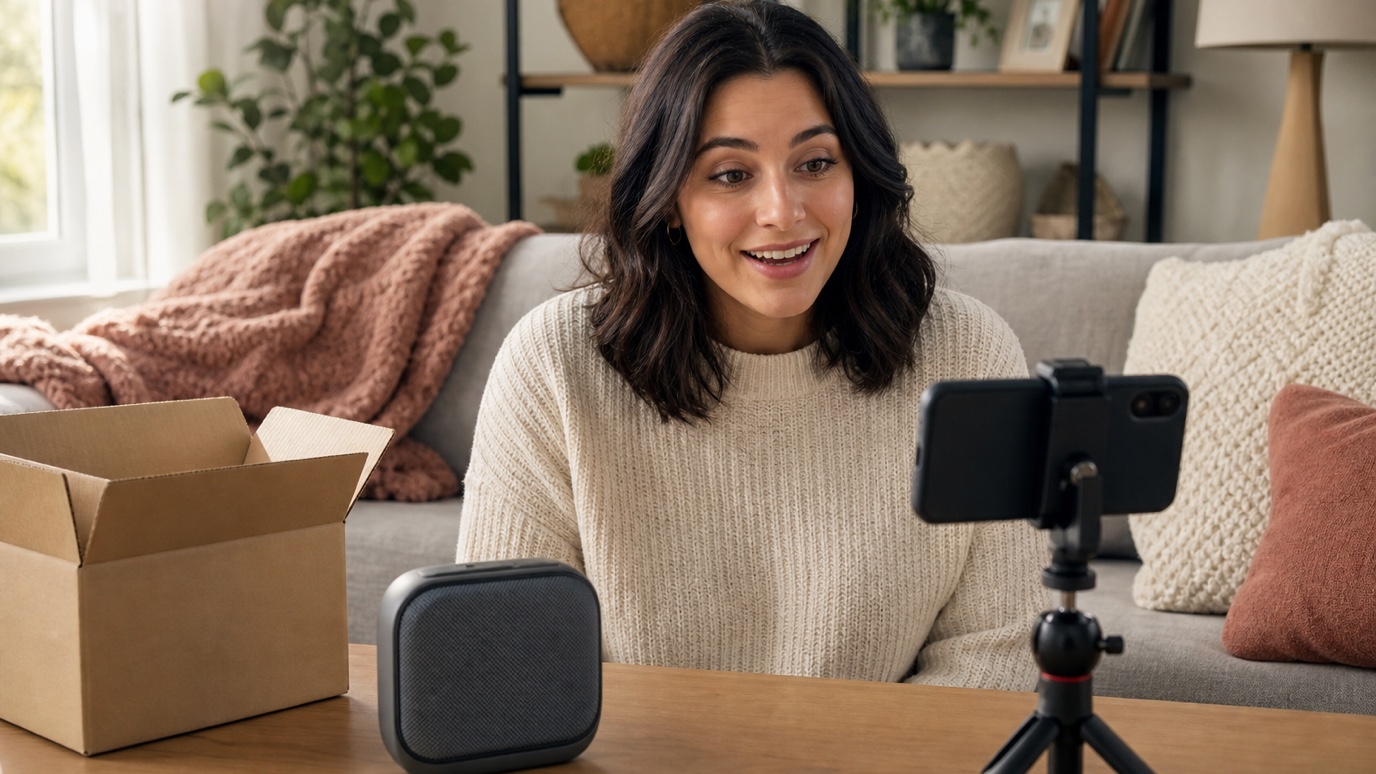
The AI UGC Video Ad Generator is a public workflow app made with Vector Ink Studio. It is designed for a fast first pass: provide the product and campaign direction, upload a real image, and generate a short social-ready concept without arranging a traditional shoot.
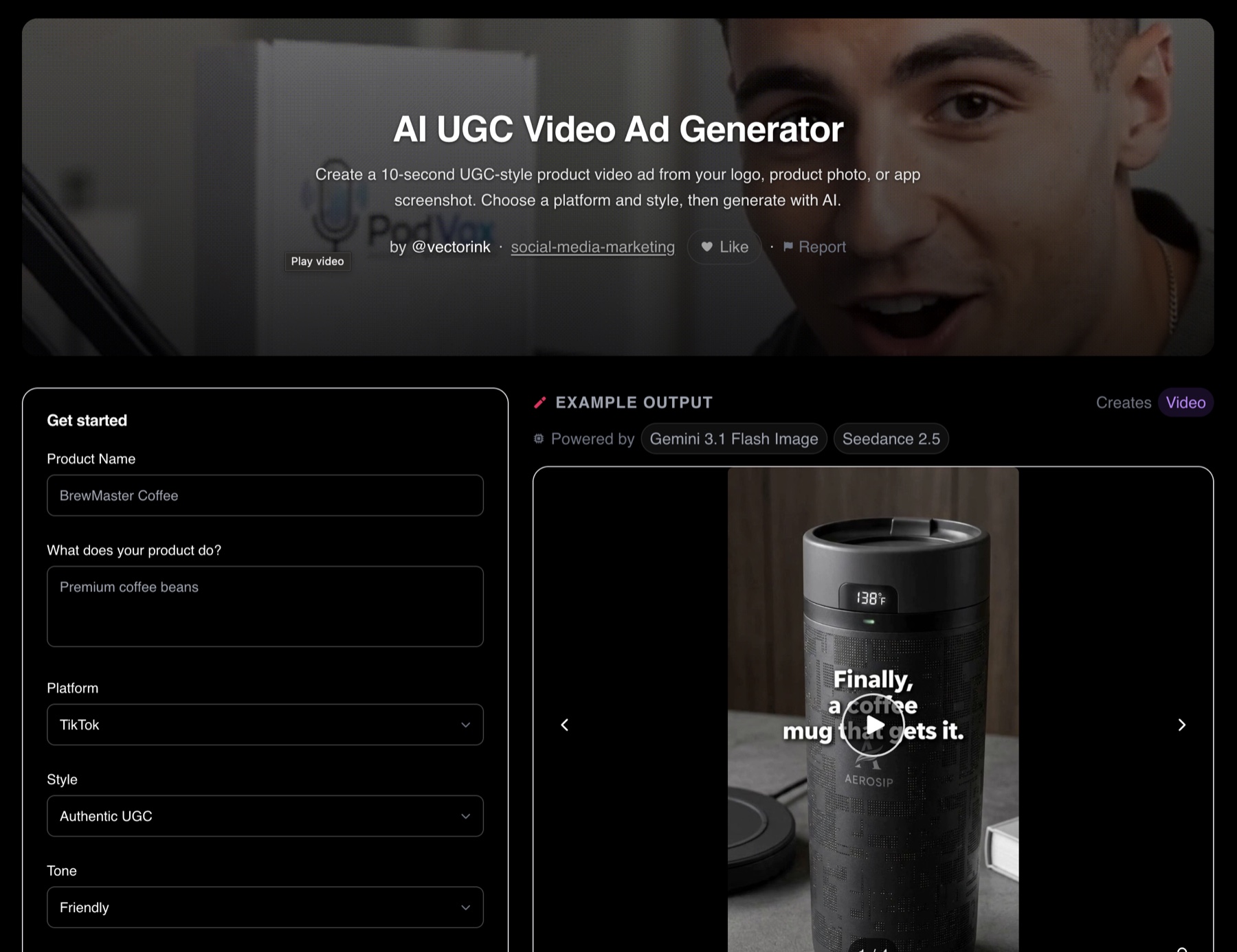
The public app keeps the brief and the generated example together on one page. You can define the product, platform, creative style, and tone on the left, then preview the resulting vertical video on the right before downloading it or adjusting the direction.
The app accepts:
One run uses 71 credits and creates a 10-second video. Credits can be purchased without creating an account, while an account is useful for people who want recurring credits and saved projects. Check the app page for the current credit cost and plan details before running a larger batch, since model pricing can change.
The workflow separates the job into two stages. First, Gemini 3.1 Flash Image creates a product or brand mockup based on the image you upload and the placement you describe. That step gives the video model a prepared visual reference: the real product, screenshot, or logo is already placed into a scene that matches the selected concept.
Second, Seedance 2.5 turns that prepared mockup and the creative direction into a 10-second video. It handles the movement, shot behavior, and pacing needed to move from a still concept to a short product ad. Because the video stage begins from the generated mockup, the workflow can be used for physical products as well as SaaS screens, mobile apps, services, and brand concepts that do not begin with traditional product footage.
The output should be treated as a creative draft that is close enough to evaluate and test, not as a reason to skip review. Watch the complete clip, pause on the product, check logos and interface details, confirm that the movement makes physical sense, and verify every claim before the video becomes a paid ad.
The public app is only one interface for the underlying workflow. Select Fork this app on the app page to open the shared template in Vector Ink Studio, then copy it into your own projects. A fork gives you control over the steps that the one-click public version keeps out of the way.
You can use a fork to:
For an agency, that might mean one app for beauty-product demonstrations and another for SaaS walkthroughs. For an ecommerce team, it could mean fixed brand colors, approved calls to action, and a prompt that always preserves a specific packaging style. For a creator, it can become a reusable starting point for producing consistent variations without rebuilding the workflow every time.
AI UGC-style content should not manufacture a customer experience that never happened. Do not script an AI person to claim they personally used a product, achieved a result, or hold credentials they do not have. Use the creator-style format for demonstrations, explanations, product concepts, and clearly presented advertising rather than disguising synthetic content as an independent review.
For real creator partnerships, the U.S. Federal Trade Commission says a material connection to a brand should be disclosed clearly and conspicuously, and that a video disclosure should appear in the video rather than only in its description. The FTC also states that endorsers should not discuss an experience they have not had or make claims the advertiser cannot support. Review the FTC's Disclosures 101 for Social Media Influencers and obtain advice appropriate to your location and campaign.
What does UGC stand for?
UGC stands for user-generated content. Organic UGC is created independently by customers or community members. In advertising, the phrase UGC ad is also used for commissioned creator content and AI-generated videos that follow the same direct, social-native format.
Are UGC ads only for TikTok?
No. TikTok helped popularize the format, but UGC video ads are also used on Instagram Reels and Stories, Facebook, YouTube Shorts, X, LinkedIn, product pages, landing pages, marketplace listings, and email campaigns.
Does a UGC creator need a large following?
Not necessarily. When a brand hires a creator to produce footage for the brand's own advertising account, the creator's production skill and fit with the target customer may matter more than follower count. Influencer distribution and UGC production are separate services, even when one person offers both.
Are AI UGC ads real user-generated content?
Not in the literal sense. They are better described as AI-generated UGC-style ads. They borrow the framing and pacing of creator content but are generated as advertising. Label and use them honestly, and do not imply a real customer gave a testimonial when no such experience occurred.
How long should a UGC video ad be?
There is no single correct length. The best length is the shortest version that makes the hook, product, benefit, and next step clear. The Vector Ink app generates a focused 10-second video, which is useful for fast social concepts and creative testing. A complex demonstration may need a longer recorded version.
Can I customize the Vector Ink UGC workflow?
Yes. Use the Fork this app link to open the template in Studio, copy it, and change the prompts, inputs, models, steps, or publishing settings for your own use case.
A useful UGC ad does not need a complicated set or a long script. It needs one recognizable viewer, one problem, one product benefit, and one clear next step. Start with a product you understand, choose a format that can show the benefit quickly, and make several opening hooks instead of trying to perfect one giant commercial.
The AI UGC Video Ad Generator gives you a fast way to turn that plan into a 10-second visual draft. Use the public app when you want a simple guided flow. Fork the Studio template when you want to make the workflow specific to your brand, clients, or product category.
Keep building the campaign: AI Ad Maker & Static Ad Generator · AI Social Media Caption Generator · AI Landing Page Generator · The Video Production Process
Every consistent brand you have ever seen — the same logo, the same t...
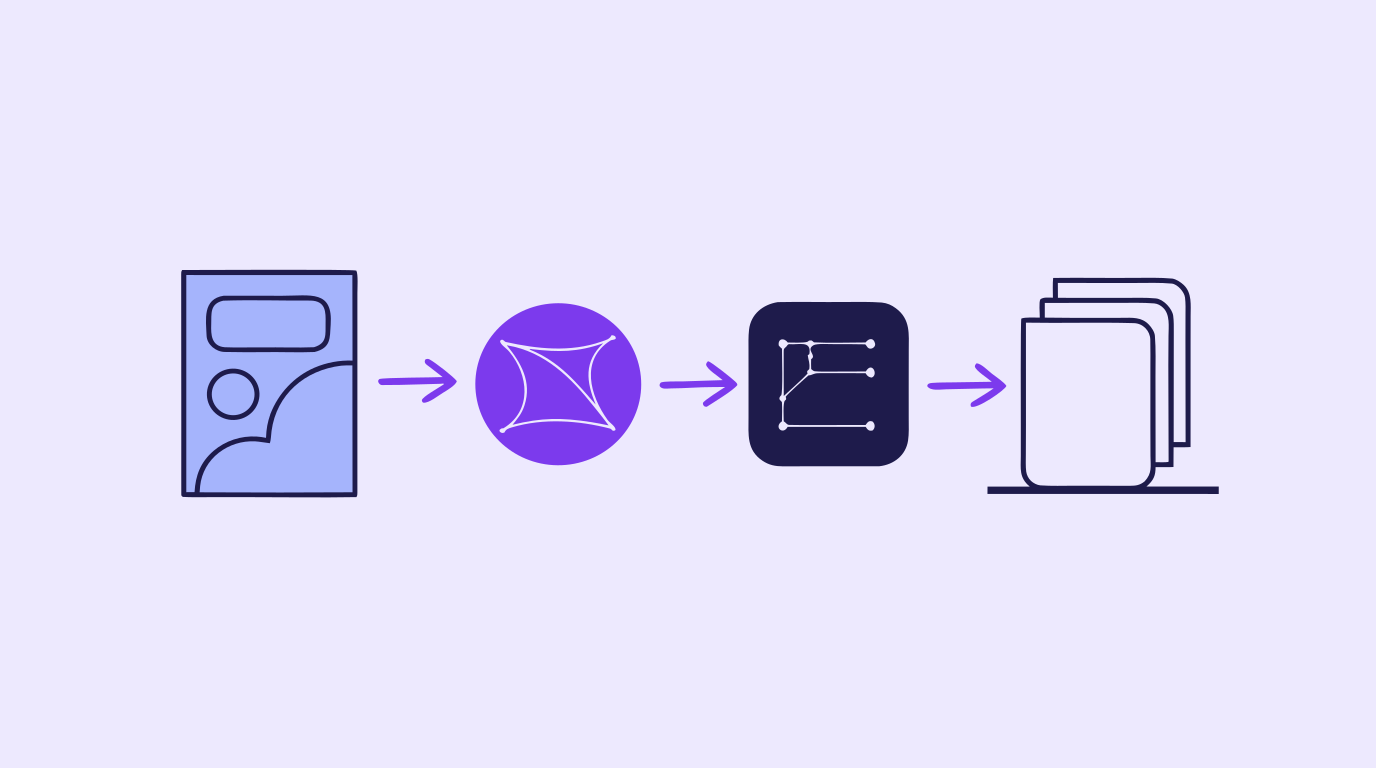
A content creation workflow is the thing standing between "we need graphics...
A storyboard used to mean an afternoon with a sketchpad, a shot list, and e...

Concept art is the visual thinking that happens before a final design, shot...
Every video that runs on schedule starts with the same unglamorous document...
Every design project starts with a question nobody wants to answer with wor...