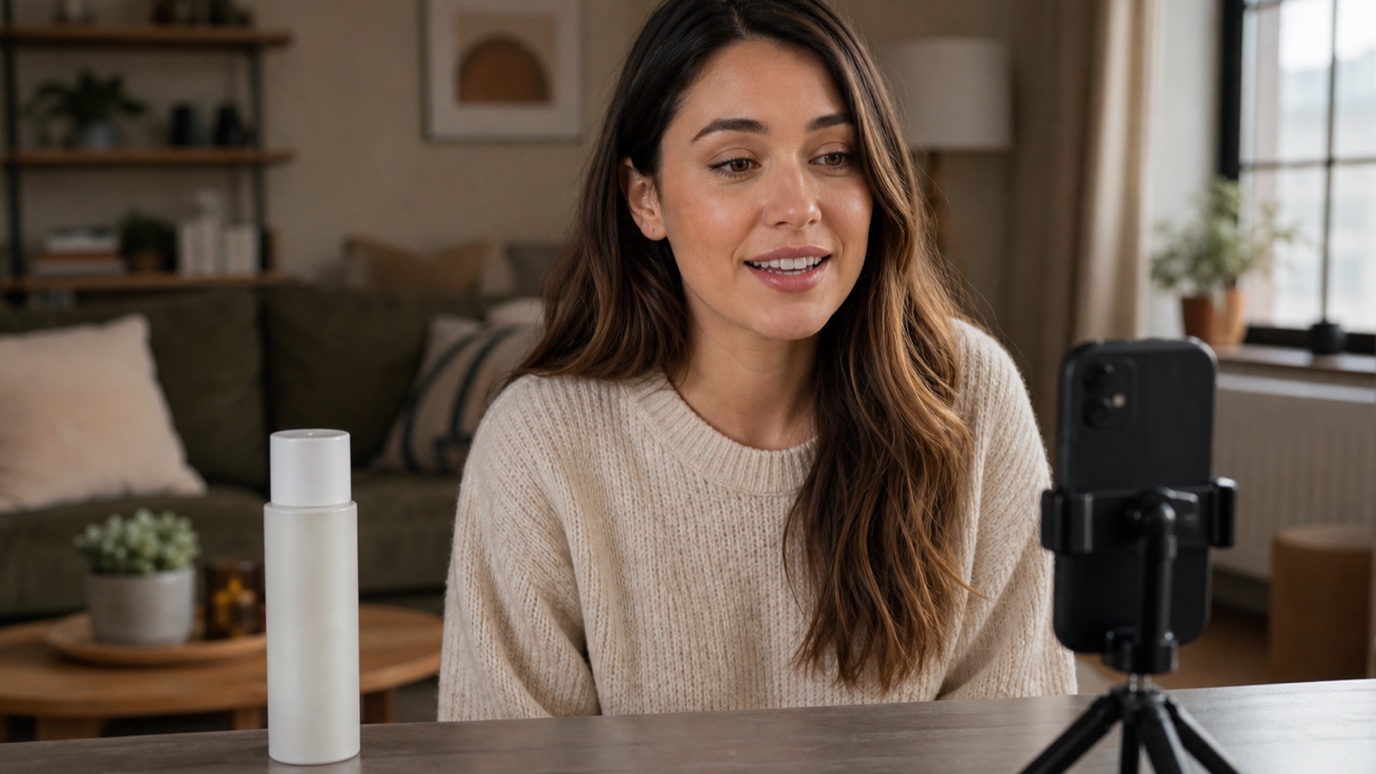
What Are UGC Ads? How to Create UGC Video Ads With AI
UGC ads look less like commercials and more like something a real person wo...
A storyboard used to mean an afternoon with a sketchpad, a shot list, and enough coffee to get through twenty panels before a pitch meeting. AI storyboarding has not replaced that afternoon, but it has changed what happens during it — a director or designer can now describe a scene and get a rough panel back in seconds, then spend their time refining the shots that matter instead of drawing every stick figure from scratch. This guide covers what AI storyboarding actually does well, where a human artist still wins, and how to build it into a real production or design workflow, the same thinking behind our creative workflow automation approach to design work generally.
AI storyboarding is the use of AI image generation to produce the panel art for a storyboard — the sequence of small illustrated frames that maps out camera angles, character blocking, and scene composition before a shoot or animation begins. Type a description of a shot ("wide shot, two characters at a kitchen table, morning light through a window") and a storyboard AI tool returns a rough panel in the right aspect ratio, ready to sequence with the others. It sits in the same pre-production slot as traditional storyboarding — it just removes the bottleneck of needing a trained storyboard artist available for every revision.
The workflow is the same regardless of which storyboard ai tool you use, and it maps closely to the pre-production stage covered in our video production process guide:
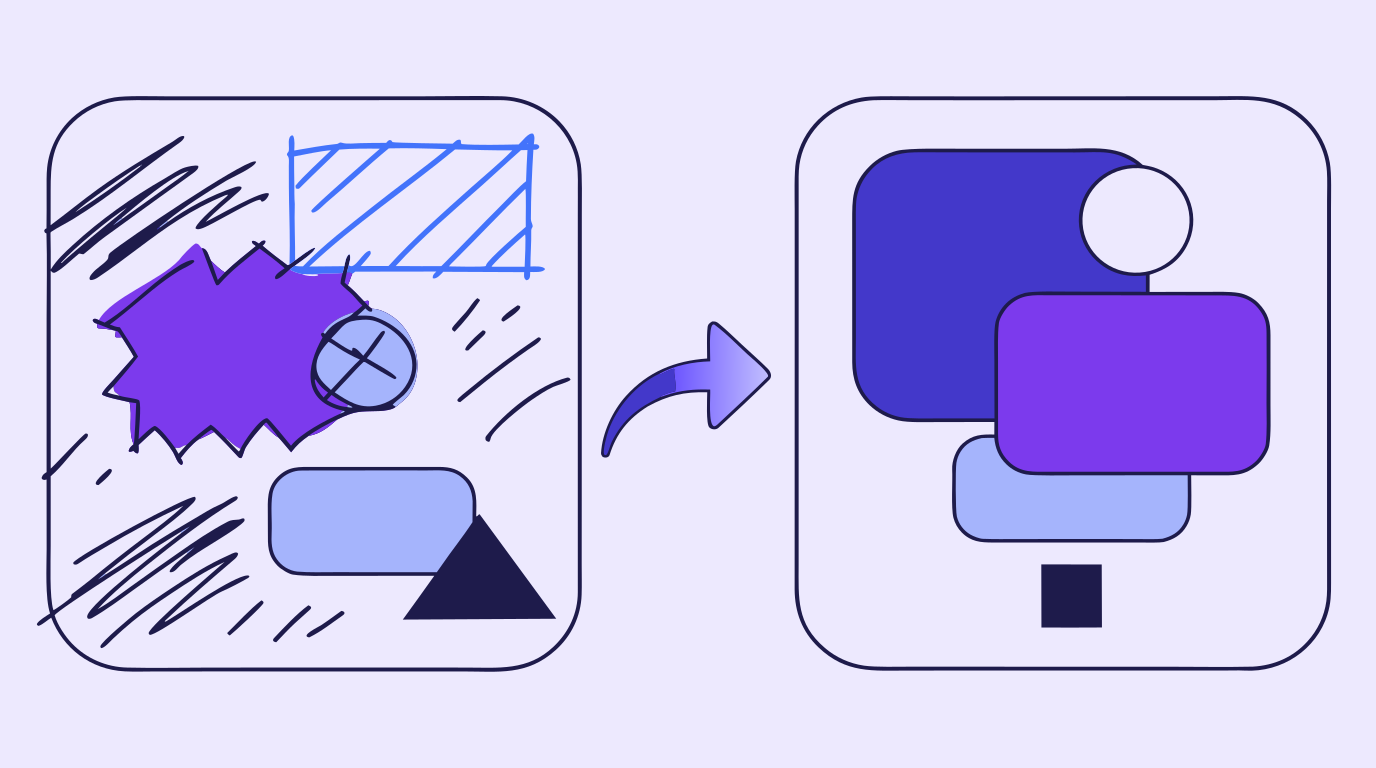
Traditional storyboard software — the drag-and-drop panel builders and storyboard maker apps most production teams already know — is built around arranging and annotating art that a human already drew: shot numbers, camera notes, timing. An AI storyboard generator handles the earlier step, producing the art itself from a text description. The two are not competitors; most real workflows use an AI storyboard generator to get first-draft panel art fast, then drop those panels into standard storyboard software (or a shared deck) for the shot numbering, timing notes, and crew-facing annotations that AI tools are not built to handle.
No, and this is worth saying plainly because it is the most common question directors and design leads ask before trying AI storyboarding at all. A storyboard artist brings staging instinct, an understanding of how a director actually blocks a scene, and consistency across a hundred panels that a prompt-based tool cannot replicate reliably. What AI does replace is the early grind — the first rough pass that used to eat a full day before a storyboard artist could even start refining. Studios that use AI storyboarding well treat it as a faster first draft, not a finished product, and still route the shots that matter through a human artist for final polish.
Storyboarding is not only a film term. Web design and product teams use the same panel-by-panel format to storyboard a user flow, an onboarding sequence, or a product demo video before building it — mapping what a visitor sees and does at each step the same way a director maps camera angles. This overlaps directly with the moodboard stage covered in our web design process guide: an AI-generated storyboard panel of "empty state, no items yet, subtle illustration" gives a team something concrete to react to before a designer spends an afternoon on final artwork.
For film and video teams, AI storyboarding earns its keep in the pitch and pre-production stages, before budget is committed to a shoot day. A director can generate a full sequence of shots to test pacing and coverage, catch a scene that will not cut together, or give a cinematographer a lighting reference — all before anyone books a location. It is a poor fit for anything that needs to match a specific actor's likeness, an exact set already under construction, or continuity with footage that has already been shot; those cases still need a human artist working from real references.
Vector Ink Studio puts AI image generation, automatic vectorization, path editing, and AI in-painting in one browser tab, which covers most of an AI storyboarding pass without switching apps. Generate a rough panel for each shot, use in-painting to swap a prop, background, or character detail without redrawing the whole frame, and export the finished sequence as SVG or PNG depending on whether it is heading into a deck, a shot-list document, or straight into an editor's timeline as reference. The same panels can be vectorized and cleaned up into title cards or on-screen graphics later, so the storyboard stage does not end up as throwaway work once the shoot starts.
The Video Production Process · The Web Design Process · Creative Workflow Automation
UGC ads look less like commercials and more like something a real person wo...
Concept art is the visual thinking that happens before a final design, shot...
Every design project starts with a question nobody wants to answer with wor...
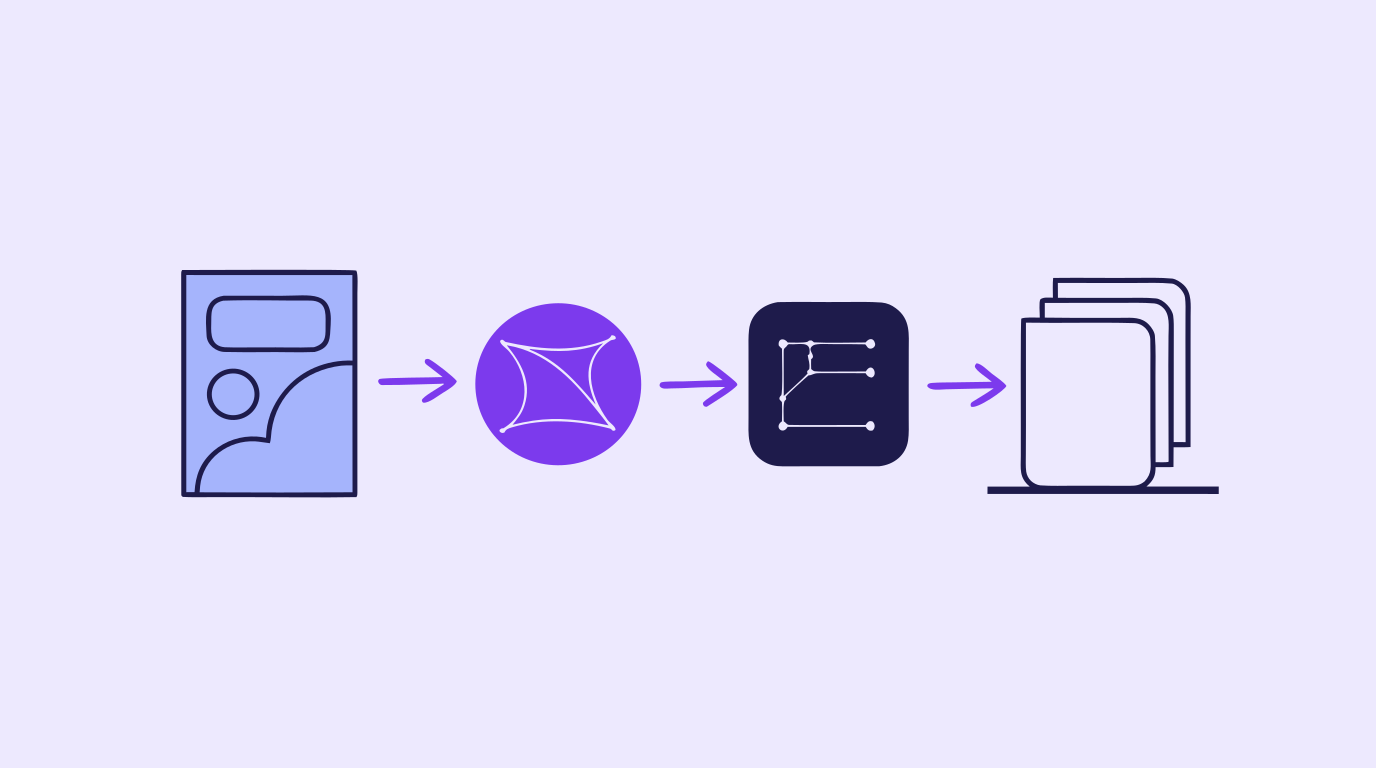
A content creation workflow is the thing standing between "we need graphics...
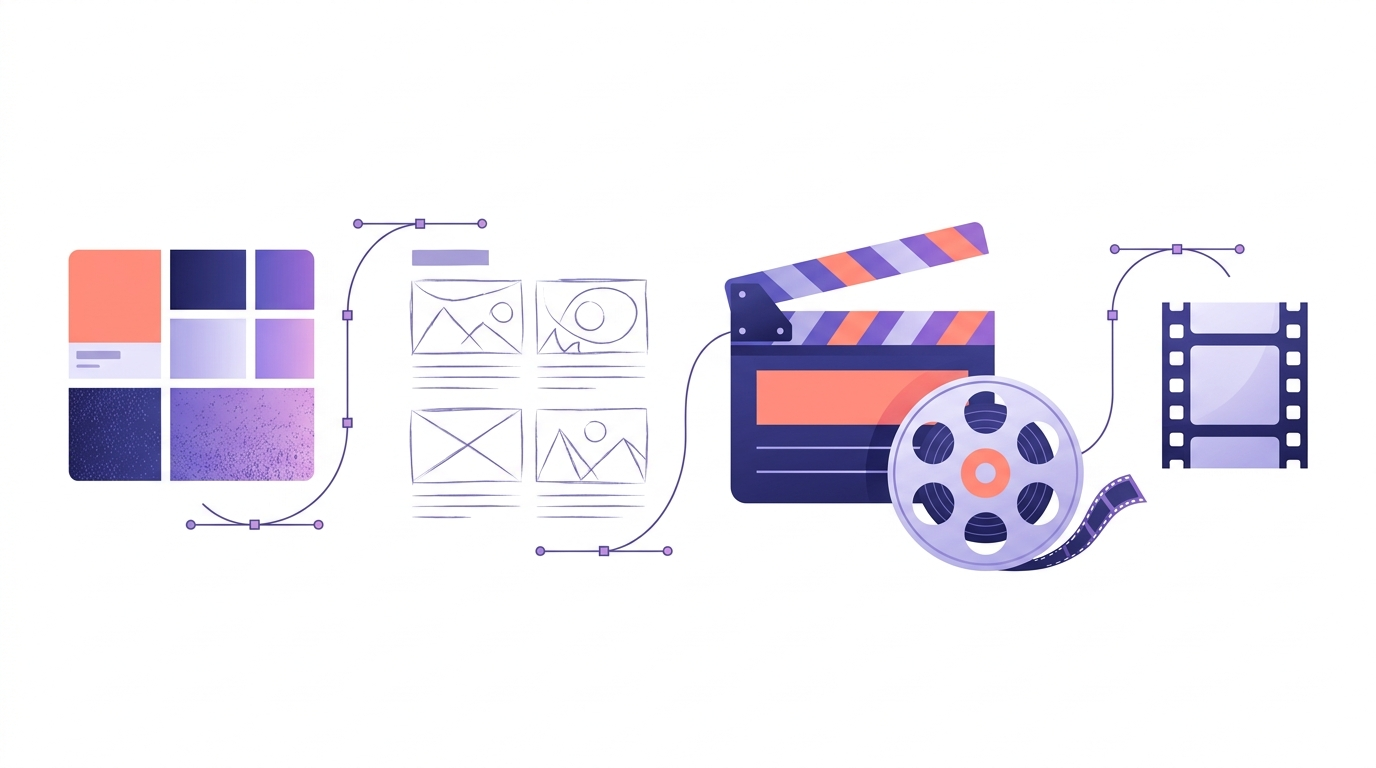
A polished video rarely happens by accident. Behind every clean cut, matche...
Every site that feels effortless to use was the product of a deliberate web...