
What Are UGC Ads? How to Create UGC Video Ads With AI
UGC ads look less like commercials and more like something a real person wo...
Every site that feels effortless to use was the product of a deliberate web design process behind the scenes. Skip a stage and it shows up later as a rushed logo, a wireframe nobody agreed on, or a launch date pushed back for the third time. This guide walks through the stages of a modern web design process, where AI-assisted tools genuinely save time versus where they just add noise, and how a browser-based workflow like creative workflow automation keeps assets moving instead of stuck in someone's downloads folder.
The web design process is the sequence of decisions and deliverables a team moves through to get from "we need a website" to a live, working one: discovery, structure, visual design, prototyping, build, and launch. Different agencies label the stages differently, but the underlying logic never changes. You cannot design a page before you know what goes on it, and you cannot build a page before someone has designed it. The process exists to stop teams from working out of order.
The first step is discovery, not design. Before anyone opens a design tool, the team needs to agree on the goal of the site, who it is for, and what a visitor should do once they land on it. This is also when moodboards get built — a loose collection of colors, typography, competitor screenshots, and reference imagery that gets everyone pointed in the same visual direction before a single pixel is placed. Skipping discovery is the single most common reason a web design workflow stalls: without it, "make the header bigger" becomes an endless, opinion-driven loop instead of a decision grounded in a shared brief.
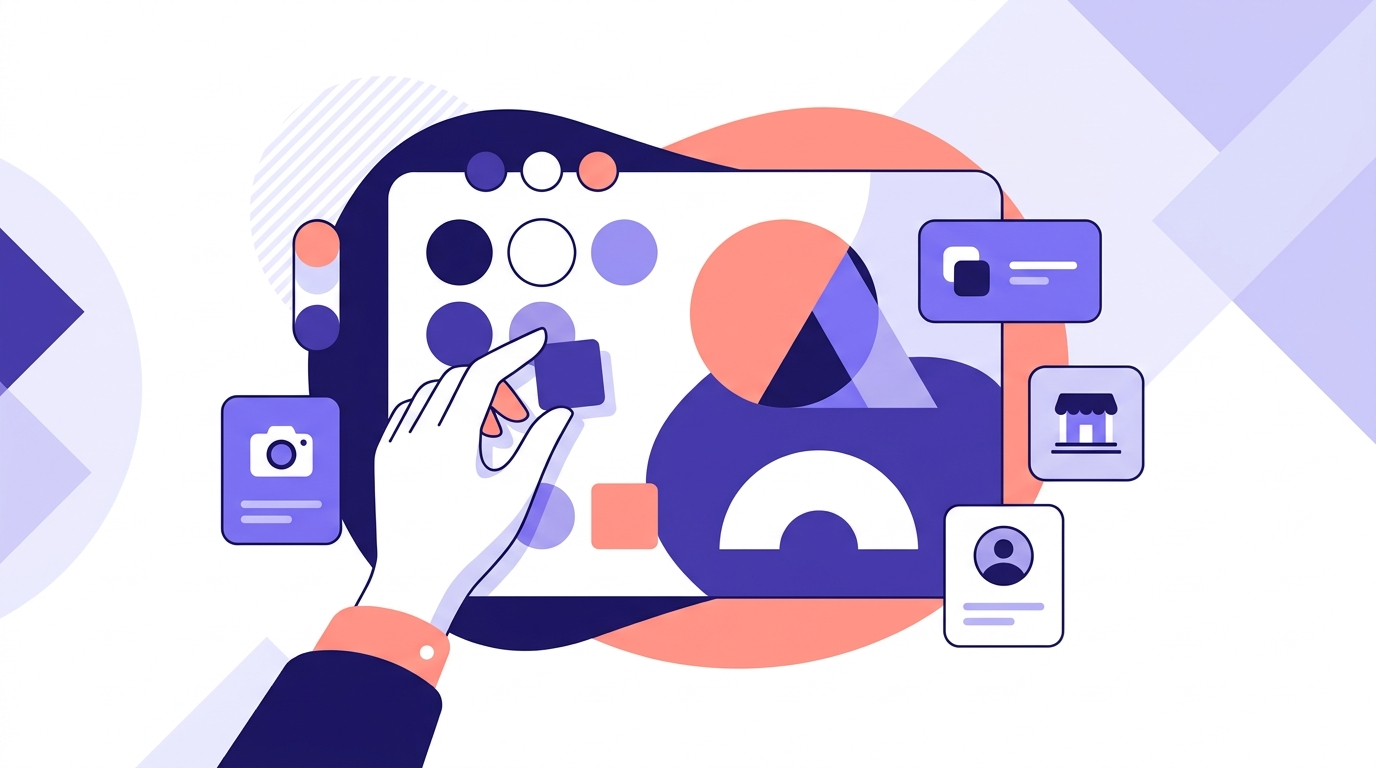
Wireframes map out where content lives before anyone worries about color or type. This stage answers structural questions: how many pages, what is in the navigation, where does the call-to-action sit on the homepage. Keeping wireframes intentionally ugly — boxes and gray text, nothing polished — is a feature, not a shortcut. It keeps feedback focused on layout and priority instead of getting derailed by font opinions.
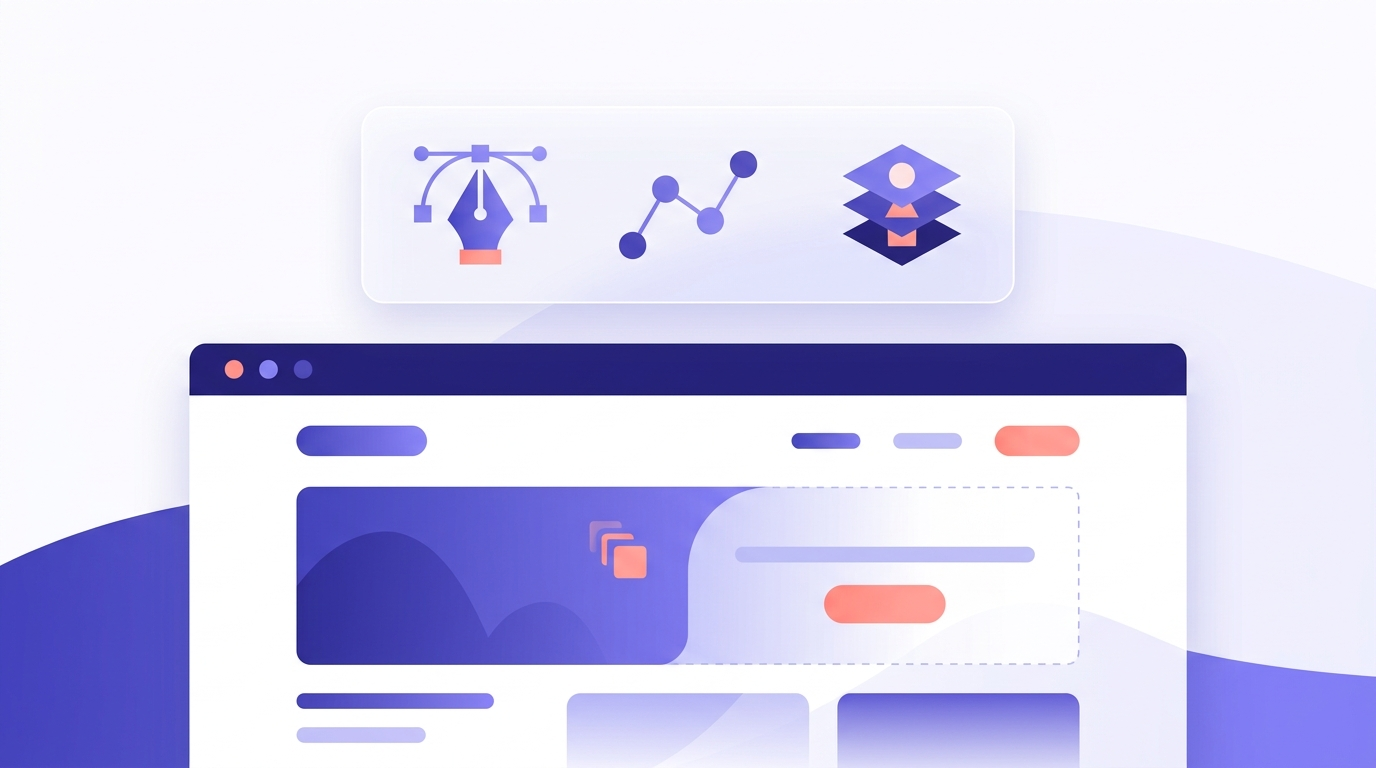
This is where the moodboard becomes real design work: color palettes, typography pairings, icon sets, and a logo if the brand does not already have one. It is also the stage where a lot of web design workflows quietly break down, because visual assets get created in one tool, cleaned up in another, and exported from a third. A browser-based vector editor that handles path editing, icon libraries, and clean SVG export in one place removes two of those handoffs entirely — no round-tripping files between a raster editor and a vectorizer just to get a logo that scales cleanly from favicon to hero banner.
If the team is starting from a scanned sketch, a client-supplied JPG, or a low-resolution logo, this is also the point to clean the source image up before tracing it. Our guide to AI image upscaling and guide to vectorizing images cover exactly that prep work, and both feed straight into the same editor used for the rest of the visual design stage.
Static comps get turned into a clickable prototype so stakeholders can experience the flow, not just look at flat screens. This is the stage where scope creep is cheapest to catch — a client asking for a whole new section during prototyping costs an afternoon; the same request after development starts costs a week. Keep review rounds capped and specific: ask for feedback on one thing at a time (navigation, then color, then copy) rather than "thoughts on the whole thing," which produces vague notes that are hard to action.
AI tools are genuinely useful in two narrow places in this process: generating first-draft visual concepts during the moodboard stage, and speeding up asset production once direction is locked. Vector Ink's AI image generator can produce hero illustrations, icon concepts, or texture ideas in a handful of styles, and AI in-painting lets a team swap out one element of a composition — a background, an object, a color block — without redrawing the whole scene. The output still needs a human to trace it into clean vector paths and make sure it fits the brand, but for the "give me ten directions to react to" part of moodboarding, AI generation removes a genuine bottleneck.
Not really — "web design process" and "website design process" are used interchangeably in most agencies and search results alike. If there is a distinction worth drawing, it is scope: "web design process" sometimes gets used more broadly to include app interfaces and digital product design, while "website design process" leans toward a single site. In practice, the stages above apply to both, and you should not spend time worrying about which phrase your team uses internally.
You do not need a stack of separate apps to run a clean web design process. Vector Ink combines AI image generation, automatic vectorization, path editing, and AI in-painting in one browser tab, with SVG, PNG, and ICO export when it is time to hand assets to a developer. That means a moodboard sketch, a generated icon concept, and a client's scanned logo can all move through the same tool on the way to a final asset — no exporting a PNG from one app just to re-import it into another for tracing.
The Ultimate Guide to Vectorizing Images · The Ultimate Guide to AI Image Upscaling · Creative Workflow Automation
UGC ads look less like commercials and more like something a real person wo...
Every video that runs on schedule starts with the same unglamorous document...
Every design project starts with a question nobody wants to answer with wor...
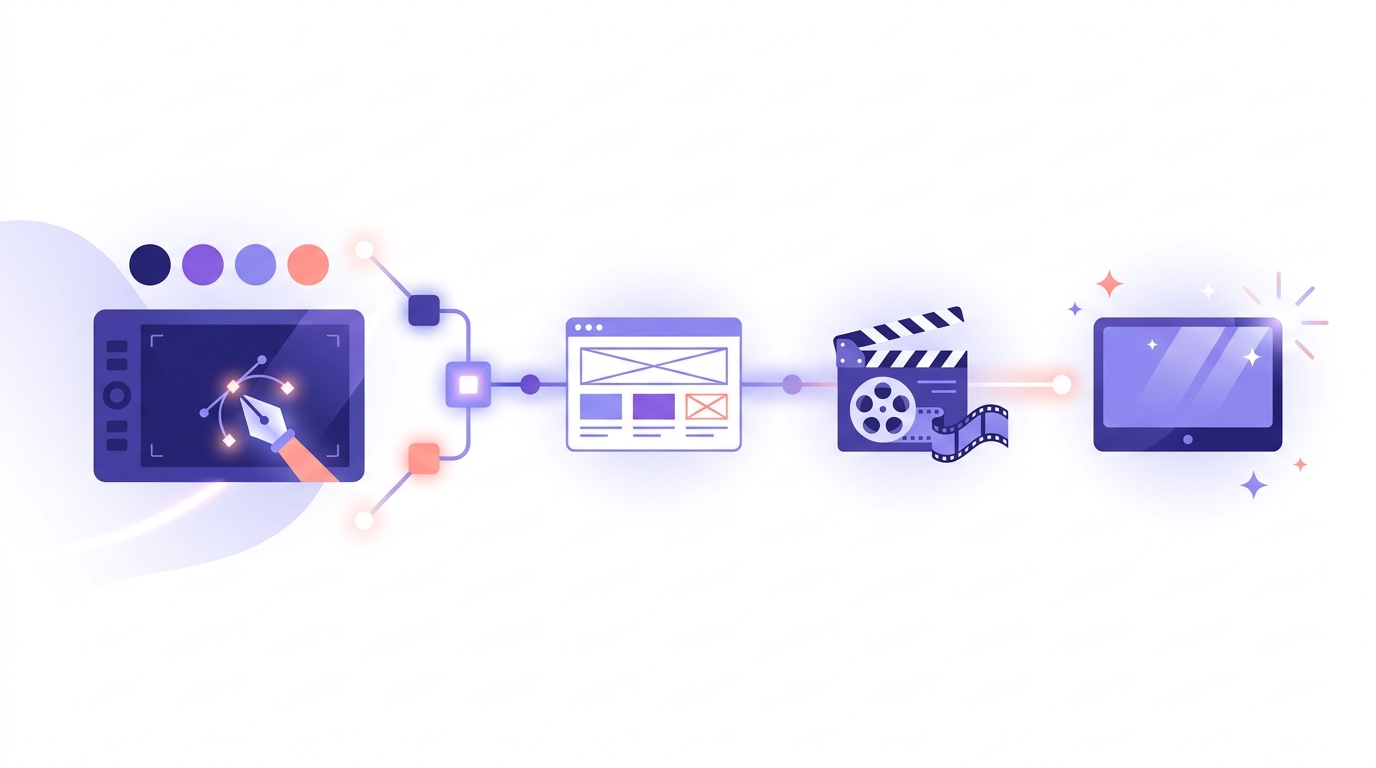
Most conversations about workflow automation are aimed at engineers and ope...
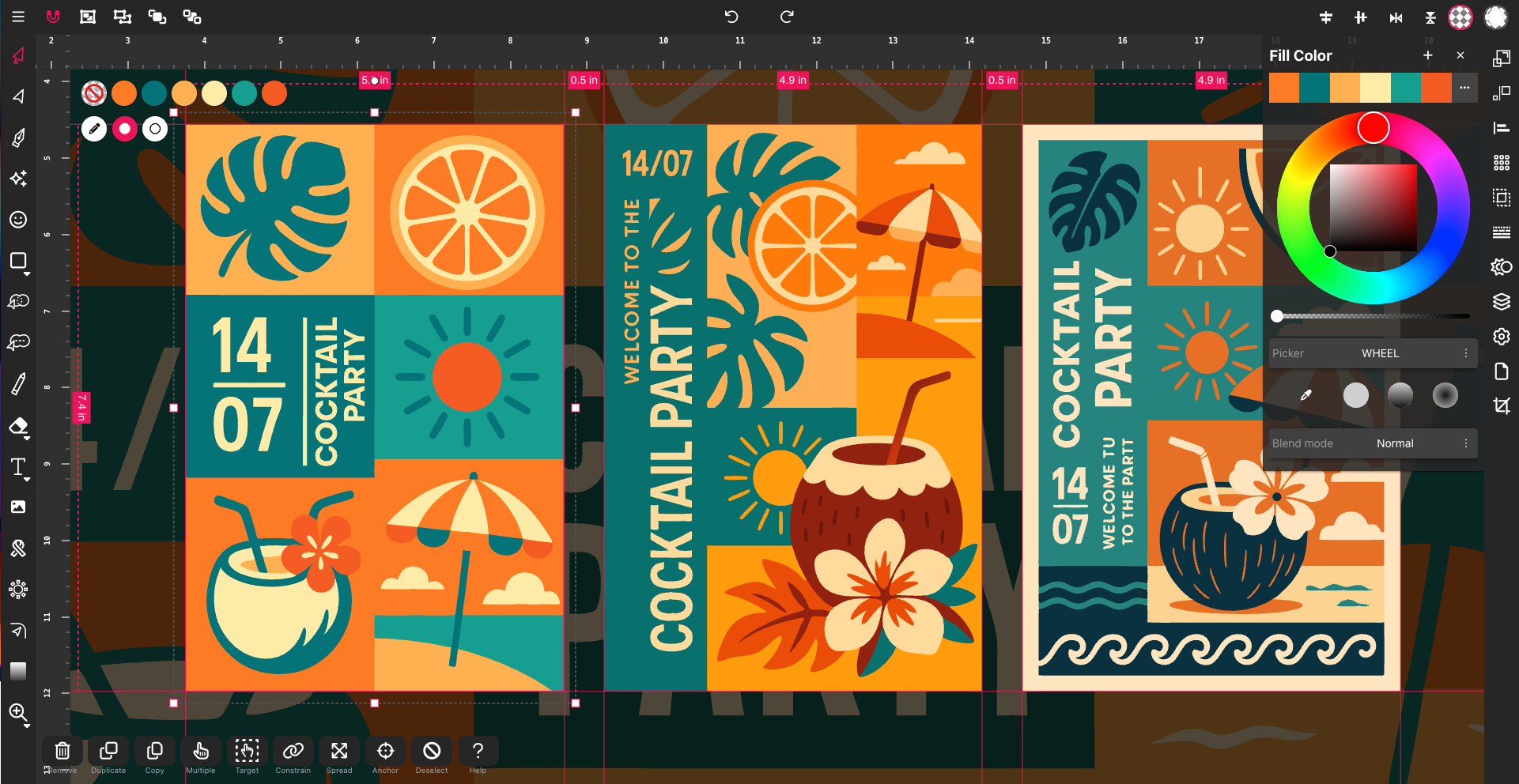
In 2025, SVG — short for Scalable Vector Graphics — has become one of t...
Designing on the go used to mean juggling files, software, and devices. Clo...