
What Are UGC Ads? How to Create UGC Video Ads With AI
UGC ads look less like commercials and more like something a real person wo...
A content creation workflow is the thing standing between "we need graphics for this campaign" and a folder of fifty mismatched exports nobody can find two weeks later. For design studios, web teams, and video producers, content volume has gone up faster than headcount, and most of the strain shows up in the same place: the handoff between concept and finished asset. This guide covers what a working content creation workflow actually looks like for creative teams, where AI tools genuinely remove friction, and how a browser-based approach like our creative workflow automation keeps output moving instead of stalling in someone's downloads folder.
A content creation workflow is the repeatable path a piece of content takes from brief to published asset: intake, concept, production, review, and export. For a design team that might mean a client brief turning into a moodboard, then a logo, then a full brand kit. For a video team it might mean a script turning into storyboard frames, then title graphics, then a finished cut. The word "workflow" only earns its keep if the path is repeatable — if every project reinvents the process from scratch, that's a series of one-off favors, not a workflow. It is also narrower than a content marketing workflow, which adds distribution steps like scheduling and performance tracking on top; a content creation workflow only covers how the asset itself gets made.
A single project can survive a messy content workflow. Twenty projects a month cannot. The most common failure point is tool sprawl: a concept gets sketched in one app, refined in another, vectorized in a third, and exported from a fourth, with a raster round-trip at every seam that degrades quality. The second is asset drift — a logo, icon set, or title graphic gets rebuilt slightly differently each time, because nobody kept one clean source file. Both compound with scale, which is why a defined web design process or video production process matters more as a team grows, not less.
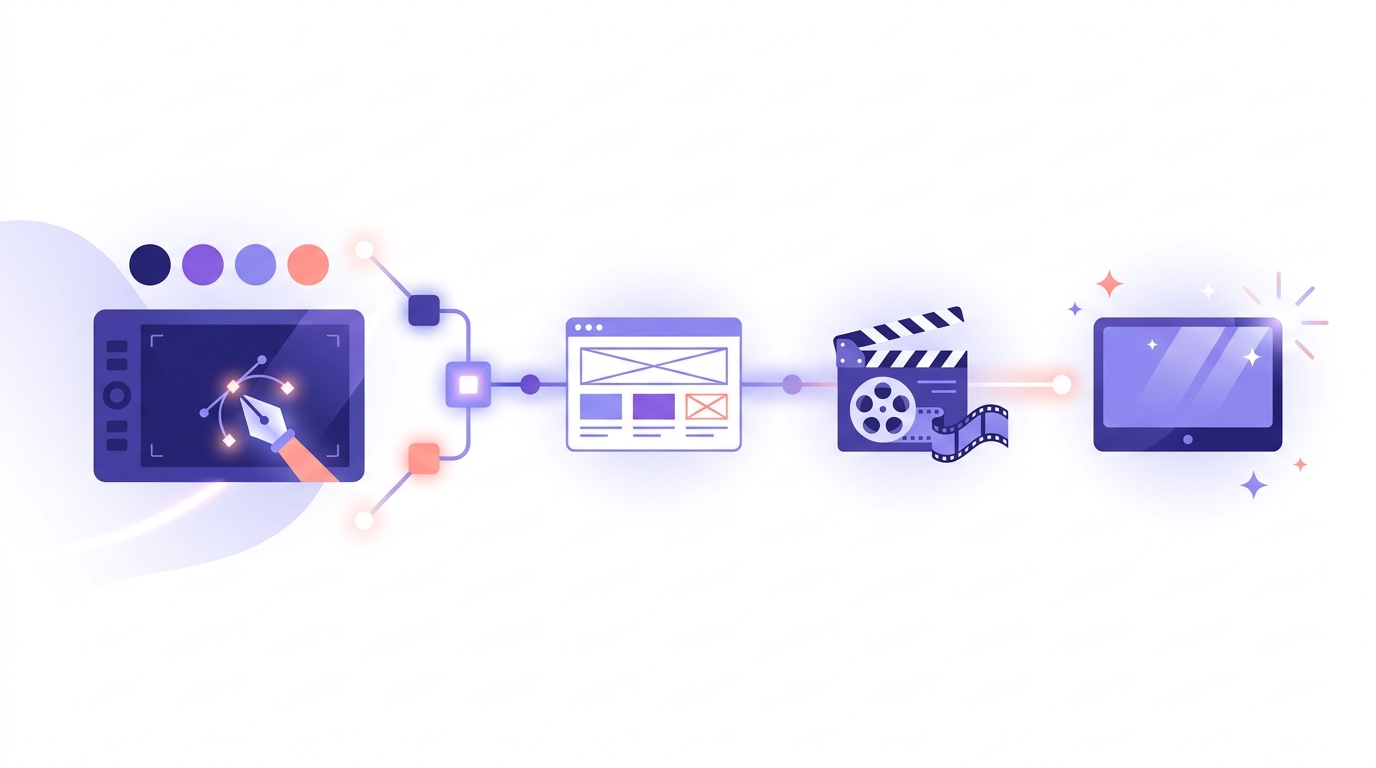
Strip away the tool-specific details and most creative content workflows share the same five stages:
Automating a content creation workflow does not mean removing humans from it — it means removing the repetitive, low-judgment steps so people spend their time on decisions that need actual taste. In practice: use AI to generate a first batch of concept directions instead of staring at a blank canvas, use automatic vectorization instead of manually retracing a scanned logo, and keep every asset in one editable source format so a revision does not mean starting over. What should stay manual is anything involving brand judgment — picking which concept survives, checking that a mark still reads correctly at sixteen pixels, deciding whether a color choice actually fits the client. Vector Ink's AI image generator can produce a dozen visual directions for a moodboard in the time it takes to brief a single illustrator, and AI in-painting lets a team swap a background, an object, or a color block without touching the rest of the composition. What AI still cannot do is judge whether a logo holds up on a delivery truck, or whether a title card matches a director's intent — that stays firmly human, and any workflow that pretends otherwise ships generic output.
The right toolset is smaller than most teams think. A content creation workflow for design and video work needs, at minimum: something to generate first-draft visual concepts, something to turn raster sketches or photos into clean vector paths, something to edit those paths precisely, and a reliable export pipeline. Every extra tool in the stack is another format conversion and another place quality can quietly degrade. Vector Ink combines AI image generation, automatic vectorization, precise path editing, and AI in-painting in one browser tab, with SVG, PNG, and ICO export when it is time to hand a finished asset off — no juggling a raster editor, a separate vectorizer, and a file converter to get one clean logo.
Web teams generate a steady stream of icon sets, hero illustrations, and brand marks alongside the core site build. Treating that visual production as its own mini-workflow — concept, vectorize, edit, export — instead of an afterthought squeezed into the build schedule keeps a web design workflow from stalling every time a client asks for "just one more icon style." Keeping source files in a single vector editor also means a favicon, an app icon, and a full-size logo can all be exported from the same clean path data instead of three separately maintained files.
For video and film teams, the content creation workflow that matters most often sits outside the editing timeline: storyboard frames, title cards, lower thirds, and concept art for pitch decks. These assets get produced under the same time pressure as the footage itself, and they benefit from AI-assisted concepting — generating several visual directions for a title sequence before committing an editor's afternoon to building one by hand. Vector Ink Studio is built for that side of production: AI image generation and in-painting for concept work, vectorization and path editing for clean title graphics, and export in the formats an editor or motion designer actually needs.
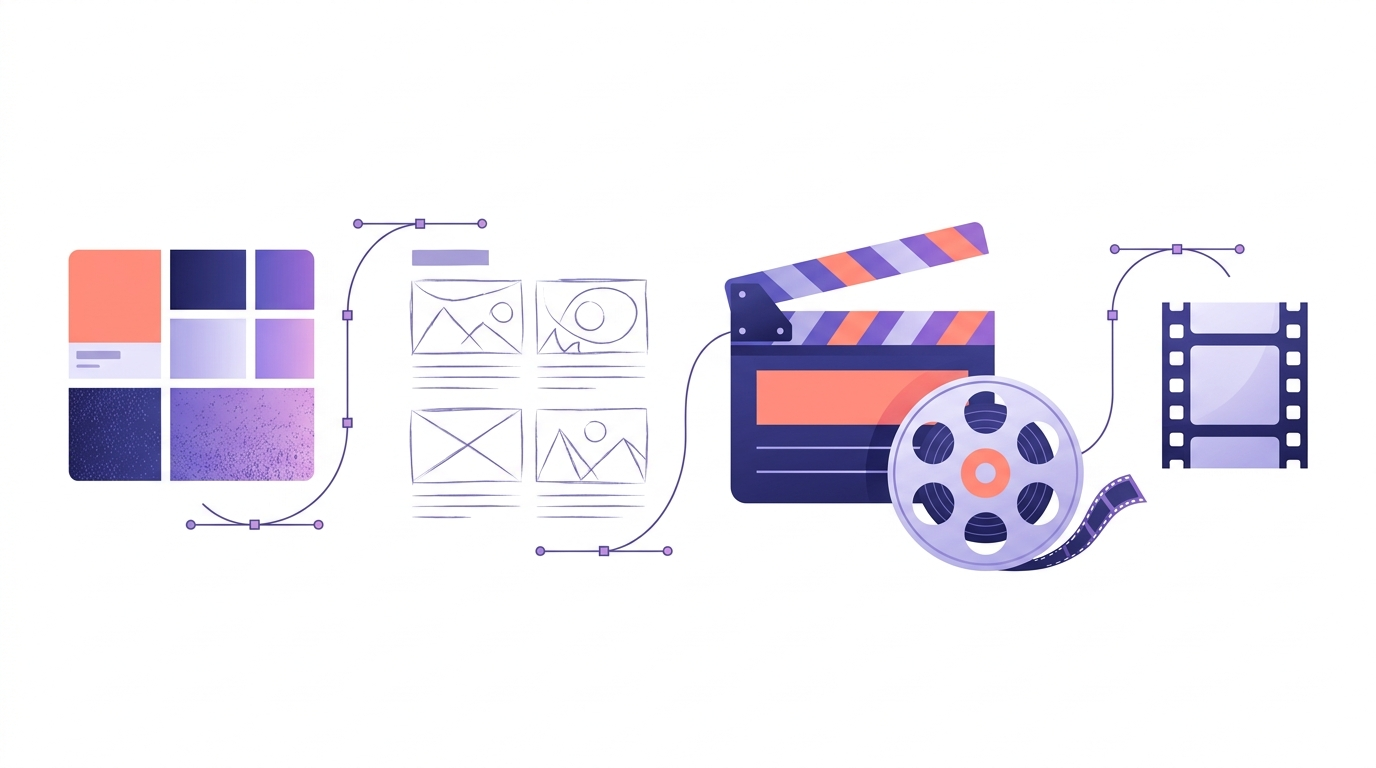
A content creation workflow does not need a dozen disconnected apps stitched together with exports and re-imports. Vector Ink handles AI image generation, automatic vectorization, path editing, and AI in-painting in one browser tab, with SVG, PNG, and ICO export whenever an asset needs to leave the workflow and land in a developer's repo or an editor's timeline. That means a moodboard concept, a vectorized logo, and a title card for a video project can all move through the same clean pipeline instead of three disconnected ones.
Creative Workflow Automation · The Web Design Process · The Video Production Process
UGC ads look less like commercials and more like something a real person wo...

A storyboard used to mean an afternoon with a sketchpad, a shot list, and e...

Concept art is the visual thinking that happens before a final design, shot...
A polished video rarely happens by accident. Behind every clean cut, matche...

Every site that feels effortless to use was the product of a deliberate web...
Most conversations about workflow automation are aimed at engineers and ope...