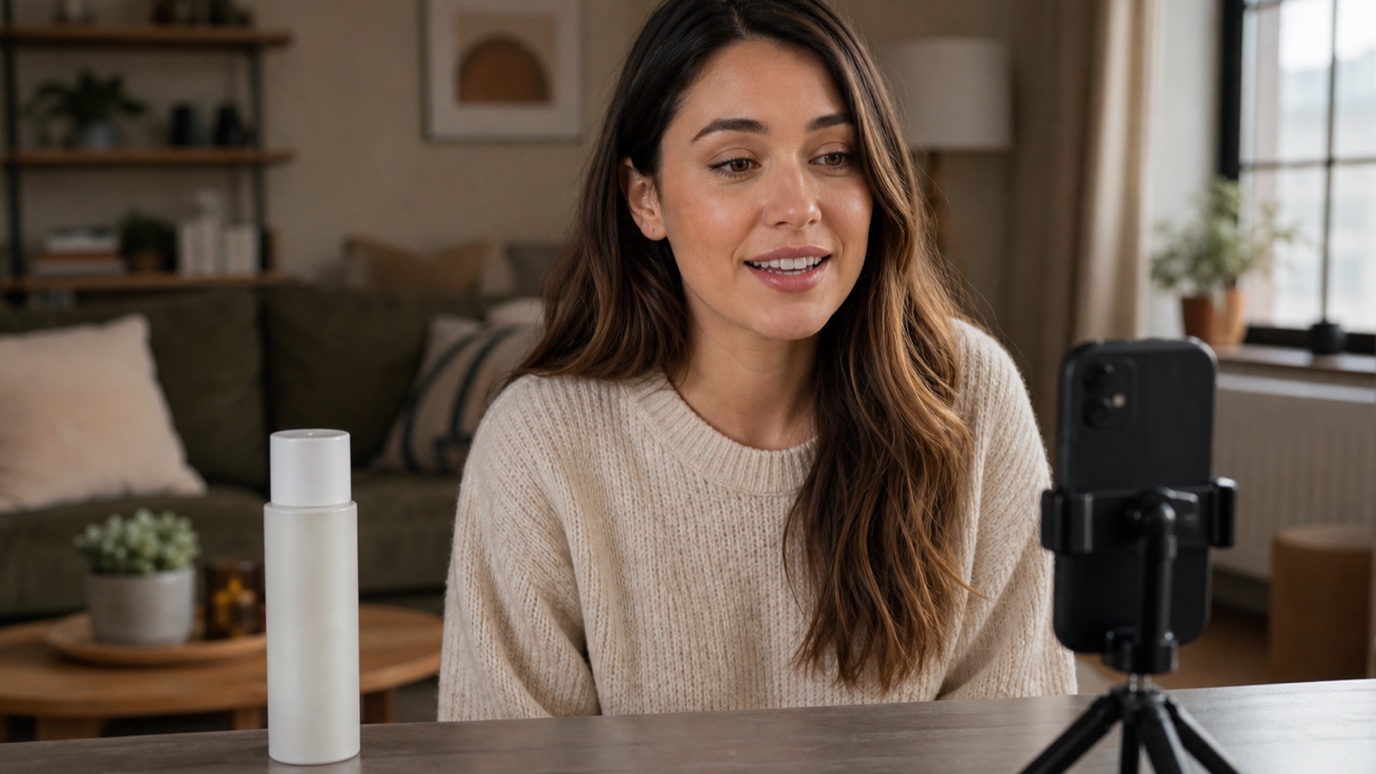
What Are UGC Ads? How to Create UGC Video Ads With AI
UGC ads look less like commercials and more like something a real person wo...
A polished video rarely happens by accident. Behind every clean cut, matched color grade, and on-brand title card is a video production process that kept a small mountain of footage, graphics, and revisions organized from the first pitch to the final export. This guide walks through what that process actually looks like today, how the post production workflow fits in, and where AI tools genuinely speed things up instead of just adding another app to juggle — the same thinking behind our creative workflow automation approach to design work.
The video production process is the sequence a project moves through to go from an idea to a finished, deliverable video: pre-production, production, and post-production. Each phase produces something the next phase depends on — you cannot shoot a scene that was never storyboarded, and you cannot edit footage that was never captured. Small teams often compress these phases into a single afternoon; agency and studio teams stretch them across weeks with formal sign-offs at each stage. The order stays the same either way.
Pre-production is where most of the risk in a project gets removed cheaply. A script or shot list defines what needs to be captured, a storyboard sketches out how each scene should look, and a moodboard locks in the visual tone — color palette, lighting references, graphic style — before anyone books a location or a crew. Teams that skip this stage tend to pay for it in the edit bay, discovering during post that half the shots do not cut together because nobody agreed on a visual direction up front.
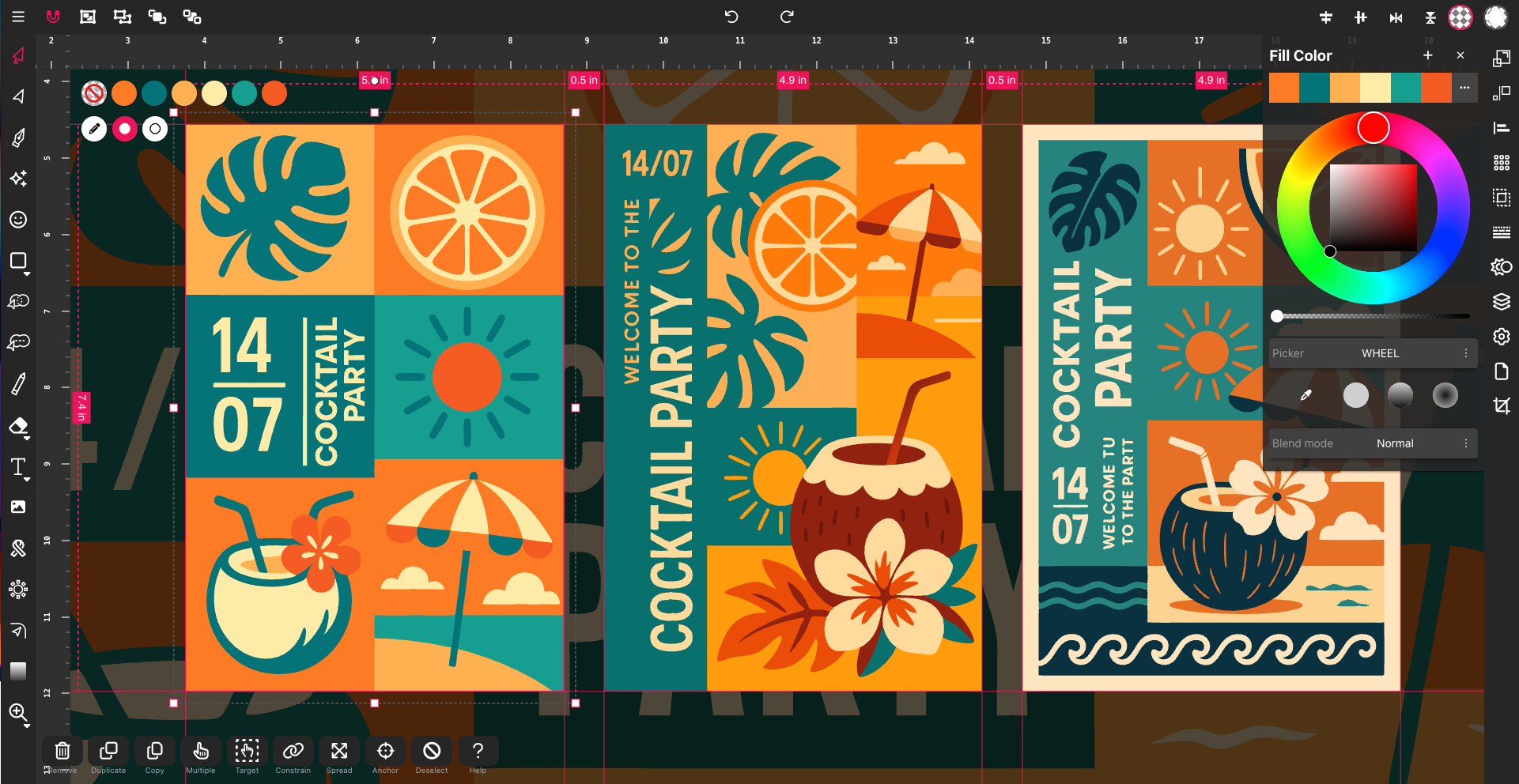
This is also the stage where concept art and title graphics get roughed out. A browser-based vector editor with AI image generation is useful here for generating quick visual references — a set style, a character look, a color direction — that the director and DP can react to before committing a shoot day to it.

Production is the shoot itself — camera, lighting, audio, and direction, executed against the plan built in pre-production. It is the shortest phase on the calendar and the least forgiving of improvisation: a missed shot here means either a reshoot or a compromise baked permanently into the final cut. Good pre-production pays off directly at this stage, since a clear shot list means less time on set second-guessing what to capture next.
The post production workflow is where raw footage becomes a finished piece: editing for pacing and story, color grading for consistency across shots, sound design and mixing, and any motion graphics or titles layered on top. This is usually the longest phase of the video production process, and the one most prone to version-control chaos — export names piling up, feedback scattered across email threads, graphics built in a tool nobody else on the team has access to.
AI in video production earns its place in two spots: generating visual concepts before a shoot, and speeding up the graphic assets that wrap around the footage in post. Vector Ink's AI image generation can produce style frames, background plates, or icon concepts for lower thirds and title cards in a handful of directions, and AI in-painting lets an editor swap out one element of a still — a background, a logo placement, a color block — without redrawing the whole composition by hand. What AI is not good at yet is judging pacing, performance, or story, which is exactly why the editor stays in the chair through the whole post production workflow.
For source material that needs cleanup before it becomes usable in graphics — a client logo scanned at low resolution, a reference photo that needs upscaling — our guide to AI image upscaling and guide to vectorizing images cover that prep work directly.
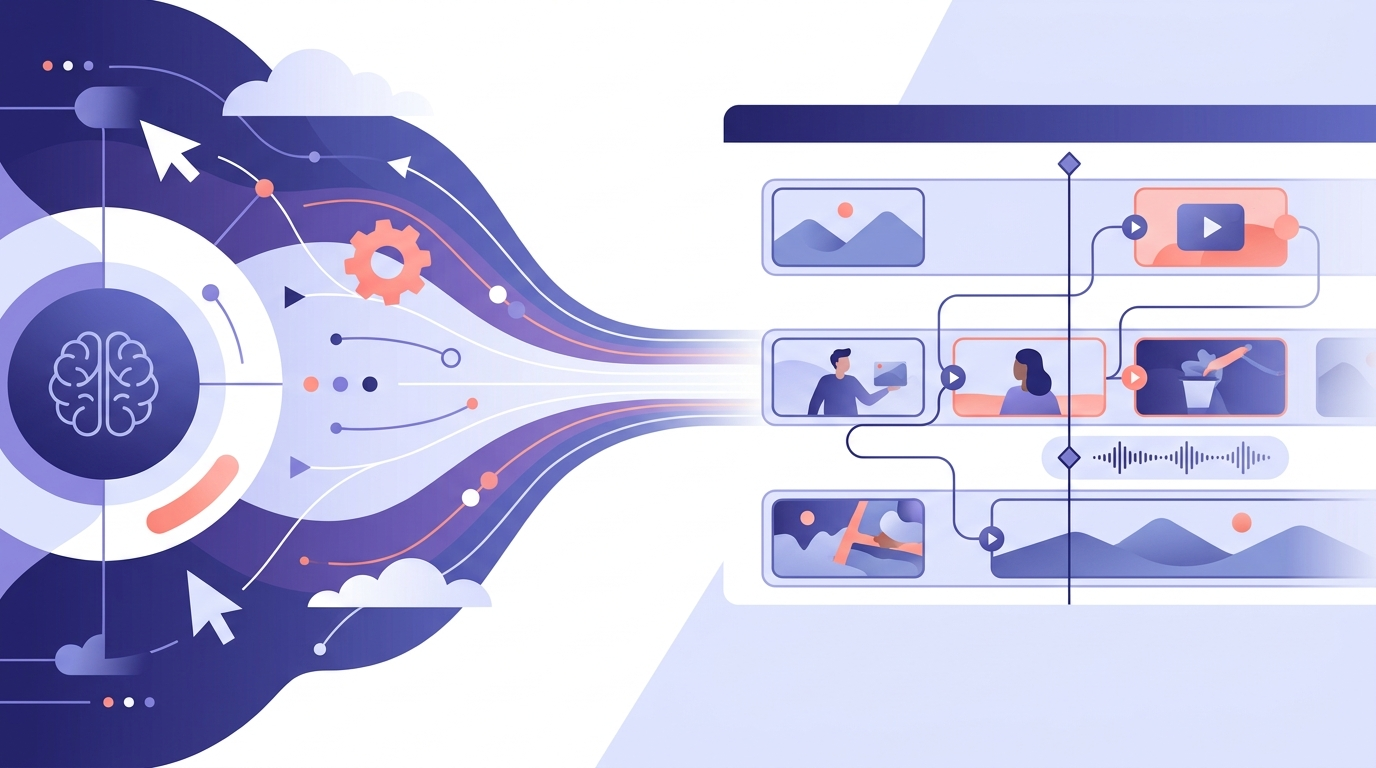
A video editing workflow is a subset of the larger video production process — it covers only the editing steps inside post-production: ingesting footage, organizing bins, cutting, and exporting. The video production process is the whole arc, starting with the concept and ending with delivery. If a client asks about your "workflow," clarify whether they mean the full production process or just how footage gets edited once it lands on a drive; the two questions have different answers and different timelines.
Vector Ink is not a video editor, but a meaningful slice of every video production process happens outside the timeline — concept frames, moodboards, title graphics, lower thirds, and icon sets. Vector Ink Studio combines AI image generation, automatic vectorization, path editing, and AI in-painting in one browser tab, with SVG, PNG, and ICO export when it is time to hand assets to an editor or motion designer. That means a style frame generated for a pitch deck and the title graphic that ends up in the final cut can come from the same clean vector source, instead of getting rebuilt from scratch at every stage.

Creative Workflow Automation · The Ultimate Guide to Vectorizing Images · The Ultimate Guide to AI Image Upscaling
UGC ads look less like commercials and more like something a real person wo...
A content creation workflow is the thing standing between "we need graphics...

A storyboard used to mean an afternoon with a sketchpad, a shot list, and e...

Every site that feels effortless to use was the product of a deliberate web...
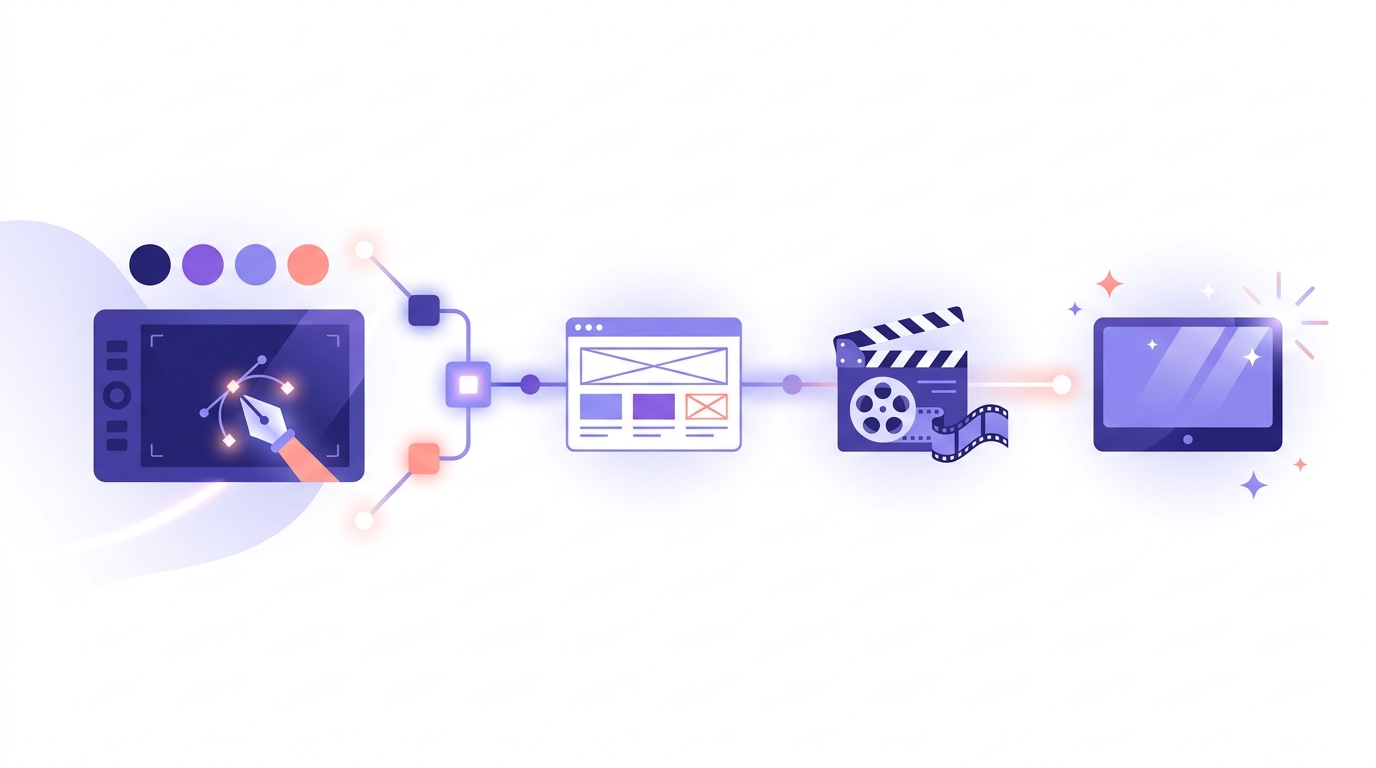
Most conversations about workflow automation are aimed at engineers and ope...
In 2025, SVG — short for Scalable Vector Graphics — has become one of t...