What Are UGC Ads? How to Create UGC Video Ads With AI
UGC ads look less like commercials and more like something a real person wo...
Every design project starts with a question nobody wants to answer with words: what should this actually look like? A moodboard is how creative teams answer it without arguing over adjectives. Before a single logo, webpage, or storyboard frame gets made, a moodboard sets the color palette, texture, and tone everyone is aiming for — and it's one of the few steps in a creative workflow that AI has made dramatically faster without making it worse.
A moodboard is a curated collection of images, colors, textures, and type samples arranged on a single canvas to communicate the visual direction of a project. It isn't a design — it's a reference point. Designers use it to align with clients before real production starts; art directors use it to brief a whole team in one glance; and video and film crews use it to lock a visual language before a camera ever rolls. The moodboard's entire job is to answer 'what does this feel like?' faster than a written brief ever could.
It's tempting to think AI image generators have made moodboards obsolete — why reference a mood when you can just generate the final image? In practice, the opposite has happened. Because AI can produce dozens of visual directions in minutes, teams need a faster way to filter and align on which direction is worth pursuing. The moodboard is that filter. It's the difference between generating fifty random images and generating fifty images that all belong to the same story.
Most moodboard makers are glorified corkboards — drag, drop, arrange. That's fine for organizing images you already have, but it doesn't solve the harder problem: what happens when the perfect reference image doesn't exist yet? A good moodboard generator needs to do more than arrange tiles:
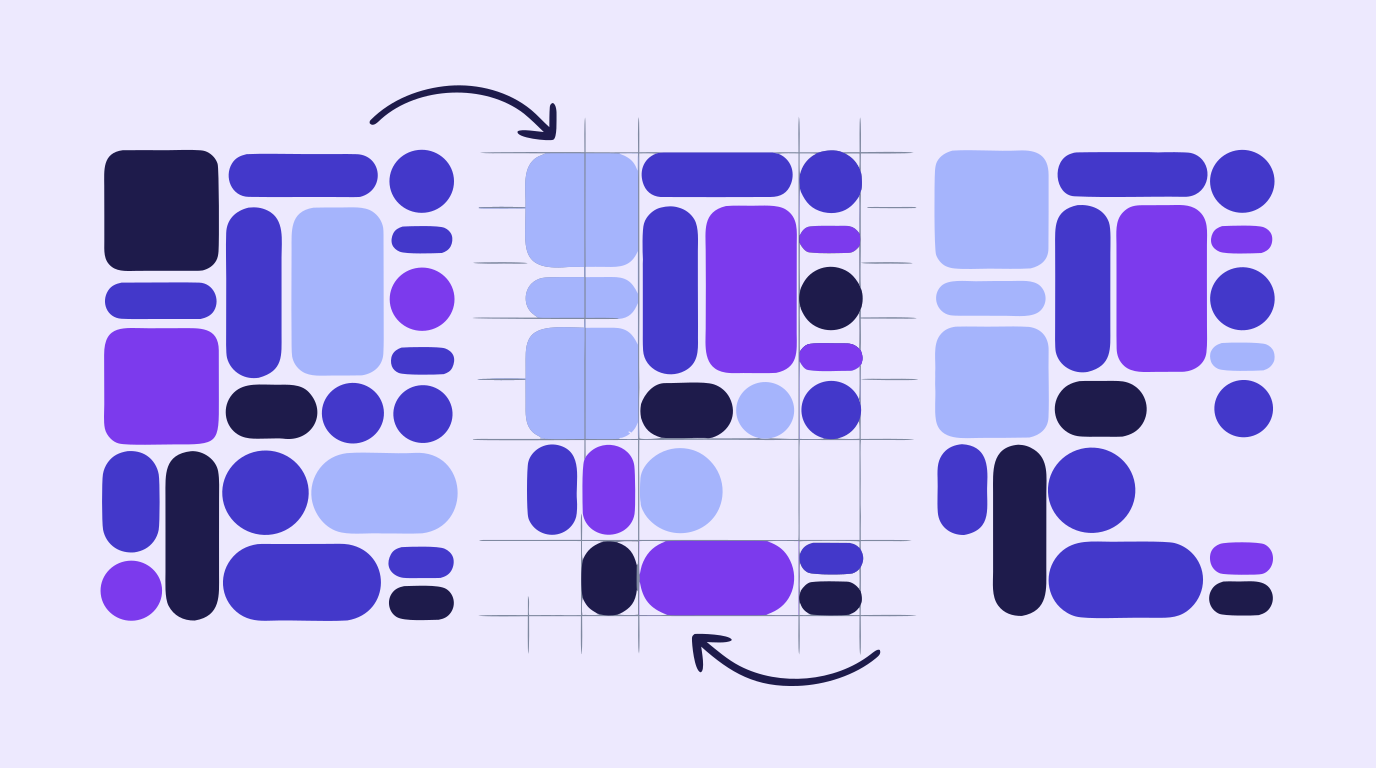
An AI moodboard generator earns its keep in the first hour of a project, when the brief is vague and the fastest way to sharpen it is to look at options. Typing 'moody industrial loft, warm brass accents' into an AI image generator produces more useful visual variation in five minutes than an afternoon of stock-photo searching. Where AI still needs a human hand is refinement — an AI-generated reference rarely lands exactly right on the first try. That's where image-to-image redraw and style controls matter: instead of re-rolling the whole generation, you nudge the one element that's off and keep everything else that's working.
In the web design process, the moodboard is the bridge between a client's vague preferences and an actual style guide — color palette, imagery tone, and type pairing all get decided here, before a single wireframe is built. Because web design also demands a steady supply of hero images, icons, and section graphics that all share one visual language, the same references that built the moodboard often get vectorized and reused as production-ready SVG assets later in the project, rather than thrown away once the direction is picked.
On a film or video set, the moodboard shows up earlier and matters more — it's often the first visual artifact a director, DP, and production designer agree on, well before storyboarding begins. Lighting references, color grading direction, wardrobe textures, and set dressing all get locked here. AI-generated concept art has made this stage faster for smaller crews especially, letting a two-person indie production explore lighting and color directions that used to require a full art department to mock up.
Vector Ink puts moodboard generation, editing, and refinement in the same browser tab. Generate reference imagery with the AI image generator, use in-painting to fix the one element that's off in an otherwise perfect reference, and export the palette or artwork you land on as SVG or PNG assets you'll actually reuse in production — instead of a moodboard that gets screenshotted once and forgotten.
Keep reading: The Web Design Process · AI Storyboarding · Creative Workflow Automation
UGC ads look less like commercials and more like something a real person wo...
Every video that runs on schedule starts with the same unglamorous document...
Every consistent brand you have ever seen — the same logo, the same t...
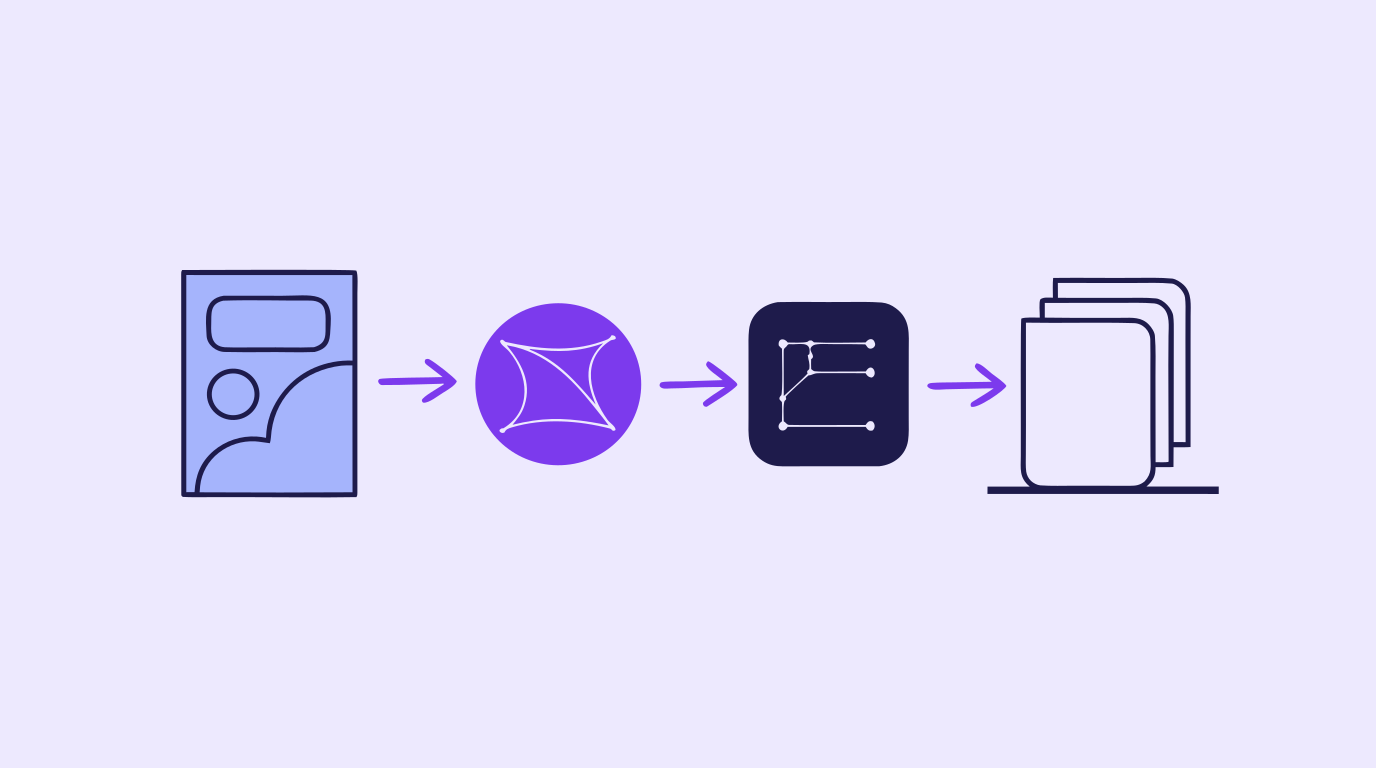
A content creation workflow is the thing standing between "we need graphics...
Concept art is the visual thinking that happens before a final design, shot...
A storyboard used to mean an afternoon with a sketchpad, a shot list, and e...