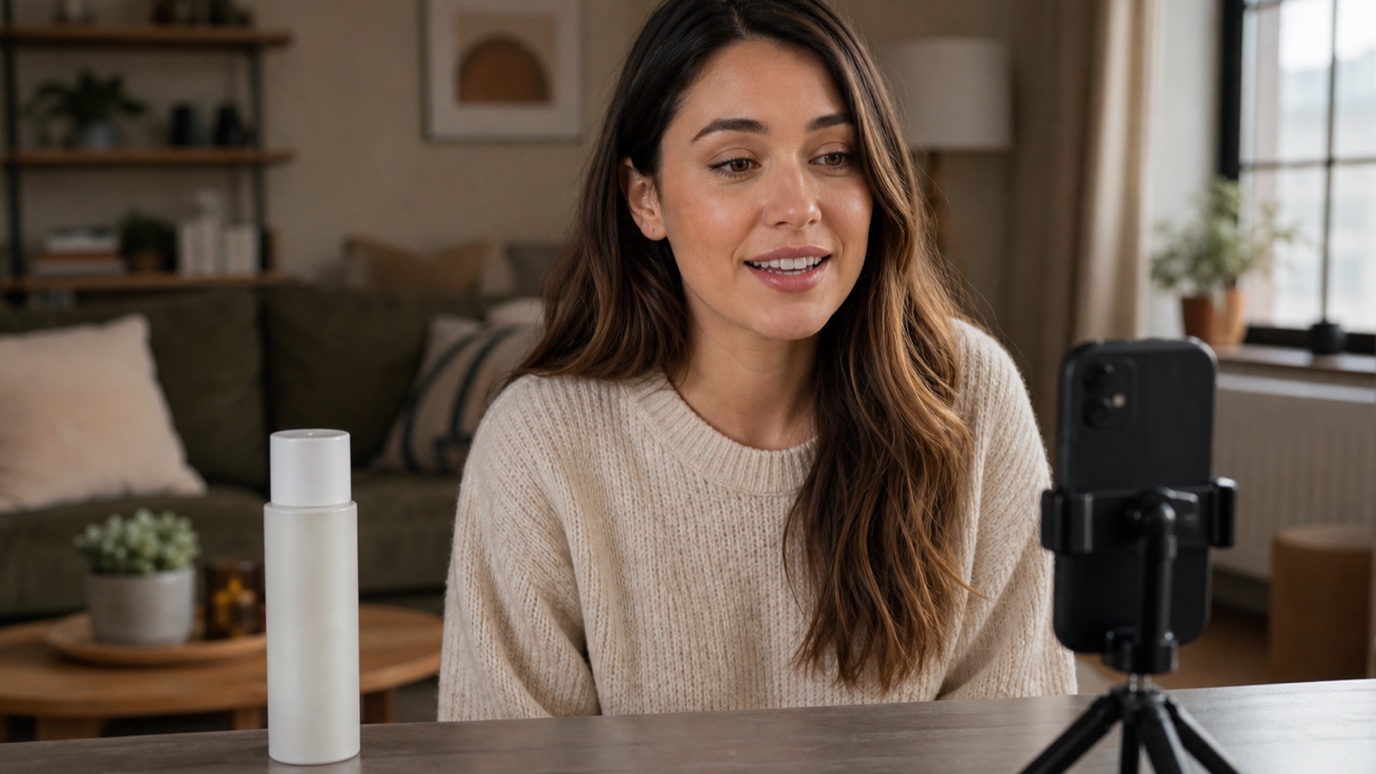
What Are UGC Ads? How to Create UGC Video Ads With AI
UGC ads look less like commercials and more like something a real person wo...
Every video that runs on schedule starts with the same unglamorous document: a shot list. It is the difference between a crew that knows exactly what to capture and one that is improvising on location while the light changes. This guide covers what a shot list template actually needs, a format you can copy directly, and how AI-generated visual references can make each entry clearer before anyone shows up on set — the same thinking behind our creative workflow automation approach to production work generally.
A shot list is a written breakdown of every individual shot a video or film needs, in the order they will be captured on the day — not necessarily the order they will appear in the final edit. Each line describes a single setup: the shot type, the camera angle, the subject and action, and any notes on lighting or movement. It sits inside the broader video production process, produced during pre-production alongside the storyboard and moodboard, and it is the document a director of photography actually works from once the crew is on location.
A storyboard shows what a shot looks like; a shot list tells a crew what to capture and when. They are built together but solve different problems. A storyboard is a sequence of small illustrated panels — useful for pitching a scene, checking pacing, and agreeing on composition before anyone picks up a camera. A shot list is a working document, usually a spreadsheet or table, organized for efficiency on set: shots at the same location or angle grouped together so the crew is not re-lighting the same corner three times in one afternoon. Most productions need both. Our guide to AI storyboarding covers the visual side in more depth.
A usable shot list format stays consistent from the first row to the last, so a crew can scan it quickly between setups. At minimum, include:
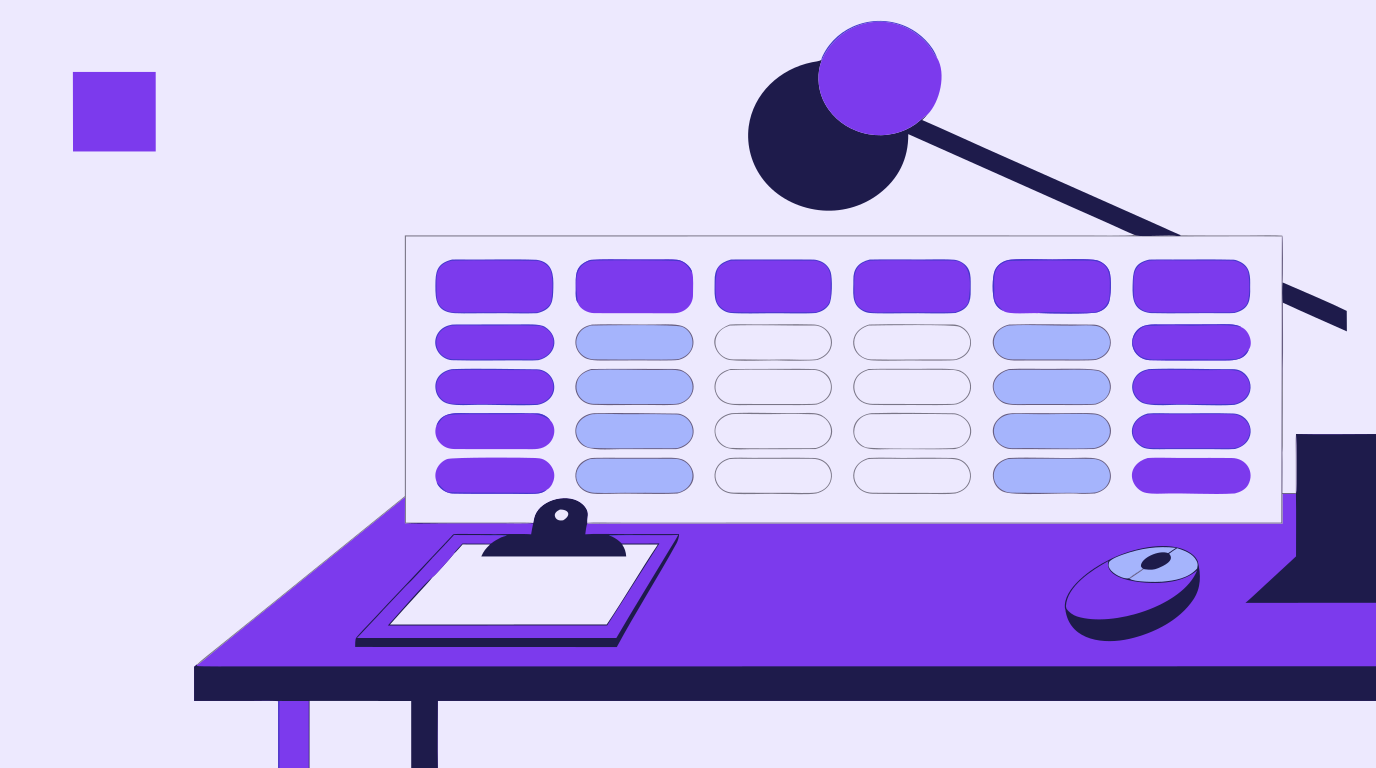
A short product-launch video might start with a shot list this compact:
Five lines, five clear setups — enough for a crew to walk in and know exactly what the day looks like, without needing a separate conversation for every shot.
A shot list tells a crew what to capture; it does not always tell them what it should look like. That is where a quick AI-generated reference image earns its place next to the spreadsheet. Typing a shot description — 'wide shot, storefront exterior, warm morning light' — into an AI image generator produces a rough visual in seconds, giving a director of photography a lighting and composition reference to react to before a single light stand goes up. This is not a replacement for the shot list itself — it is a fast way to attach a picture to a line of text so nobody is guessing what 'warm morning light' means on the day.

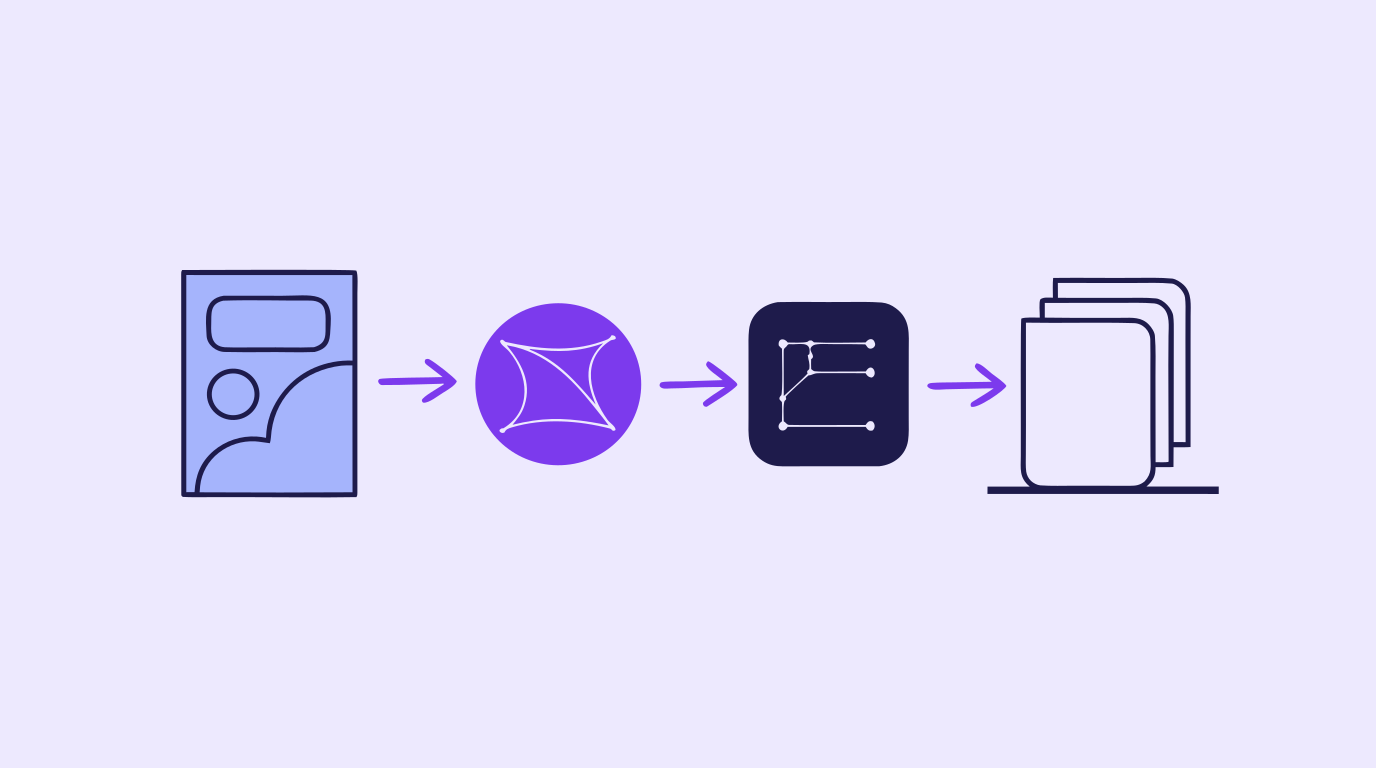
The same reference frames generated for a shot list rarely go to waste once the shoot wraps. Run one through automatic vectorization and it becomes clean, editable paths instead of a flat image — useful for a pitch deck comp, a title card built around the same color story, or a storyboard panel that needs to be resized for a different aspect ratio without going soft. AI in-painting makes it easy to adjust one detail — swap a background, change a color block, remove a prop — without regenerating or redrawing the whole frame. Vector Ink Studio keeps generation, vectorization, path editing, and in-painting in one browser tab, so a reference made for a shot list can carry through to graphics that actually ship in the final video.
A shot list does not need to be complicated to work — it needs to be consistent, grouped sensibly, and clear enough that anyone on the crew can pick it up cold. Pair it with a handful of AI-generated reference frames for the shots where 'looks like' matters as much as 'what happens,' and the pre-production stage of your next video production process gets noticeably faster. For AI-first concept and reference work, start in Vector Ink Studio; for vector graphics that need hand editing — titles, icons, on-screen branding — the Vector Ink design app covers that directly.

Keep reading: The Video Production Process · AI Storyboarding · Creative Workflow Automation
UGC ads look less like commercials and more like something a real person wo...
Every consistent brand you have ever seen — the same logo, the same t...
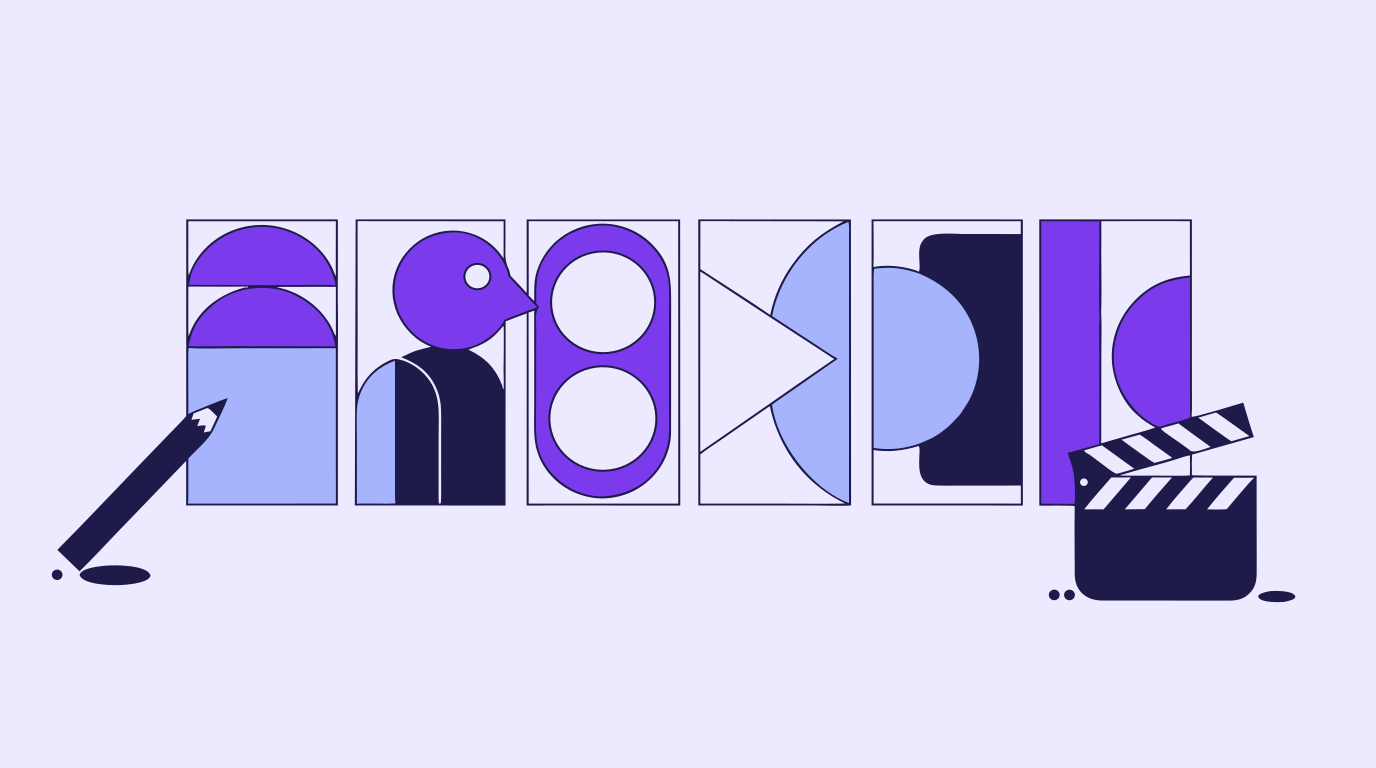
A storyboard used to mean an afternoon with a sketchpad, a shot list, and e...
A content creation workflow is the thing standing between "we need graphics...
Every design project starts with a question nobody wants to answer with wor...

Concept art is the visual thinking that happens before a final design, shot...